

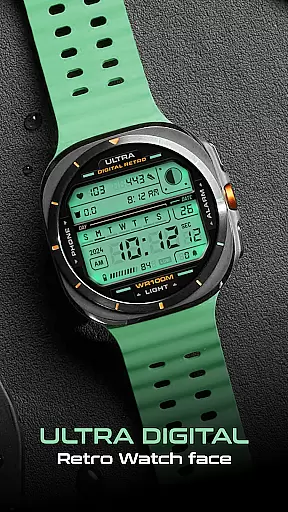
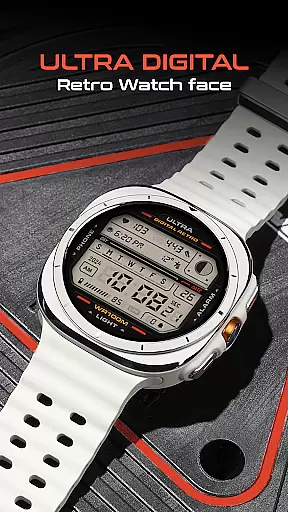
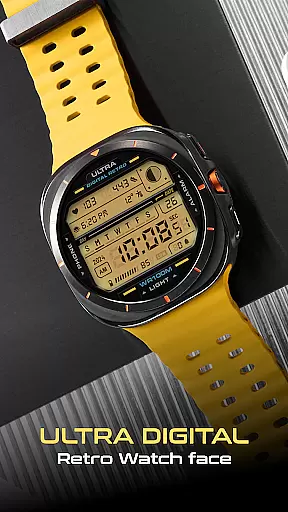
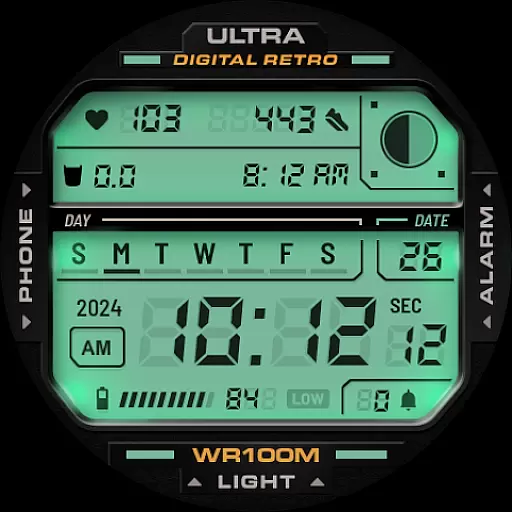
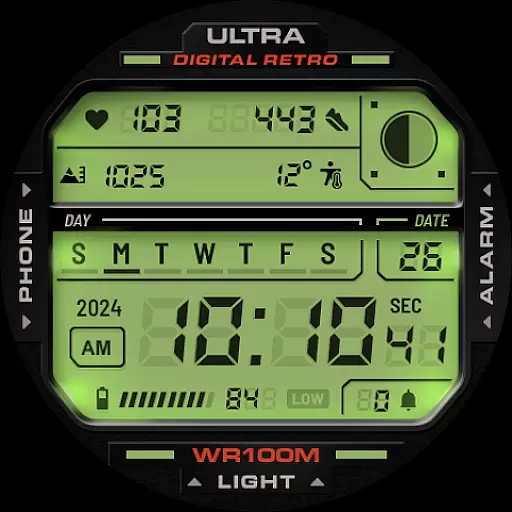
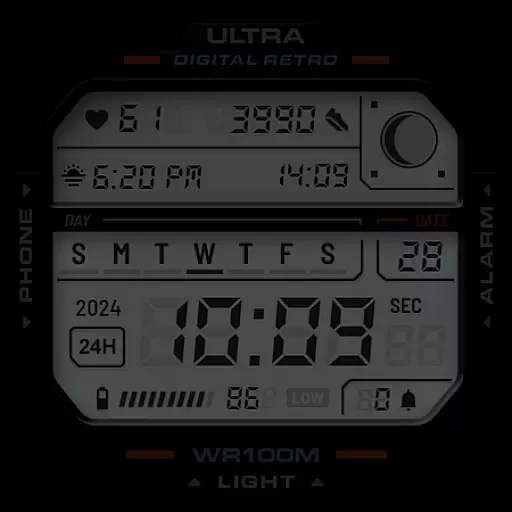
ULTRA Digital Retro watch face offers a stylish and functional way to customize your Wear OS smartwatch. Featuring a vibrant digital display with multiple colors, unique lighting effects, and customizable complications, this watch face combines retro aesthetics with modern technology.
The design includes practical functionalities such as a 12h/24h clock, day and date display, battery level indicator, step counter, heart rate monitor, and more. Compatible with Samsung Galaxy Watch7, Ultra, Pixel Watch 3, and other WearOS devices, it ensures both style and utility for users seeking a personalized timekeeping experience.
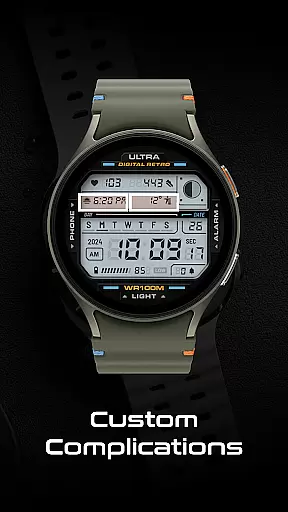
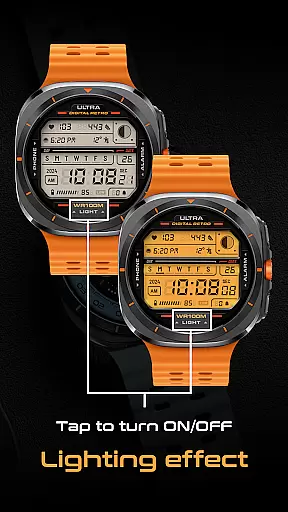
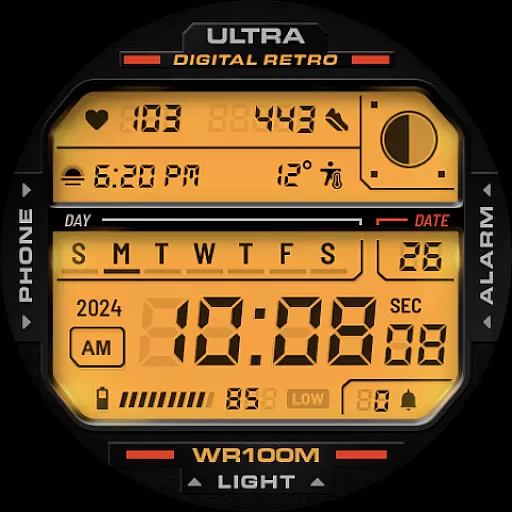
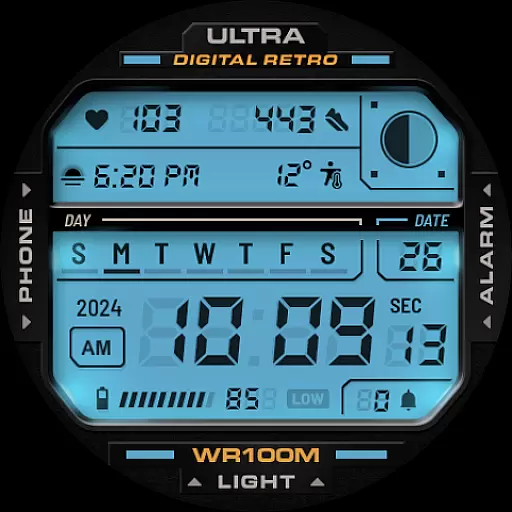
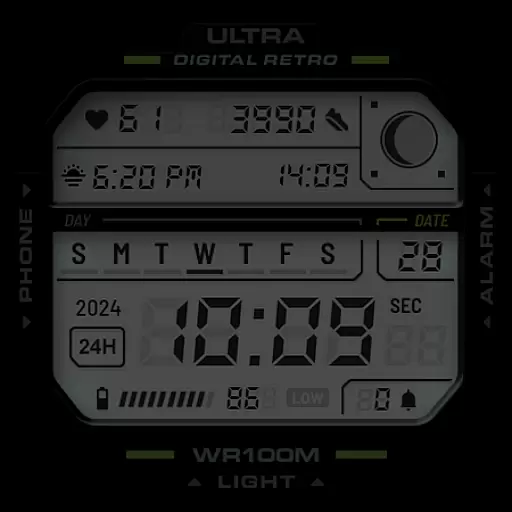
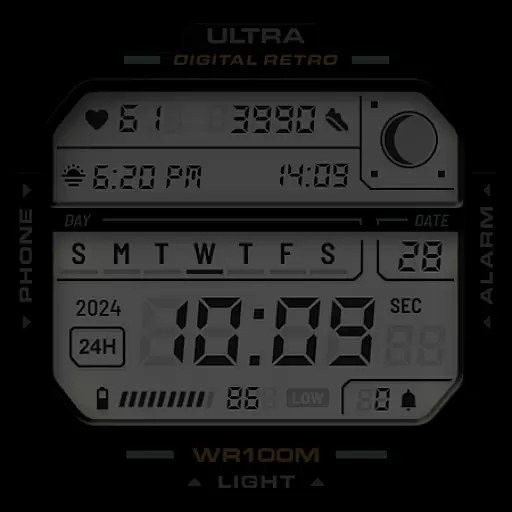
This digital watch face stands out with its versatile features designed for customization and convenience. The unique lighting mode can be toggled on and off by tapping the bottom of the screen, while multiple LCD lighting colors and detail color options allow for personalization through the CUSTOMIZE menu.
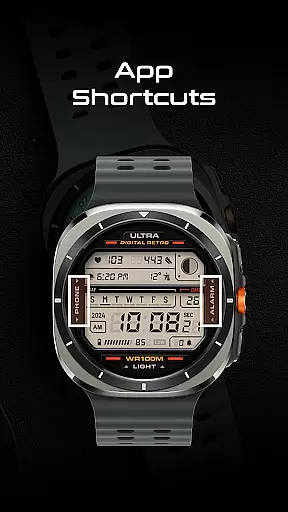
Users can benefit from two customizable complications and various app shortcuts that enhance accessibility. Practical indicators include a 12h/24h clock, day and date, year, battery level, step counter, heart rate monitor, moon phases, and notification counter, ensuring comprehensive functionality tailored to individual preferences.
Companion app integration is essential for a seamless smartwatch experience. The ULTRA Digital Retro watch face offers deep integration with its companion app, allowing users to customize and control various aspects of the watch face directly from their smartphone.
This integration enables users to personalize detail colors and choose from multiple LCD lighting colors through the options available in the CUSTOMIZE section of the app. Such personalization ensures that the watch face not only suits individual style preferences but also enhances readability and usability.
Furthermore, the companion app provides access to additional features such as setting up two customizable complications and managing app shortcuts. These functionalities allow users to tailor their smartwatch experience to fit their lifestyle and needs, making daily interactions more efficient and enjoyable.
Ensuring compatibility across various devices is crucial for any Wear OS application. The ULTRA Digital Retro watch face is designed to be compatible with a wide range of Wear OS smartwatches, including popular models like Samsung Galaxy Watch7, Ultra, and Pixel Watch 3.
This broad compatibility means that regardless of the specific Wear OS device a user owns, they can enjoy the unique features of this retro digital watch face. From the distinctive lighting mode to practical functionalities such as step counting and heart rate monitoring, all features are optimized to work smoothly on supported devices.
Moreover, by adhering to Google's Watch Face Format, the watch face guarantees a consistent and high-quality experience across different devices. Users can tap on designated areas to open frequently used apps like Phone or Alarm, further enhancing convenience and accessibility.
Highly customizable
Vibrant color options
Unique lighting effect
Multiple practical indicators
Compatible with many devices
Limited to Wear OS
Some features may drain battery
Complications require setup
Interface might feel complex
Not all features work on older devices

Embrace the holiday spirit with this magical animated watch face!
 4.40
4.40
Rose gold watch face with festive lights & customizable features.
4.60
A heartwarming Christmas scene featuring a cute image of Santa and Rudolf
4.0
Artistic Digital Watchface
4.5
Kia Access makes getting your vehicle information easier than ever
4.60
Period, ovulation & pregnancy tracker. Fertility insights & menstrual calendar.
4.90
Stay in touch with your friends and family using LINE!
3.40
Animated video-game inspired “secret agent” simulation, right on your wrist!
4.20
Track your active life in one place and share the journey with friends.
4.40
To-Do List: daily schedule planner, task organizer, to do reminder app, calendar
4.60
Beautiful artistic animated digital watch face, with a customizable layout!
4.40
Bold weather Digital watchface with forecast & optional animated background
4.40
The ultimate destination for kids ages 3-8 to explore the Marvel Universe!
4.30
Let's celebrate Thanksgiving - Wear Os watch face
4.20
Wear Os Watch Face - Animated Snow Effect & Magic Spark - 6 Scenes
4.10
A digital watch face that celebrates Christmas.
4.00
Animated Watch Face and Customizable with 24 Backgrounds. Perfect for Christmas!
3.90
A full-featured Amazon Alexa voice assistant that can show you things.
3.70
an Analog Watch Face for winter season with freeze winter background for Wear OS
4.1

User Reviews