

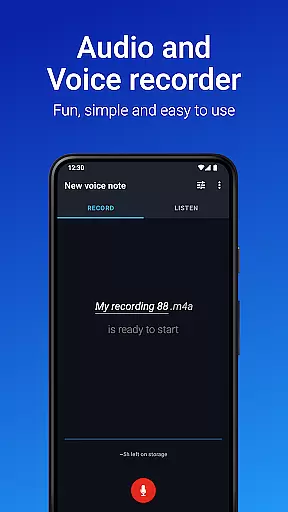
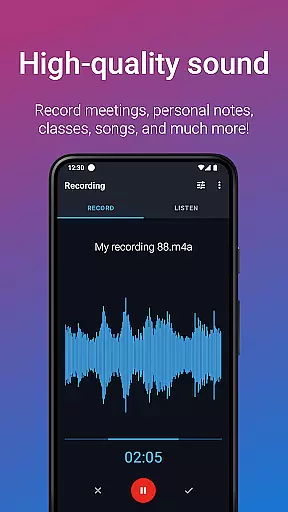
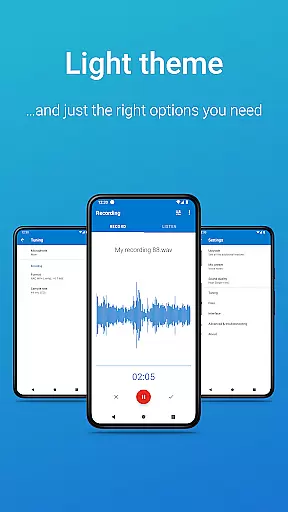
Easy Voice Recorder is a versatile audio recording application designed for Android users. It allows you to capture important moments such as meetings, classes, and music without any time restrictions. The app offers high-quality PCM and MP4 recording formats, ensuring clarity in every recording.
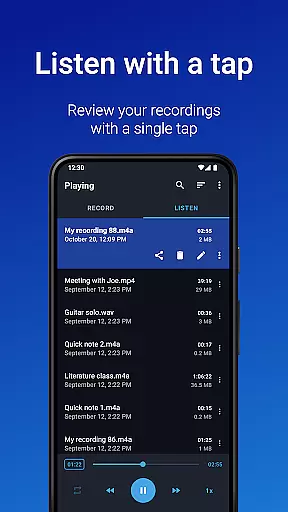
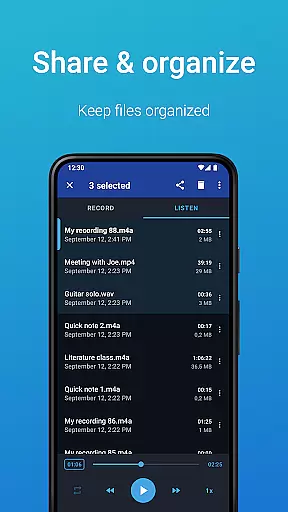
With its user-friendly interface, Easy Voice Recorder caters to various needs. Students can record lectures and adjust playback speed for better comprehension. Business professionals can capture interviews and share them effortlessly via email or messaging apps. Musicians benefit from customizable settings that adapt to different recording environments.
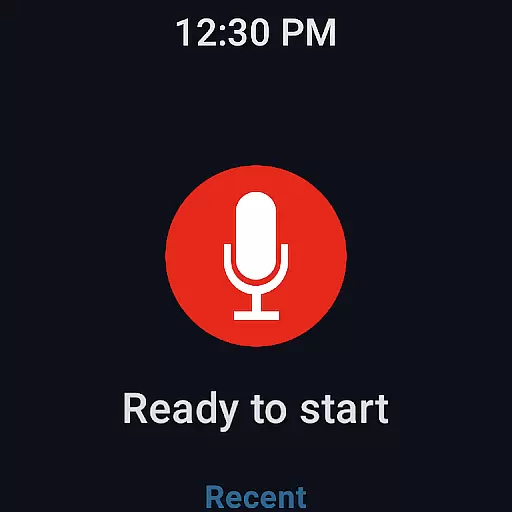
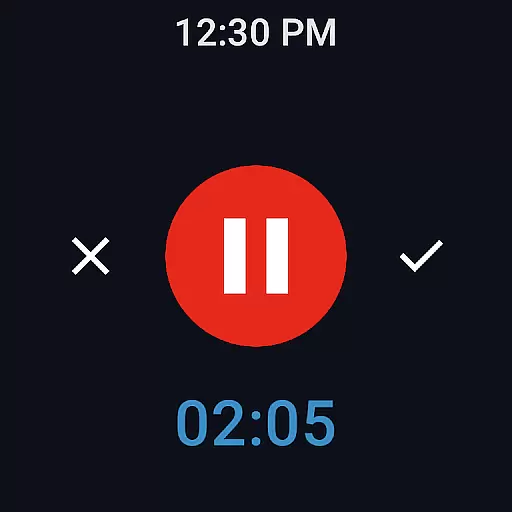
The app also supports Wear OS, enabling users to record directly from their smartwatches. Whether you need quick access through widgets or want to switch between different recording modes, Easy Voice Recorder provides a seamless experience across devices.
Easy Voice Recorder stands out with its comprehensive feature set tailored for diverse recording needs. The app supports multiple recording formats including PCM, MP4, and AMR, allowing users to choose based on quality or storage preferences. Its intuitive design ensures ease of use, whether you're recording voice notes, lectures, or music.
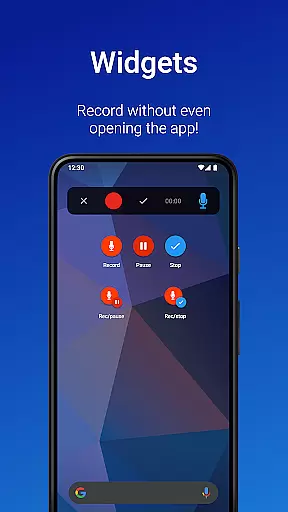
One notable feature is the ability to start recordings quickly using widgets and shortcuts, even from the home screen. This functionality is particularly useful for capturing spontaneous moments. Additionally, the app integrates with Wear OS, letting users initiate recordings from their smartwatches, which is ideal for hands-free operation.
For those seeking advanced capabilities, the Pro version offers enhanced features like automatic uploads to Google Drive or Dropbox, MP3 and FLAC recording options, and Bluetooth microphone support. Users can also edit recordings by trimming unwanted sections and organizing files into folders, making it a powerful tool for both casual and professional use.
Easy Voice Recorder offers seamless companion app integration, allowing users to record directly from their Wear OS smartwatches. This feature ensures that you never miss an important moment, even when you are on the move.
The app provides a dedicated watch tile for quick access to start or stop recordings. This makes it incredibly convenient for users who need to capture audio while away from their phones or tablets.
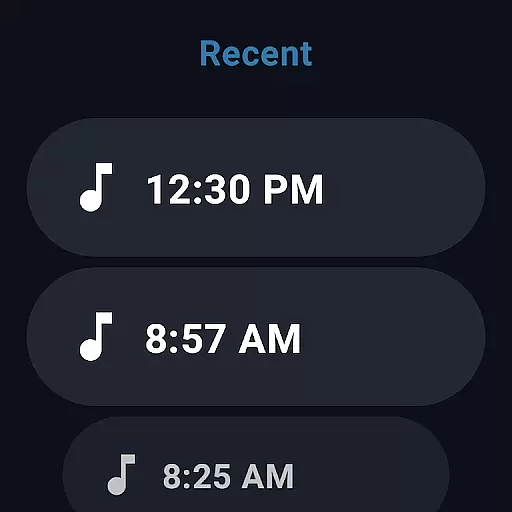
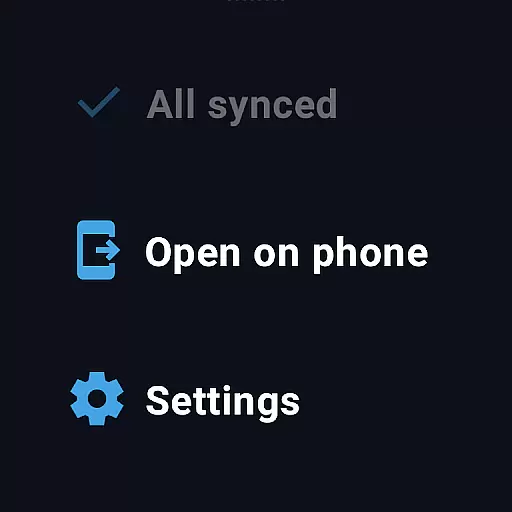
Recordings made on the smartwatch are automatically synced with the main app on your mobile device. This synchronization allows for easy access and management of all your audio files in one place, regardless of which device was used to record them.
With this integration, users can enjoy uninterrupted recording capabilities across devices, making Easy Voice Recorder a versatile tool for capturing audio in any situation.
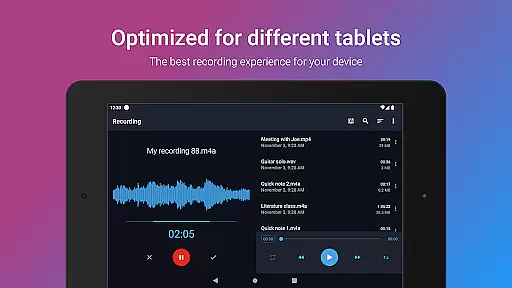
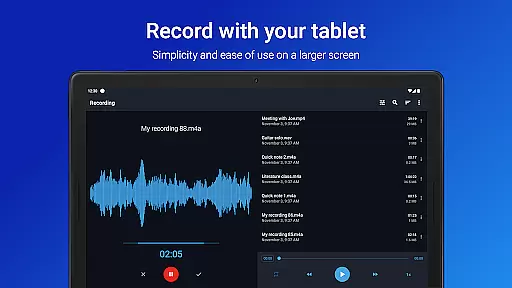
Easy Voice Recorder boasts extensive compatibility with Wear OS and various devices, ensuring a smooth user experience regardless of your hardware. Whether using a smartphone, tablet, or smartwatch, the app delivers consistent performance and reliability.
The application supports high-quality PCM and MP4 formats, along with space-saving AMR options. This flexibility caters to different storage capacities and quality requirements across devices, providing optimal recording solutions.
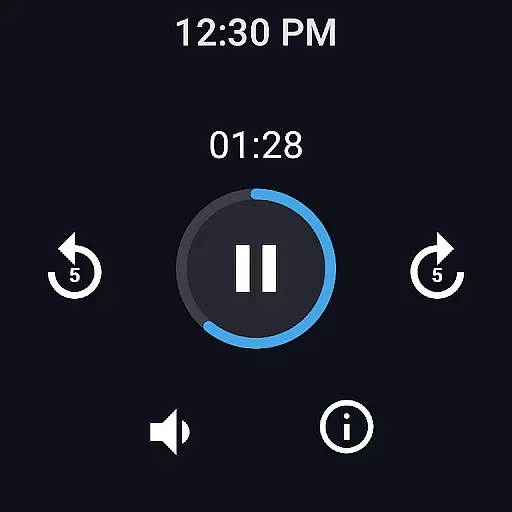
For smartwatch users, the app includes intuitive controls and shortcuts designed specifically for smaller screens. These features enhance usability and make it easier to manage recordings without needing to reach for your phone.
Overall, Easy Voice Recorder's broad device compatibility and tailored functionalities ensure that users can rely on it for all their audio recording needs, no matter what device they are using.
User-friendly interface
High-quality recording formats
Wear OS compatibility
Quick start widgets
Versatile sharing options
Limited free features
No call recording
Pro version costs extra
Storage permission required
Background recording issues

Analog watch face with 8 complications and expedition styling
 4.2
4.2
Watch face for Wear OS.
4.20
Digital watch face. For Wear OS devices.
4.40
Connect to your Bluelink equipped Hyundai vehicle from your smartphone.
4.50
Funny animated watch face for Thanksgiving
4.4
Premium hybrid watch face with many customizations for Wear OS devices.
4.40
Your local weather forecast, storm tracker, radar maps & live weather news
3.40
Start and succeed with PAP
4.10
Track airplanes and follow flights with our real-time flight tracker
4.50
Christmas Theme Watch Face for Wear Os
5.00
Period, ovulation & pregnancy tracker. Fertility insights & menstrual calendar.
4.90
Gym & home workout plans with strength training, exercise tracking, HIIT & more.
4.60
Embrace the holiday spirit with this magical animated watch face!
4.40
Bold, Modern Hybrid Watch Face for Wear OS. 10 Colors, Rich Info Display.
4.30
Locate your family members by GPS phone location tracker everywhere and anytime
4.30
Calming & relaxing sounds for sleeping and stress relief. Stay focused all day!
4.20
Elegant animated Christmas tree with multiple customization options
4.20
Snowflake Rose Gold Watch Face - Digital, modern, & sleek with GYRO effect.
4.10
Stay in touch with your friends and family using LINE!
3.40


User Reviews