

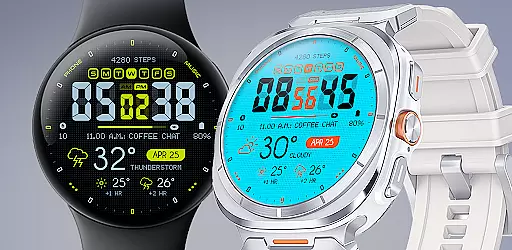
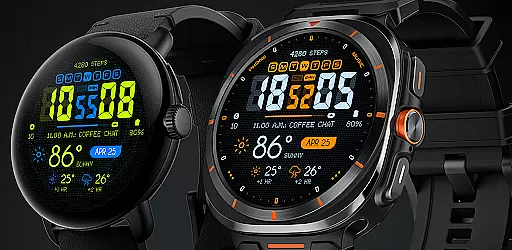
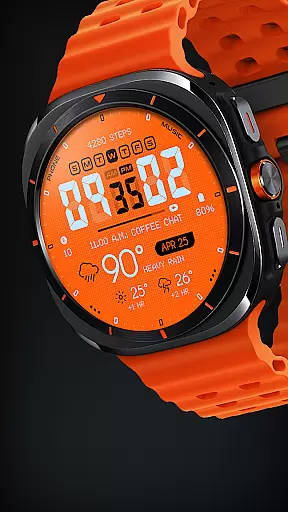
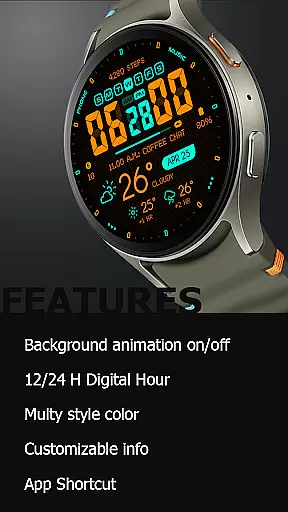
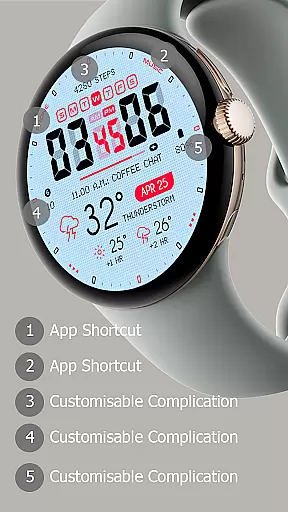
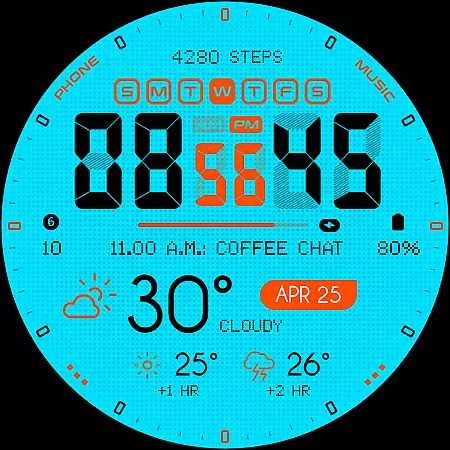
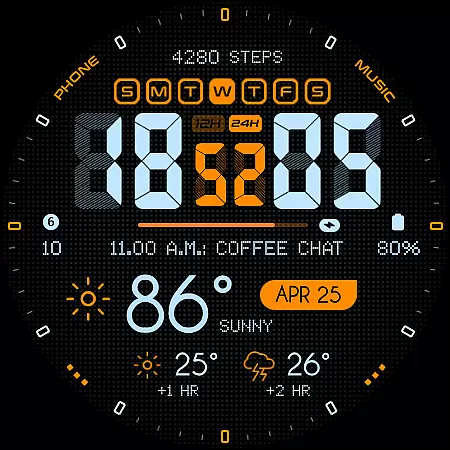
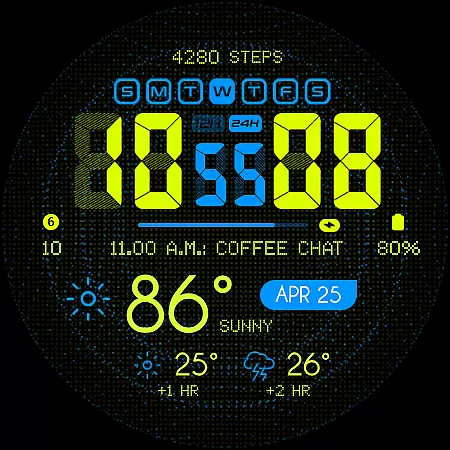
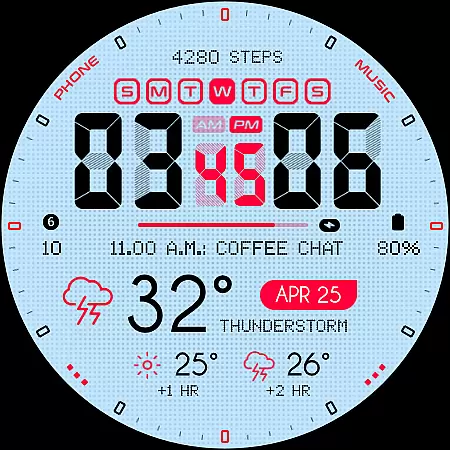
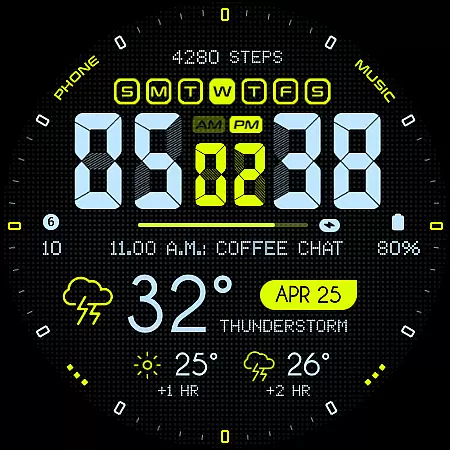
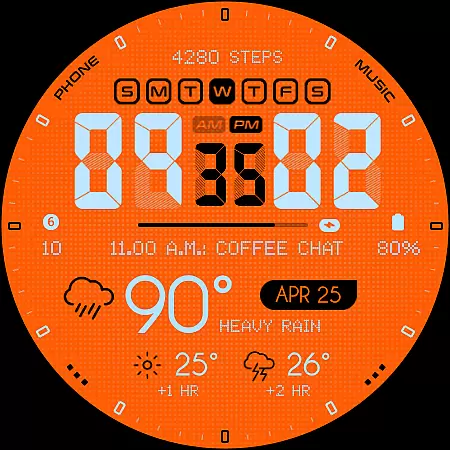
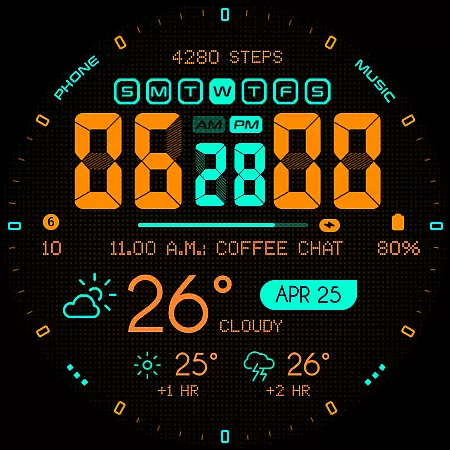
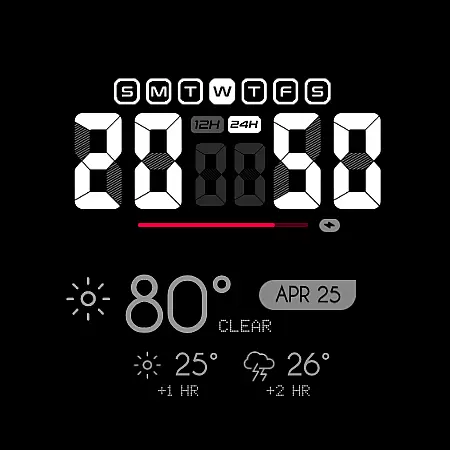
Oogly Atmos is a dynamic weather-themed watch face designed for Wear OS devices. It combines vivid colors with a clean layout to display current weather conditions and a 2-hour forecast directly on your wrist. The watch face supports both 12/24 hour formats, customizable information fields, and an optional animated background that can be toggled on or off based on user preference.
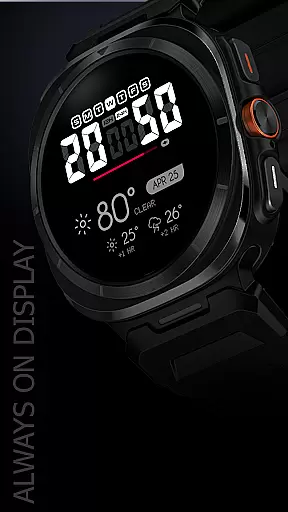
Designed for functionality and style, Oogly Atmos offers features like Always-On Display, app shortcuts, and compatibility with Galaxy Watch 5 or newer, Pixel Watch, Fossil, and other Wear OS devices running API 30 or higher. Whether you're looking for real-time weather updates or simply want an aesthetically pleasing design, this watch face delivers both utility and inspiration in one package.
Oogly Atmos stands out with its unique combination of aesthetics and functionality. The watch face provides users with the ability to customize their experience through various options such as enabling or disabling the animated background, choosing between 12/24 hour formats, and customizing displayed information fields. These features ensure that each user can tailor the watch face to suit their personal preferences.
In addition to its customization capabilities, Oogly Atmos includes practical features like an Always-On Display mode, which allows users to view the time and weather without waking the screen. The inclusion of app shortcuts enhances usability by providing quick access to frequently used functions. Compatible with a wide range of Wear OS devices, including Galaxy Watch 5, Pixel Watch, and Fossil smartwatches, this watch face ensures broad accessibility while maintaining high performance standards.
Companion app integration is essential for a seamless wearable experience. Oogly Atmos ensures that your watchface data stays synchronized with your smartphone effortlessly.
This weather-themed watchface connects in real-time to provide current conditions and forecasts directly on your wrist. The synchronization allows users to customize settings from their phone, making personalization easy and efficient.
With features like background animation control and index toggling, the companion app offers complete management of the watchface's appearance and functionality. This ensures that users can tailor their experience to match their preferences and needs throughout the day.
Ensuring broad device compatibility is crucial for any Wear OS application. Oogly Atmos is designed to work seamlessly with WEAR OS API 34+ and is compatible with devices such as Galaxy Watch 5 or newer, Pixel Watch, Fossil, and other Wear OS devices with a minimum API of 30.
The design accommodates various screen sizes and resolutions, maintaining vivid colors and a clean layout across different devices. This adaptability guarantees an optimal viewing experience regardless of the hardware being used.
By supporting advanced features like Always-On Display and customizable information, Oogly Atmos provides a versatile and functional experience. Users benefit from having style, function, and forecast readily available, ensuring they stay informed and inspired throughout their day.
Visually appealing design
Customizable features
Real-time weather updates
Wide device compatibility
User-friendly interface
Limited to Wear OS
Requires API 30+
Animation may drain battery
No iOS support
Premium feel but not free

Simple Analog-Digital Watchface For Wear OS 3.0 and Up Smartwatches
 4.4
4.4
Let's celebrate Thanksgiving - Wear Os watch face
4.20
Stylish digital watch face for Wear OS devices with customizable features
4.4
Hyperlocal rain alerts by MyRadar using patent-pending technology, radar & more
4.80
The most customizable hybrid watch face. For Wear OS 5.0, API 34+ and later
4.70
Connect, create, and collaborate with Gmail, part of Google Workspace.
4.10
Track your active life in one place and share the journey with friends.
4.40
Fitbit is dedicated to helping people lead healthier, more active lives.
4.10
Spam call blocker and caller ID for automatic call protection!
4.40
Beautiful, colorful and practical watch face. For Wear OS devices.
5.00
To-Do List: daily schedule planner, task organizer, to do reminder app, calendar
4.60
A realistic hybrid watch face with many customization options.
4.60
Embrace the holiday spirit with this magical animated watch face!
4.40
Embrace the festive spirit with our Christmas Countdown watchface for Wear OS
4.10
Hyper-Realistic Airplane Dashboard Watch Face With 10 Skins and Custom AOD
4.00
Structured watch face with seven complications and modular UI elements
3.90
Stay in touch with your friends and family using LINE!
3.40
Christmas is near, let's count together the days left until Santa comes
4.5
3 Complications. All shadow on/off. 30 Themes color palette...
4.2

User Reviews