

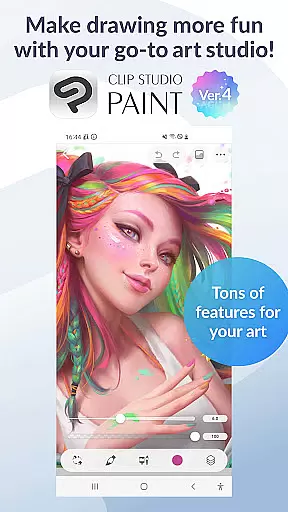
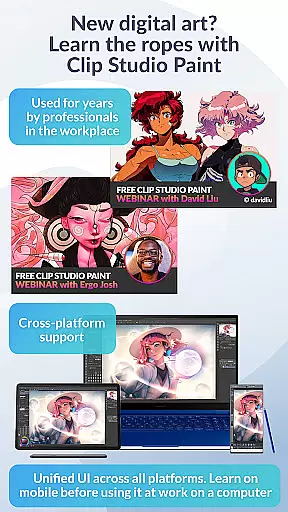
Clip Studio Paint is a premier digital art application designed for artists and creators who want to draw, paint, and animate on their mobile devices. The app offers a free 30-day trial with full features accessible, making it an ideal choice for both beginners and professionals. With support for tablets and smartphones, Clip Studio Paint provides a versatile platform that includes advanced tools like 3D model posing, gradient maps, and puppet warp.
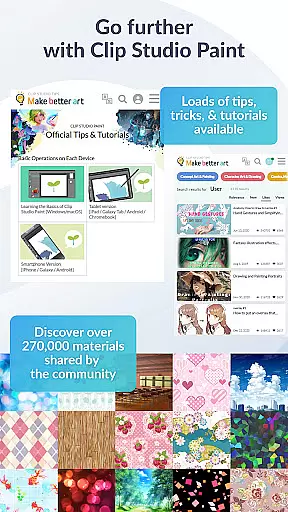
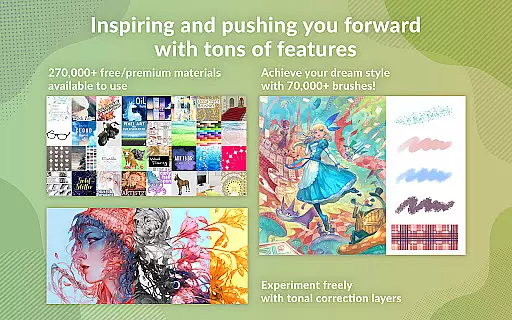
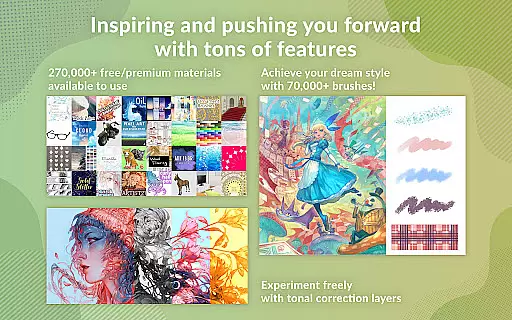
The application stands out with its comprehensive feature set tailored for character art, comic creation, and animation. Users can create detailed artwork with up to 10,000 layers, utilize 3D primitives for fast layout ideas, and access over 270,000 materials made by other creators. Whether you're crafting manga or producing animations, Clip Studio Paint ensures a seamless experience with vector-based drawing and perceptual color mixing.
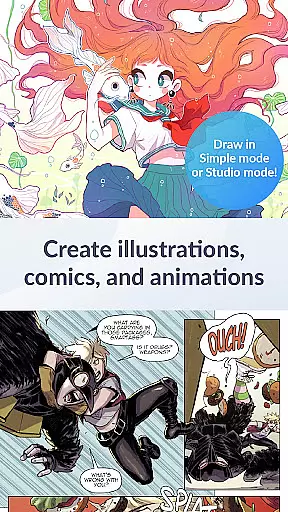
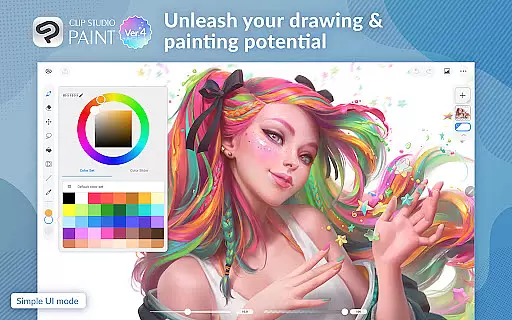
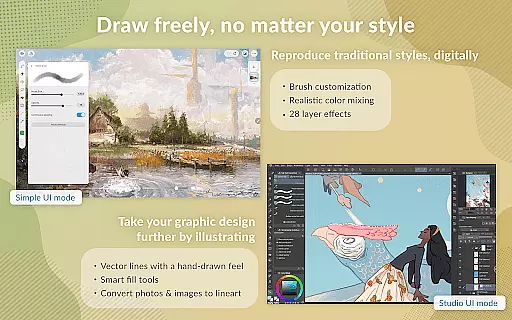
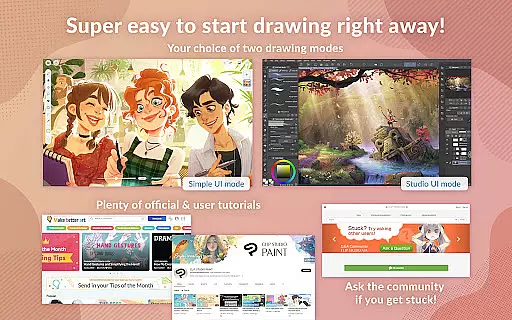
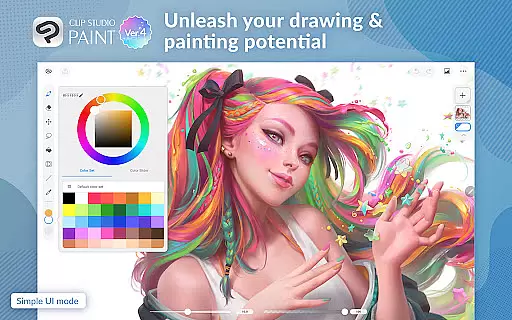
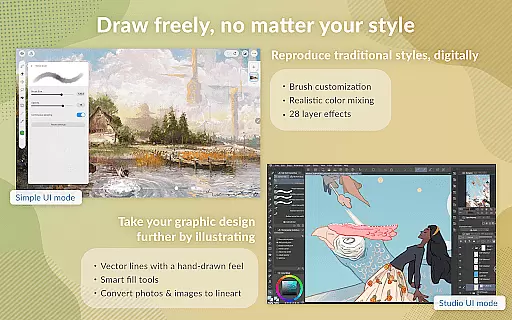
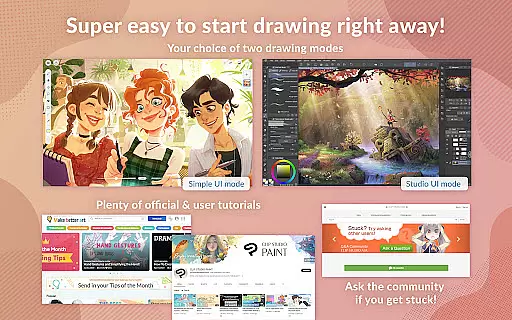
Designed for convenience and flexibility, Clip Studio Paint allows users to subscribe only for the time they need, offering cloud storage and regular updates. Its intuitive interface supports two drawing modes—Simple Mode for quick starts and Studio Mode for accessing all features. This makes it suitable for various skill levels and creative projects, ensuring users can bring their artistic visions to life efficiently.
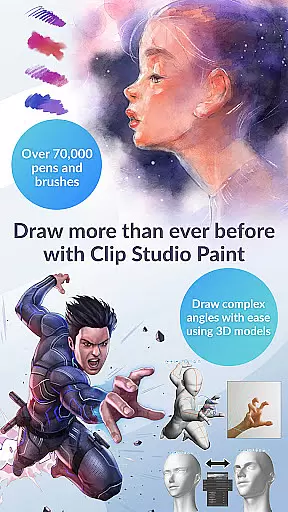
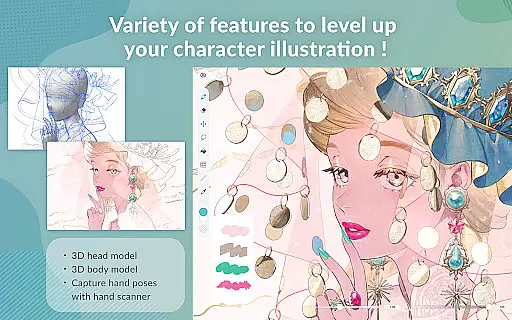
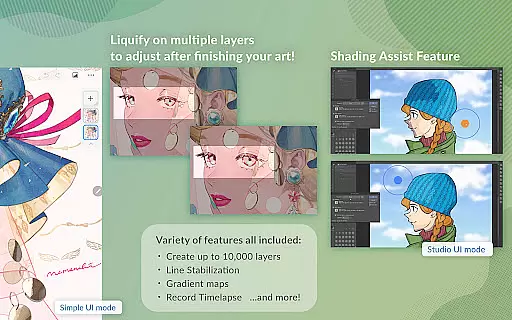
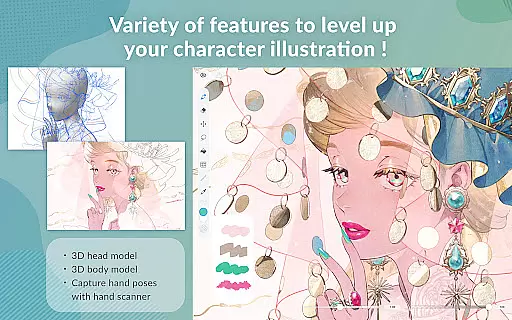
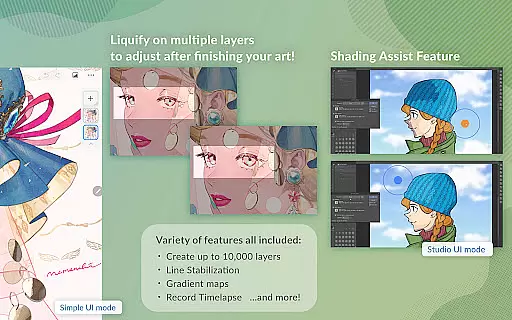
Clip Studio Paint boasts an extensive array of features that cater to digital artists' diverse needs. One of its standout capabilities is the robust layer system, which supports up to 10,000 layers, allowing for intricate and detailed artwork. The inclusion of 3D models enables users to pose characters in challenging angles, while the liquify tool helps adjust line art and colors across multiple layers instantly.
In addition to its powerful drawing tools, Clip Studio Paint offers innovative functionalities such as gradient maps for superior color control and live video capture for drawing references. Artists can also leverage the Puppet Warp feature to manipulate drawings dynamically and use snap functions for precise object placement. These tools collectively enhance productivity and creativity, providing users with everything needed to produce high-quality digital art.
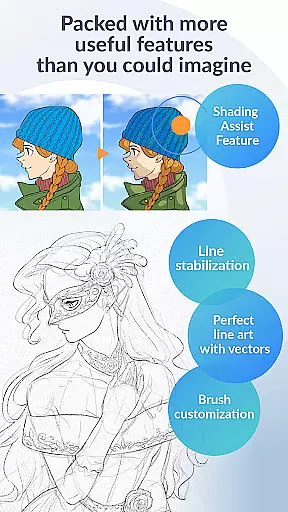
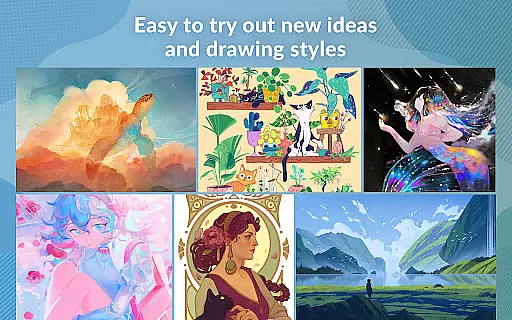
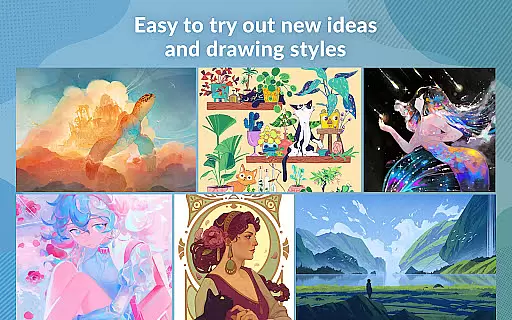
Furthermore, Clip Studio Paint excels in customization and asset availability. Users have access to over 70,000 brushes created by artists worldwide, along with 28 layer effects for fine-tuning artwork. The app's vector-based drawing engine ensures scalability without quality loss, and perceptual color mixing mimics real paint blending. With these advanced features, Clip Studio Paint empowers artists to explore new styles and techniques confidently.
In the realm of digital art, having access to a comprehensive suite of creative tools is paramount. Clip Studio Paint excels in this area by offering an extensive array of features that cater to both amateur artists and seasoned professionals. With capabilities ranging from creating up to 10,000 layers for highly detailed artwork to posing 3D models for drawing complex angles, the app ensures that every artistic vision can be realized with precision.
Moreover, the inclusion of advanced functionalities such as Liquify on multiple layers allows users to adjust line art and color instantly, providing unparalleled flexibility during the creative process. The Gradient maps feature grants artists greater control over their color palettes, while live video capture aids in drawing challenging hand poses. These sophisticated tools empower creators to refine their work with Puppet warp and snap functions, ensuring that even the most intricate details are captured accurately.
Clip Studio Paint also supports recording timelapses of your work, which can be shared on social media platforms. This not only showcases the artist's journey but also serves as a valuable learning tool for others within the community. By integrating these powerful features into a seamless interface, Clip Studio Paint establishes itself as a leader in creative tool completeness, enabling artists to push the boundaries of their craft.
Flexibility in canvas and format options is crucial for artists who wish to explore various styles and mediums without being constrained by technical limitations. Clip Studio Paint addresses this need by providing a versatile platform where creators can experiment freely. Whether you're working on detailed character art or expansive backgrounds, the ability to customize your canvas size and resolution ensures that your artwork maintains its intended impact across different devices and outputs.
The application goes beyond static image creation by supporting vector-based drawing, allowing artists to scale their work without any loss in quality. This is particularly beneficial when adapting pieces for diverse formats, from web graphics to print media. Additionally, Clip Studio Paint offers 28 layer effects that enable artists to enhance their creations further, adding depth and texture that mimic traditional techniques.
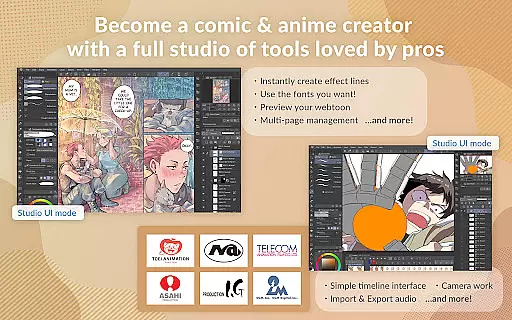
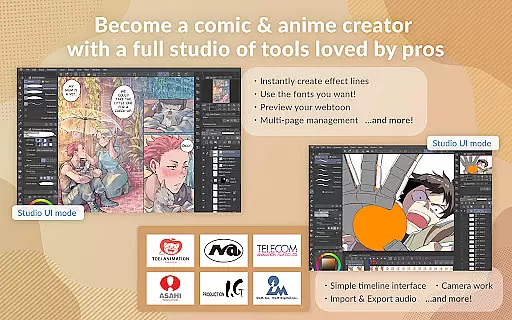
For those interested in animation, the software facilitates everything from simple GIFs to full-length productions, complete with sound integration, camera movements, and tweening effects. Such robust support for varied artistic expressions underscores Clip Studio Paint's commitment to canvas and format flexibility, making it an indispensable tool for modern creators seeking to bring their visions to life without compromise.
User-friendly interface
Extensive brush library
Powerful layer system
Advanced 3D tools
Regular feature updates
Subscription required
High learning curve
Limited offline functionality
Resource-intensive
Occasional bugs

Apply cartoon, caricature, and portrait effects to make your photos stand out!
 3.60
3.60
AI Assistant, powered by ChatGPT GPT-4 & GPT-4o. Your intelligent companion.
3.50
Trace, draw, and create art with AR - from memes to masterpieces!
4.30
The perfect place to start sketching! Use Sketchbook to draw and paint sketches.
4.50
Design unique, funny and adorable cat stickers that reflect your own style!
3.80
AR Anime Drawing: How to draw anime with AR drawing & sketching apps!
4.00
Get an overview over all your embroidery threads, projects and more.
4.60
2D animation studio for Android tablets - unlimited layers, infinite timeline
4.70
Kling AI is an image and video generation and editing studio powered by AI.
4.50
Mobile pixel art editor. Simple. Fast. Portable.
4.80
Digital, Abstract, Classic - all types of color wheels in one app!
4.60
Image resizer to resize, crop, rotate, flip, change dpi photo or picture in bulk
4.60
Create neon drawing with magic doodle and fun doodle art effects!
4.50
Share the joy of painting with ibis Paint! Drawing anime and manga art.
4.50
Everything you need to create hand drawn animation, anywhere you go!
4.40
AI generated images & photos, turn your words into drawing, painting & pictures.
4.30
Create Logos, Tattoos, AI Art & more with our AI Photo Generator & Design Editor
4.20
AI Art Generator transforms your words into AI generated art & paintings.
3.70
Meet the magic aı 3d photo generator and smart AI video generator app.
3.20


User Reviews