

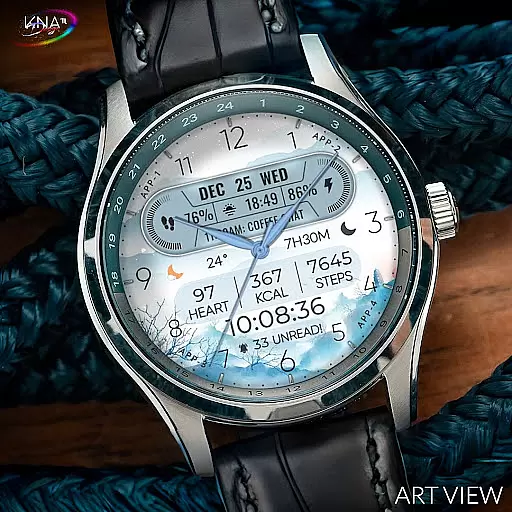
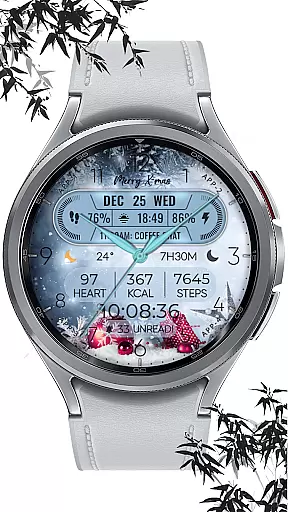
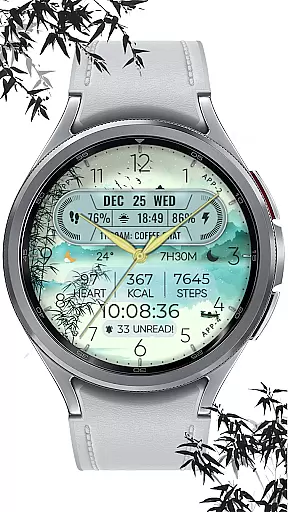
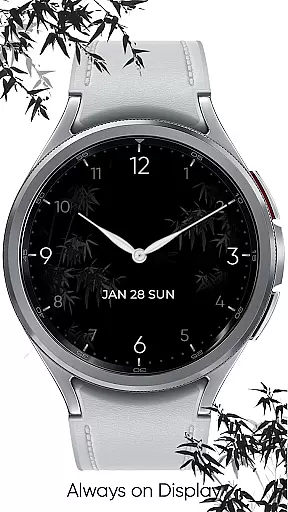
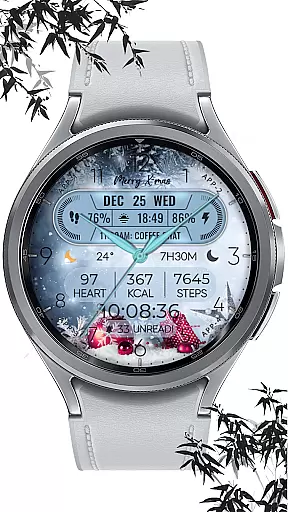
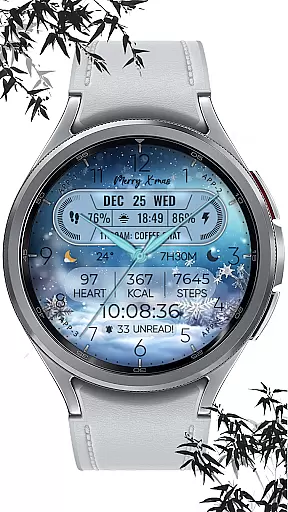
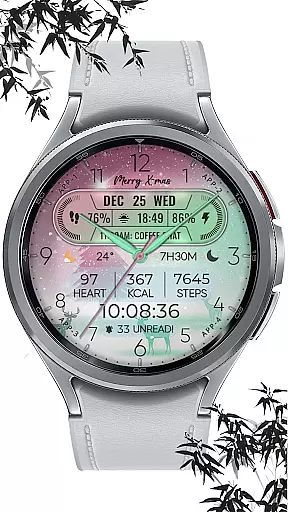
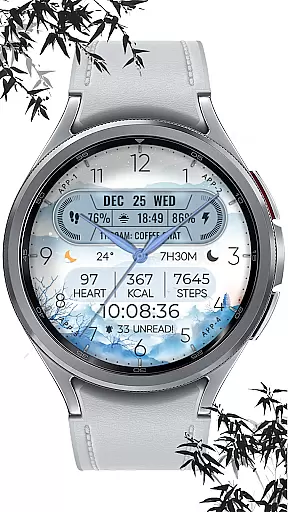
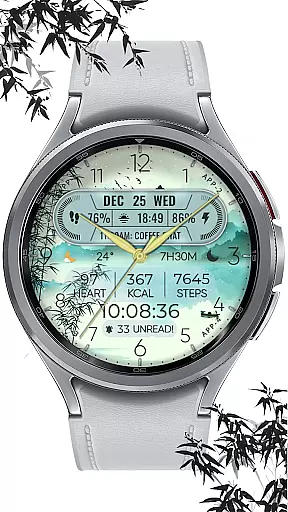
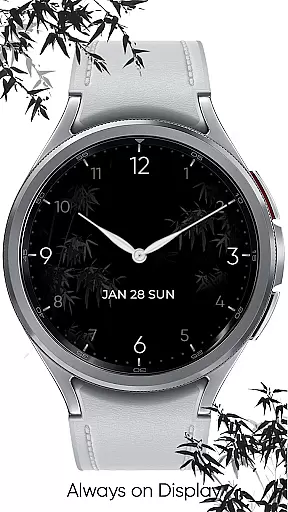
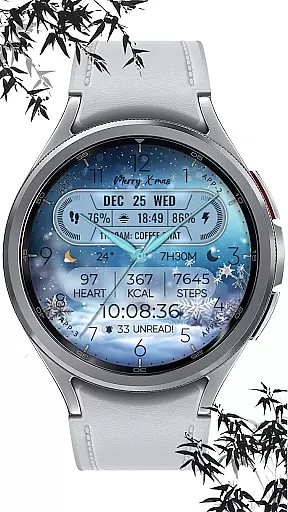
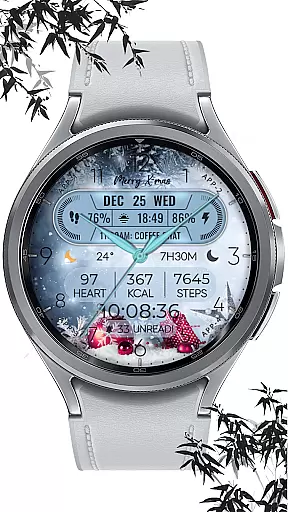
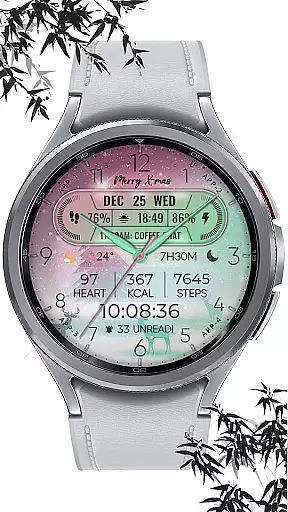
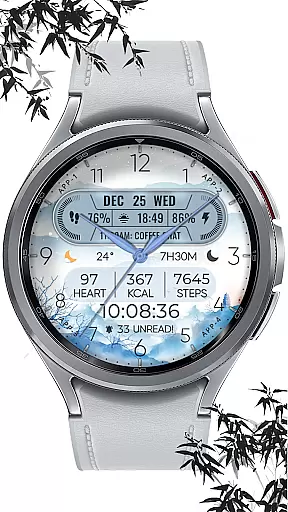
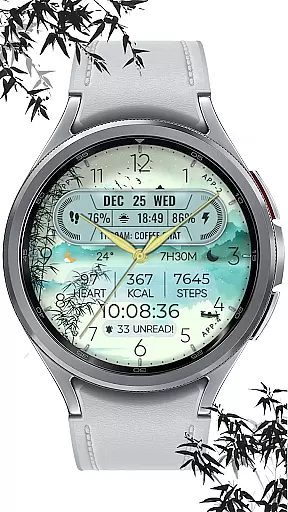
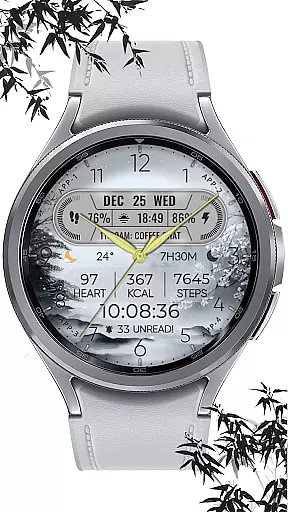
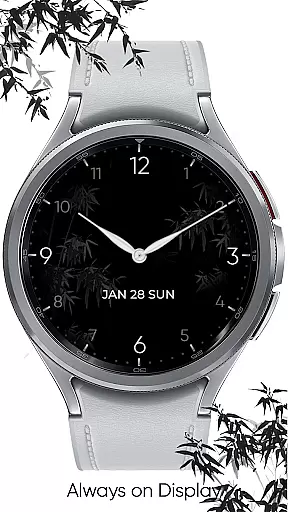
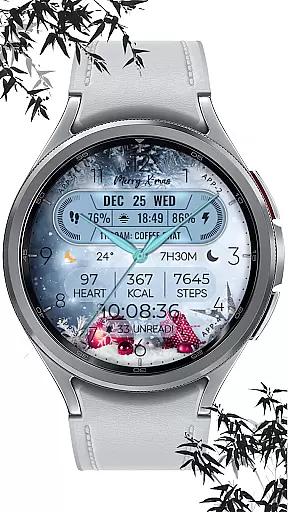
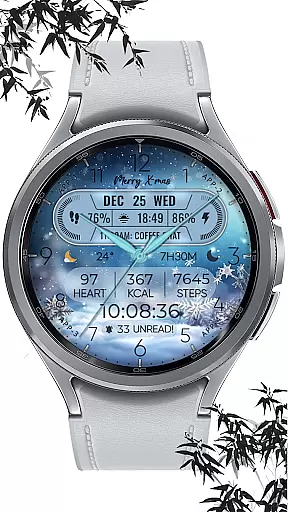
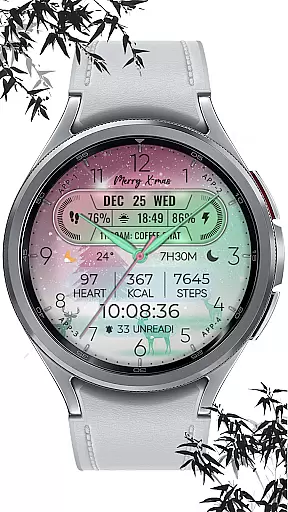
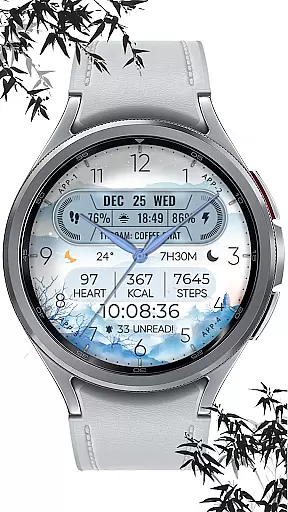
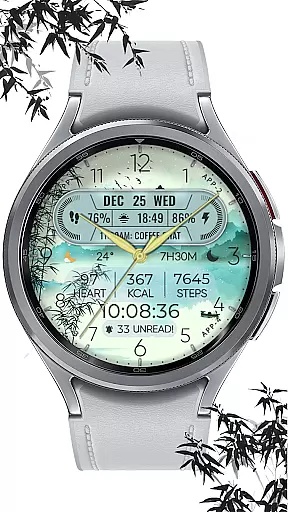
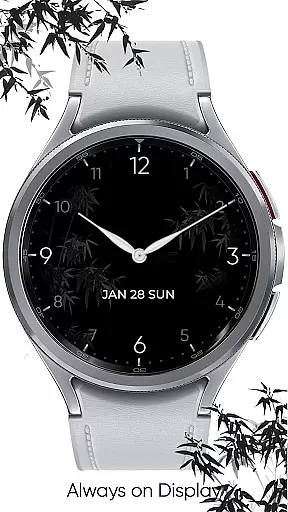
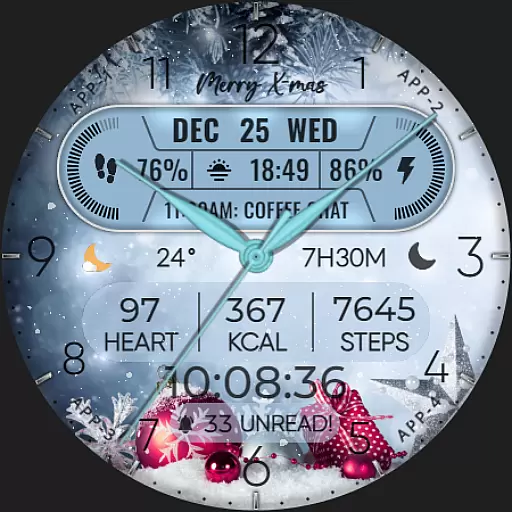
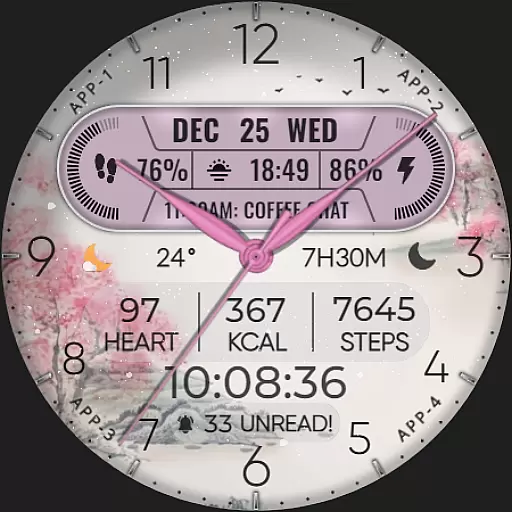
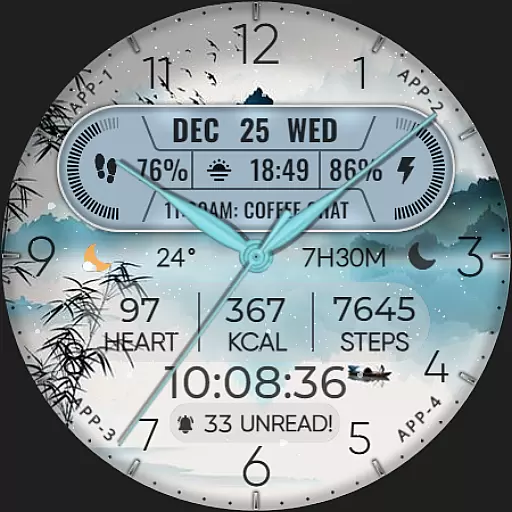
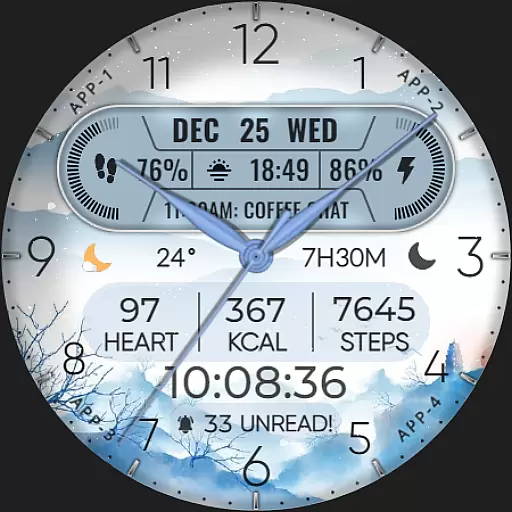
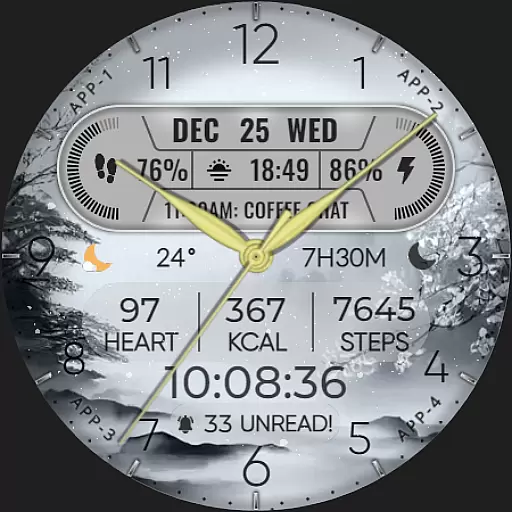
[KNA004] ART VIEW is a feature-rich watch face designed specifically for Wear OS devices. This customizable watch face offers users the ability to personalize their smartwatch display with various complications and styles, making it both functional and visually appealing.
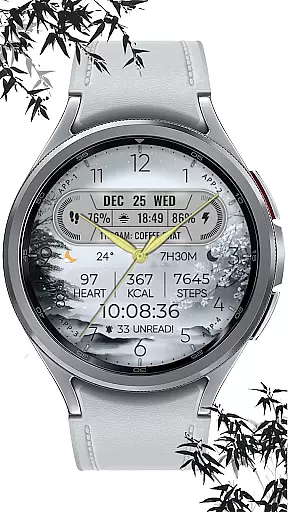
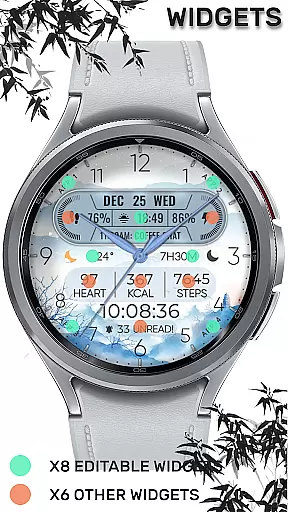
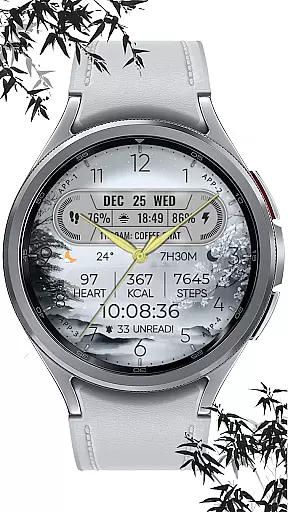
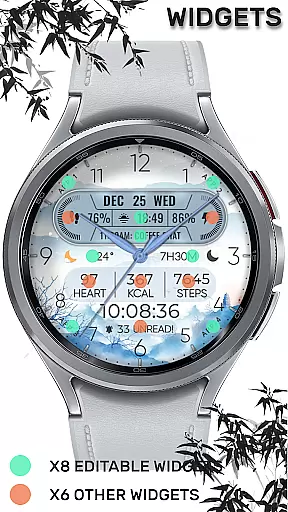
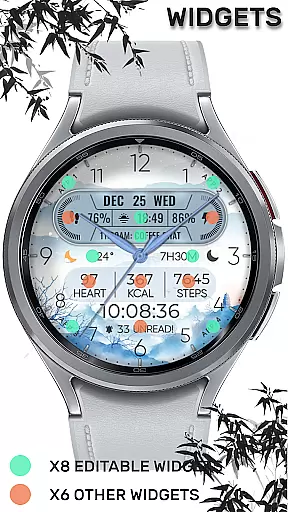
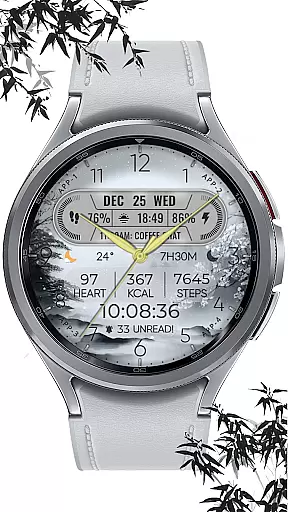
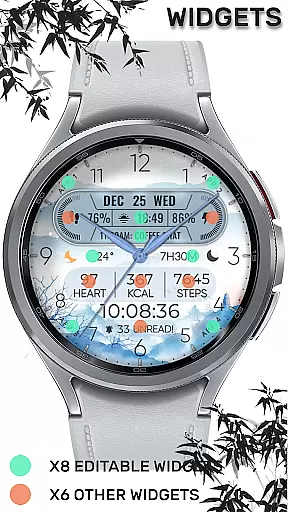
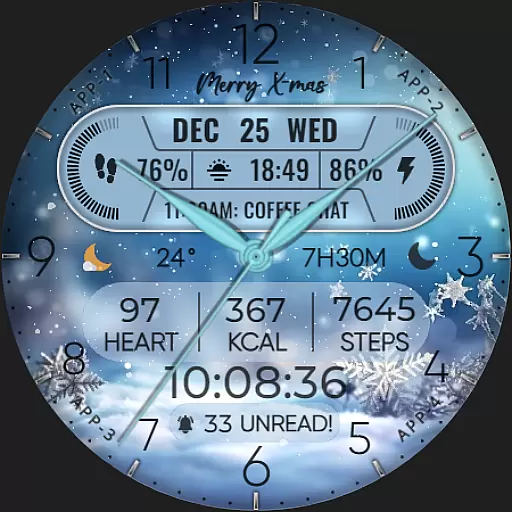
The app provides essential features such as date, day of the week, and month displays. It also includes eight editable complications that can show data like steps count, heart rate, battery level, next event, unread messages, sunrise and sunset times, and calories burned. With ten different colors and styles, users can tailor the appearance to match their preferences. Additionally, a special snow falling animation adds festive charm during the X-max season.
This watch face is compatible with API level 30+ devices including Google Pixel watches and Galaxy Watch series 4, 5, and 6 among other Wear OS models. Users should ensure their device's compatibility before installation and follow specific instructions to set the watch face on their screen after installation.
[KNA004] ART VIEW stands out with its hybrid styles and extensive customization options. The watch face supports up to eight editable complications, allowing users to display a wide range of information such as weather updates, world clock, barometer readings, and more. This flexibility ensures that users have quick access to the data most relevant to them.
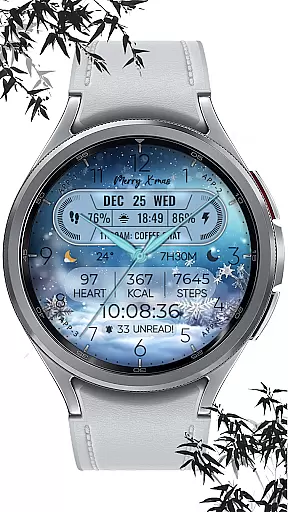
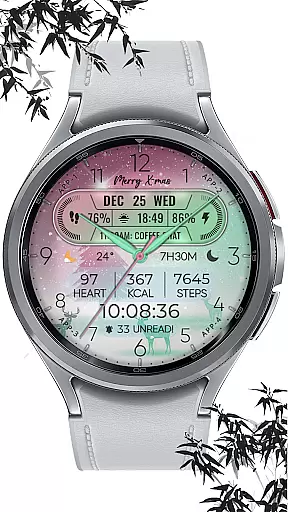
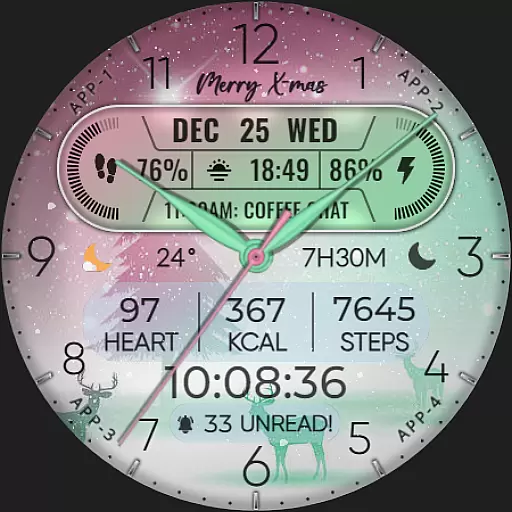
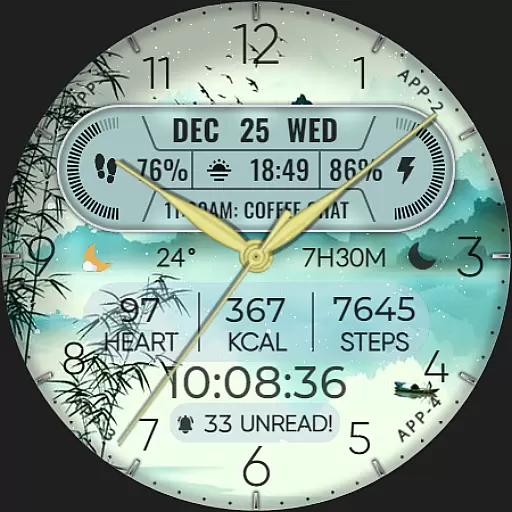
In addition to its practical features, this watch face offers aesthetic customization with ten distinct colors and styles. Users can choose from various designs to match their personal taste or mood. A unique snow falling animation enhances the visual experience during the festive season, providing an engaging and dynamic display.
To customize the watch face, users simply need to touch and hold the display then tap on the customize option. This intuitive process makes personalization straightforward and user-friendly. Note that some advanced features may not be available on all Wear OS devices, so users are encouraged to check their device's specifications for full functionality.
When it comes to designing watch faces for Wear OS devices, having a comprehensive set of creative tools is essential. The [KNA004] ART VIEW watch face offers an impressive suite of features that cater to both amateur designers and seasoned artists. With options like hybrid styles, editable complications, and multiple color choices, users can craft a personalized timepiece that suits their unique tastes.
This application provides up to 8 editable complications, allowing users to incorporate real-time data such as steps count, heart rate, battery level, and more into their designs. Additionally, the inclusion of date, day of the week, and month ensures that practical information is always accessible on the wrist. These diverse customization capabilities empower users to create not just a functional tool but also a piece of wearable art.
The ability to customize doesn't stop at complications; users have access to 10 different colors and styles, making it possible to match the watch face with various outfits or moods. Special animations like snow falling during the X-max festival add an extra layer of personalization and festive spirit. Such extensive creative freedom means that every user can achieve a look that feels truly theirs.
Flexibility in canvas and format options is crucial for creating versatile and adaptable watch faces. The [KNA004] ART VIEW app excels in this area by offering a dynamic platform where users can easily modify their watch face's appearance without limitations. Whether you're looking to adjust the layout or change specific elements, this app provides the necessary tools to do so seamlessly.
One standout feature is the compatibility with API level 30+ devices, including Google Pixel and Galaxy Watch series 4, 5, and 6. This broad device support ensures that no matter what Wear OS device you own, you'll be able to enjoy a high-quality customization experience. Furthermore, detailed instructions guide users through the installation process, ensuring that even those new to smartwatch customization can get started without hassle.
Customization extends beyond mere aesthetics; users can tailor complications to display a wide range of data points, from weather updates to world clocks. By touching and holding the display, then tapping on the 'Customize' option, users gain access to these powerful editing features. While some functionalities might vary depending on the specific watch model, overall, the app delivers a robust and flexible design environment suitable for all kinds of creative endeavors.
Highly customizable
Multiple complications
Festive animations
Variety of styles
User-friendly interface
Limited device support
Some features unavailable
Requires latest Android
No automatic application
Manual setup needed

Discover Cartoon Dream : Unleash Your Creativity with CuttingEdge AI
 4.50
4.50
Sketch, plan, take notes and illustrate on an infinite canvas.
4.20
Draw anime & manga drawing, art with templates to create stunning picture!
4.50
Digital Drawing: Draw & Paint
4.10
Create color palette from Image, RGB & RYB Color wheel harmonies, Color Scheme
4.50
Unleash Your Creativity with Draw Cartoon - AR Drawing App
4.10
Novices can also easily complete diamond painting masters
4.70
Experience next-gen icons with a modern liquid glass look.
3.60
Create and Design Custom Logos in Seconds with AI-Powered Tools!
4.40
Kling AI is an image and video generation and editing studio powered by AI.
4.50
Photo blender app to create overlay photos & double exposure.
4.40
Beauty Camera - Selfie Camera is the ultimate beauty camera and selfie app
4.30
Customizable Outlined Fonts. Watch Face Format. Battery friendly Digital Clock.
4.20
Custom Character Creator & PFP Maker!
4.20
Create stylish invitation cards using templates for weddings, birthdays & RSVP.
4.20
Text to Image, Image to Video & AI Chat
4.20
AI Art Generator transforms your words into AI generated art & paintings.
3.70
Art of Combination Wear OS Watch Faces
3.30
A luxurious gold watch face for an elegant and refined look.
4.4

User Reviews