

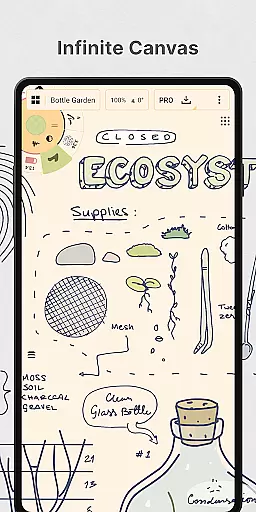
Concepts is a versatile vector-based creative workspace designed for artists, designers, and creators to bring their ideas to life. This digital sketchpad offers an infinite canvas where users can sketch plans, create storyboards, draw product designs, and even make mind maps. Its flexibility allows every stroke to be editable and scalable, providing a dynamic platform for ideation and iteration before sharing work with clients or exporting for professional use.
The app is optimized for the latest pen-enabled devices and Chrome OS, offering realistic pencils, pens, and brushes that respond to pressure, tilt, and velocity. With features like automatic layer sorting, adjustable opacity, and multiple color wheels, Concepts provides a complete toolkit for both amateur and professional creators. Whether you're at the brainstorming stage or finalizing detailed designs, Concepts supports the entire creative process.
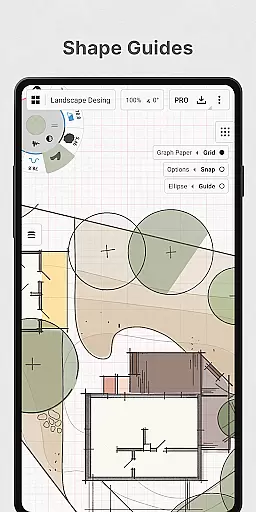
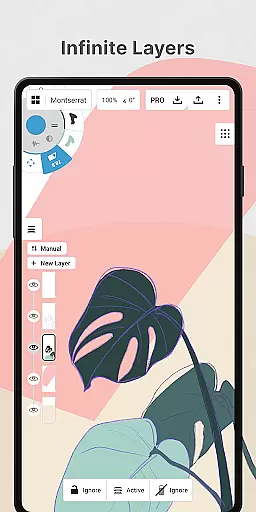
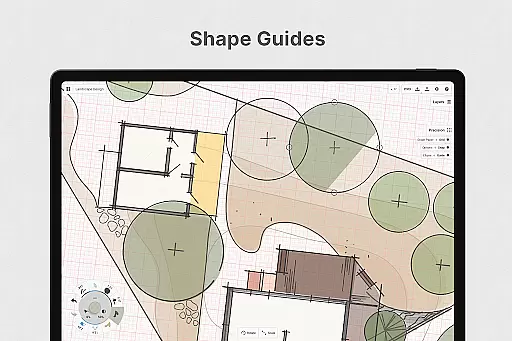
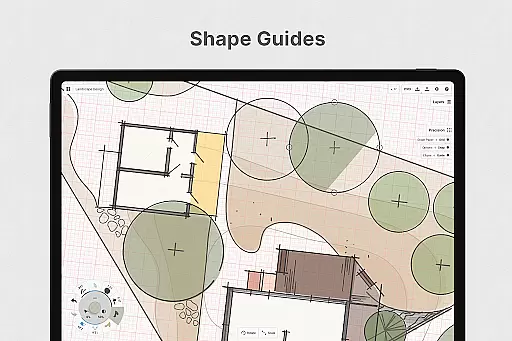
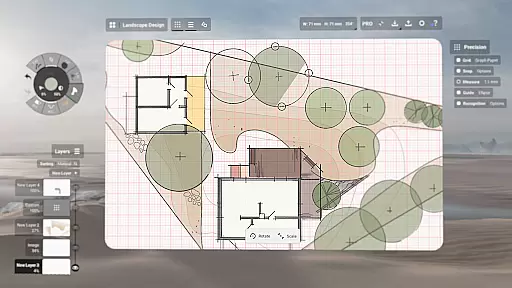
Concepts stands out with its powerful feature set tailored for creative professionals. The app's vector-based sketching allows users to adjust drawings anytime by tool, color, size, smoothing, and scale. With customizable tool wheels, infinite layering systems, and various paper types, it offers unparalleled flexibility in digital art creation. Creators can also leverage shape guides, live snap, and measurement tools for precision drawing.
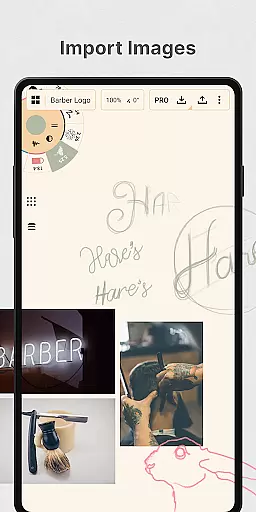
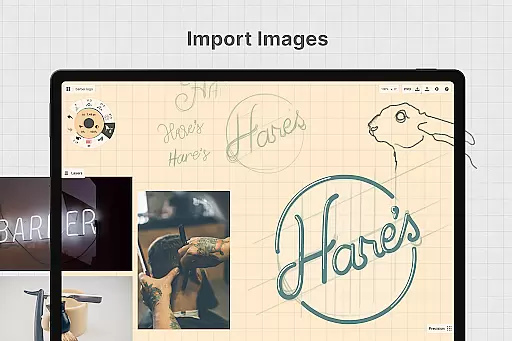
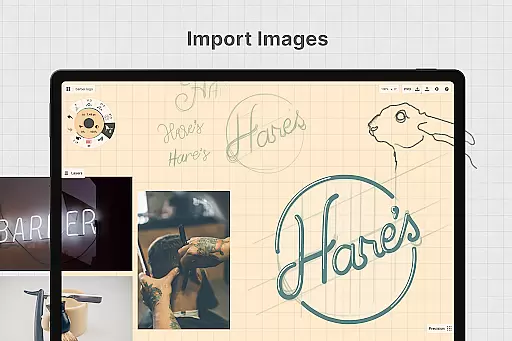
Additional features include drag-and-drop image support, customizable gestures, and personalized canvas settings. Users can export their work into multiple formats like PNG, PDF, SVG, and DXF, making it easy to share or print designs. The app also supports cross-platform functionality, enabling seamless work across Android, ChromeOS, iOS, and Windows devices. These robust capabilities make Concepts an indispensable tool for anyone serious about digital creativity.
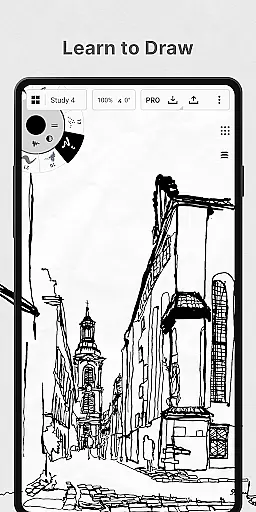
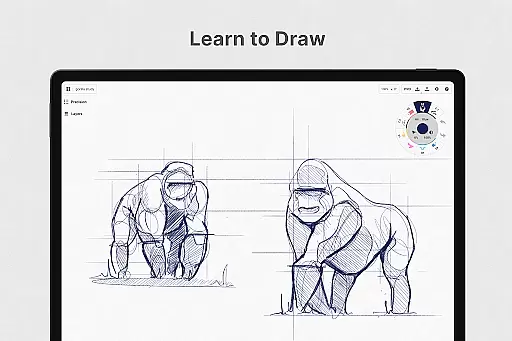
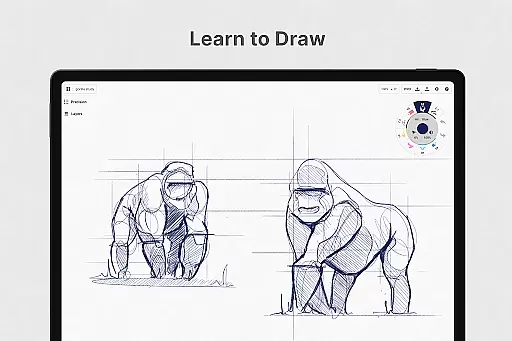
In the realm of digital art and design, having a comprehensive set of creative tools is paramount. Concepts offers an extensive array of instruments that cater to every artist's needs. The app provides realistic pencils, pens, and brushes that respond to pressure, tilt, and velocity, with adjustable live smoothing to refine your strokes.
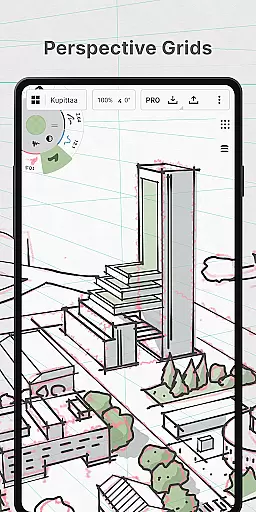
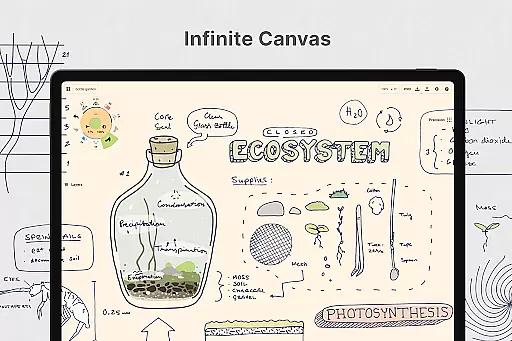
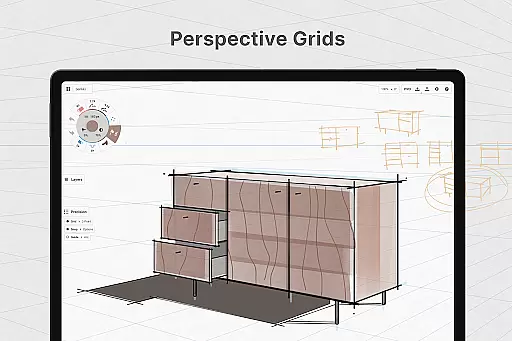
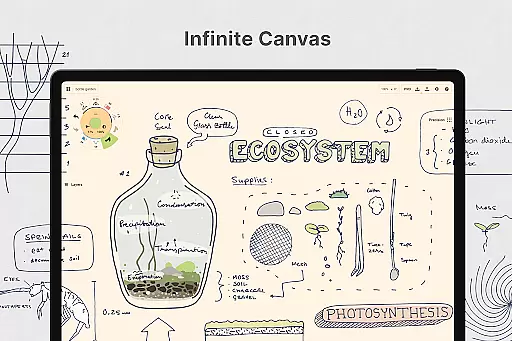
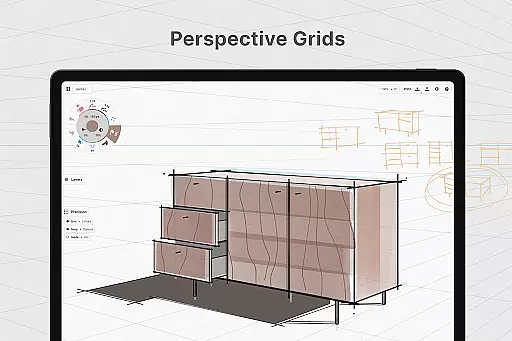
Moreover, Concepts boasts an infinite canvas with various paper types and custom grids, allowing creators the freedom to explore vast creative landscapes without constraints. This feature is complemented by a customizable tool wheel or bar where users can place their most-used tools and presets for quick access.
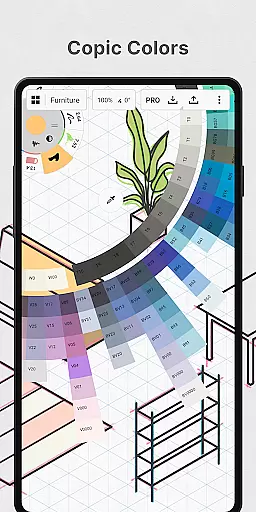
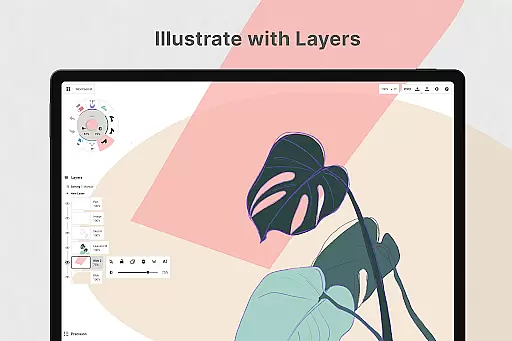
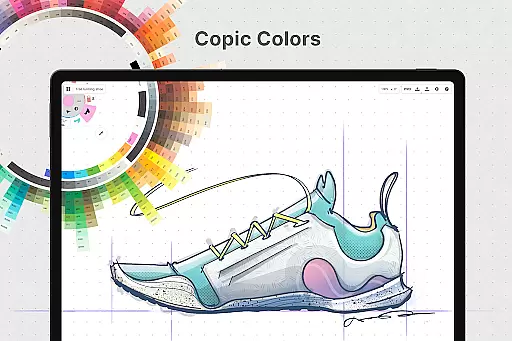
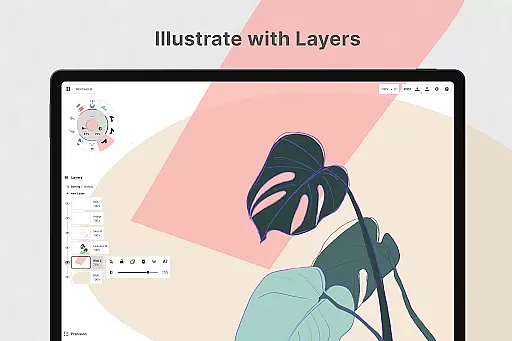
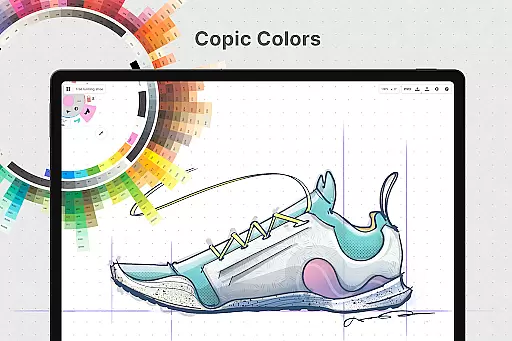
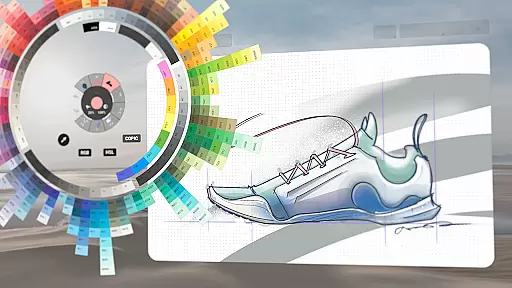
The app also includes an advanced layering system that supports automatic sorting and adjustable opacity, empowering artists to manage complex compositions with ease. With Concepts, you're not just limited to static colors; HSL, RGB, and COPIC color wheels are at your disposal to help you choose colors that harmonize beautifully.
These complete and versatile creative tools make Concepts a go-to application for professionals at leading companies such as Disney and Apple, who trust it to bring their extraordinary ideas to life.
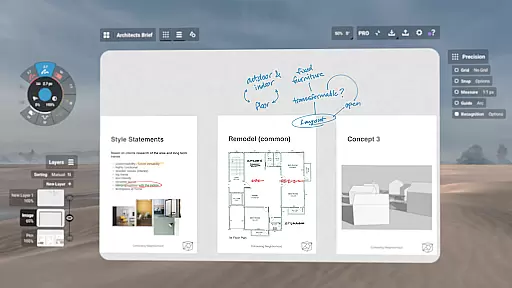
A flexible canvas is essential for unleashing creativity without boundaries. Concepts reimagines this space by offering an infinite canvas that adapts to your workflow. Whether you need to sketch out plans, whiteboard ideas, make notes, doodle, or draw storyboards, the adaptable canvas in Concepts grows with your project.
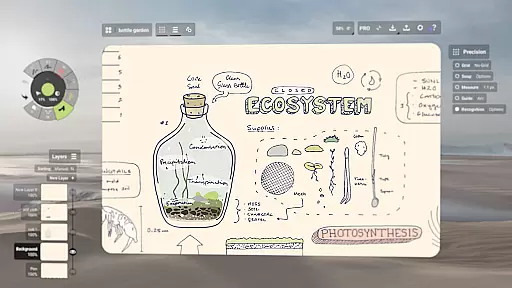
This digital sketchpad allows for vector-based sketching, meaning every stroke is editable and scalable. Artists can modify any element using Nudge, Slice, and Select tools without the need for redrawing, which streamlines the creative process significantly.
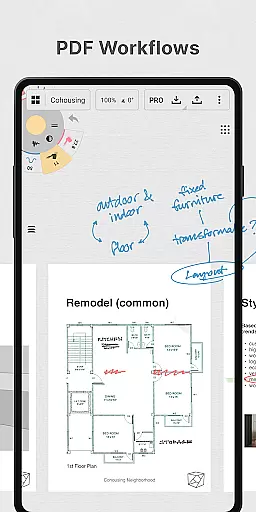
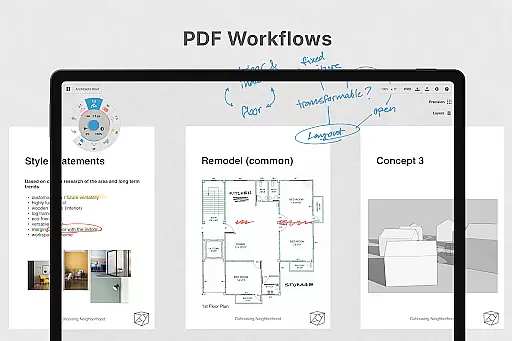
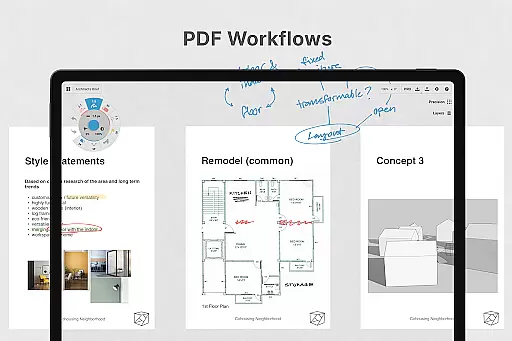
Furthermore, Concepts supports a variety of formats through its export options. Users can export images, PDFs, and vectors suitable for printing or sharing between friends and clients, ensuring that work created on the infinite canvas can be utilized beyond the app itself.
With personalized settings for canvas types, grids, and even gestures, Concepts delivers unparalleled format flexibility that caters to both spontaneous creation and structured design work.
User-friendly interface
Highly customizable tools
Infinite canvas
Cross-platform support
Professional-grade exports
Premium features are costly
Steep learning curve
Limited free tools
Subscription model
Advanced features require purchase

AI generated images & photos, turn your words into drawing, painting & pictures.
 4.30
4.30
Floor Plan Creator lets you create, edit and share floor plans.
4.00
Image/ Text to Video Generator
4.40
Sketch, trace and master AR drawing with awesome anime art!
3.30
Art of Combination Wear OS Watch faces
4.1
Digital, Abstract, Classic - all types of color wheels in one app!
4.60
The perfect place to start sketching! Use Sketchbook to draw and paint sketches.
4.50
Just trace a projected picture on paper and color! Draw & Paint with AR drawing
4.40
Unleash your inner artist! Sketchar: AR Drawing for Limitless Creativity
4.40
Logo Generator powered by AI: Create stunning logos effortlessly!
4.70
Discover Cartoon Dream : Unleash Your Creativity with CuttingEdge AI
4.50
Unleash your drawing and painting potential
4.50
Create and Design Custom Logos in Seconds with AI-Powered Tools!
4.40
Unleash Your Creativity with Draw Cartoon - AR Drawing App
4.10
Unleash the artist in you with our AR drawing and tracing tool for photo drawing
4.10
AR Anime Drawing: How to draw anime with AR drawing & sketching apps!
4.00
Vidu is an AI video generator made for creators and aspiring makers.
3.30
Art of Combination Wear OS Watch Faces
3.30
Your Essential Color Theory Guide: Red, Yellow, Blue (RYB)
4.2


User Reviews