

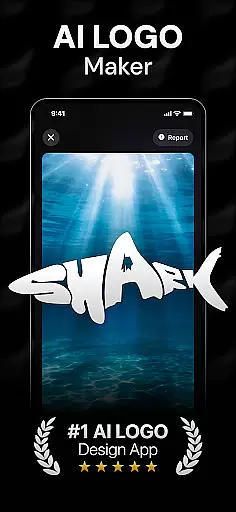
Rebrand is an AI-powered logo design studio that helps users create professional logos and graphic designs with ease. The app offers a wide range of features including an AI logo generator, customizable logo maker tools, realistic mockups, and brand identity creation in seconds. Whether you're starting a new business or rebranding an existing one, Rebrand provides the tools needed to craft stunning visuals.
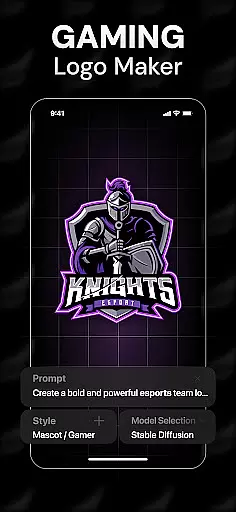
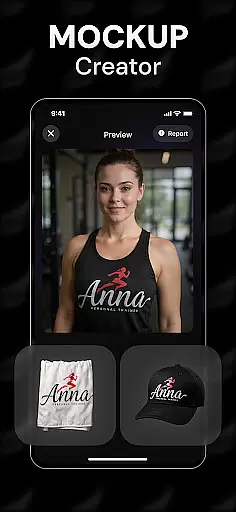
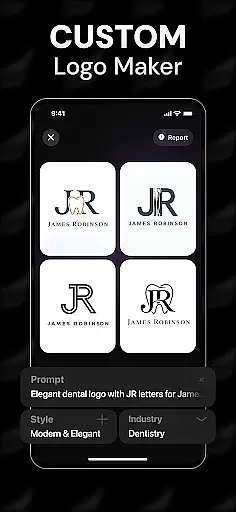
The app's standout feature is its AI-driven logo generation, which allows users to enter custom prompts and receive tailored logo designs. Additionally, the realistic mockup functionality enables users to visualize their logos on various objects such as mugs, business cards, and T-shirts. This makes it an ideal tool for entrepreneurs, designers, and gaming communities looking to establish a strong visual identity.
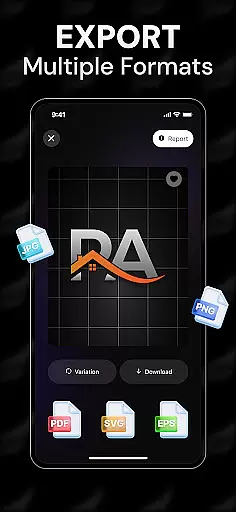
With Rebrand, users can export high-quality logos in any file format needed for websites, social media, and print materials. Its intuitive interface and powerful design capabilities make it suitable for both beginners and professionals, ensuring that anyone can create impactful branding materials efficiently.
Rebrand stands out with its comprehensive set of design tools tailored for creating unique and professional logos. The AI logo generator allows users to input specific prompts, resulting in customized logo designs that match their vision. This feature is particularly useful for those who need quick yet personalized branding solutions without extensive design experience.
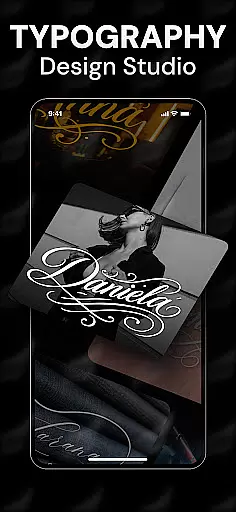
In addition to logo creation, Rebrand offers advanced customization options. Users can modify every element of their logos, from colors to typography, ensuring that each design reflects their brand's essence accurately. The realistic mockup feature further enhances this by allowing users to see how their logos will appear on real-world items like business cards and apparel.
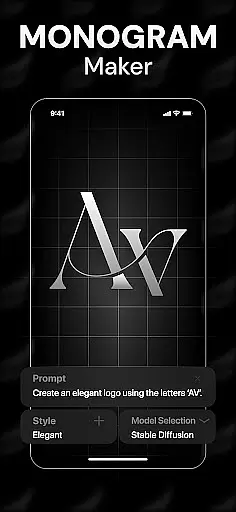
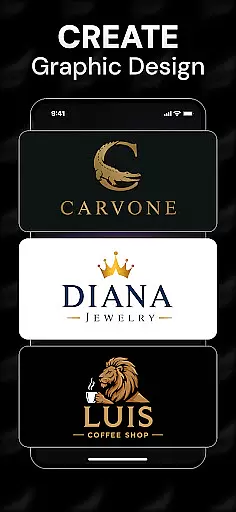
Rebrand also includes tools for broader graphic design projects, such as icon and monogram makers. These additional features enable users to expand their branding efforts beyond just logos, crafting cohesive visual identities across multiple platforms. Overall, Rebrand combines powerful AI technology with user-friendly interfaces to deliver professional-grade design capabilities to users of all skill levels.
When it comes to graphic design and logo creation, having a complete set of creative tools is essential. Rebrand offers an all-in-one solution that empowers users to craft professional logos and stunning visuals with ease. The app includes an AI logo generator, customizable design elements, realistic mockups, and even tools for creating icons and monograms.
The AI-powered logo maker allows users to enter custom prompts to generate unique designs tailored to their specific needs. With features like color customization, typography options, and layout controls, every element of the logo can be personalized. This level of detail ensures that each design truly reflects the brand's identity and vision.
Rebrand goes beyond basic logo creation by offering realistic mockups. Users can visualize how their logos will appear on various objects such as mugs, business cards, and T-shirts. This feature provides a true sense of the design's real-world application, making it easier to finalize decisions and share concepts with stakeholders.
Whether you're a startup founder or a professional designer, Rebrand's comprehensive toolkit streamlines the creative process. By combining intuitive design features with advanced AI technology, the app enables users to focus on unleashing their creativity while handling the technical aspects seamlessly.
Flexibility in canvas and format options is crucial for creating versatile designs that meet various requirements. Rebrand excels in providing users with adaptable canvas sizes and multiple format compatibilities, ensuring that every project can be executed with precision and ease. Whether you need a logo for a website, social media profile, or print materials, Rebrand has got you covered.
The app supports a wide range of file formats, allowing users to export their designs in any format needed. From high-resolution PNGs for digital use to vector files like SVGs for scalable print applications, Rebrand ensures your logos maintain quality across different mediums. This versatility is particularly beneficial for businesses that require consistent branding across multiple platforms.
Moreover, Rebrandu2019s flexible canvas options enable users to experiment with different design dimensions. Whether designing a square logo for social media avatars or a horizontal banner for websites, the app provides the necessary tools to adjust canvas sizes effortlessly. This adaptability ensures that every design fits perfectly within its intended space.
By offering extensive canvas and format flexibility, Rebrand empowers users to create designs that are not only visually appealing but also highly functional. This capability makes it an indispensable tool for anyone looking to establish a strong and cohesive brand presence both online and offline.
User-friendly interface
Advanced AI capabilities
Customizable design options
Realistic mockup previews
Versatile branding tools
Limited free features
Subscription costs
Occasional AI inaccuracies
Learning curve for beginners
Export limitations in free version

Design your dream room with AI. Get decor ideas & plan home interiors
 3.90
3.90
AI Assistant, powered by ChatGPT GPT-4 & GPT-4o. Your intelligent companion.
3.50
AI Face Swap, Video Effects Editor, Realtime Morph, Funny Video FX,AI Filters
3.70
Create stunning video, photo & magic from text with FlixAI GPT video generator.
3.10
Create stunning art with AI.
4.80
Painting, drawing, & sketching
4.50
Get creative and make art with your Sesame Friends!
4.00
Share the joy of painting with ibis Paint! Drawing anime and manga art.
4.50
Draw, fidget, and spin glow art! Relax and express your creativity with a finger
4.60
Minecraft & Roblox Clothes
4.70
Draw on screen: FP sDraw is a simple and lightweight drawing app
4.70
Digital, Abstract, Classic - all types of color wheels in one app!
4.60
Draw anime & manga drawing, art with templates to create stunning picture!
4.50
Draw, make movies & animate cartoons easily with our 2D animation maker app
4.40
Sketch, plan, take notes and illustrate on an infinite canvas.
4.20
Custom Character Creator & PFP Maker!
4.20
Create Logos, Tattoos, AI Art & more with our AI Photo Generator & Design Editor
4.20
Unleash Your Creativity with Draw Cartoon - AR Drawing App
4.10
Your homescreen as an elegant glass with customized blur, lighting, and visuals.
3.70


User Reviews