

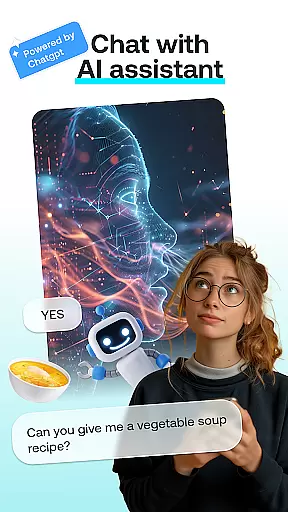
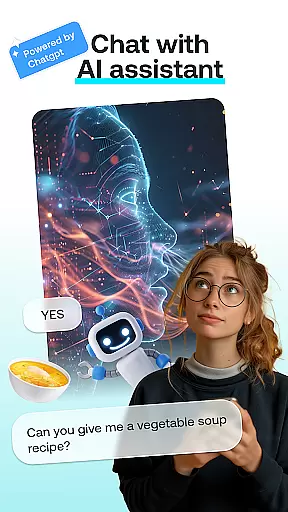
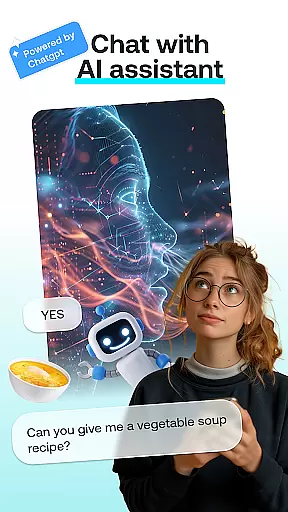
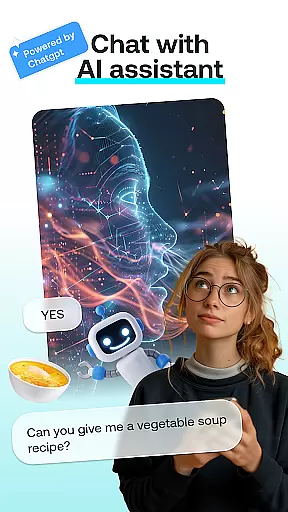
AI Chat: Chatbot Assistant is an innovative app that brings together the best of AI-driven conversations and creative tools in one place. Designed for both entertainment and productivity, this app allows users to engage with advanced AI chatbots powered by ChatGPT GPT-4 & GPT-4o, create artistic transformations, and generate personalized content.
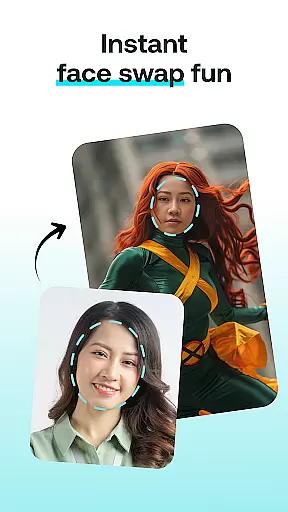
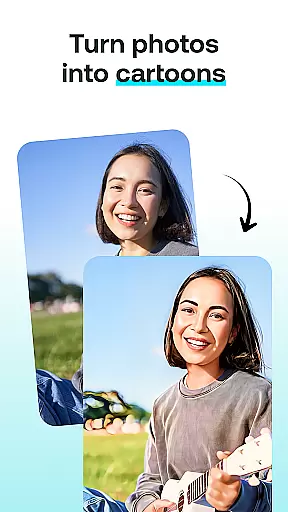
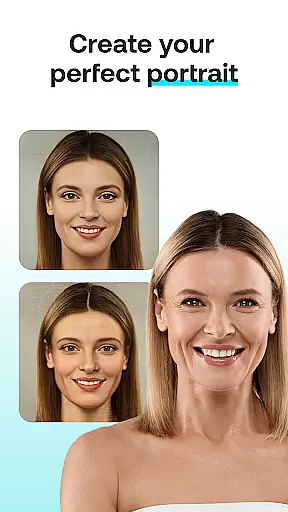
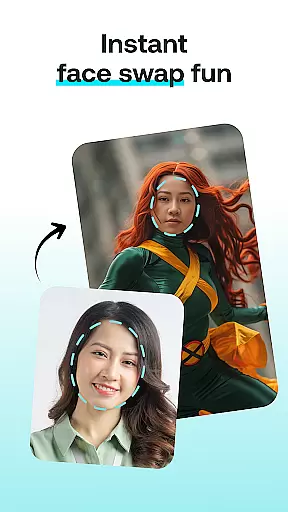
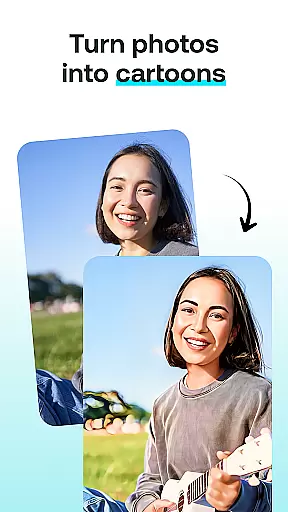
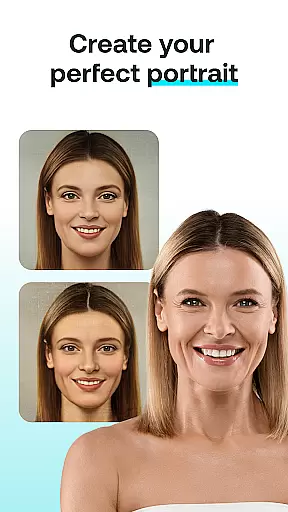
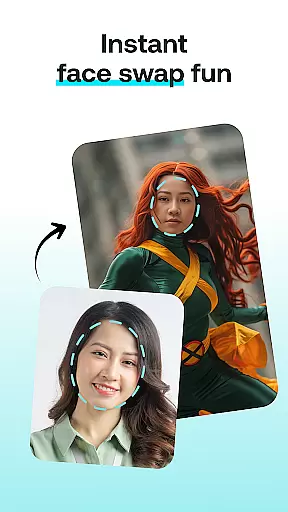
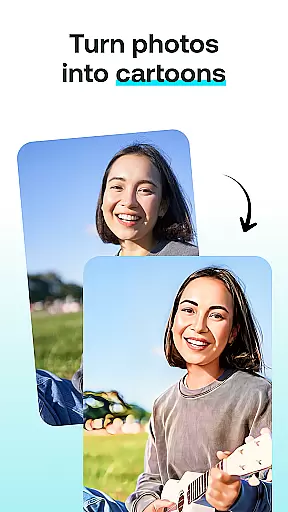
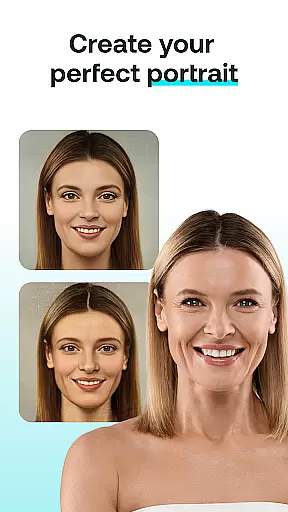
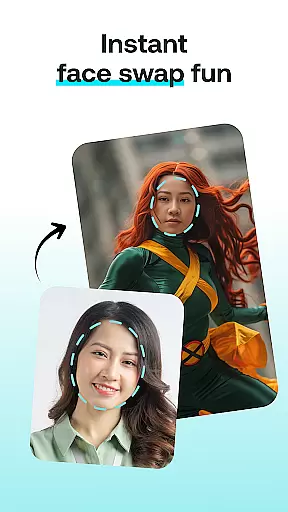
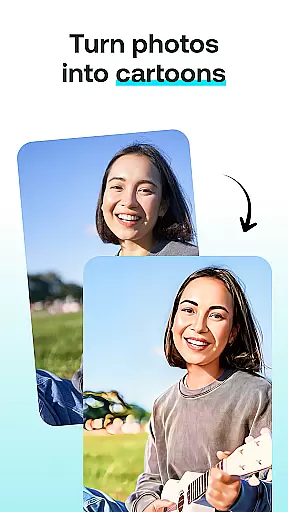
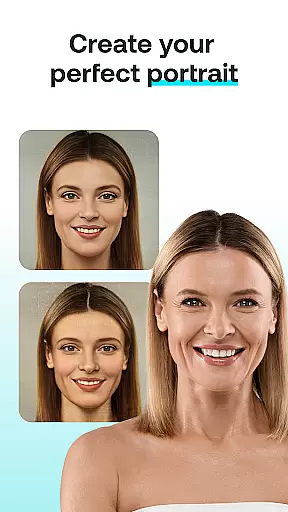
The app features multiple modules including AI Chat for insightful conversations, Face Swap for fun photo edits, Cartoon Effect to turn photos into whimsical illustrations, Portrait Maker for crafting stunning portraits, and AI Paintings for visualizing thoughts as artwork. Whether you're looking to have engaging chats or unleash your creativity through image editing, AI Chat offers a seamless experience tailored to your needs.
Perfect for AI enthusiasts, social media influencers, and anyone who loves experimenting with technology, this app provides endless possibilities for creating unique digital content. With its intuitive interface and powerful AI capabilities, AI Chat: Chatbot Assistant ensures that users can easily access professional-grade tools right from their mobile devices.
AI Chat: Chatbot Assistant stands out with its diverse range of creative and conversational features. The AI Chat module is powered by cutting-edge ChatGPT GPT-4 & GPT-4o technology, enabling natural and intelligent conversations on various topics. This feature is perfect for brainstorming ideas, seeking advice, or simply having a friendly chat.
Beyond conversations, the app offers several creative tools. The Face Swap feature lets users swap faces in photos, creating hilarious or impressive images in seconds. The Cartoon Effect transforms regular photos into cartoon-like illustrations, adding a playful touch to any image. Additionally, the Portrait Maker helps design realistic or abstract portraits with ease, while the AI Paintings module turns descriptions into visually stunning artworks.
All these features are designed to be user-friendly, ensuring that even beginners can achieve professional results effortlessly. The app's intuitive workflow allows users to select a module, upload content, choose styles, and generate results with just a few taps. This combination of powerful AI technology and ease of use makes AI Chat: Chatbot Assistant a must-have tool for creative expression.
In the realm of digital creativity, having a comprehensive suite of tools is paramount. AI Chat: Chatbot Assistant offers an impressive array of features that cater to various creative needs. From engaging in intelligent conversations with the AI Chat module to transforming your photos into cartoon characters with the Cartoon Effect, this app ensures you have everything you need for your creative projects.
The app's Face Swap feature allows users to create entertaining images by swapping faces with friends or celebrities, adding a layer of fun and engagement. Meanwhile, the Portrait Maker provides the ability to design stunning portraits with ease, whether realistic or abstract. These tools are not just about functionality but also about enhancing the user's creative process.
Furthermore, the inclusion of AI-driven modules like ChatGPT GPT-4 & GPT-4o means that users can rely on advanced technology to fuel their artistic endeavors. This integration of AI ensures that every interaction and creation is infused with cutting-edge innovation, making it easier than ever to visualize thoughts as beautiful AI-generated paintings.
Flexibility in canvas and format options is crucial for unleashing full creative potential, and AI Chat: Chatbot Assistant excels in this area. The app offers versatile canvas sizes and formats, allowing users to customize their creations according to specific requirements or preferences. Whether you're designing a small social media graphic or a large-scale digital artwork, the app adapts to fit your vision.
Users can upload photos directly and choose from various styles and effects to apply to their images. This adaptability extends to the type of projects one can undertake; from simple photo edits to complex artistic transformations, the app handles it all with ease. Such versatility ensures that no creative idea is too big or too small to be realized.
Moreover, the intuitive interface makes it easy to navigate through these flexible options without overwhelming the user. With clear instructions and straightforward controls, experimenting with different styles and formats becomes an enjoyable experience rather than a daunting task. This focus on user-friendly flexibility empowers creators to push boundaries and explore new artistic horizons confidently.
User-friendly interface
Advanced AI chatbot
Creative photo tools
Quick result generation
Versatile art styles
Limited free features
Subscription required
Occasional bugs
High system requirements
Learning curve for new users

Vidu is an AI video generator made for creators and aspiring makers.
 3.30
3.30
Sketch, trace and master AR drawing with awesome anime art!
3.30
Create neon drawing with magic doodle and fun doodle art effects!
4.50
Art of Combination Wear OS Watch faces
4.3
Digital, Abstract, Classic - all types of color wheels in one app!
4.60
The perfect place to start sketching! Use Sketchbook to draw and paint sketches.
4.50
Android 14 style widgets and wallpapers app.
4.5
A luxurious gold watch face for an elegant and refined look.
4.4
Experience next-gen icons with a modern liquid glass look.
3.60
Mobile pixel art editor. Simple. Fast. Portable.
4.80
Passport size photo maker, create ID photo and visa photo in seconds
4.80
Learn how to draw with step-by-step tutorials, fun lessons & multiplayer drawing
4.70
Draw beautiful mandala's very easily
4.60
Image/ Text to Video Generator
4.40
Create and Design Custom Logos in Seconds with AI-Powered Tools!
4.40
Custom Character Creator & PFP Maker!
4.20
Art of Combination Wear OS Watch Faces
3.30
Create trending AI photos & videos with powerful effects and 3D styles.
3.20
Art of Combination Wear OS Watch faces
4.2

User Reviews