
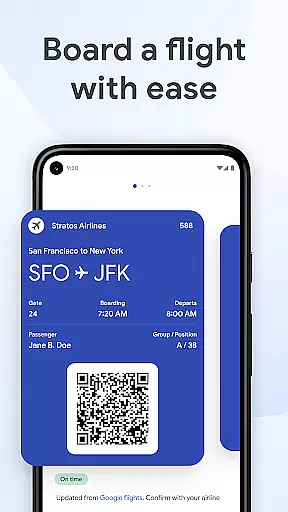
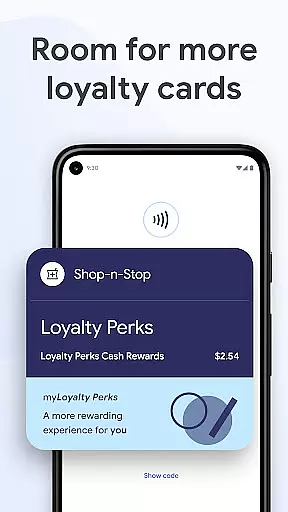
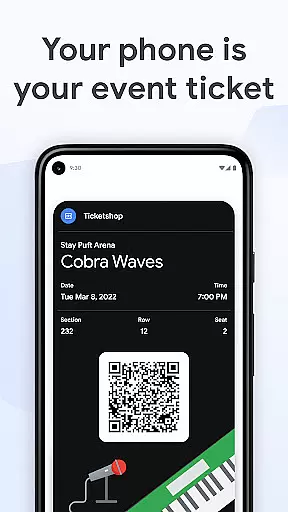
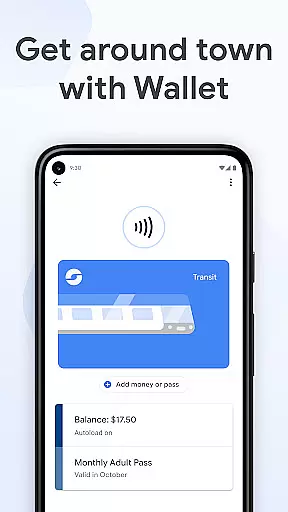
Google Wallet is a versatile digital wallet solution designed specifically for Android and Wear OS devices. It allows users to securely store and access essential items such as payment cards, boarding passes, event tickets, and loyalty cards all in one place. The app provides three convenient access methods including quick settings, the Wallet app itself, and Google Assistant integration.
The application goes beyond just payments by offering helpful features like automatic suggestions for needed items based on context, seamless integration with other Google services, and real-time updates for travel information. With support for digital IDs and car keys (US only), it becomes an all-in-one solution for various identification and access needs. Its security features are deeply integrated with Android's advanced protection mechanisms, making it a safe and reliable choice for managing personal essentials.
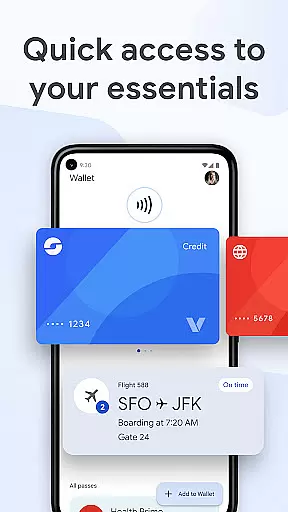
Google Wallet offers an impressive array of features that enhance convenience and security. The app's quick access system through phone settings, app launcher, and voice commands ensures users can retrieve their essentials quickly. Its intelligent suggestion engine proactively reminds users of relevant items like boarding passes or event tickets based on time and location.
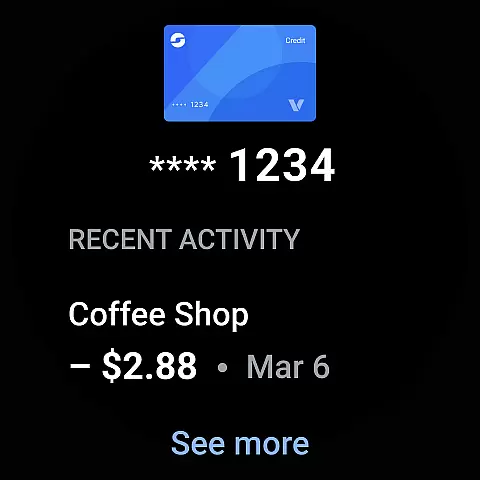
The integration with Wear OS devices expands its usability, allowing users to access their wallet directly from their smartwatch. The app's comprehensive transaction management system helps users track receipts and spending details while maintaining privacy. Advanced security measures include tokenized payments, remote data wiping capabilities, and Android's robust security framework. Additionally, the synchronization across Google ecosystem products creates a seamless experience between Calendar, Maps, and other services.
Companion app integration is crucial for wearable devices as it ensures seamless synchronization between the primary device and its wearable counterpart. Google Wallet excels in this area by offering a cohesive experience across Android phones and Wear OS devices.
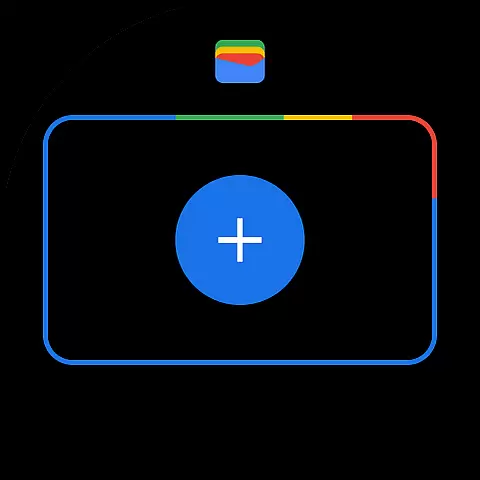
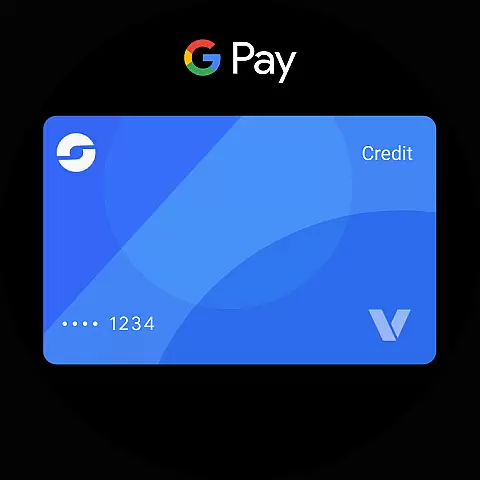
The app allows users to access their essential cards, tickets, and passes directly from their Wear OS watch face through complications. This means you can conveniently make payments or show tickets without needing to take out your phone.
Furthermore, setup is simplified with the ability to import various items saved in Gmail or other Google services directly into the Wallet app on both platforms. This unified approach ensures that all your critical information is available wherever you are, providing unmatched convenience.
By maintaining consistent functionality and data accessibility across devices, Google Wallet enhances user experience, making daily tasks more manageable and efficient.
Ensuring compatibility with Wear OS and other devices is vital for apps targeting the smartwatch market. Google Wallet stands out by being fully compatible with Wear OS, allowing users to utilize their digital wallet directly from their smartwatches.
With Google Wallet, users can add complications to their Wear OS watch face, giving them instant access to their stored cards and passes. This feature transforms the smartwatch into an indispensable tool for quick transactions and ticket presentations.
In addition to Wear OS support, Google Wallet also works seamlessly on all Android phones running Lollipop 5.0 and above. This broad compatibility ensures that most smartphone users can take advantage of the app's features without worrying about device limitations.
Overall, Google Wallet's extensive device compatibility enhances its utility, ensuring users have access to their financial and personal essentials regardless of the device they are using.
Secure payment system
Wide card compatibility
Smart notifications
Wear OS integration
Advanced security features
Limited iOS support
Region restrictions apply
Feature limitations on older devices
Requires Google account
Some features need premium hardware

MyNISSAN® lets you remotely control your car from your phone.*
 4.50
4.50
Elegant animated Christmas tree with multiple customization options
4.20
Artistic Digital Watchface
4.5
A modern premium sporty hybrid watch face for Wear OS by Ballozi
4.70
Sleek, highly customizable watch face inspired by Galaxy Watch Circle Dashboard.
4.3
The most customizable minimal watch face. For Wear OS 5.0, API 34+ and later
4.70
Digital watch face with big numbers and many customization for Wear OS devices
4.40
Real-time results, stats, schedules and player profiles for all leagues
4.60
Back up your contacts & access them anywhere
4.30
Christmas - Festive - Christmas Village - Winter - Christmas lights
5.00
Period, ovulation & pregnancy tracker. Fertility insights & menstrual calendar.
4.90
The Chevron App allows you to pay for fuel from the comfort of your car!
4.80
A modern hybrid informative watch face for Wear OS designed by BALLOZI
4.80
The most customizable hybrid watch face. For Wear OS 5.0, API 34+ and later
4.70
Kia Access makes getting your vehicle information easier than ever
4.60
Gym & home workout plans with strength training, exercise tracking, HIIT & more.
4.60
To-Do List: daily schedule planner, task organizer, to do reminder app, calendar
4.60
Connect, create, and collaborate with Gmail, part of Google Workspace.
4.10
Structured watch face with seven complications and modular UI elements
3.90

User Reviews