

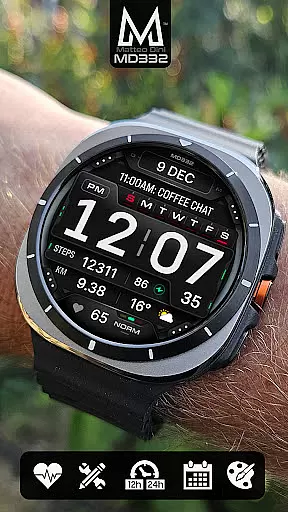
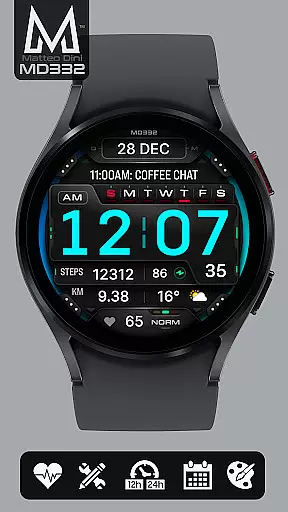
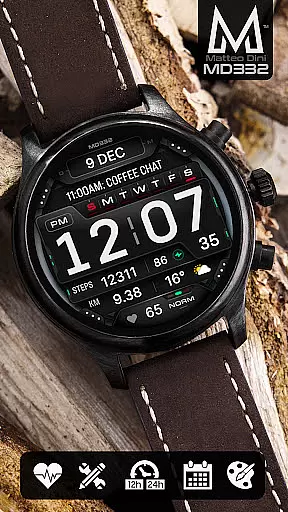
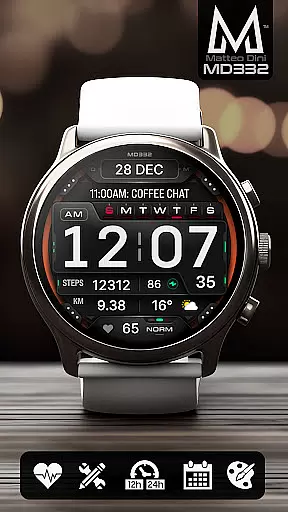
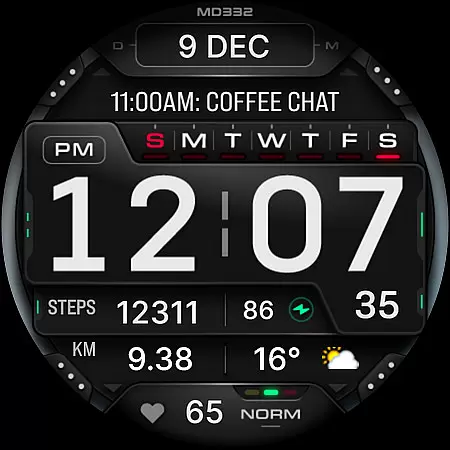
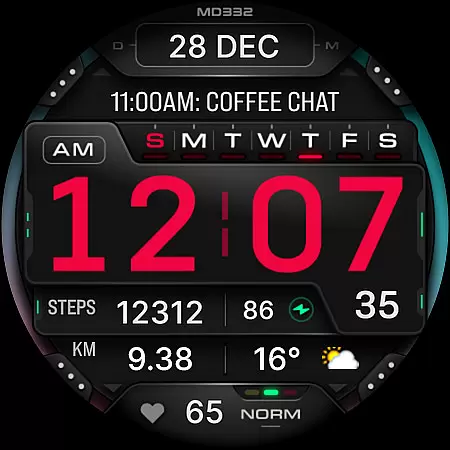
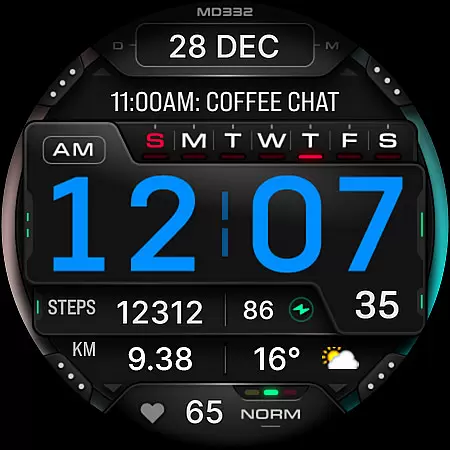
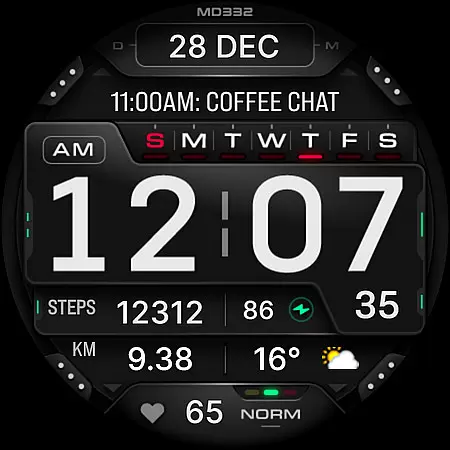
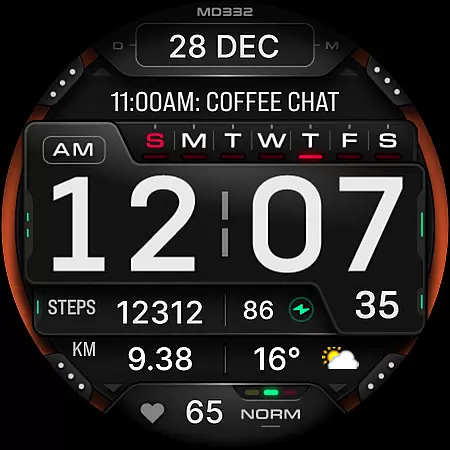
MD332 Digital watch face offers a modern and customizable solution for Wear OS users. With support for devices running API Level 33+ (Wear OS 4 and newer), this watch face is compatible with Samsung Galaxy Watch series, Pixel Watch, and more.
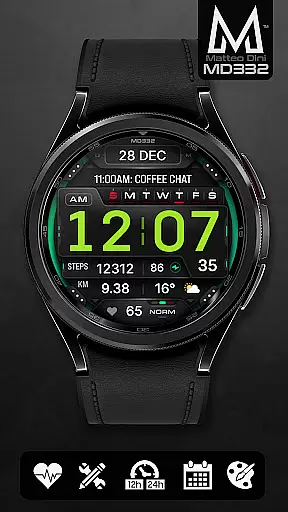
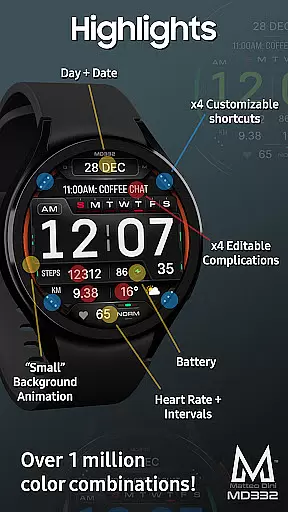
The design includes essential features such as time display based on phone settings, date, day, battery status, heart rate monitoring, and complications. Users can personalize their experience through 3 preset app shortcuts, 4 customizable shortcuts, and 4 customizable complications that can show data like weather, barometer readings, distance walked, calories burned, UV index, and chance of rain.
This digital watch face is ideal for those who want both functionality and personalization on their smartwatch, allowing them to stay connected and informed at a glance.
MD332 stands out with its extensive customization options. The watch face supports both 12/24hr time formats based on phone settings, and includes features like date, day, battery level, and heart rate monitoring with intervals. Its minimalistic yet functional design ensures readability while offering advanced capabilities.
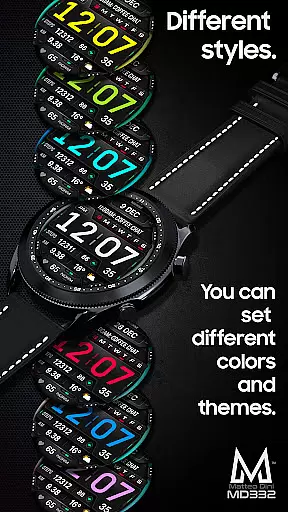
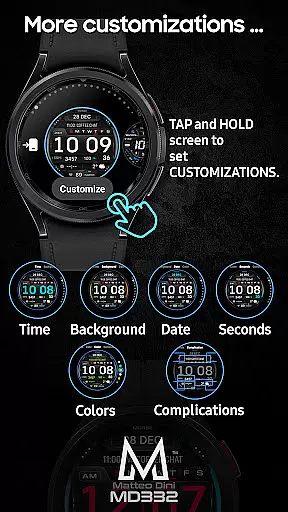
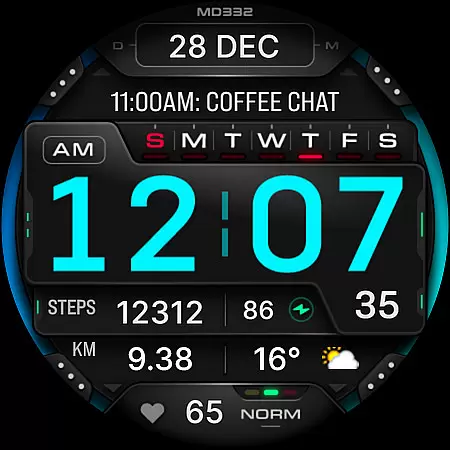
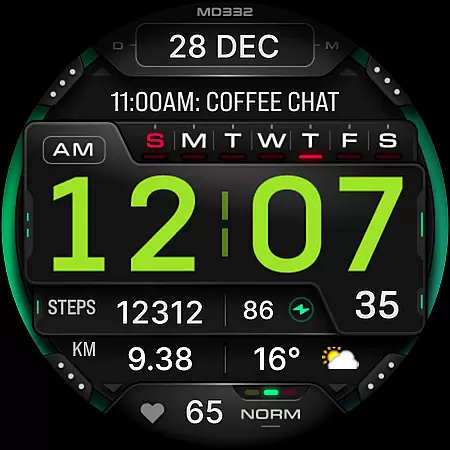
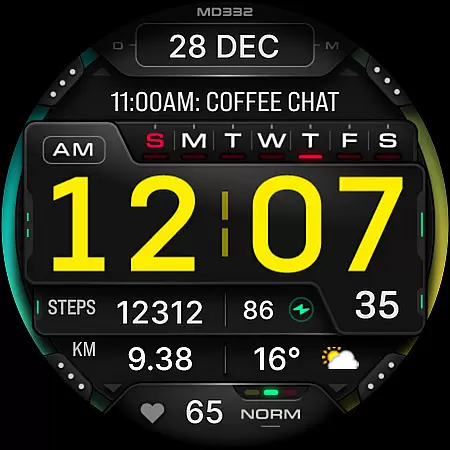
Customization is key with MD332. Users can change the colors of time, date, seconds, background, and general elements. It also supports Always-On Display (AOD) in both minimal and full modes. Shortcuts include calendar, battery, and heart rate measurement, while complications allow integration of various data types such as weather, health metrics, and world clock.
For optimal use, users are encouraged to customize directly on their watch due to potential loading issues with the Samsung Wearable app's editor. This ensures a seamless experience while Samsung works on resolving compatibility concerns.
Companion app integration is essential for a seamless wearable experience. The MD332 Digital watch face offers robust connectivity with its companion app, allowing users to customize and manage their watch face directly from their smartphone.
This integration enables users to easily adjust settings such as time format, color schemes, and data displays without needing to interact directly with the watch interface. This ensures that personal preferences are maintained effortlessly across devices.
Additionally, the companion app provides access to troubleshooting guides and installation support, ensuring that users can resolve any issues efficiently. By offering comprehensive resources, the MD332 enhances user satisfaction and device usability.
Ensuring broad device compatibility is crucial for maximizing user accessibility. The MD332 Digital watch face supports all Wear OS devices with API Level 33+ (Wear OS 4 and later versions), including popular models like Samsung Galaxy Watch 4-8, Ultra, and Pixel Watch.
This wide compatibility allows users to enjoy a consistent and high-quality experience regardless of their specific Wear OS device. The watch face leverages the latest Wear OS features, providing advanced functionalities such as customizable complications and app shortcuts.
Moreover, the MD332 is designed to adapt to various screen sizes and resolutions, ensuring optimal display quality on all supported devices. This commitment to compatibility underscores the watch face's versatility and appeal to a diverse user base.
Highly customizable
Wide device compatibility
Comprehensive data integration
User-friendly interface
Always-On Display support
Complex setup process
Limited Samsung editor support
Additional apps required for some features
Preset shortcuts not editable
Some features may not work on older devices

Walking app for weight loss: walk & step tracker, pedometer, indoor treadmill
 4.60
4.60
Analog watch face with 8 complications and expedition styling
4.5
Structured watch face with seven complications and modular UI elements
3.90
Reliable phone calls with spam protection, caller ID and more helpful features
4.40
The Chevron App allows you to pay for fuel from the comfort of your car!
4.80
A modern hybrid informative watch face for Wear OS designed by BALLOZI
4.80
A digital watch face that celebrates Christmas.
4.00
Animated video-game inspired “secret agent” simulation, right on your wrist!
4.20
Start and succeed with PAP
4.10
Hyperlocal rain alerts by MyRadar using patent-pending technology, radar & more
4.80
The most customizable minimal watch face. For Wear OS 5.0, API 34+ and later
4.70
Be an elegant and classy secret agent, with this carefully detailed watch face
4.70
Deck out your Wear OS Watch face with a beautifully decorated pine wreath!
4.50
Elegant animated Christmas tree with multiple customization options
4.20
Embrace the festive spirit with our Christmas Countdown watchface for Wear OS
4.10
The #1 source of faces for your smartwatch!
4.00
Authentic military-tactical design with ZULU time! Realistic and functional!
3.80
A full-featured Amazon Alexa voice assistant that can show you things.
3.70
an Analog Watch Face for winter season with freeze winter background for Wear OS
4.3

User Reviews