

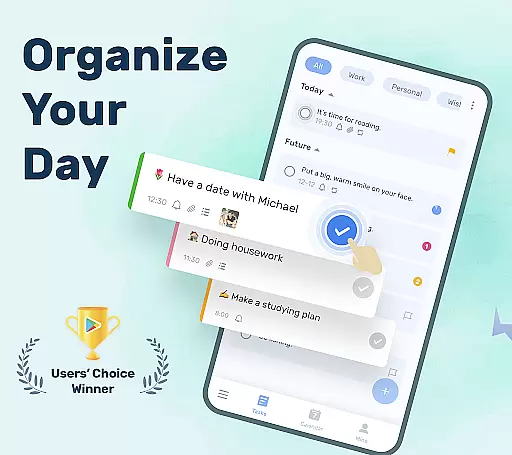
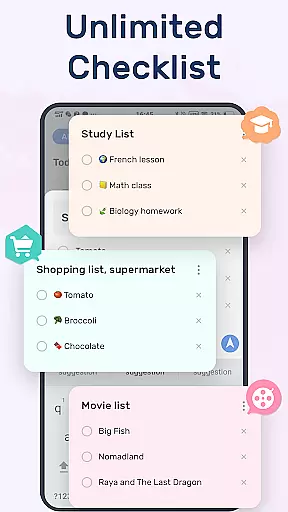
To-Do List is a comprehensive task management app designed to help users organize their daily schedules effectively. This free and easy-to-use online to-do list manager allows you to create multiple task lists, set reminders with alarms, and categorize tasks efficiently.
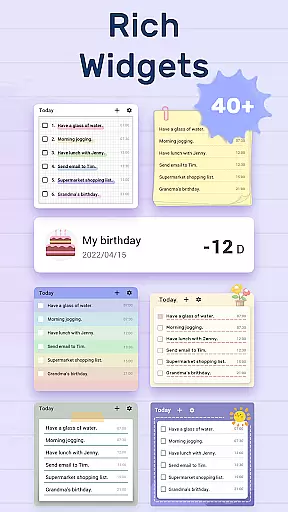
With features like calendar view, cloud sync, and Wear OS support, the app ensures that you never miss an important task or event. Its beautiful themes and customizable options make managing your life and work enjoyable and stress-free.
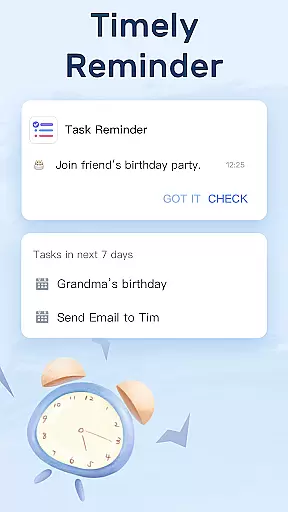
The To-Do List app offers a rich set of features tailored for productivity enthusiasts. It provides beautiful themes and a simple interface, allowing users to create task lists in just two steps. The app supports setting reminders with alarms, ensuring you never overlook critical deadlines.
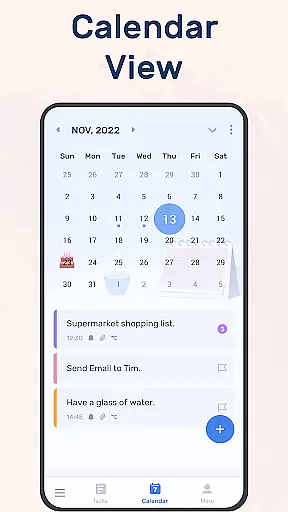
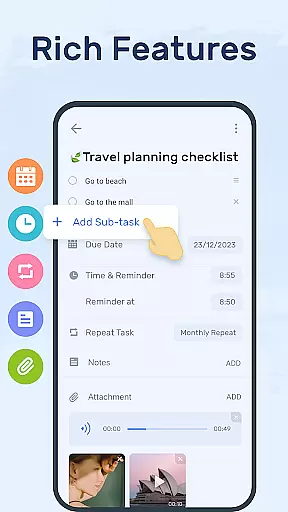
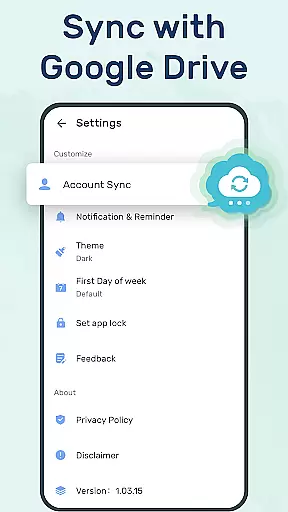
Task management is made easy with categories, priorities, and sub-tasks. Users can star important tasks, add sub-tasks, and enjoy a calendar view for better planning. Additionally, the app supports syncing with Google Drive, enabling cross-device access and backup of your precious data.
Companion app integration is crucial for wearable devices as it ensures seamless synchronization between the main application and its wearable counterpart. For To-Do List, this means that all your tasks, reminders, and schedule planners can be effortlessly managed across multiple devices.
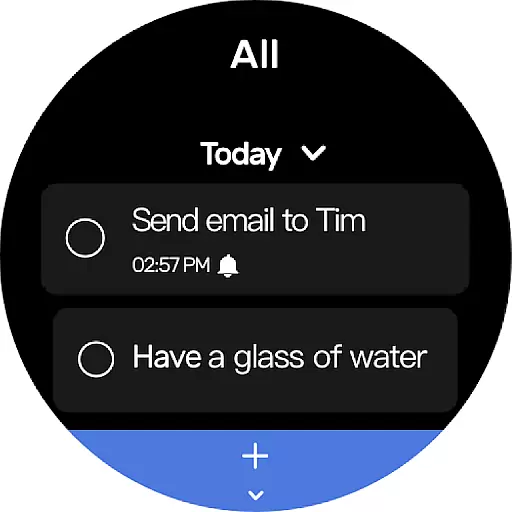
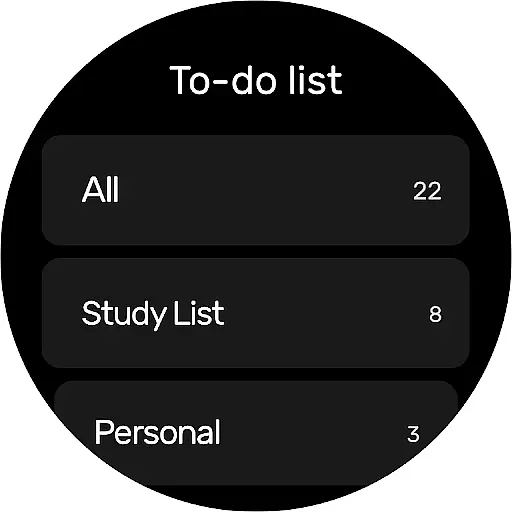
The To-Do List app offers robust companion app integration by allowing users to sync their to-do lists and daily planners with Wear OS devices. This feature ensures that whether you are on your phone or smartwatch, your data remains consistent and up-to-date.
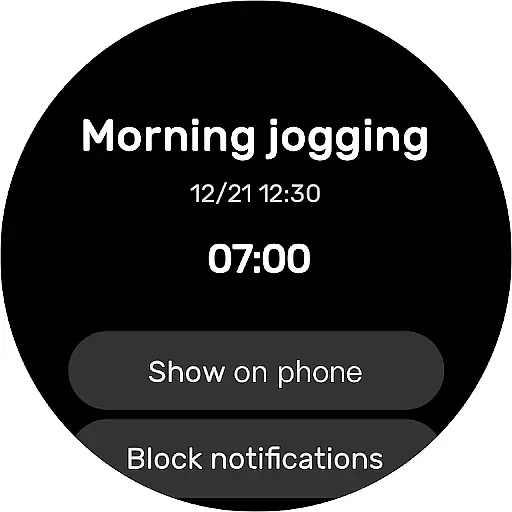
Users benefit from real-time updates and notifications directly on their smartwatches, which helps them stay organized without needing to check their phones constantly. The ability to manage tasks right from the wrist adds a layer of convenience and efficiency to daily planning.
This seamless companion app integration not only enhances user experience but also provides peace of mind knowing that important reminders and schedules are always within reach, no matter which device you choose to use.
Ensuring compatibility with Wear OS devices is essential for any application targeting the Android Wear market. To-Do List excels in this area by providing full support for Wear OS, making it accessible and functional across a wide range of smartwatches.
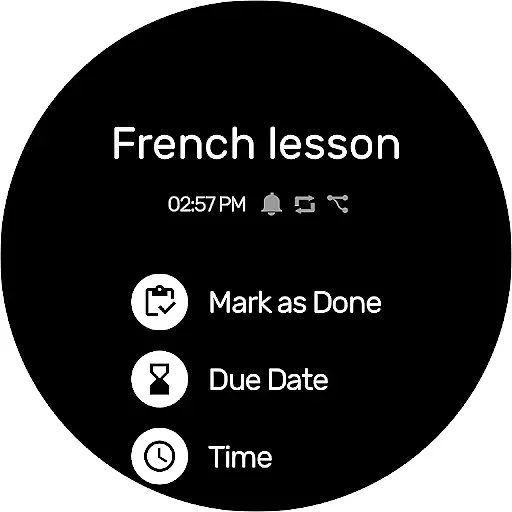
The app's design takes into account the unique constraints and capabilities of Wear OS, ensuring that all features are optimized for smaller screens and touch-based interactions. Users can easily navigate through their to-do lists, set reminders, and manage tasks using intuitive gestures and minimal taps.
By supporting Wear OS, To-Do List allows users to take advantage of voice commands and other smartwatch-specific functionalities, enhancing productivity and ease of use. This compatibility ensures that users can efficiently manage their time and tasks even when they are on the go.
Overall, the comprehensive Wear OS/device compatibility of To-Do List makes it an indispensable tool for those who rely on their smartwatches for managing their busy lifestyles, offering both functionality and convenience in a compact form factor.
User-friendly interface
Customizable themes
Effective reminders
Cloud sync
Cross-device support
Limited advanced features
Occasional bugs
No premium version
Ads present
Basic analytics

Christmas Theme Watch Face for Wear Os
 5.00
5.00
an Analog Watch Face for winter season with freeze winter background for Wear OS
4.3
Deck out your Wear OS Watch face with a beautifully decorated pine wreath!
4.50
A modern premium sporty hybrid watch face for Wear OS by Ballozi
4.70
Digital watch face. For Wear OS devices.
4.40
The Chevron App allows you to pay for fuel from the comfort of your car!
4.80
Your music, your playlists, and more—offline and unlimited.
4.20
Start and succeed with PAP
4.10
Back up your contacts & access them anywhere
4.30
Gym Log & Workout Tracker | Fitness Journal, Training & Weight Lifting Planner
4.90
The most customizable hybrid watch face. For Wear OS 5.0, API 34+ and later
4.70
Real-time results, stats, schedules and player profiles for all leagues
4.60
MyNISSAN® lets you remotely control your car from your phone.*
4.50
Ideal for surviving in the wasteland left after nuclear fallout
4.50
Digital watch face with big numbers and many customization for Wear OS devices
4.40
The ultimate destination for kids ages 3-8 to explore the Marvel Universe!
4.30
"PER27 Galaxy Digital" is a digital Wear OS watch face designed by PERSONA
4.10
Fitness interactive virtual pet super fighter boy watch face
4.4
Minimalistic design modern digital watch face.
4.5

User Reviews