

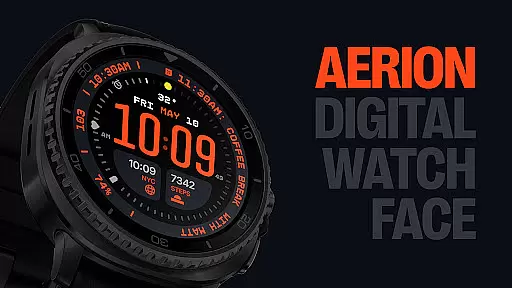
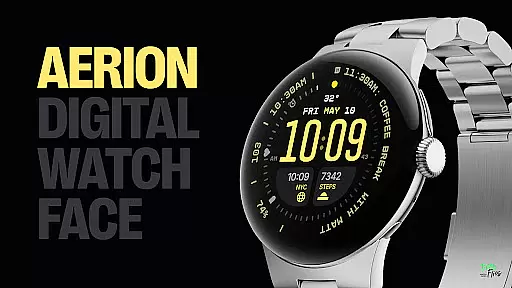
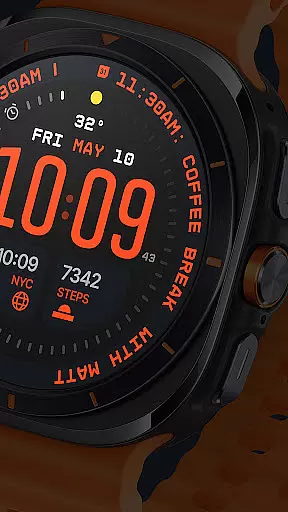
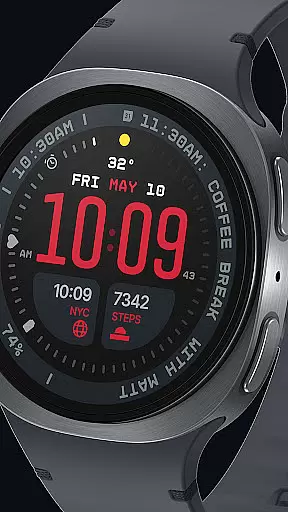
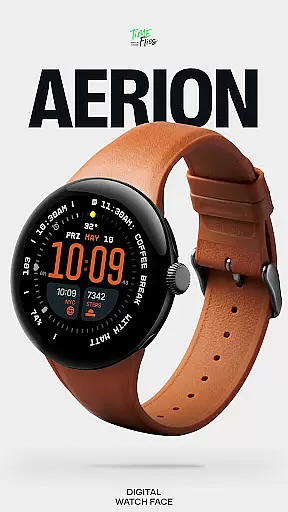
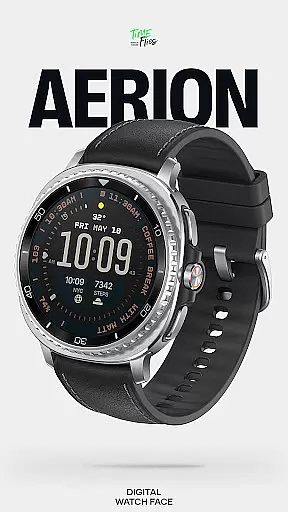
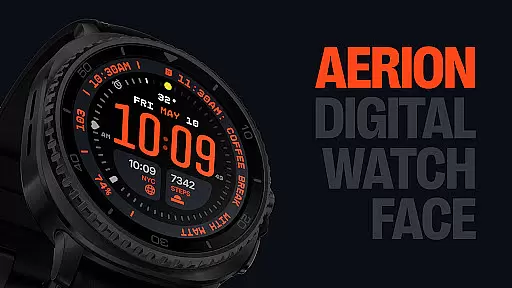
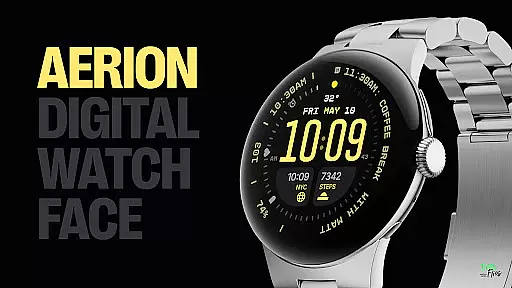
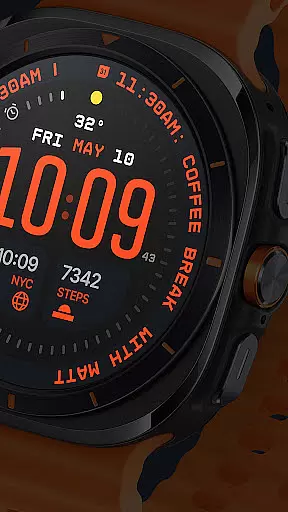
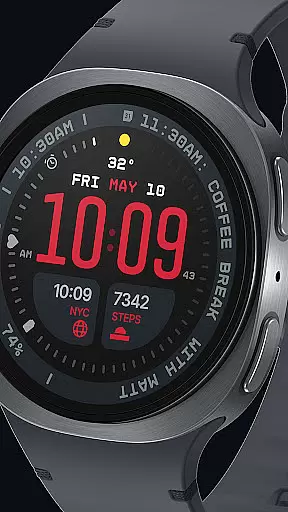
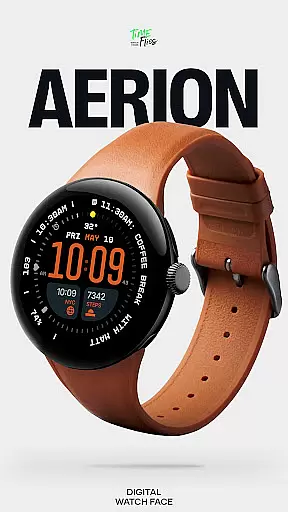
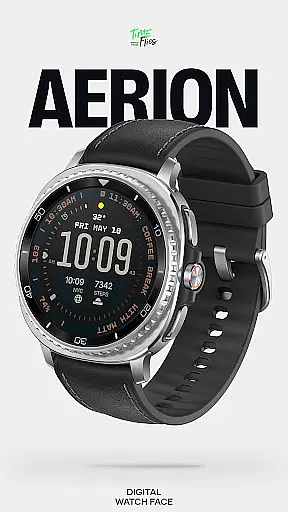
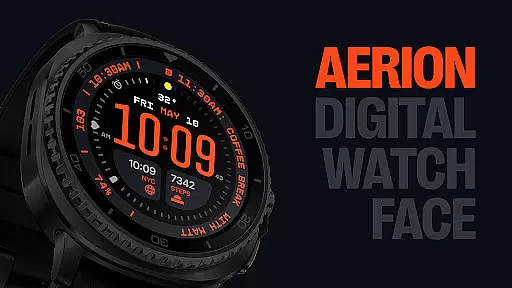
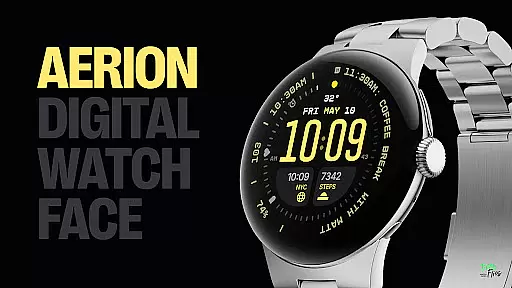
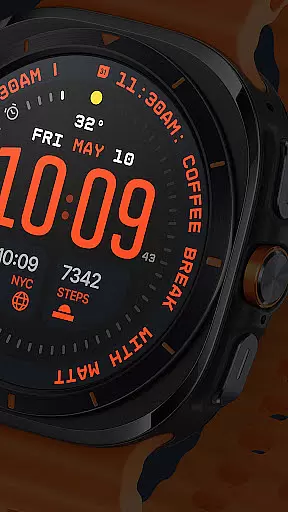
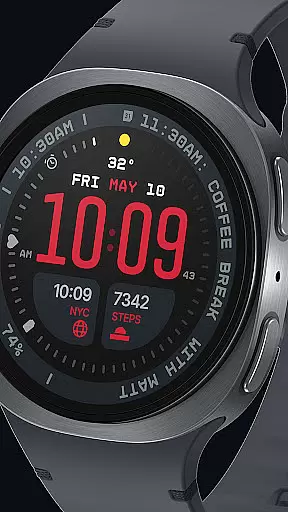
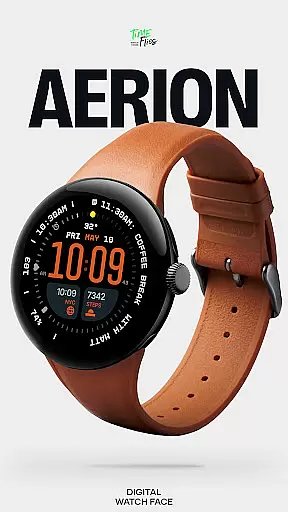
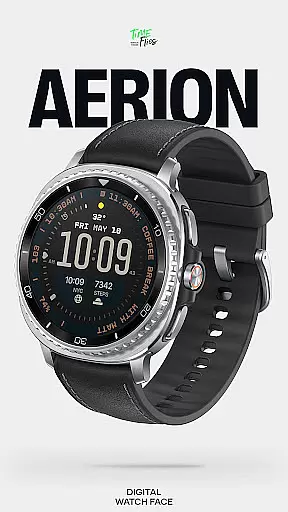
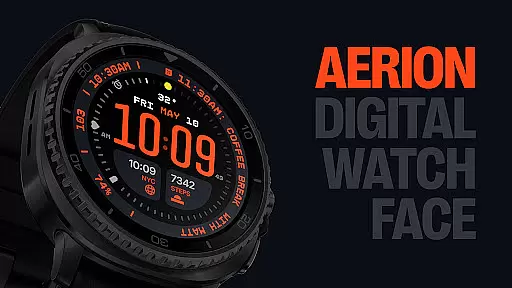
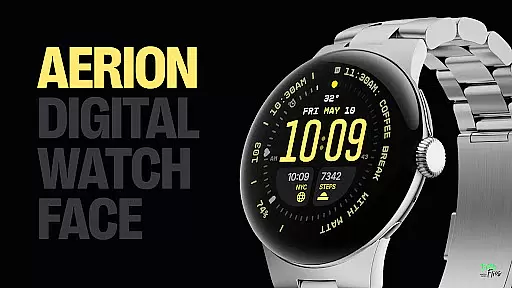
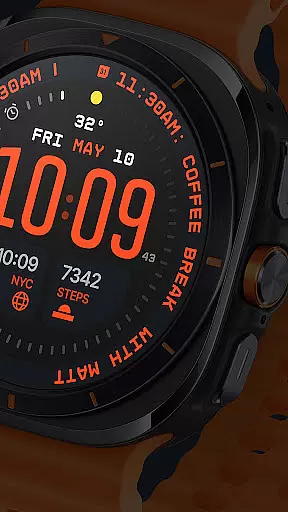
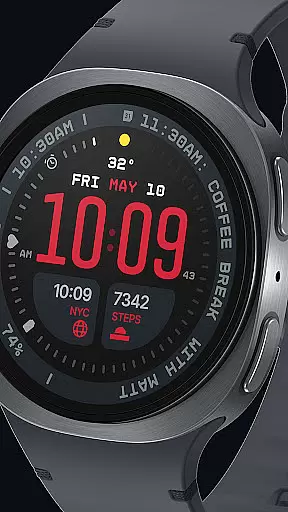
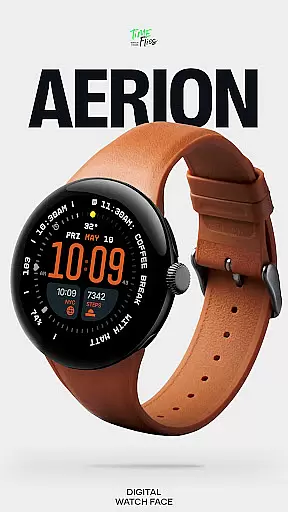
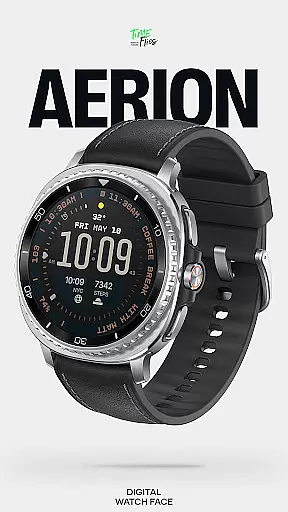
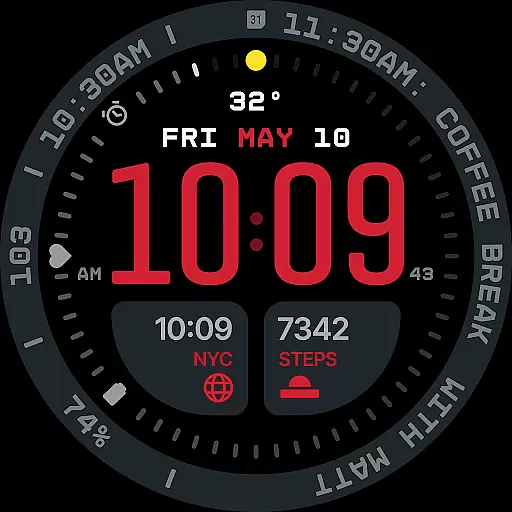
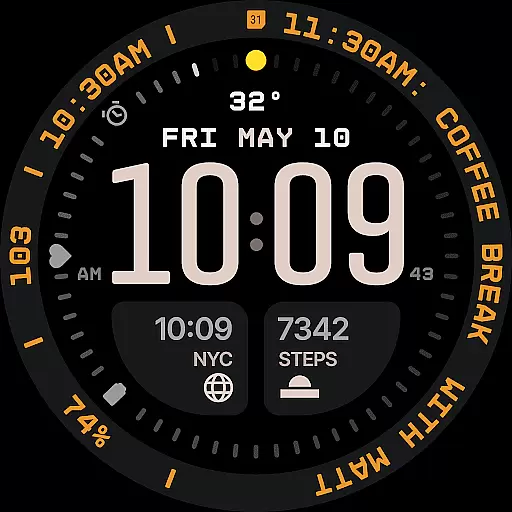
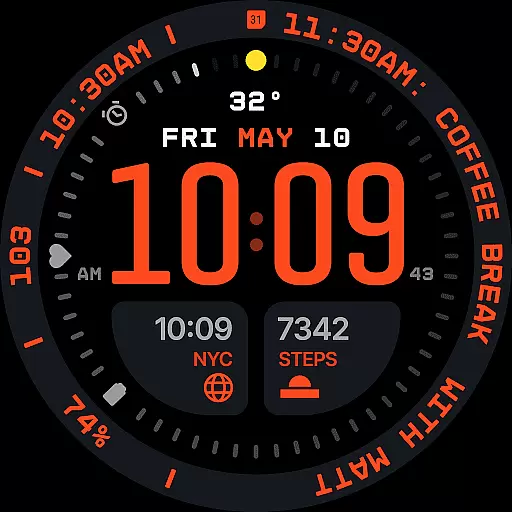
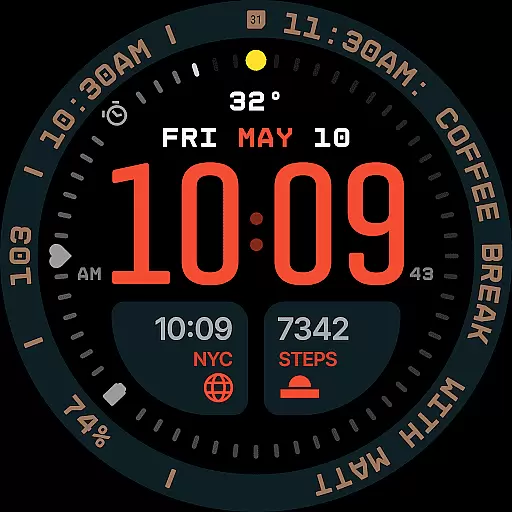
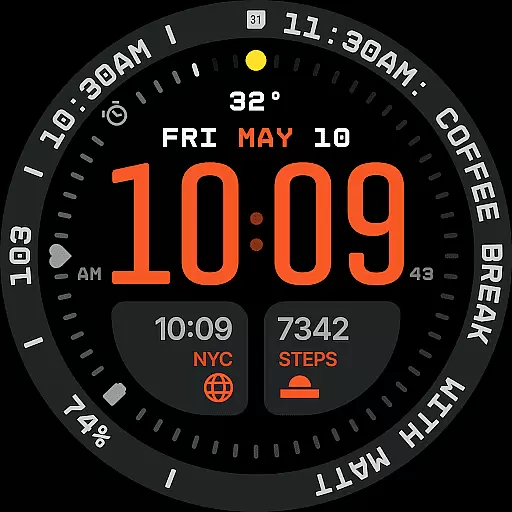
Aerion Digital Watch Face redefines digital timekeeping for Wear OS with its structured and contemporary design. Engineered for clarity and intelligent visual rhythm, the watch face features precision spacing, integrated complication zones, and balanced typography that ensures readability without compromising style.
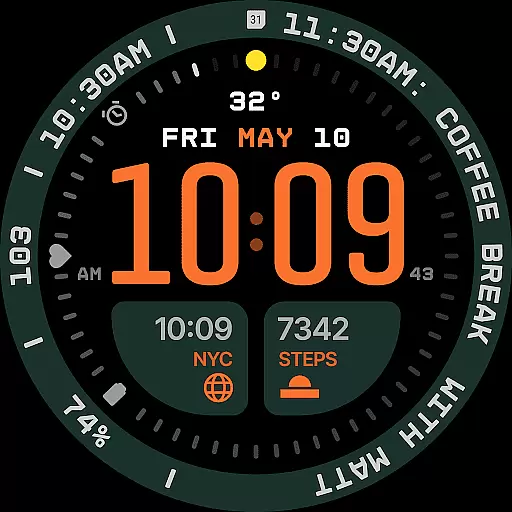
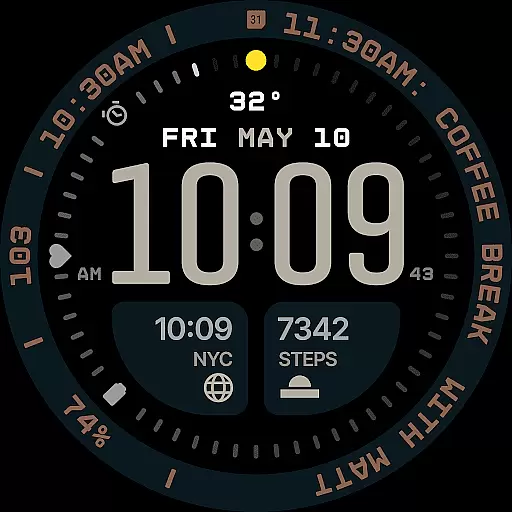
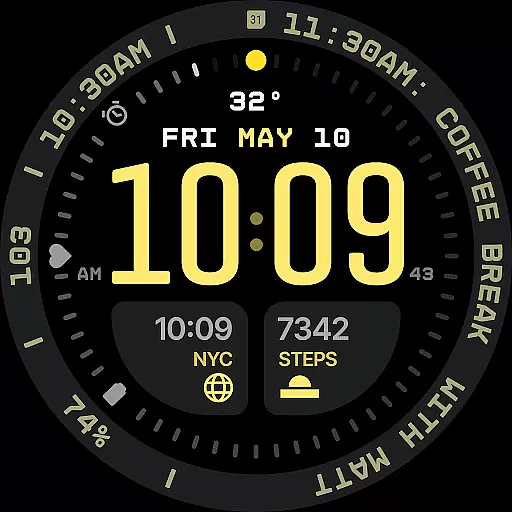
At its core, Aerion displays time using a carefully weighted font, complemented by customizable complications and an integrated day-date display. With 30 curated color schemes, optional bezel and background layers, and four Always-on Display (AoD) modes, it offers both aesthetic flexibility and energy efficiency. Designed for users seeking intelligent design, Aerion combines technical precision with stylistic control, making it ideal for those who value customization and modern aesthetics in their smartwatch experience.
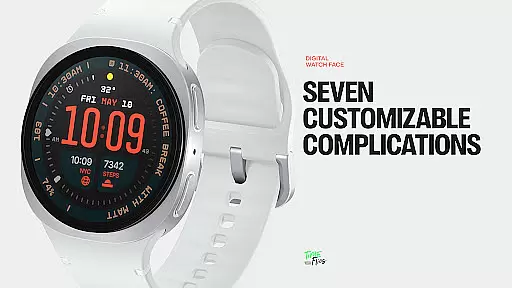
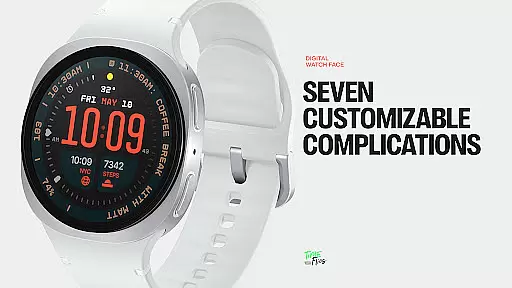
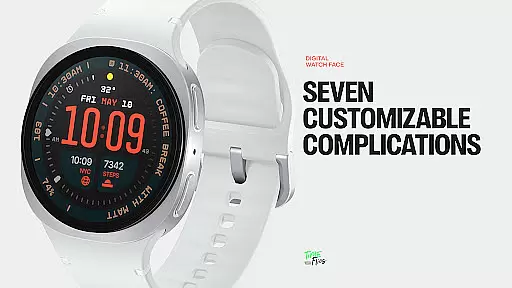
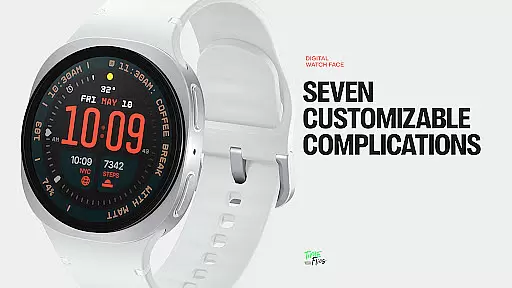
Aerion stands out with its meticulously designed features tailored for functionality and personalization. The watch face supports seven fully customizable complication slots, including universal, short-text, and long-text options, allowing users to display contextual data such as calendar events or voice assistant content seamlessly.
Its built-in day and date display aligns perfectly within the digital structure, ensuring logical placement without cluttering the interface. Additionally, the inclusion of 30 color schemes provides extensive personalization while maintaining optimal readability. For performance optimization, Aerion leverages the modern Watch Face File format, ensuring smooth system operation and battery efficiency. With four distinct Always-on Display styles—ranging from full visibility to minimal configurations—it balances style and power conservation effectively.
Companion app integration is essential for enhancing the functionality of wearable devices like smartwatches. The Aerion Digital Watch Face offers an optional Android companion app that allows users to conveniently access other watch faces from Time Flies. This seamless connection between the smartphone and the wearable ensures that users can easily switch between different styles and configurations without interrupting their routine.
The integration with a companion app provides a centralized location for managing preferences, such as color schemes and complications. Users can customize their digital timekeeping experience on their smartphone and see the changes reflected instantly on their Wear OS device. This not only simplifies personalization but also enhances user engagement by offering a dynamic and interactive way to control the watch face settings.
Furthermore, the companion app acts as a bridge for updates and new features, ensuring that the Aerion Digital Watch Face remains up-to-date with the latest advancements. By leveraging the capabilities of both the smartphone and the wearable, this integration enriches the overall user experience, making it more versatile and responsive to individual needs.
Ensuring compatibility with Wear OS and various devices is crucial for a seamless user experience. The Aerion Digital Watch Face is engineered specifically for Wear OS, guaranteeing smooth system performance and optimal battery efficiency. Its design takes full advantage of the modern Watch Face File format, which supports four Always-on Display styles, including full, dimmed, and minimal configurations, conserving power while maintaining style.
This digital watch face supports a wide array of devices within the Wear OS ecosystem, providing users with flexibility regardless of their hardware choice. Whether it's a leading brand or a newer entrant in the smartwatch market, Aerion's compatibility ensures that all users receive a consistent and high-quality experience. This universality is key to accommodating different user preferences and device specifications.
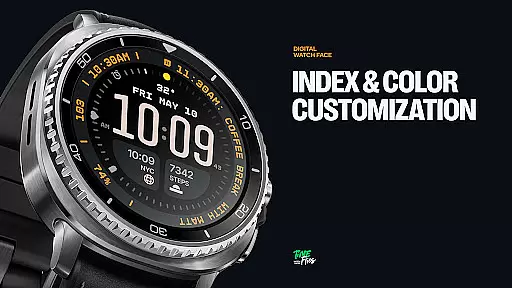
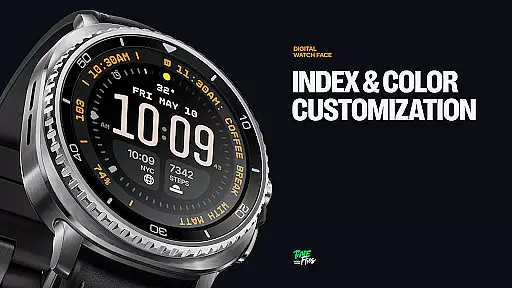
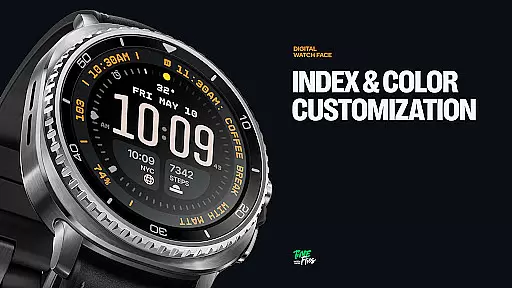
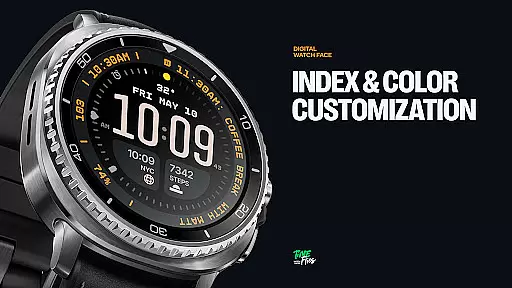
In addition to supporting multiple devices, Aerion offers extensive customization options, including 30 color schemes and switchable bezel and background layers. These features are designed to work harmoniously across different screen sizes and resolutions, delivering crisp visuals and accurate timekeeping. With its focus on technical precision and stylistic control, Aerion stands out as a confident choice for users seeking readability, customization, and a clean modern aesthetic on their Wear OS devices.
Modern and clean design
Highly customizable layout
Battery-efficient performance
Versatile complication options
Wide range of color schemes
Limited appeal for analog fans
Companion app not essential
Complexity may overwhelm beginners
No hybrid display mode
Requires Wear OS compatibility

Animated Watch Face and Customizable with 24 Backgrounds. Perfect for Christmas!
 3.90
3.90
A heartwarming Christmas scene featuring a cute image of Santa and Rudolf
4.2
Elegant animated Christmas tree with multiple customization options
4.20
Simple Analog-Digital Watchface For Wear OS 3.0 and Up Smartwatches
4.3
The most customizable minimal watch face. For Wear OS 5.0, API 34+ and later
4.70
Digital watch face with big numbers and many customization for Wear OS devices
4.40
Hyperlocal rain alerts by MyRadar using patent-pending technology, radar & more
4.80
Get helpful reminders, take progress photos and find answers to your questions.
3.90
From periods to pregnancy & perimenopause, Flo helps you track it all. Try now.
4.70
Christmas - Festive - Christmas Village - Winter - Christmas lights
5.00
Highly customizable hybrid watch face for Wear OS, perfect for everyday use.
4.60
Ideal for surviving in the wasteland left after nuclear fallout
4.50
Fast and smart typing with Emojis, GIFs, and more
4.50
Embrace the holiday spirit with this magical animated watch face!
4.40
The #1 source of faces for your smartwatch!
4.00
A full-featured Amazon Alexa voice assistant that can show you things.
3.70
Want to take charge of your health? Let Google Fit help you reach your goals.
3.50
Christmas and New Year - Themed Watchface
4.4
Stunning modern digital watch face with 7 complications and strong contrast
4.3

User Reviews