

Christmas Village is a festive watch face app designed specifically for Wear OS devices, offering users a perfect way to celebrate the holiday season right on their smartwatch. The app provides a customizable and vibrant watch face experience with features like 12h/24h time display based on phone settings, four customizable fields, and various color options.
In addition to its visual appeal, Christmas Village supports multiple languages and includes an Always On Display function. Users can enjoy different characters and formats while ensuring full functionality by enabling necessary permissions for sensors and complication data. With compatibility exclusively for Wear OS, this app brings a unique and engaging Christmas theme to your wearable device.
Christmas Village offers a rich set of features that enhance the Wear OS user experience during the holiday season. One notable feature is the ability to customize the watch face with four different fields, allowing users to tailor it to their preferences. The app also supports various color schemes and character designs, providing a personalized touch to each user's watch face.
Functionality-wise, Christmas Village integrates seamlessly with weather apps like Weather Complications and SimpleWeather, enabling real-time weather updates directly on the watch face. It supports multiple languages and requires manual activation of sensor permissions and complication data access for optimal performance. These features collectively deliver a versatile and engaging watch face experience tailored for the Christmas season.
For Christmas Village, companion app integration is essential to enhance the overall experience on Wear OS devices. This watch face relies on external apps for weather complications and other customizable features.
The watch face supports complication data from recommended weather apps like Weather Complications and SimpleWeather. These integrations allow users to display real-time weather information directly on their watch face, making it more functional beyond just telling time.
Users benefit from seamless synchronization between their mobile device and the watch face. The 12h/24h time format automatically adjusts based on phone settings, while four customizable fields can be personalized through the companion app.
This integration ensures that users enjoy a cohesive experience across devices, with consistent settings and up-to-date information always available at a glance on their Christmas-themed watch face.
Christmas Village is specifically designed for Wear OS devices, ensuring optimal compatibility and performance. The developers have created this watch face to work seamlessly with the operating system's features and limitations.
When users encounter compatibility messages such as 'Your devices are not compatible,' they are directed to use the Play Store browser version. This approach helps resolve potential installation issues and ensures that only supported devices can download the application.
The watch face takes full advantage of Wear OS capabilities, including Always On Display functionality and customizable fields. Users can manually enable necessary sensor permissions and receive complication data, enhancing their experience with different colors and characters.
By focusing exclusively on Wear OS, Christmas Village delivers a reliable and visually appealing solution for users who want to celebrate the holiday season with a festive touch on their smartwatches.
Perfect for holidays
Highly customizable
Vibrant colors
Multi-language support
Always On Display
Wear OS only
Weather setup needed
Permissions required
Limited compatibility
No iOS support

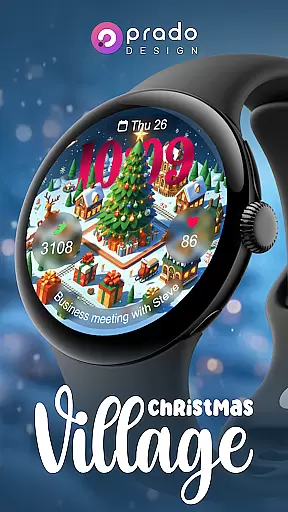
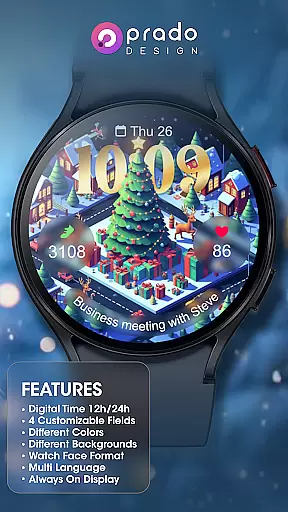
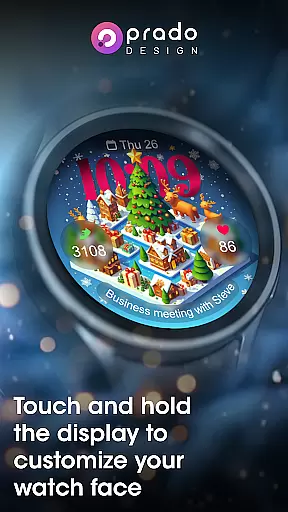
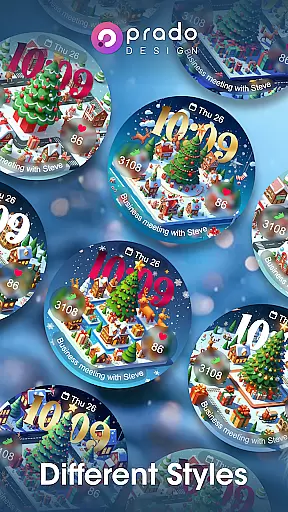

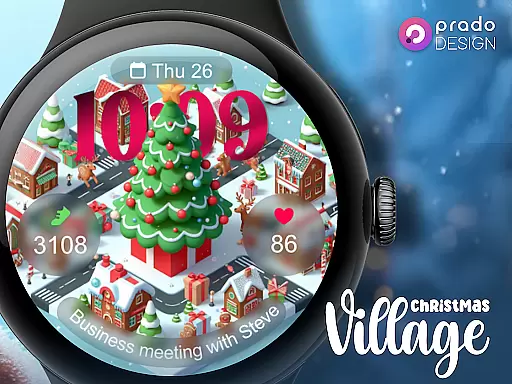
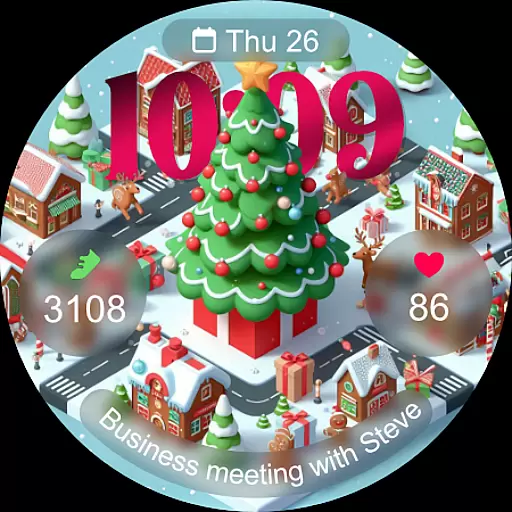
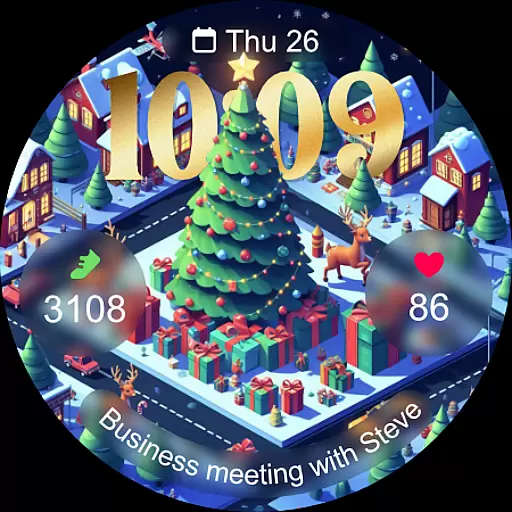
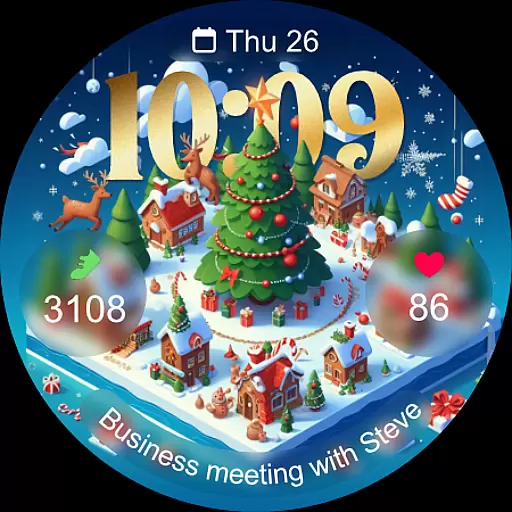
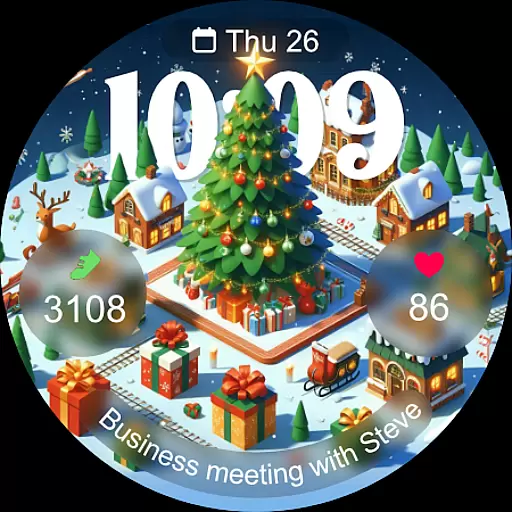
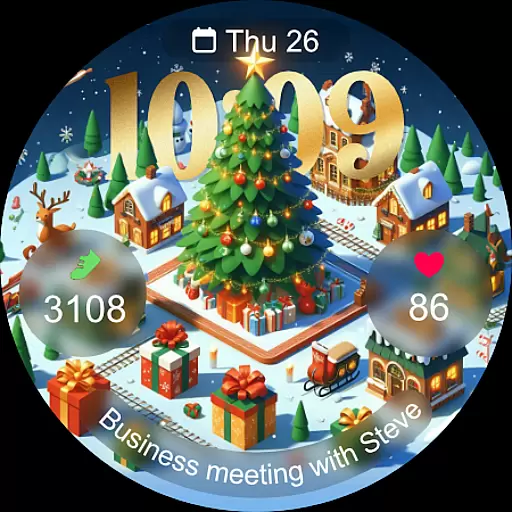
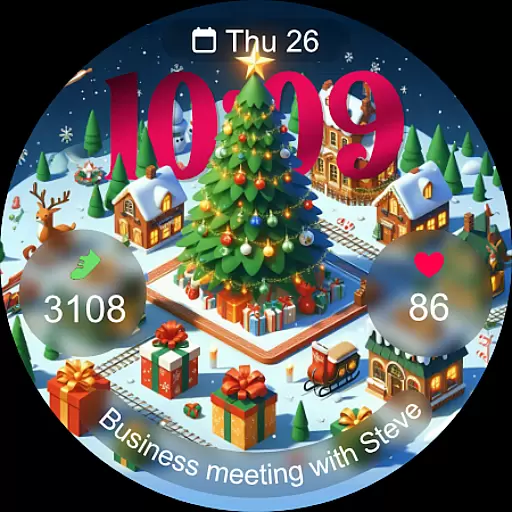
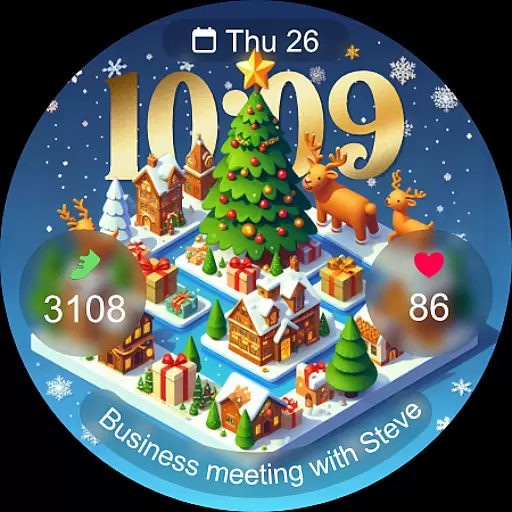

Christmas watch face. For Wear OS devices.
 4.30
4.30
Animated Watch Face and Customizable with 24 Backgrounds. Perfect for Christmas!
3.90
Simple Analog-Digital Watchface For Wear OS 3.0 and Up Smartwatches
4.4
Period, ovulation & pregnancy tracker. Fertility insights & menstrual calendar.
4.90
Hyper-Realistic Airplane Dashboard Watch Face With 10 Skins and Custom AOD
4.00
Retro digital watch face with customizable colors and a unique lighting effect
4.60
Animated video-game inspired “secret agent” simulation, right on your wrist!
4.20
Start and succeed with PAP
4.10
Back up your contacts & access them anywhere
4.30
Your second brain for organizing your life: to-do, calendar, reminder.
4.70
Highly customizable hybrid watch face for Wear OS, perfect for everyday use.
4.60
Stylish, Energizing and Modern Watch Face crafted by Dominus Mathias.
4.50
Connect, create, and collaborate with Gmail, part of Google Workspace.
4.10
The #1 source of faces for your smartwatch!
4.00
A digital watch face that celebrates Christmas.
4.00
Structured watch face with seven complications and modular UI elements
3.90
Watch face designed for Thanksgiving Day. 7 Background Styles included.
3.20
3 Complications. All shadow on/off. 30 Themes color palette...
4.5
Funny animated watch face for Thanksgiving
4.3

User Reviews