

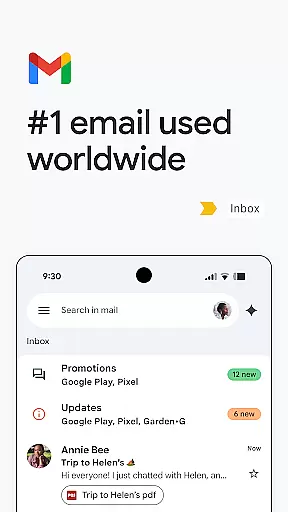
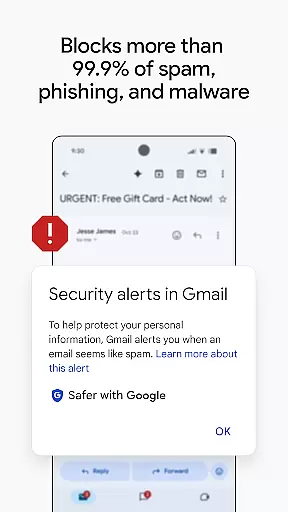
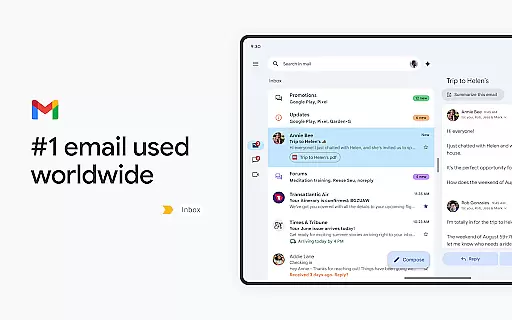
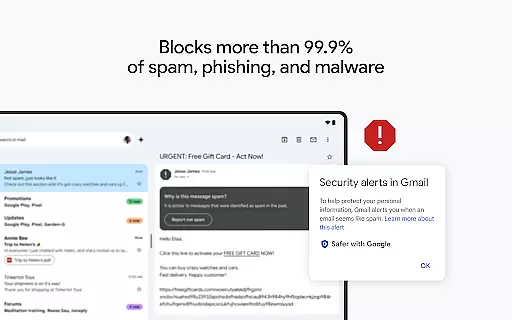
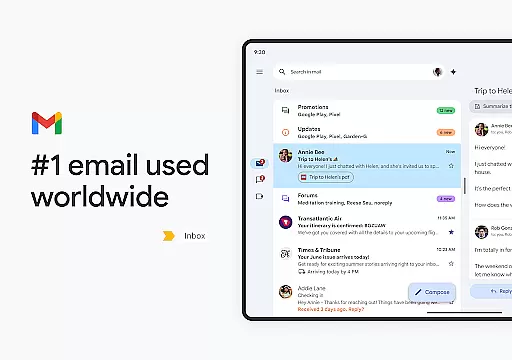
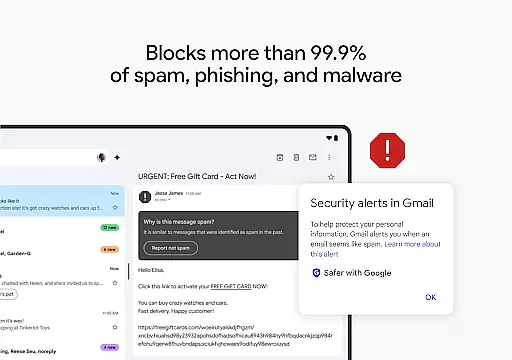
Gmail is the official email application from Google, designed to bring a seamless and secure emailing experience to Android devices. It offers advanced features such as AI-powered writing assistance, robust search capabilities, and multi-account support. With enhanced security measures that block over 99.9% of spam and phishing attempts, Gmail ensures your communications remain safe.
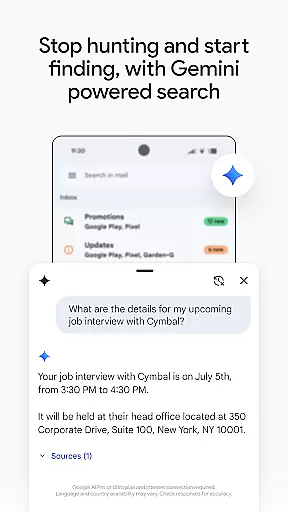
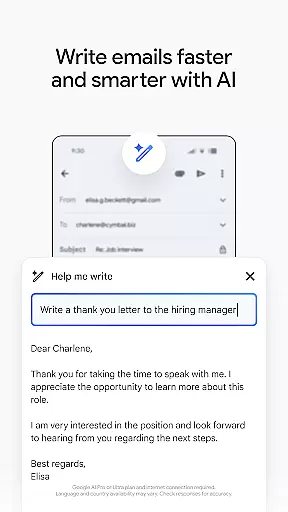
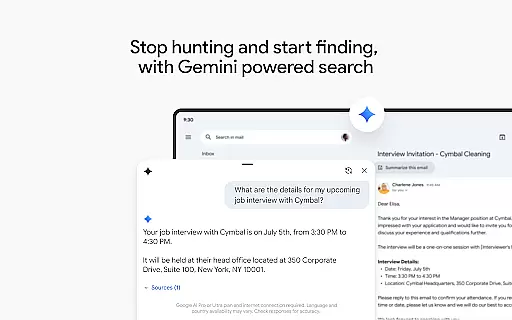
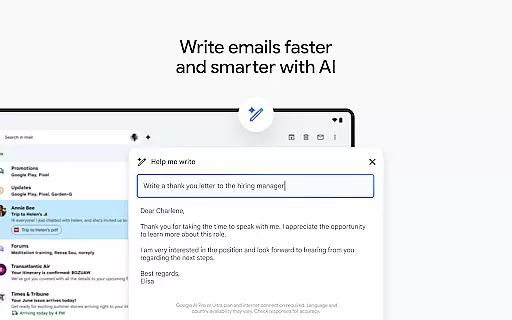
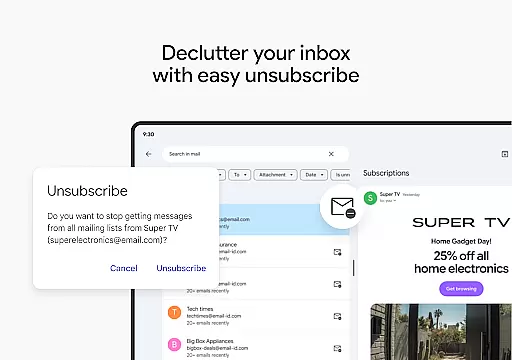
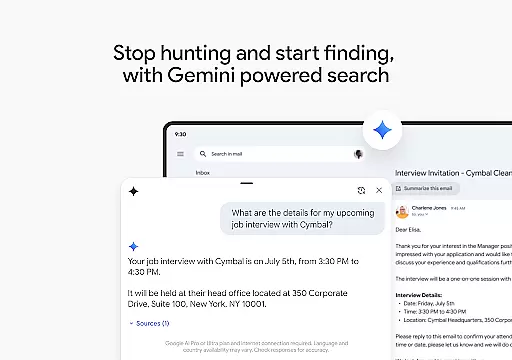
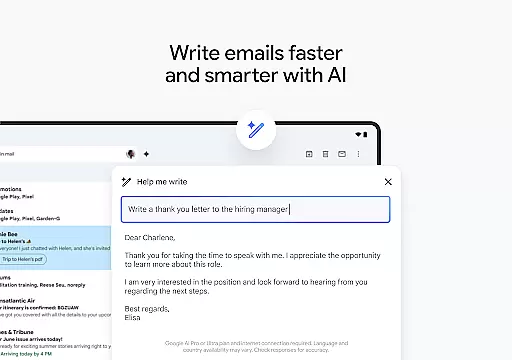
One standout feature is the integration with Google AI, which allows users to write emails faster, organize their inbox efficiently, and even find specific details across emails or linked Google Drive files. The app also supports Wear OS, enabling users to manage their emails directly from their smartwatch. This makes Gmail not just a powerful tool for productivity on mobile devices but also an essential companion for staying connected on the go.
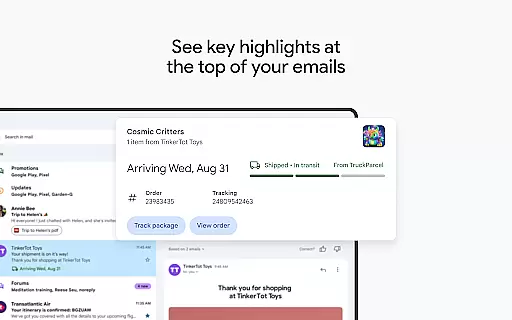
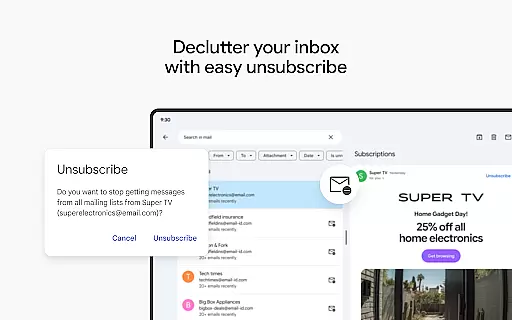
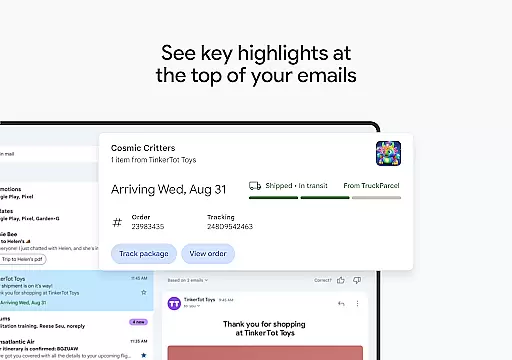
Gmail stands out with its innovative use of Google AI, providing users with tools like 'Help me write' and contextual Smart Reply options. These features allow users to compose emails more quickly and respond to messages with suggestions tailored to the conversation context. Additionally, the app's powerful search functionality helps users locate specific emails or content within attachments effortlessly.
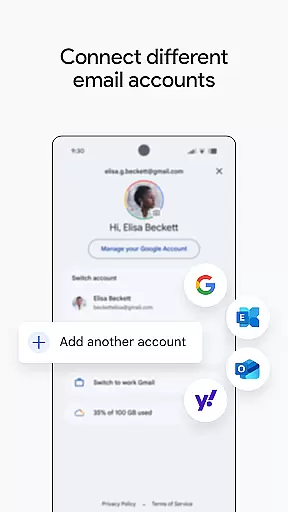
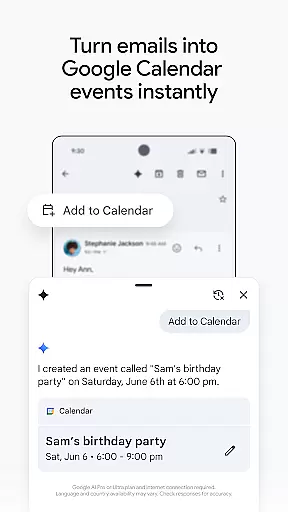
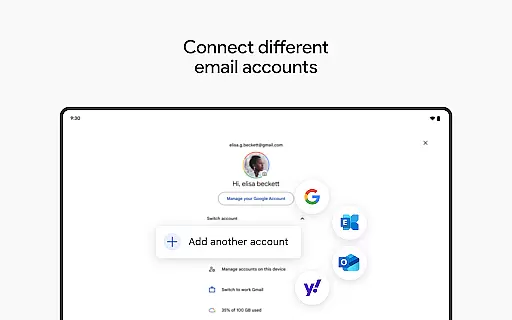
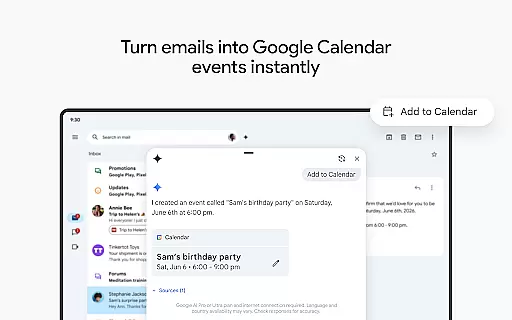
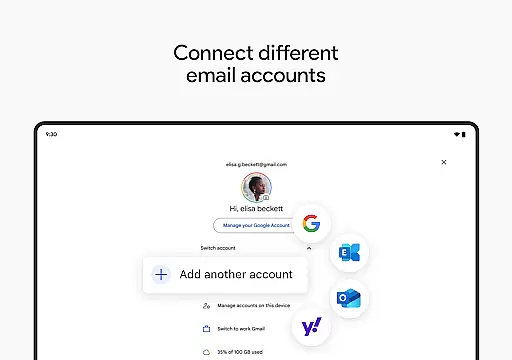
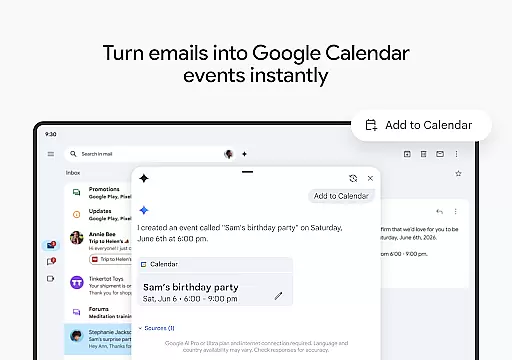
Another key feature is the ability to manage multiple email accounts from different providers all within the same interface. Users can easily switch between personal and work accounts without needing to log in and out repeatedly. Moreover, Gmail enhances productivity by integrating with other Google Workspace apps like Calendar and Meet, allowing users to schedule meetings, send invites, and collaborate in real time without leaving their inbox.
Companion app integration is a crucial feature for wearable devices, ensuring seamless synchronization between the main application and its wearable counterpart. Gmail's integration with Wear OS exemplifies this by extending core email functionalities to users' wrists.
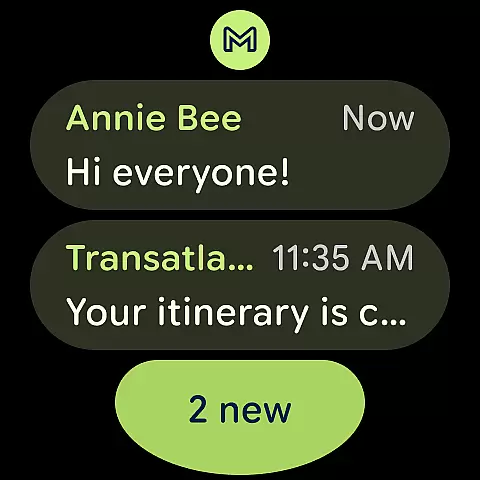
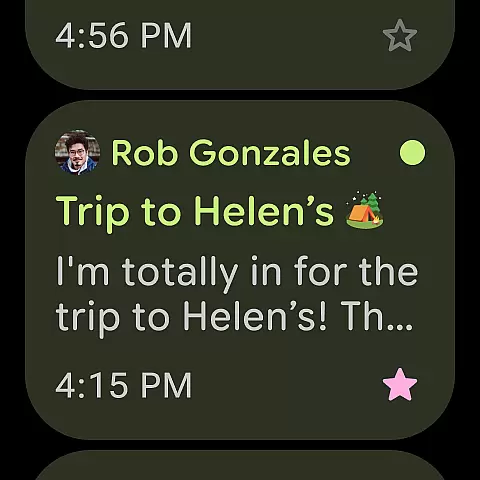
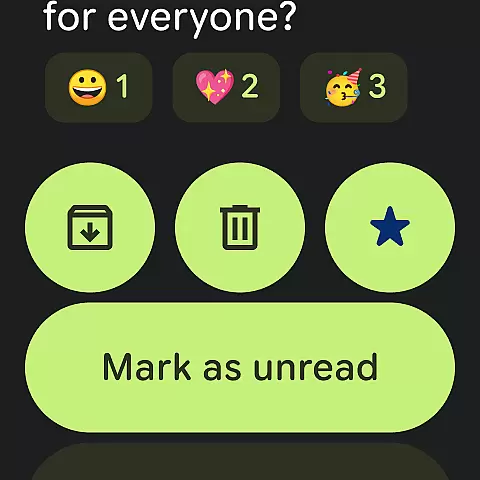
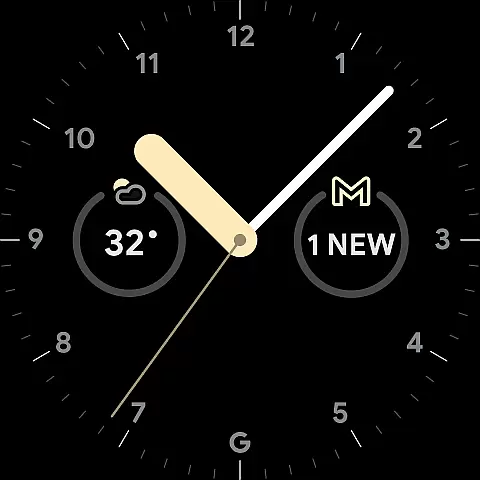
The Gmail app for Wear OS allows users to receive notifications, read emails, and even respond to messages directly from their smartwatch. This tight integration ensures that users can stay connected and productive without needing to pull out their phone.
By maintaining consistent functionality across devices, Gmail provides a unified user experience. Whether you're at your desk or on the go, the transition between devices feels natural and intuitive, enhancing overall productivity.
This level of integration not only improves accessibility but also maximizes convenience, allowing users to manage their emails efficiently regardless of their location or situation.
Device compatibility is essential for ensuring that applications run smoothly across various hardware configurations. Gmail's compatibility with Wear OS devices showcases its adaptability to different screen sizes and input methods.
Gmail supports a wide range of Wear OS smartwatches, providing optimized interfaces that make navigation and interaction effortless. The app takes advantage of the unique features offered by these devices, such as voice commands and glanceable notifications.
With regular updates and thorough testing, Gmail maintains high performance standards across all compatible devices. Users can trust that their email experience will be consistent, whether they are using a watch or a phone.
This commitment to compatibility demonstrates Gmail's dedication to delivering a reliable and enjoyable user experience on every supported platform.
Advanced AI features
Multi-account support
Robust search capabilities
Enhanced security protections
Seamless Wear OS integration
Premium AI requires subscription
Limited offline functionality
Occasional sync issues
Interface can feel cluttered
Dependent on Google ecosystem

Gym Log & Workout Tracker | Fitness Journal, Training & Weight Lifting Planner
 4.90
4.90
MyNISSAN® lets you remotely control your car from your phone.*
4.50
Stunning modern digital watch face with 7 complications and strong contrast
4.1
Let's celebrate Thanksgiving - Wear Os watch face
4.20
Nutrition, Macro tracker: Food, fitness & healthy diet tracking for weight loss
4.60
To-Do List: daily schedule planner, task organizer, to do reminder app, calendar
4.60
A realistic hybrid watch face with many customization options.
4.60
A white realistic classic analog watch face with many customization options.
4.40
Back up your contacts & access them anywhere
4.30
Hyperlocal rain alerts by MyRadar using patent-pending technology, radar & more
4.80
The Chevron App allows you to pay for fuel from the comfort of your car!
4.80
Highly customizable hybrid watch face for Wear OS, perfect for everyday use.
4.60
Current temperature, weather hourly, weather radar by the weather forecast app
4.40
Digital watch face. For Wear OS devices.
4.40
Bold weather Digital watchface with forecast & optional animated background
4.40
Structured watch face with seven complications and modular UI elements
3.90
Stay in touch with your friends and family using LINE!
3.40
Watch face designed for Thanksgiving Day. 7 Background Styles included.
3.20
3 Complications. All shadow on/off. 30 Themes color palette...
4.0


User Reviews