

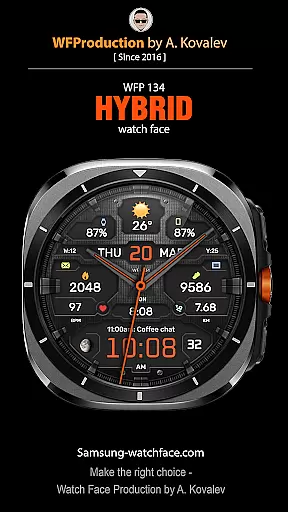
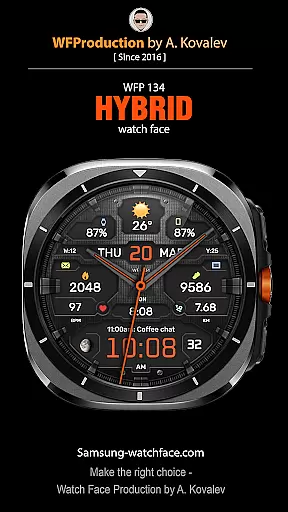
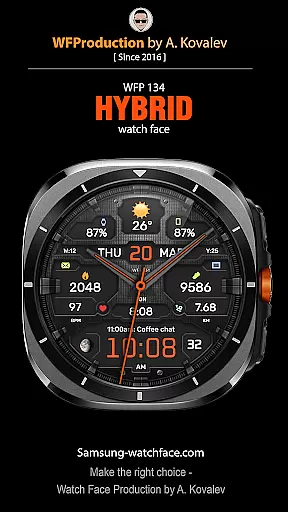
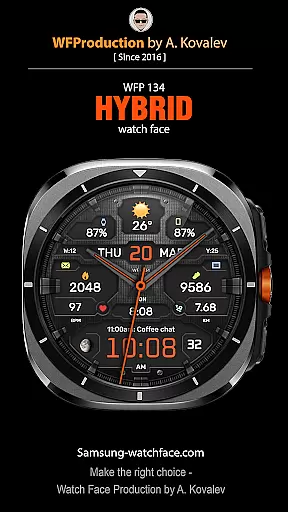
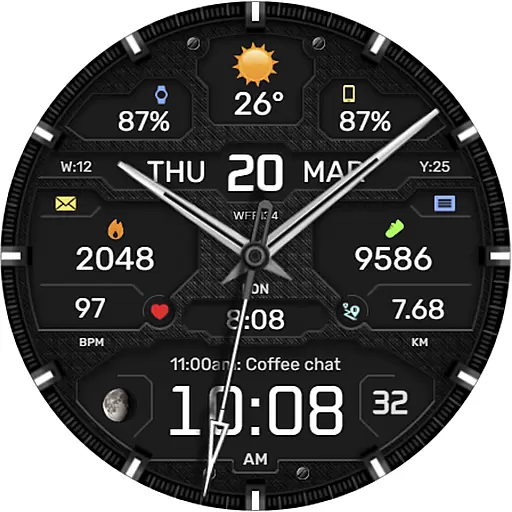
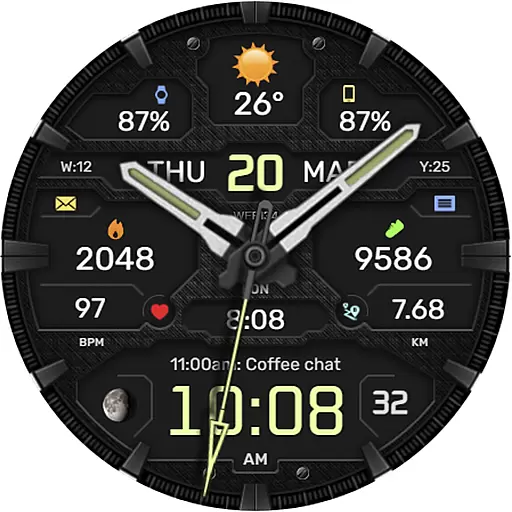
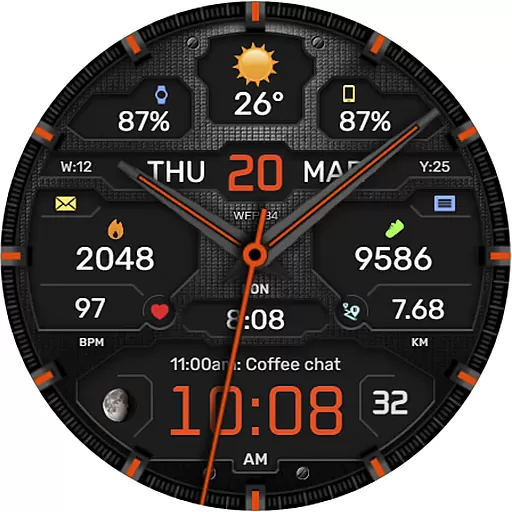
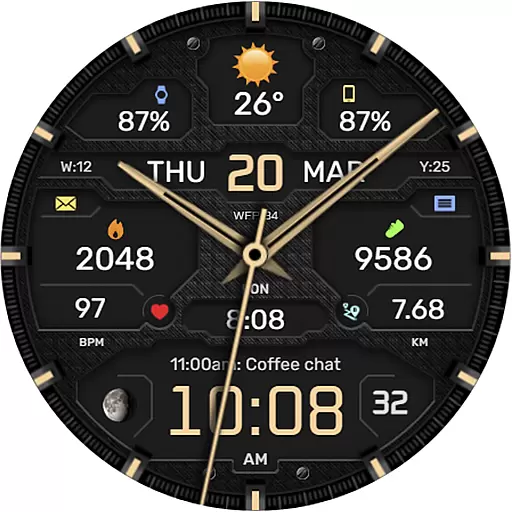
The WFP 134 Hybrid watch face is a stylish and functional accessory for your smartwatch, offering detailed weather forecasts, health tracking, and activity monitoring. With its high-resolution display and extensive customization options, users can personalize their watch face to suit their preferences perfectly.
Compatible with devices running API 34+ and later, this watch face supports a wide range of features including complications, color combinations, backgrounds, and more. Its optimized design ensures low battery consumption while maintaining high performance.
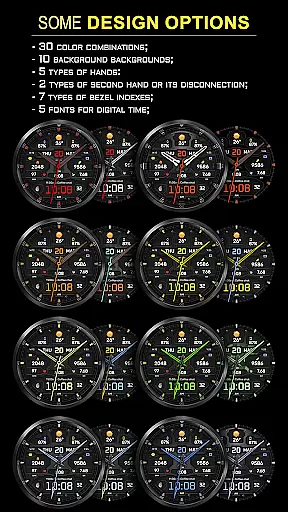
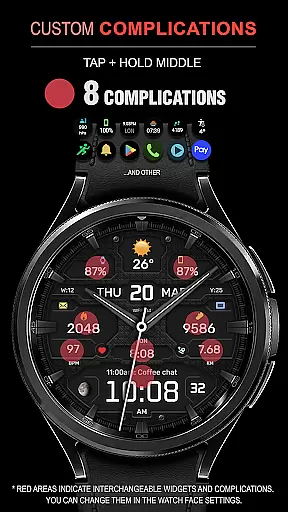
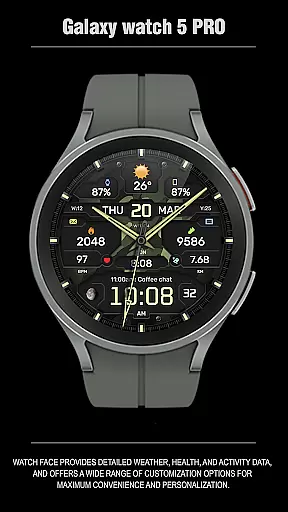
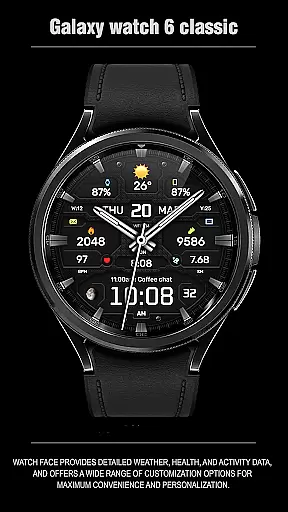
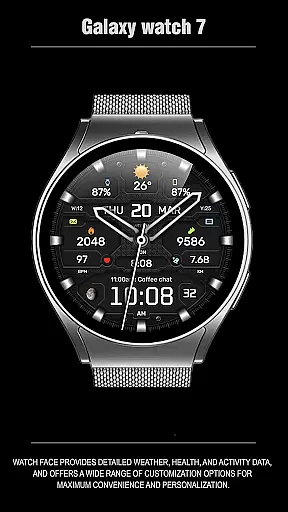
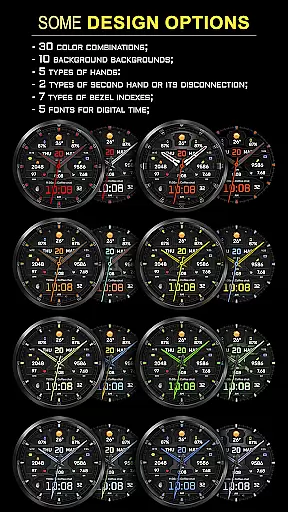
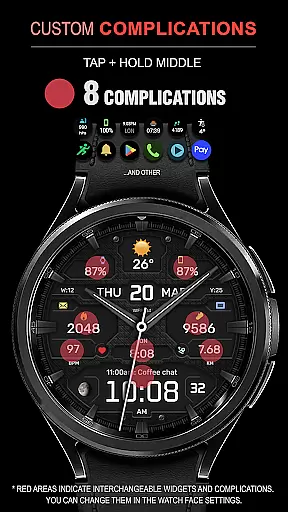
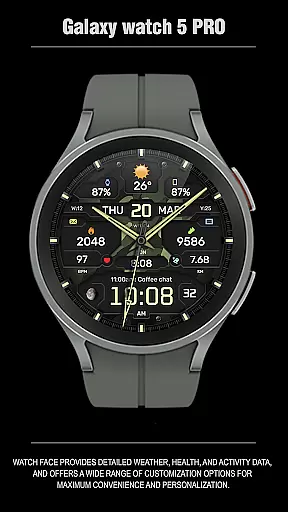
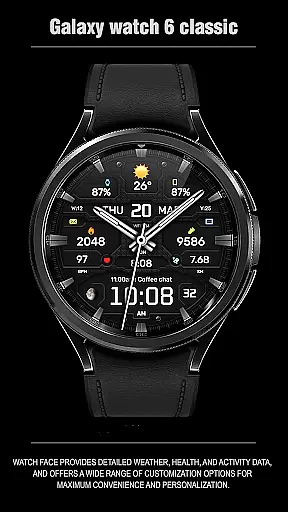
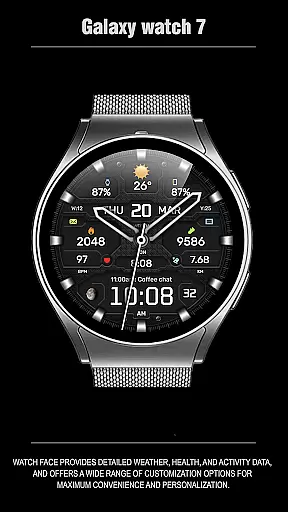
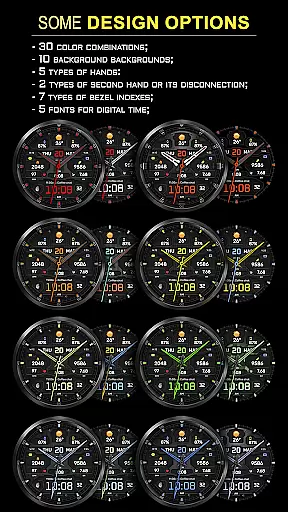
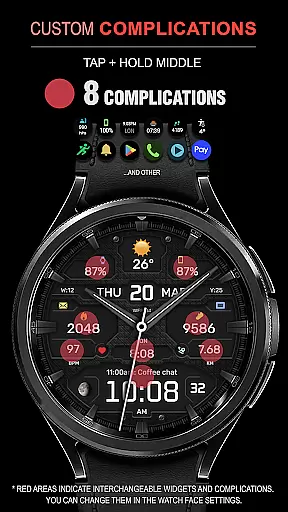
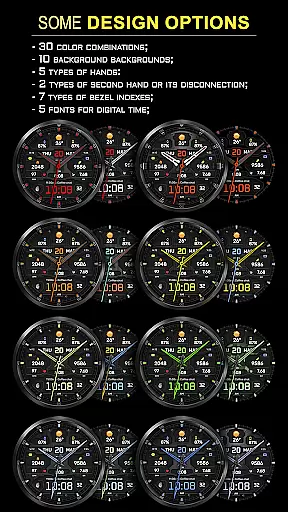
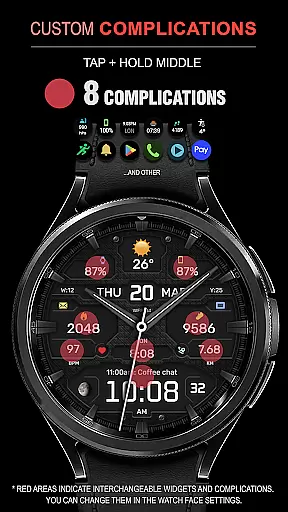
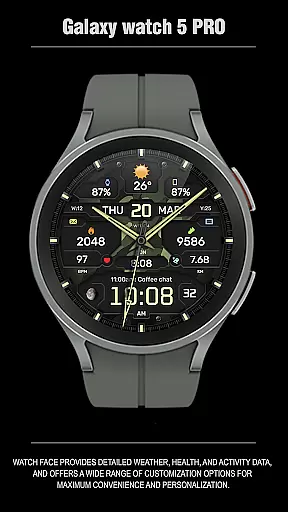
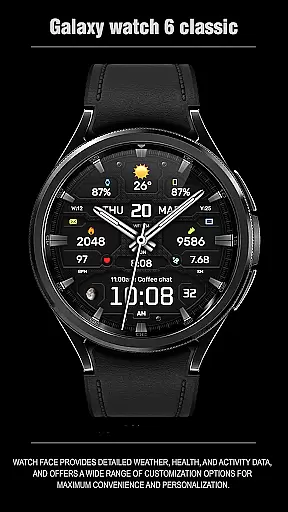
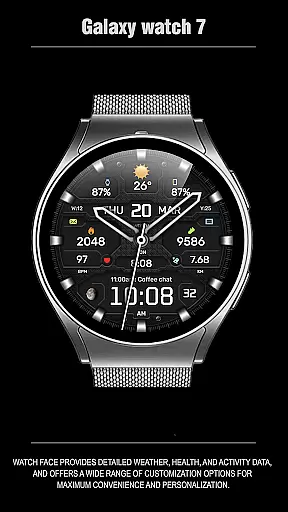
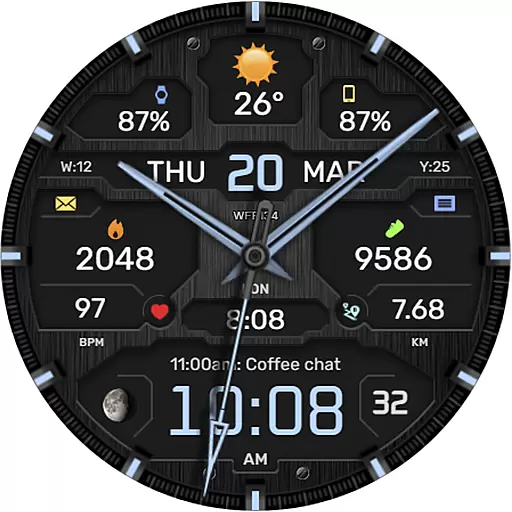
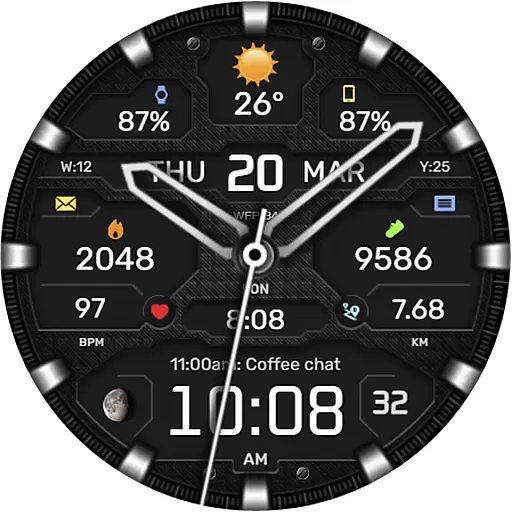
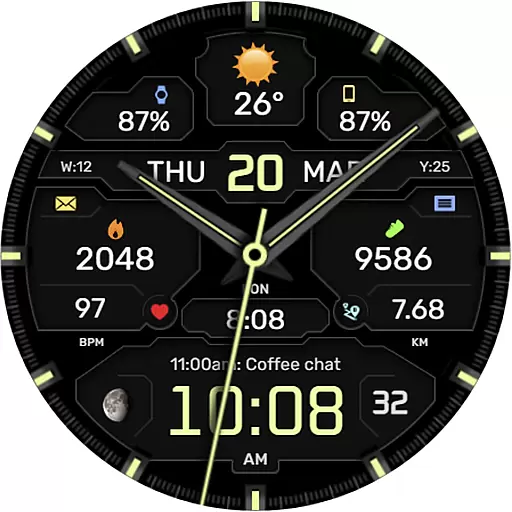
This hybrid watch face stands out with its array of features designed to enhance user experience. It includes 8 complications, 30 color combinations, 10 backgrounds, and various types of hands and bezel indexes. Users can choose from 5 fonts for digital time display and switch between Fahrenheit and Celsius for weather information.
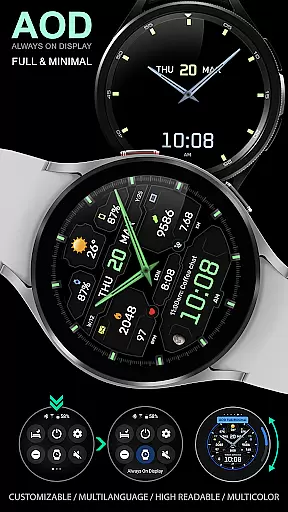
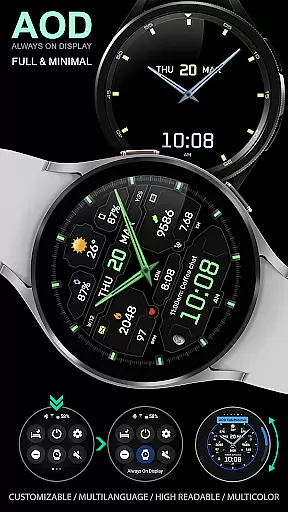
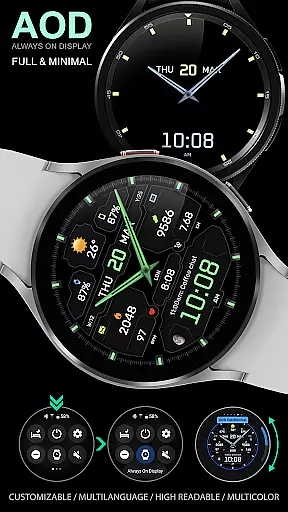
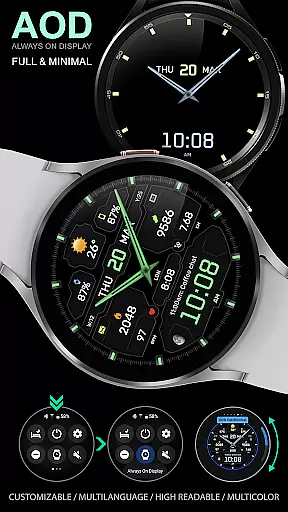
Additional functionalities include a black edition mode, moon phases, customizable AOD modes, and multilingual support. The high optimization and resolution ensure that the watch face remains visually appealing and efficient in performance.
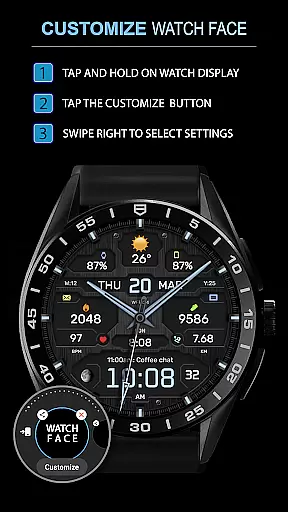
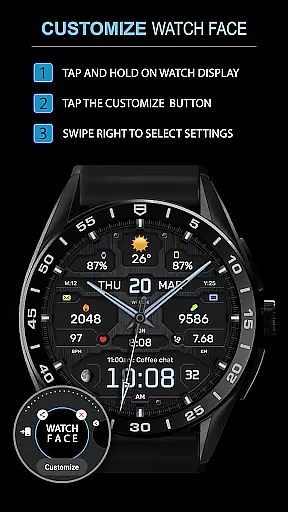
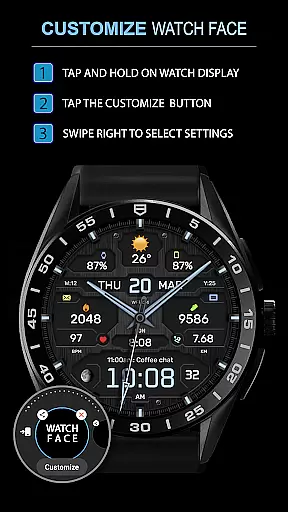
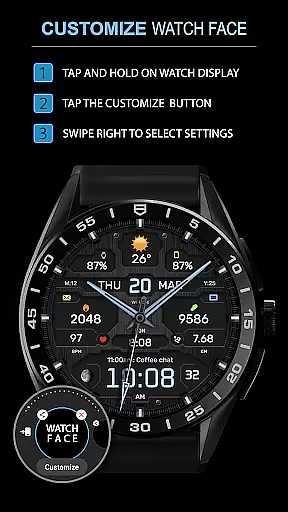
Companion app integration is essential for a seamless experience between wearable devices and smartphones. The WFP 134 Hybrid watch face excels in this area by offering users the ability to customize their watch face directly from their phone.
This application provides an intuitive interface where users can adjust various settings such as complications, color combinations, and background options. With over 30 color combinations and 10 backgrounds available, personalization reaches new heights, ensuring that your watch face truly reflects your personal style.
Furthermore, the app supports advanced features like weather forecasts, moon phases, and multilingual options, all of which are easily configurable through the companion app. This ensures that users have access to real-time information and can tailor their watch face to display the data most relevant to them.
The synchronization between the smartphone and the watch is reliable and fast, allowing for instant updates and changes. Users can also manage their AOD (Always On Display) mode settings, choosing between full or minimal displays, thus optimizing battery consumption while maintaining functionality and aesthetics.
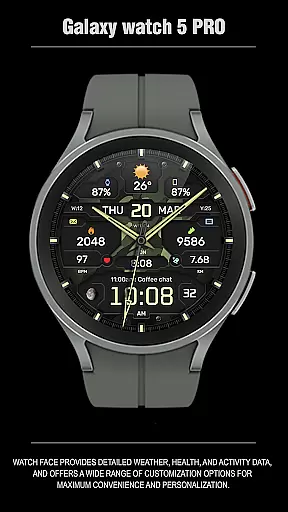
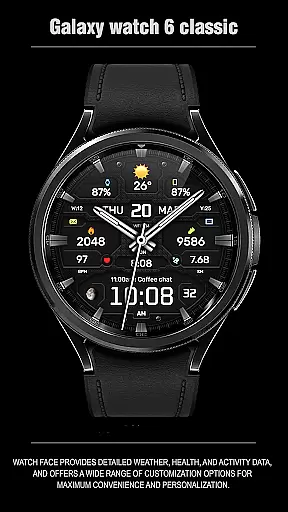
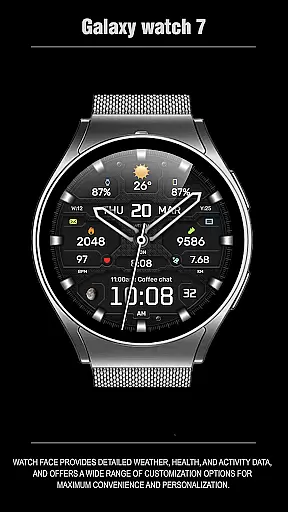
Ensuring compatibility across various devices and operating systems is crucial for any wearable technology. The WFP 134 Hybrid watch face is designed to work seamlessly with devices running Wear OS, specifically those with API 34+ and later, providing a broad range of users access to its sophisticated features.
This compatibility extends to a multitude of functionalities including detailed health and activity tracking, customizable watch faces, and high-resolution displays. By supporting multiple device types, the WFP 134 guarantees that whether you're using a Samsung Galaxy Watch or another Wear OS device, you'll enjoy a consistent and optimized experience.
In addition to basic compatibility, the WFP 134 offers extensive customization options. Users can choose from different hand styles, second-hand visibility settings, and even select among seven types of bezel indexes. These choices ensure that regardless of the device, the user experience remains highly personalized and engaging.
Moreover, the application's commitment to low battery consumption and high optimization means that it runs smoothly on compatible devices without draining the battery quickly. This balance of performance and efficiency makes the WFP 134 Hybrid watch face a reliable choice for tech-savvy individuals seeking both form and function in their wearable devices.
Highly customizable
Low battery usage
Stylish design
Comprehensive weather data
Multilingual support
Requires API 34+
Complex setup
Limited device compatibility
Premium features cost extra
No built-in GPS

A customizable Christmas watch face for Wear OS with a countdown.
 4.20
4.20
Wear Os Watch Face - Animated Snow Effect & Christmas Lights
4.2
Christmas - Festive - Christmas Village - Winter - Christmas lights
5.00
A full-featured Amazon Alexa voice assistant that can show you things.
3.70
Authentic military-tactical design with ZULU time! Realistic and functional!
3.80
Structured watch face with seven complications and modular UI elements
3.90
Hyper-Realistic Airplane Dashboard Watch Face With 10 Skins and Custom AOD
4.00
Premium hybrid watch face with many customizations for Wear OS devices.
4.40
Spam call blocker and caller ID for automatic call protection!
4.40
Christmas Theme Watch Face for Wear Os
5.00
Hyperlocal rain alerts by MyRadar using patent-pending technology, radar & more
4.80
Digital watch face with big numbers and many customization for Wear OS devices
4.40
Christmas watch face. For Wear OS devices.
4.30
Bold, Modern Hybrid Watch Face for Wear OS. 10 Colors, Rich Info Display.
4.30
Let's celebrate Thanksgiving - Wear Os watch face
4.20
Animated video-game inspired “secret agent” simulation, right on your wrist!
4.20
The #1 source of faces for your smartwatch!
4.00
Get helpful reminders, take progress photos and find answers to your questions.
3.90
Funny animated watch face for Thanksgiving
4.5

User Reviews