

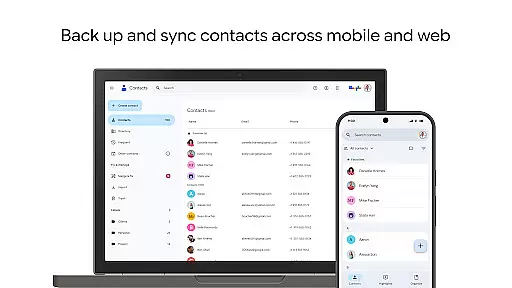
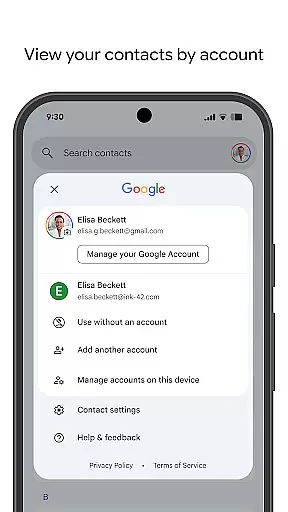
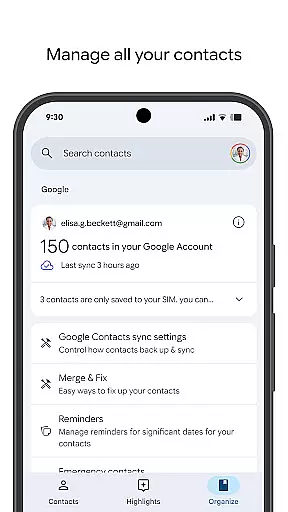
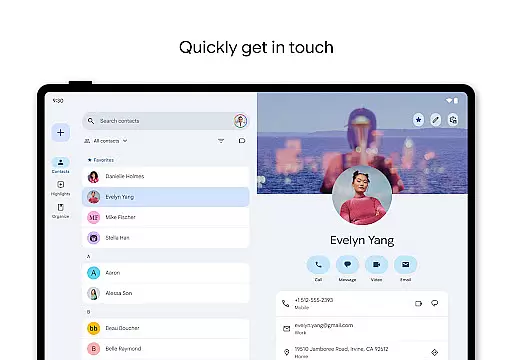
Contacts is a powerful Android Wear application designed to help users manage their contacts efficiently across multiple devices. The app allows you to back up and sync your contacts directly to your Google Account, ensuring they are always accessible and secure. With its intuitive interface, you can easily organize your contacts by different accounts such as work or personal, making it simple to maintain an updated and clutter-free contact list.
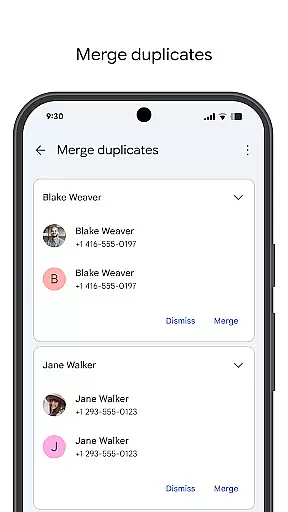
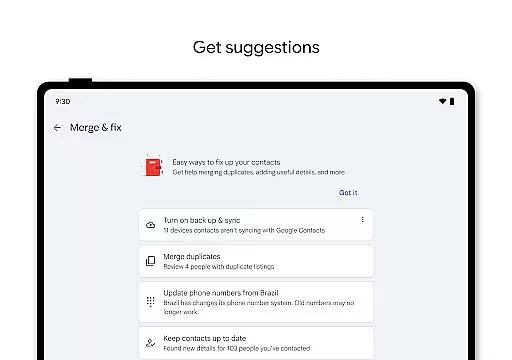
In addition to basic contact management, Contacts offers advanced features like recovering recently deleted contacts from Trash within 30 days and merging duplicate entries. It also provides useful reminders for special occasions, ensuring you never miss important dates like birthdays or anniversaries. Whether you're switching phones or using Wear OS, this app ensures that your essential connections are always at your fingertips, enhancing both convenience and connectivity in your daily life.
Contacts stands out with its comprehensive set of features tailored for seamless contact management. One of the key functionalities is the ability to back up your entire contact list to your Google Account, allowing for easy recovery and synchronization across all your devices. This feature not only keeps your data safe but also makes transitioning between devices hassle-free.
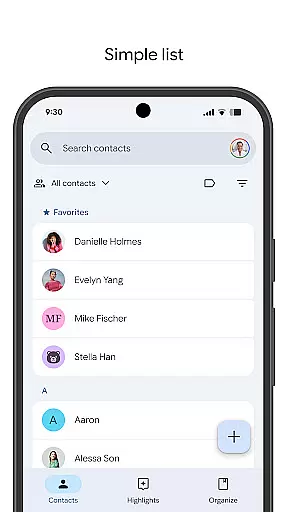
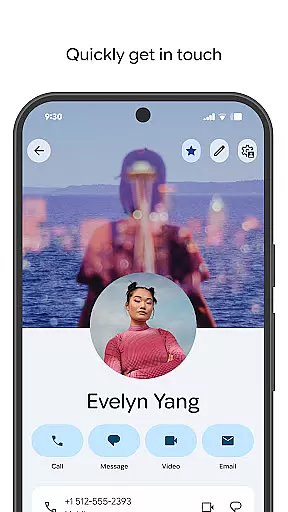
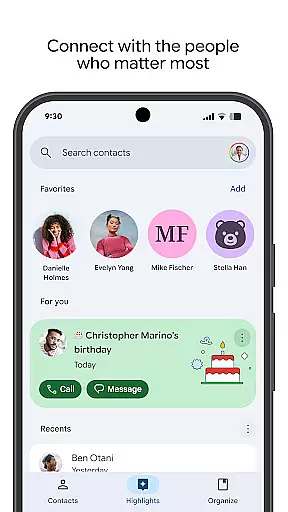
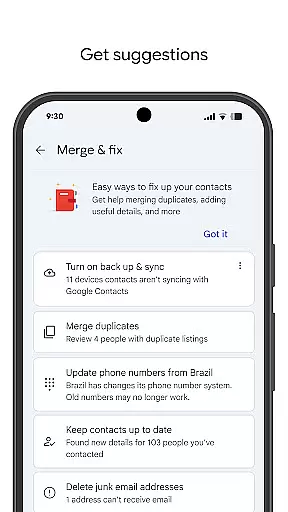
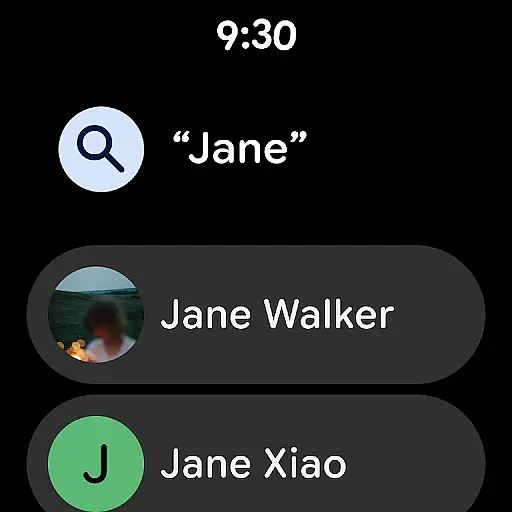
Beyond basic backup, the app offers tools for organizing and updating your contacts effectively. You can view contacts by specific accounts, edit detailed information such as phone numbers and emails, and even merge duplicates with ease. Additionally, the app enhances user engagement by providing highlights of upcoming events like birthdays and anniversaries, along with customizable notifications. These capabilities ensure that you stay connected with the people who matter most, while also maintaining an organized and up-to-date contact list.
Companion app integration is essential for ensuring seamless functionality between your mobile devices and wearable technology. The Contacts app offers robust companion app features that allow users to sync their contacts effortlessly across multiple platforms, including Wear OS.
This synchronization ensures that whether you are using your smartphone or smartwatch, your contacts remain accessible and up-to-date. By linking with your Google Account, the app provides a unified experience where contact information is consistently available, regardless of the device in use.
Users benefit from real-time updates and backups, meaning any changes made on one device are immediately reflected on all others. This level of integration simplifies contact management and enhances accessibility, allowing users to stay connected without interruption.
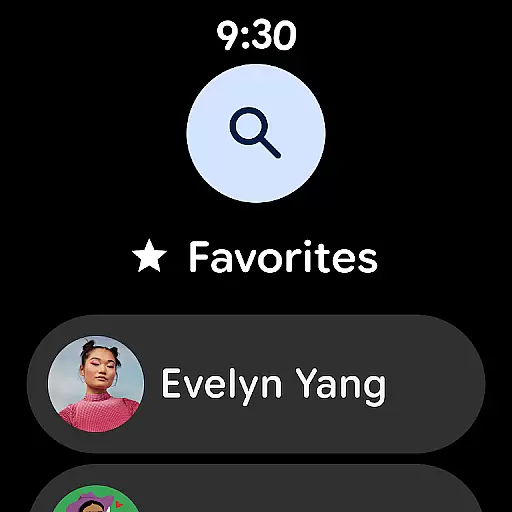
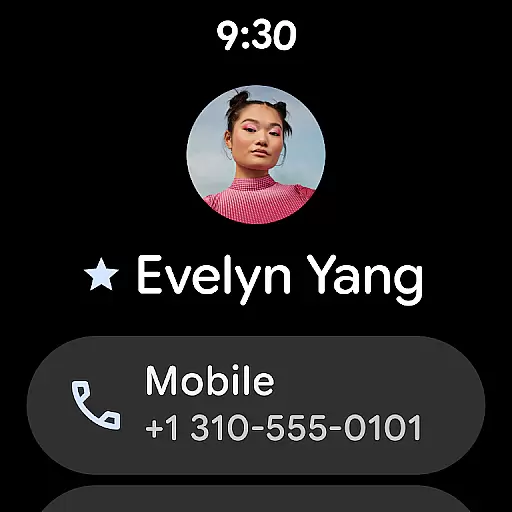
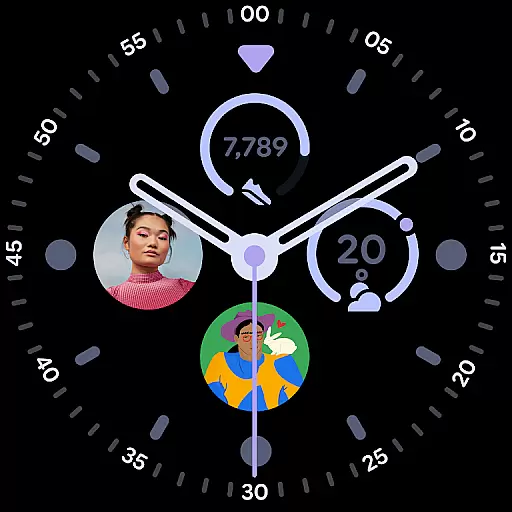
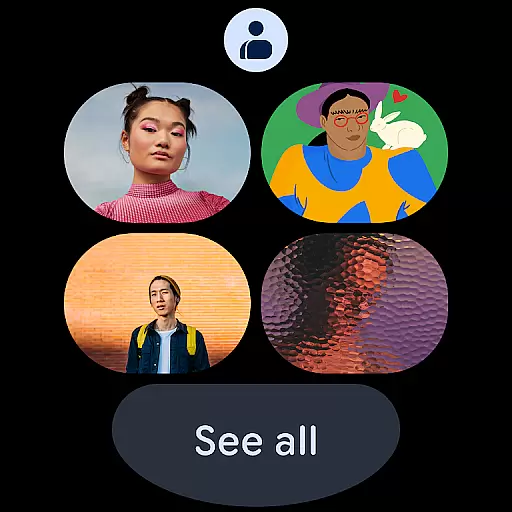
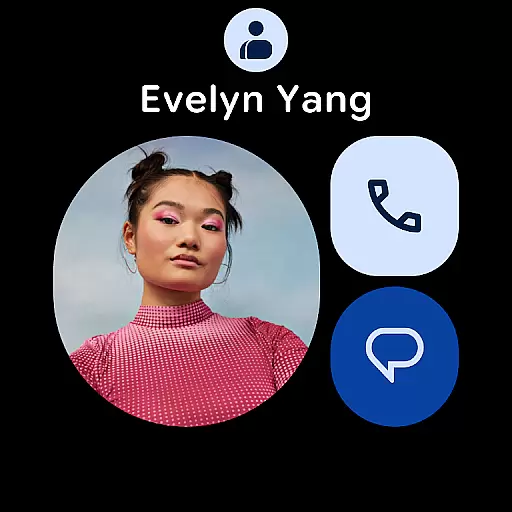
Ensuring compatibility with Wear OS and various devices is crucial for a versatile user experience. The Contacts app excels in this area by offering dedicated features tailored for Wear OS, such as favorite contacts tiles and individual contact complications.
These features provide quick access to important contacts directly from your smartwatch interface, streamlining communication. The app's design prioritizes ease of use, ensuring that even on smaller screens, users can efficiently manage and interact with their contacts.
By maintaining high standards of device compatibility, the Contacts app guarantees a smooth and intuitive experience across different hardware. This adaptability not only enhances convenience but also broadens the app's usability, catering to a diverse range of user needs and preferences.
User-friendly interface
Secure cloud backup
Cross-device syncing
Duplicate merging tool
Event reminders
Limited offline access
Google Account required
Few customization options
Occasional sync delays
No standalone desktop app

Simple Analog-Digital Watchface For Wear OS 3.0 and Up Smartwatches
 4.3
4.3
Sleek, highly customizable watch face inspired by Galaxy Watch Circle Dashboard.
4.0
The most customizable minimal watch face. For Wear OS 5.0, API 34+ and later
4.70
Nutrition, Macro tracker: Food, fitness & healthy diet tracking for weight loss
4.60
To-Do List: daily schedule planner, task organizer, to do reminder app, calendar
4.60
Retro digital watch face with customizable colors and a unique lighting effect
4.60
Track airplanes and follow flights with our real-time flight tracker
4.50
Spam call blocker and caller ID for automatic call protection!
4.40
Download full tracks, listen to music offline, make unlimited playlists.
4.80
Beautiful, colorful and practical watch face. For Wear OS devices.
5.00
Gym Log & Workout Tracker | Fitness Journal, Training & Weight Lifting Planner
4.90
Be an elegant and classy secret agent, with this carefully detailed watch face
4.70
A realistic hybrid watch face with many customization options.
4.60
MyNISSAN® lets you remotely control your car from your phone.*
4.50
Find EV charging stations
4.30
Embrace the festive spirit with our Christmas Countdown watchface for Wear OS
4.10
Daily Weather forecast with 15 weather images for Day & Night plus Big Bold time
4.10
Wear Os Watch Face - Animated Snow - Sesonal for Christmas & Winter
4.2
A Wintery Snow Globe on Your Wrist; now celebrating Christmas!
4.2

User Reviews