

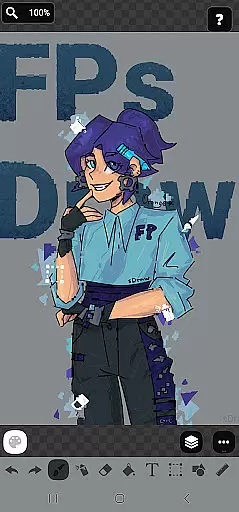
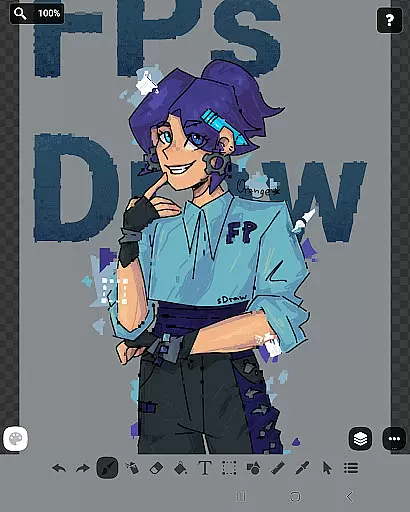
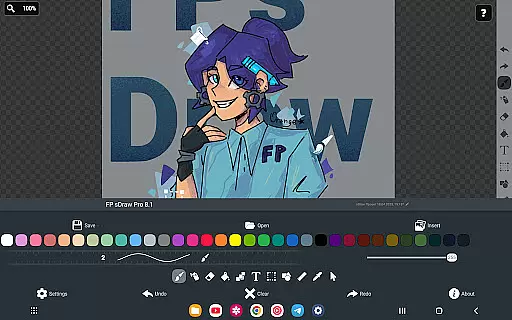
FP sDraw Pro is a streamlined drawing application tailored for users who need a simple yet powerful tool for creative tasks. The app offers essential drawing functionalities without any unnecessary clutter, making it ideal for quick sketches, adding text to images, or experimenting with various artistic styles.
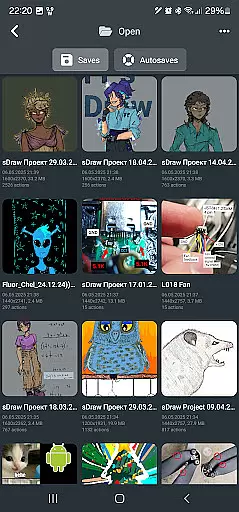
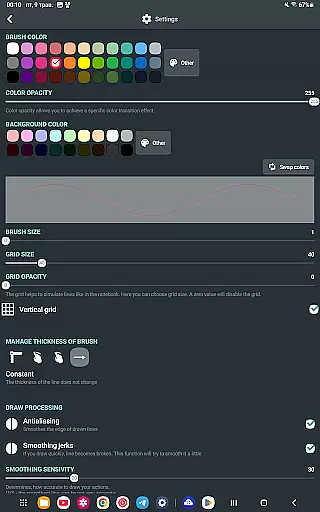
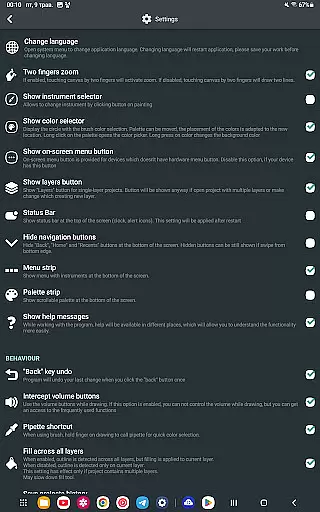
Designed with efficiency in mind, FP sDraw Pro operates seamlessly even on older devices and takes up minimal space. Its user-friendly interface allows customization of button shapes and supports stylus input like sPen and Active Pen. With features such as automatic backup and volume button shortcuts, this app ensures both convenience and reliability for all your drawing needs.
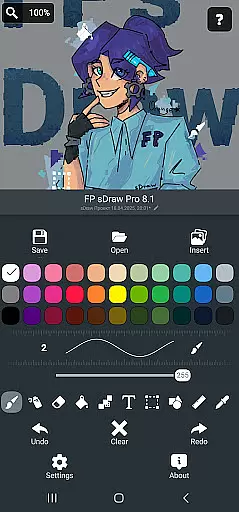
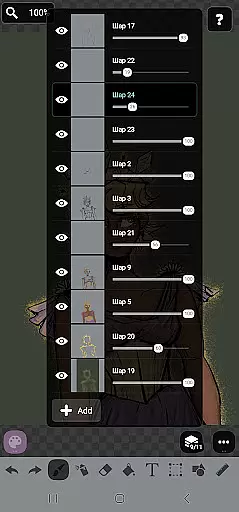
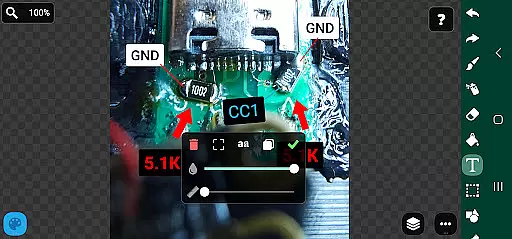
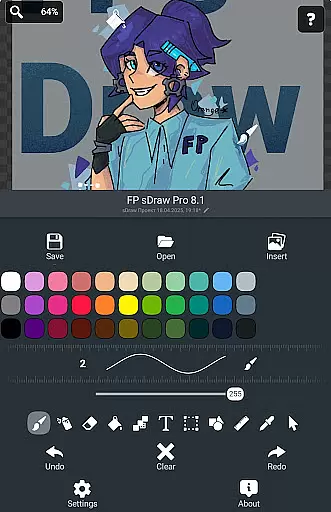
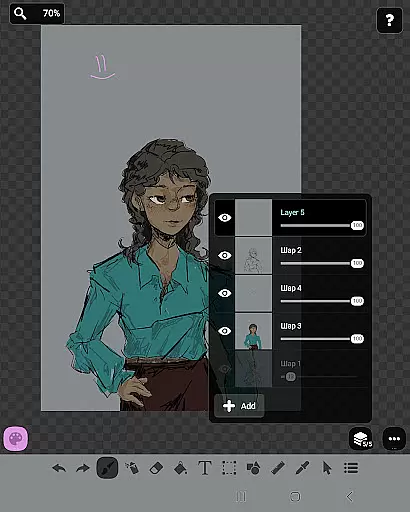
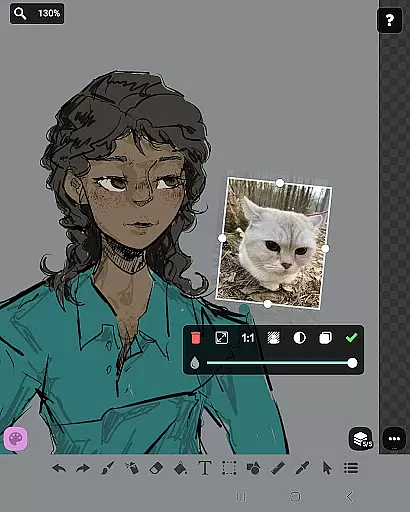
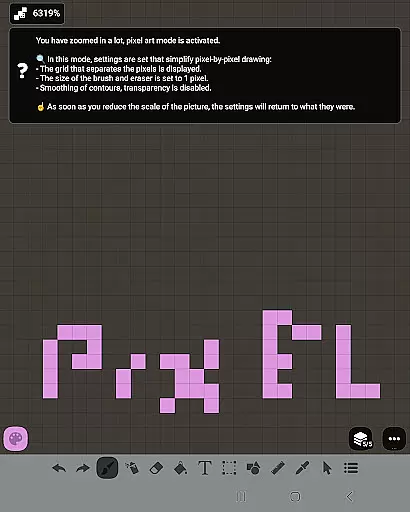
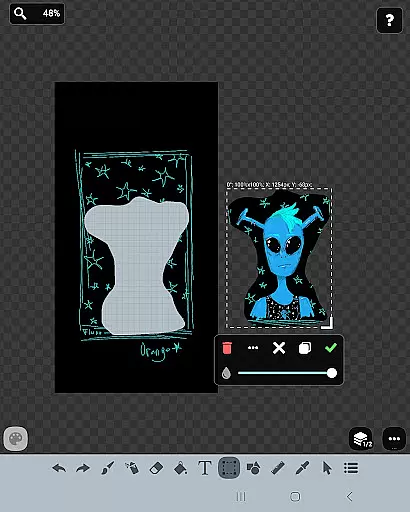
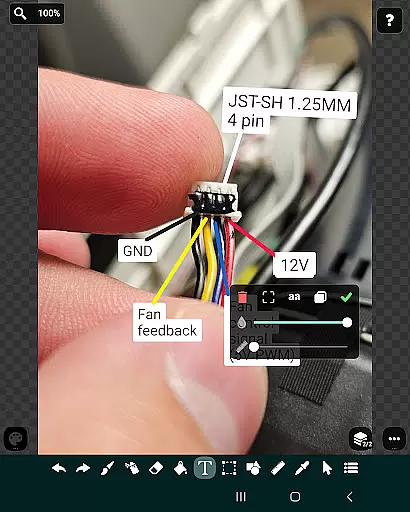
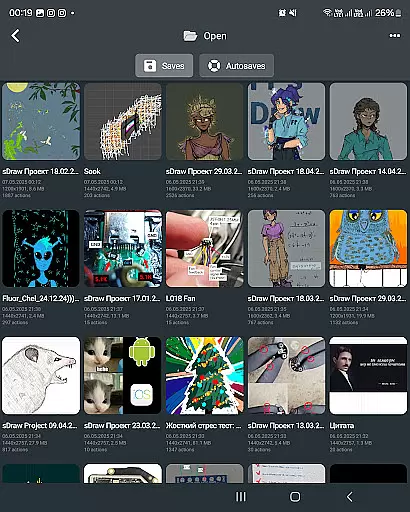
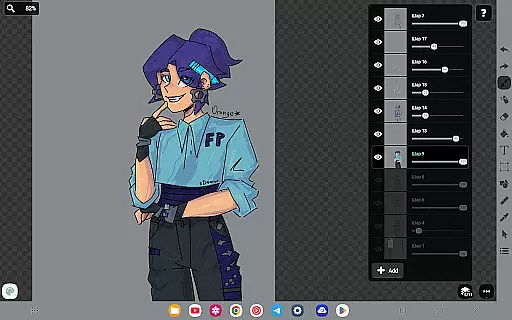
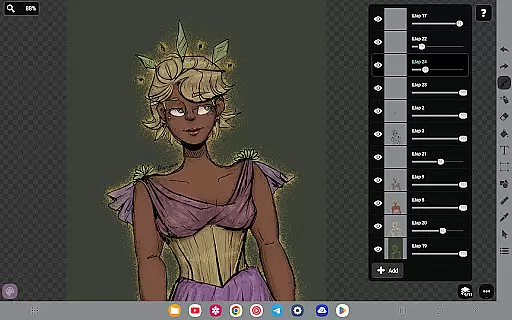
FP sDraw Pro stands out with its comprehensive set of drawing tools that cater to both casual doodlers and serious artists. The app includes layers for organizing complex sketches, an airbrush for soft shading, and precision brush for detailed work. Users can insert images from the gallery, apply text, fill colors, and utilize the eyedropper tool for accurate color selection.
Additional features include shape drawing, a ruler for straight lines, and a mosaic effect for unique textures. The free version is fully functional, while the Pro version offers bonus features like removing the 'sDraw' label from saved images and eliminating promotional reminders, providing a completely uninterrupted creative experience.
In the realm of digital art, having a comprehensive set of creative tools is essential for artists to fully express their visions. FP sDraw Pro stands out by offering an extensive array of drawing instruments that cater to both amateur doodlers and professional designers alike. The application includes layers for organizing complex sketches, a brush and eraser for traditional art styles, and an airbrush for smooth shading effects.
Additionally, users can experiment with different styles through features such as fill, text insertion, shapes, and even a ruler for precision work. This wide-ranging toolkit ensures that no matter what artistic challenge you face, FP sDraw Pro has a feature designed to assist in bringing your ideas to life with ease and accuracy.
The availability of these diverse tools within FP sDraw Pro not only enhances creativity but also streamlines workflow. Artists can focus on their creations without interruption, thanks to the intuitive interface that keeps all necessary functions at their fingertips. Whether it's creating memes or sketching detailed diagrams, this app provides everything needed in one compact package.
Flexibility in canvas size and format options is crucial for artists who need to adapt their work across various mediums and platforms. FP sDraw Pro excels in providing users with unparalleled freedom when it comes to customizing their digital workspace. With support for styluses like sPen and Active Pen, artists can enjoy precise control over their drawings, mimicking the natural feel of pen on paper.
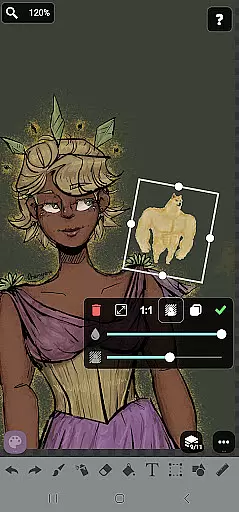
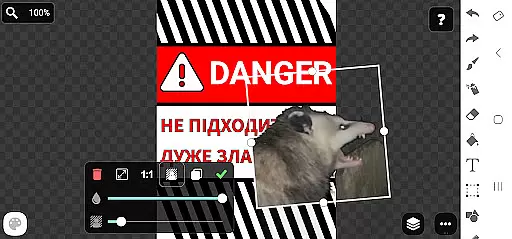
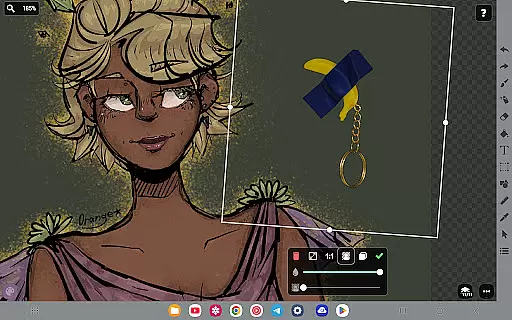
Moreover, the ability to insert images directly from the gallery expands creative possibilities, allowing for seamless integration of existing visuals into new projects. The flexible UI further enhances this adaptability, enabling users to customize even the shape of buttons to suit their personal preferences or workflow requirements.
This level of customization ensures that every artist can tailor their experience within FP sDraw Pro to match their unique style and needs. By removing technical limitations, creators are free to explore new artistic horizons without being constrained by rigid software parameters, making each project truly personalized.
User-friendly interface
Lightweight and fast
No ads or distractions
Customizable UI elements
Automatic sketch backup
Limited advanced tools
No cloud sync feature
Basic UI design
Fewer filters
Small user community

Vidu is an AI video generator made for creators and aspiring makers.
 3.30
3.30
Transform photos into amazing monochrome dither art with professional algorithms
4.2
Trace, draw, and create art with AR - from memes to masterpieces!
4.30
Photo blender app to create overlay photos & double exposure.
4.40
AR Anime Drawing: How to draw anime with AR drawing & sketching apps!
4.00
Painting, drawing, & sketching
4.50
Create and Design Custom Logos in Seconds with AI-Powered Tools!
4.40
How to draw anime step by step for beginner easily by AR drawing sketch & paint.
3.60
All-in-One art, logo & collage maker. Design photos and edit video backgrounds
4.80
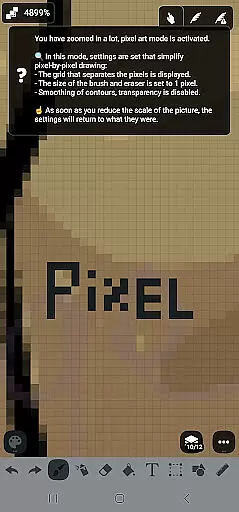
Mobile pixel art editor. Simple. Fast. Portable.
4.80
Discover Cartoon Dream : Unleash Your Creativity with CuttingEdge AI
4.50
Image/ Text to Video Generator
4.40
Just trace a projected picture on paper and color! Draw & Paint with AR drawing
4.40
AI generated images & photos, turn your words into drawing, painting & pictures.
4.30
Customizable Outlined Fonts. Watch Face Format. Battery friendly Digital Clock.
4.20
Digital Drawing: Draw & Paint
4.10
Art of Combination Wear OS Watch faces (for Wear OS 5+ devices)
3.90
Draw anime easily with AR guidance, sketch templates & trace tools!
3.10
Art of Combination Wear OS Watch faces
4.2
User Reviews