

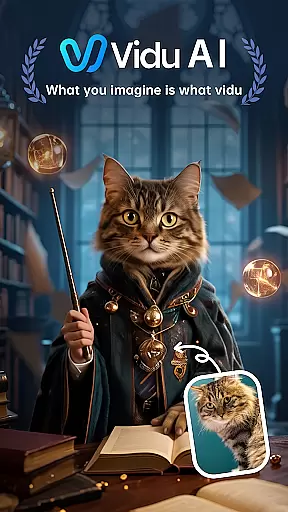
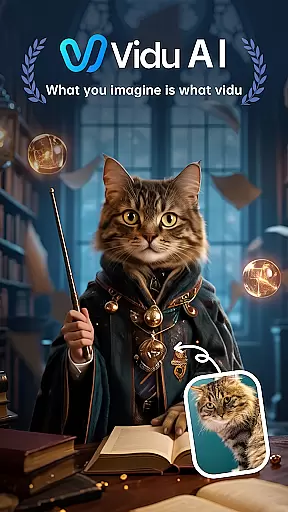
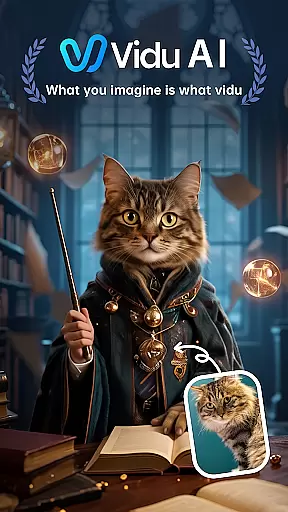
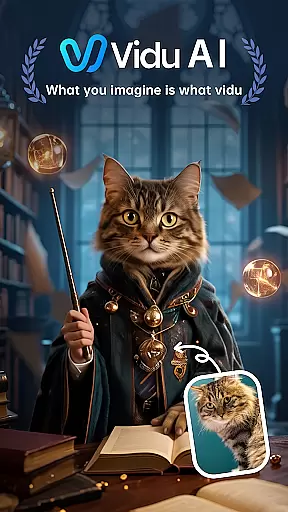
Vidu is a cutting-edge video creation tool designed for creative professionals and enthusiasts alike. This app transforms simple text descriptions into visually stunning videos with cinematic quality, rich detail, and smooth motion. Engineered specifically for creators, Vidu offers an intuitive platform to bring ideas to life through its advanced AI engine.
With features like automatic audio integration, customizable reference images, and a unique 'Remix' function, Vidu empowers users to produce professional-grade content effortlessly. Whether you're crafting promotional videos, artistic projects, or social media content, Vidu provides the tools needed to elevate your creative vision.
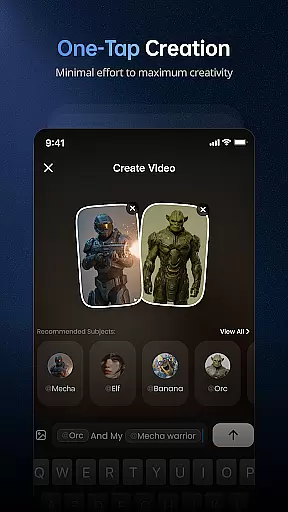
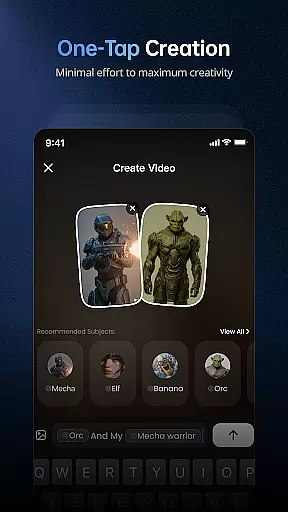
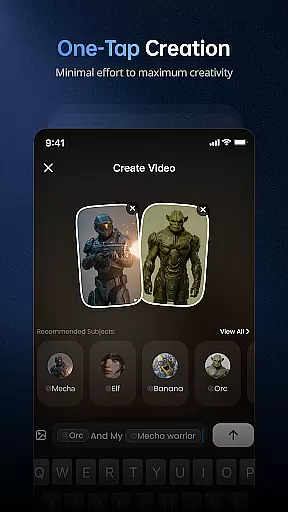
Vidu stands out with its innovative approach to video generation. The app's core feature allows users to create high-definition videos from plain text prompts, making it accessible even to those without technical expertise. Its intelligent engine automatically integrates background music, dialogue, and sound effects, ensuring every video is immersive and engaging.
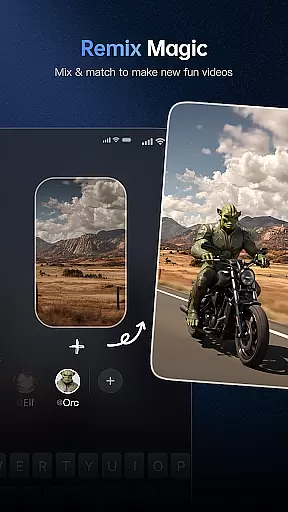
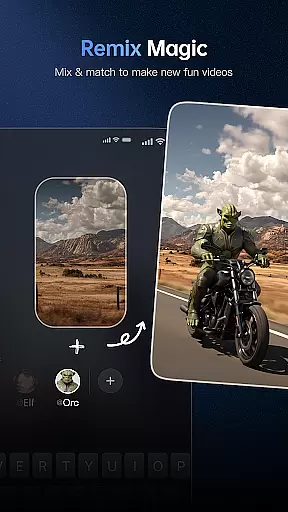
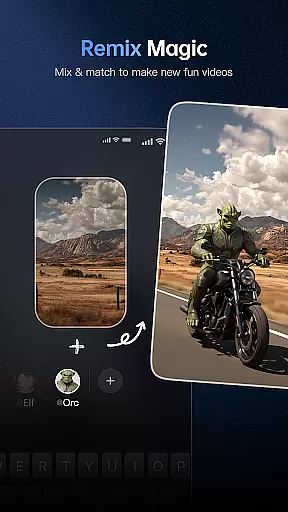
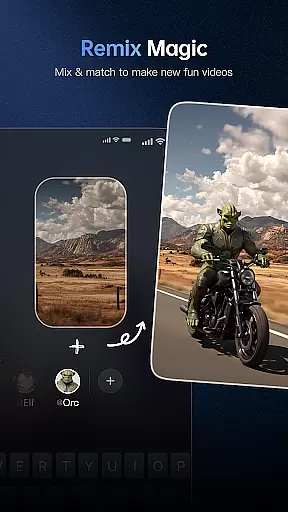
The 'Remix' function enables users to build upon community creations, while custom image referencing allows for personalized style replication. These features, combined with Vidu's focus on cinematic quality and smooth motion, make it an indispensable tool for modern content creators seeking efficiency and professional results.
Creative tools are essential for artists and designers to bring their visions to life, and Vidu excels in this area. This application provides a comprehensive suite of features that cater to various aspects of video creation. With Vidu, users can transform simple text descriptions into visually stunning masterpieces with cinematic quality, rich detail, and smooth motion.
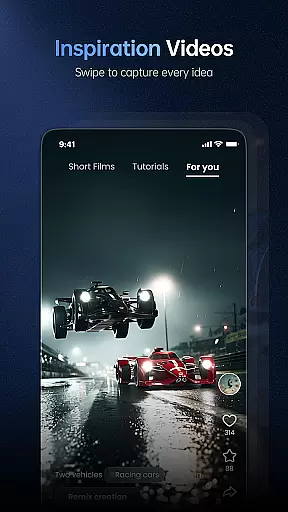
The app offers full audio integration, which is crucial for creating immersive experiences. It automatically matches background music, dialogue, or sound effects to the video, enhancing the overall impact. Additionally, the 'Remix' feature allows users to instantly adapt ideas from the community, sparking further creativity and collaboration.
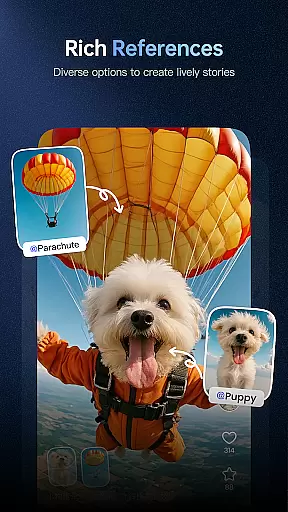
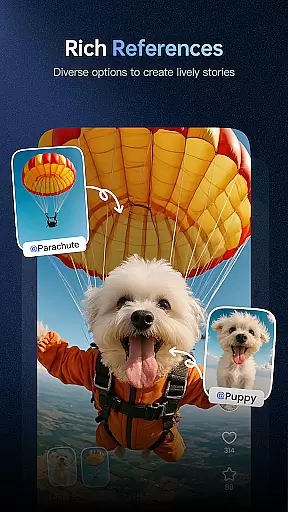
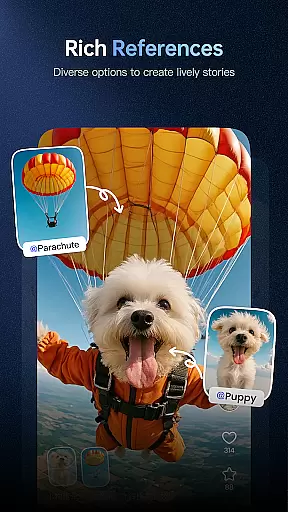
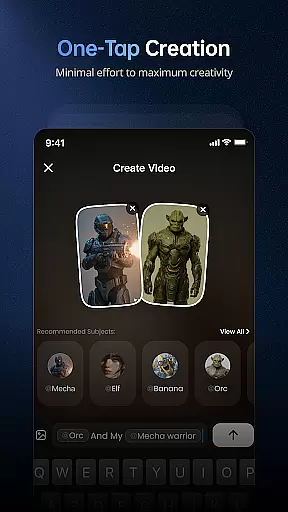
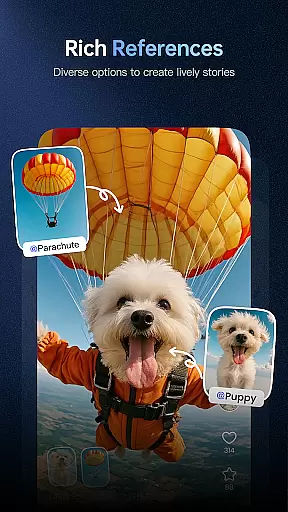
Vidu also supports the use of custom references, enabling creators to infuse their unique style and characters into the videos. This level of customization ensures that users have total creative control over their projects. By providing these robust tools, Vidu empowers creators to push the boundaries of their imagination and produce high-quality content effortlessly.
Flexibility in canvas and format options is vital for accommodating different creative visions and project requirements. Vidu addresses this need by offering versatile solutions that adapt to the creator's preferences. Whether you're crafting a short clip or a more extended cinematic piece, Vidu's engine is optimized to deliver outstanding results.
The application allows users to create breathtaking high-definition videos from simple prompts, ensuring that the final output aligns with their envisioned format and style. Moreover, Vidu's AI learns from any image used as a reference, adapting to the unique visual language of the creator. This capability ensures consistency across various projects and formats.
By focusing on canvas and format flexibility, Vidu enables creators to experiment with different styles and formats without limitations. This adaptability not only enhances the creative process but also broadens the scope of what can be achieved with the app. As a result, users can explore new artistic horizons and bring diverse concepts to life with ease.
User-friendly interface
High-quality video output
Automatic audio matching
Customizable visual styles
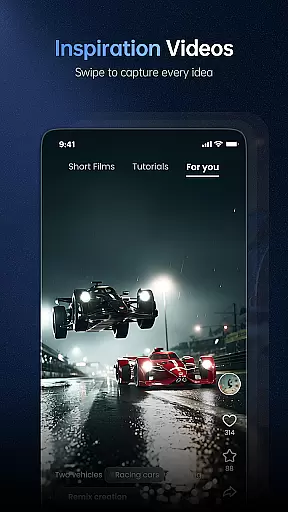
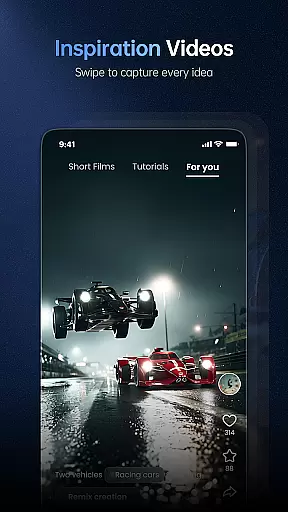
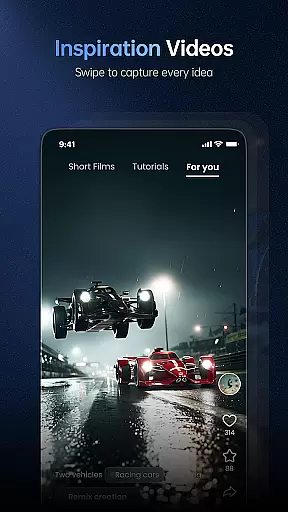
Community-driven creativity
Limited free features
Subscription-based model
Requires internet connection
Learning curve for beginners
Occasional rendering delays

Text to Image, Image to Video & AI Chat
 4.20
4.20
Passport size photo maker, create ID photo and visa photo in seconds
4.80
The perfect place to start sketching! Use Sketchbook to draw and paint sketches.
4.50
Experience next-gen icons with a modern liquid glass look.
3.60
Photo stitcher for automatically screenshot stitching into a long screenshot
4.70
Create cute cat emojis & PFPs! Fun, custom avatars for cat lovers.
3.70
Multiplayer Drawing game, Coloring, Painting・Sketch, Handwriting・Paint, draw
4.30
Unleash your inner artist! Sketchar: AR Drawing for Limitless Creativity
4.40
AI-powered photo & video creation—fast, fun, and effortless with Quick Actions
4.60
Draw glowing spinners, relax, and spin your creative art
4.60
Photo editor for art, avatars, filters & fun transformations.
4.60
Draw, make movies & animate cartoons easily with our 2D animation maker app
4.40
AI generated images & photos, turn your words into drawing, painting & pictures.
4.30
Trace, draw, and create art with AR - from memes to masterpieces!
4.30
Sketch, plan, take notes and illustrate on an infinite canvas.
4.20
Unleash Your Creativity with Draw Cartoon - AR Drawing App
4.10
AI Assistant, powered by ChatGPT GPT-4 & GPT-4o. Your intelligent companion.
3.50
Sketch, trace and master AR drawing with awesome anime art!
3.30
Your Essential Color Theory Guide: Red, Yellow, Blue (RYB)
4.5


User Reviews