

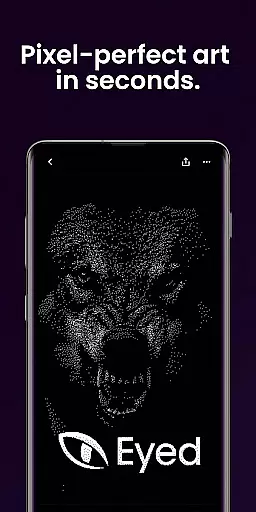
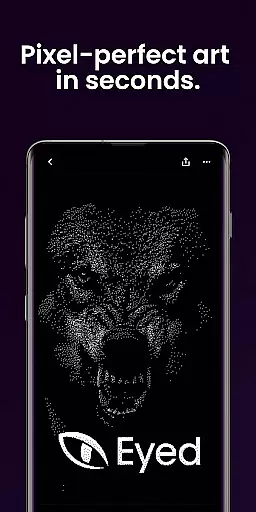
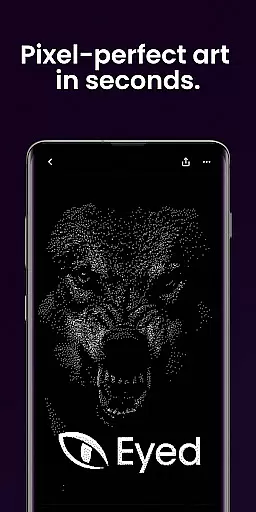
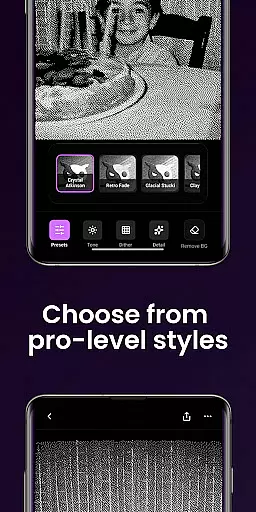
Dither By Eyed is a photo editor app that transforms your images into print-inspired artwork with expressive results in seconds. It offers iconic processing methods like Floyd-Steinberg and Atkinson, along with curated looks such as Retro Fade and Warm Grain for instant character.
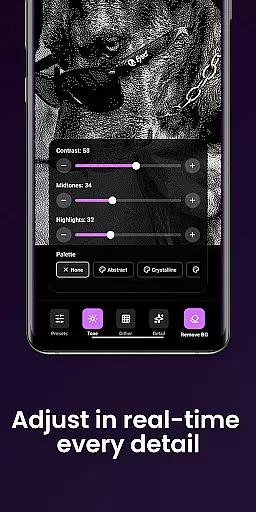
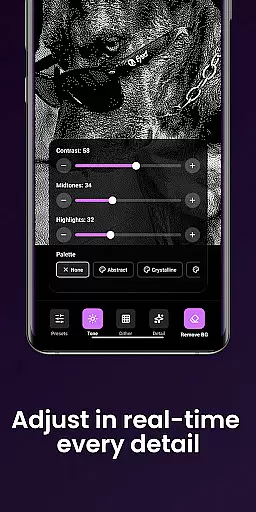
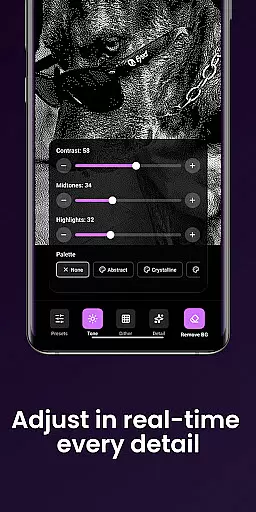
Users can fine-tune contrast, midtones, highlights, blur, scale, and threshold with real-time previews. The app also allows isolating subjects cleanly and exporting high-quality results ready for print, web, or social media.
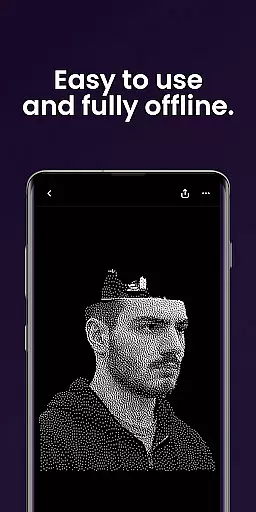
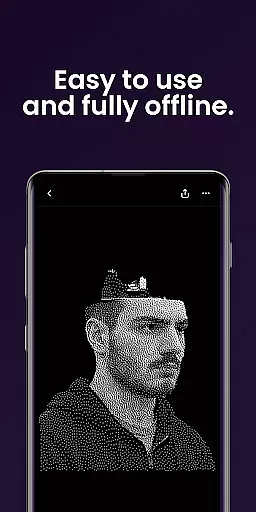
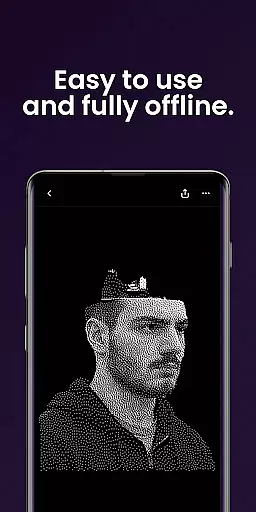
Designed thoughtfully for creators, it supports importing from the photo library or capturing with the camera. Its optimized interface for phones and tablets ensures precise adjustments without requiring an account.
Dither By Eyed provides a rich set of features tailored for creative photo editing. Users can explore various processing methods including Stucki, Bayer, and blue-noise patterns to achieve authentic texture and structure in their photos.
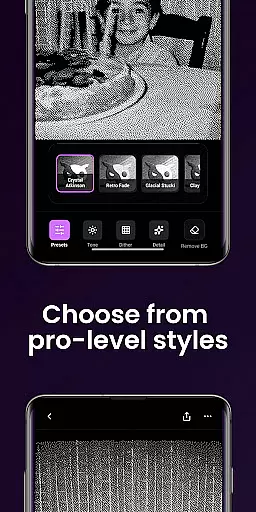
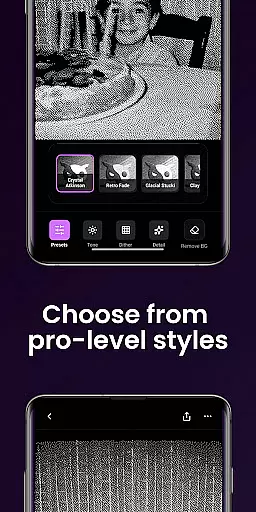
The app includes one-tap curated looks like Crystal Atkinson and Frozen Bayer which deliver instant character to any image. Fine-tuning options are available to adjust image parameters with responsive real-time previews ensuring accurate modifications.
Creators benefit from the ability to isolate subjects cleanly, remove backgrounds, and export high-quality results suitable for different mediums. The intuitive design supports pinch-to-zoom functionality and works seamlessly on both phones and tablets.
In the realm of digital artistry, having a comprehensive suite of creative tools is essential for realizing one's vision. Dither By Eyedu2122 stands out by offering an extensive array of iconic processing methods such as Floyd-Steinberg, Atkinson, and Stucki. These are not just filters but authentic texturing techniques that add depth and structure to your artwork.
Moreover, the app provides curated looks with instant character, like Crystal Atkinson and Retro Fade, which can be applied with a single tap. This empowers creators to quickly experiment with different styles without a steep learning curve, making high-quality artistic expression accessible to everyone.
Fine-tuning options are abundant, allowing adjustments to contrast, midtones, highlights, blur, scale, and threshold in real-time. Such responsive previews ensure that artists can precisely tweak their work until it perfectly matches their creative intent.
Flexibility in canvas and format options is crucial for artists who wish to explore various compositions and ensure their work is shareable across multiple platforms. Dither By Eyedu2122 excels in this area by enabling users to import images from their photo library or capture new ones directly with the camera, thus providing unlimited creative possibilities.
The app supports common image formats, facilitating easy input and output processes. Whether you're preparing your artwork for print, web, or social media, Dither By Eyedu2122 ensures that exporting your piece is seamless and efficient, maintaining high-quality results throughout.
Additionally, features like pinch-to-zoom and pan allow for meticulous adjustments while working on your creations. This level of precision control, combined with an interface optimized for both phones and tablets, guarantees a smooth artistic workflow regardless of the device you choose to create on.
User-friendly interface
Real-time preview adjustments
Wide range of processing methods
High-quality export options
No account required
Limited advanced editing tools
Few customization options
Occasional performance lags
Basic help documentation
In-app purchases may apply

Sketch, plan, take notes and illustrate on an infinite canvas.
 4.20
4.20
Paint with oils and sketch with natural tools on a realistic virtual canvas.
3.80
Your Essential Color Theory Guide: Red, Yellow, Blue (RYB)
4.0
Passport size photo maker, create ID photo and visa photo in seconds
4.80
Convert image to JPG PNG HEIC PDF, support almost all kinds of image formats
4.70
Nano Banana AI Image Generator, Anime Filter, AI Portrait, AI Photo Generator
4.30
Your homescreen as an elegant glass with customized blur, lighting, and visuals.
3.70
AI Tattoo Generator: Create Tattoo Designs & Get Ideas! Ink & Stencil Maker
4.50
How to draw anime step by step for beginner easily by AR drawing sketch & paint.
3.60
Digital, Abstract, Classic - all types of color wheels in one app!
4.60
Painting, drawing, & sketching
4.50
Create and Design Custom Logos in Seconds with AI-Powered Tools!
4.40
OneUI 8.5 icons ✨ Smooth, modern & based on the latest Play Store design ??
4.10
AR Anime Drawing: How to draw anime with AR drawing & sketching apps!
4.00
Create cute cat emojis & PFPs! Fun, custom avatars for cat lovers.
3.70
Create sweet, cool and unique couple avatars easily, in just a few steps!
3.40
Pose and morph realistic male and female models! 3D poser app
3.00
Art of Combination Wear OS Watch faces
4.3
A luxurious gold watch face for an elegant and refined look.
4.4


User Reviews