

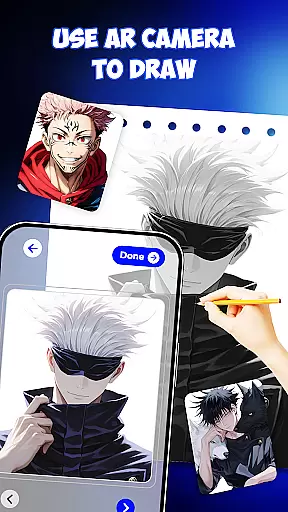
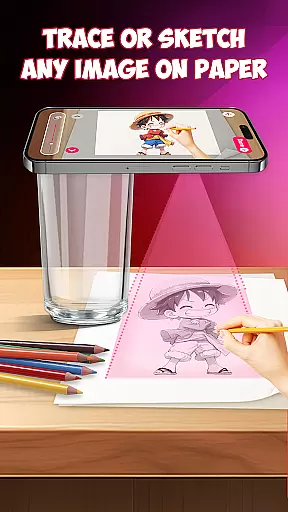
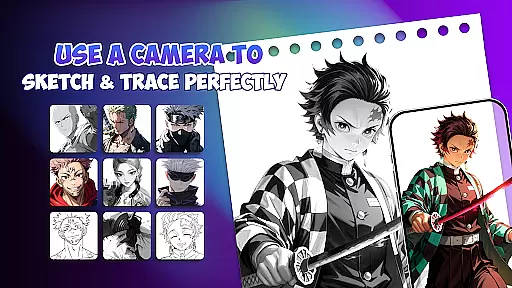
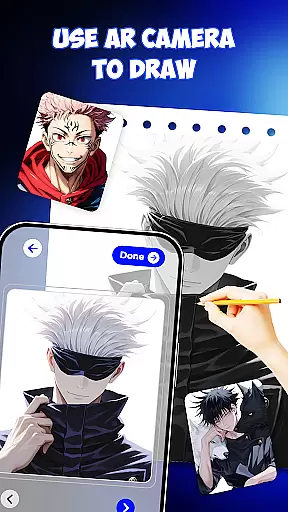
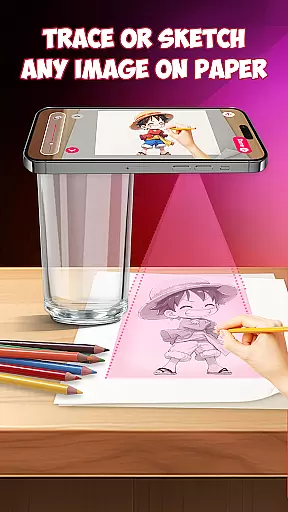
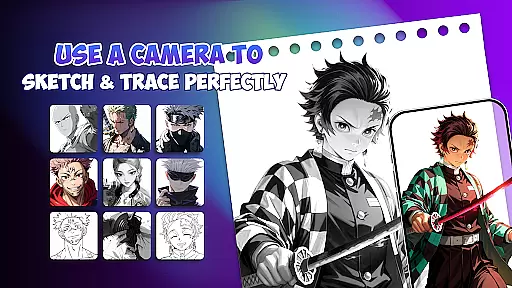
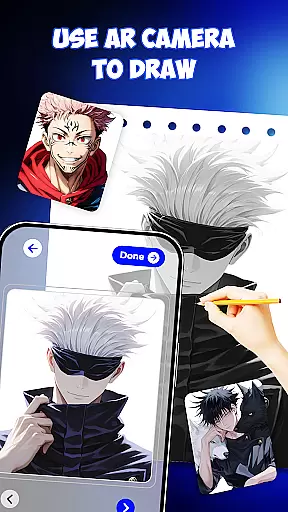
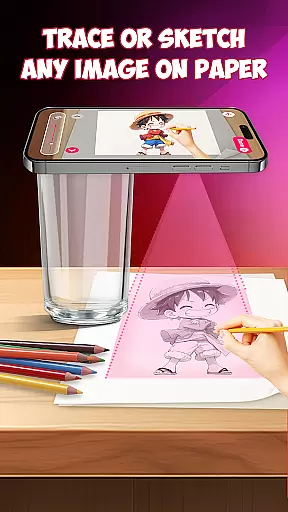
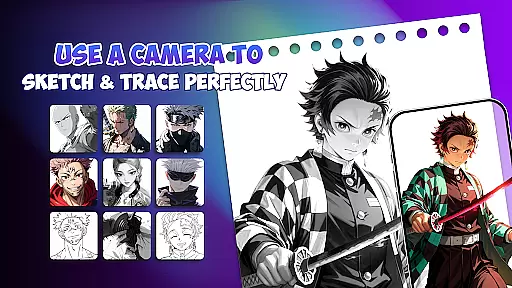
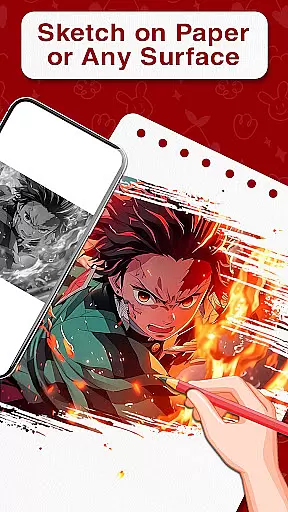
Draw Anime is an innovative AR-powered drawing application designed specifically for anime enthusiasts. This app combines augmented reality technology with traditional sketching methods, allowing users to learn how to draw anime characters step by step. With its unique AR guidance system, users can place paper on their desk and follow projected outlines on their phone screen, making tracing and perfecting anime sketches easier than ever.
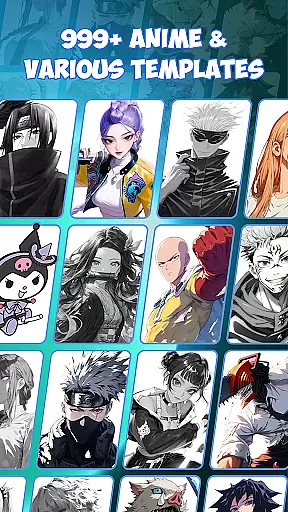
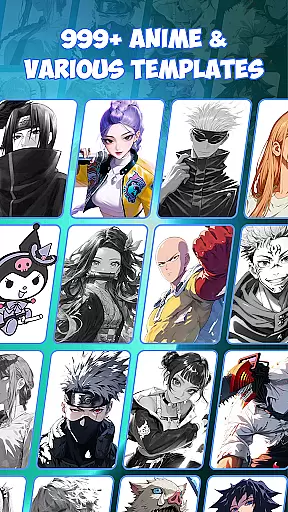
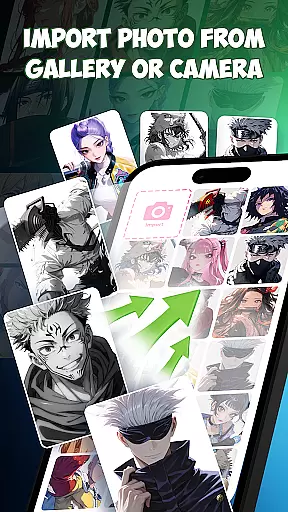
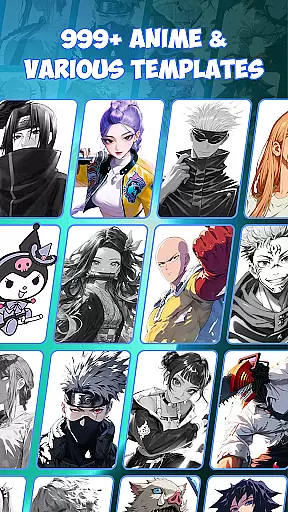
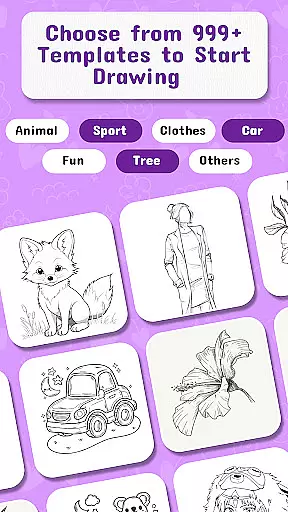
The app offers over 999 templates featuring popular anime characters, providing a comprehensive library for users to practice their skills. Whether you're a beginner learning the basics or an experienced artist looking to refine your techniques, Draw Anime provides the tools necessary for artistic growth. The app's versatility extends beyond simple character drawing, incorporating features for doodle art, painting, and even tattoo design sketches.
This Art & Design application serves multiple purposes, from educational use in art schools to personal creative development. Its user-friendly interface makes it accessible for children and adults alike, while its comprehensive feature set satisfies professional artists seeking precision tools. By merging traditional drawing methods with cutting-edge AR technology, Draw Anime creates an engaging learning environment that helps users develop their skills more efficiently than conventional methods.
Draw Anime distinguishes itself through its comprehensive set of features designed to enhance the drawing experience. The app's core functionality revolves around its advanced AR guidance system, which projects precise outlines onto physical paper, enabling users to trace characters with remarkable accuracy. This feature alone revolutionizes traditional drawing methods by providing real-time guidance and instant feedback during the sketching process.
Beyond its primary AR capabilities, the application offers extensive educational resources including step-by-step lessons and tutorials. These structured learning modules cover various aspects of anime art, from basic sketching to advanced painting techniques. The inclusion of AI-powered drawing support adds another dimension to the creative process, offering intelligent suggestions and enhancements to user-generated content.
The app's versatility extends to its vast template library, which includes diverse character designs, pop art elements, and specialized drawing tools. Users can explore different artistic styles while benefiting from both freehand and guided drawing modes. Additional professional-grade features such as drafting tools and precision controls cater to advanced artists seeking meticulous detail in their work. The combination of these features creates a comprehensive drawing platform suitable for all skill levels.
In the realm of digital artistry, having access to comprehensive creative tools is paramount. Draw Anime offers an extensive suite of features that cater to both budding and experienced artists. The app provides AR guidance and templates, allowing users to trace and draw anime characters with precision.
One standout aspect is its step-by-step lessons, which are akin to having a personal art tutor at your fingertips. These lessons guide users through the nuances of anime drawing, ensuring they grasp fundamental techniques while also encouraging creative exploration. Additionally, AI drawing support adds an extra layer of creativity, enabling users to experiment with unique designs.
The inclusion of 999+ templates means that artists can choose from a vast array of beloved characters, providing endless inspiration. This abundance of resources ensures that whether you're sketching for fun or honing your skills for professional purposes, Draw Anime equips you with everything needed to bring your visions to life.
Flexibility in canvas and format options is crucial for artists who wish to express their creativity without constraints. Draw Anime excels in this area by offering versatile drafting and design tools that adapt to various artistic needs. Users can easily switch between different modes such as sketching, doodling, and painting, all within a single platform.
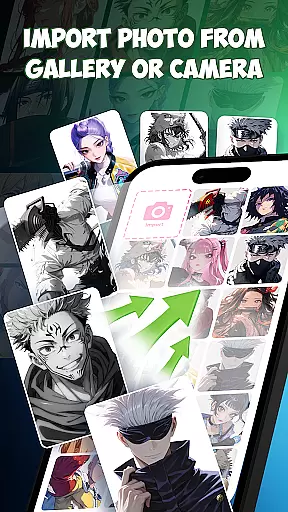
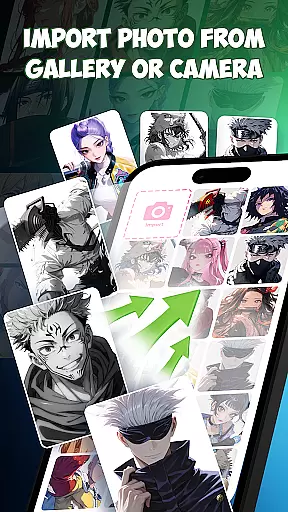
This app supports not only traditional paper-based drawing but also digital formats, making it suitable for a wide range of projects. Whether you're designing tattoo sketches or preparing artwork for art school, the app's adaptive interface ensures seamless transitions between tasks. Its compatibility with AR technology further enhances the drawing experience, allowing for innovative approaches to art creation.
Moreover, the ability to practice without limits using free drawing apps features makes it ideal for artists seeking unlimited practice opportunities. With Draw Anime, users enjoy the freedom to explore diverse styles and techniques, ultimately leading to improved skills and greater artistic confidence.
User-friendly interface
Extensive template library
AR guidance system
AI-powered enhancements
Versatile drawing tools
Requires stable internet
Premium features locked
Steep learning curve
Limited offline access
Device compatibility issues

Discover Cartoon Dream : Unleash Your Creativity with CuttingEdge AI
 4.50
4.50
Vidu is an AI video generator made for creators and aspiring makers.
3.30
Learn how to draw with step-by-step tutorials, fun lessons & multiplayer drawing
4.70
Draw on screen: FP sDraw is a simple and lightweight drawing app
4.70
Draw beautiful mandala's very easily
4.60
Painting, drawing, & sketching
4.50
Just trace a projected picture on paper and color! Draw & Paint with AR drawing
4.40
Draw, fidget, and spin glow art! Relax and express your creativity with a finger
4.60
Multiplayer Drawing game, Coloring, Painting・Sketch, Handwriting・Paint, draw
4.30
The ultimate tool for creating animations
4.60
Get an overview over all your embroidery threads, projects and more.
4.60
Create neon drawing with magic doodle and fun doodle art effects!
4.50
Share the joy of painting with ibis Paint! Drawing anime and manga art.
4.50
Draw, make movies & animate cartoons easily with our 2D animation maker app
4.40
Sketch, plan, take notes and illustrate on an infinite canvas.
4.20
Turning simple sketches into captivating tales filled with life and motion
3.90
Apply cartoon, caricature, and portrait effects to make your photos stand out!
3.60
Your Essential Color Theory Guide: Red, Yellow, Blue (RYB)
4.3
A luxurious gold watch face for an elegant and refined look.
4.4

User Reviews