

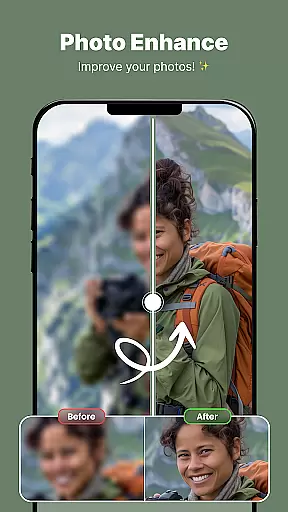
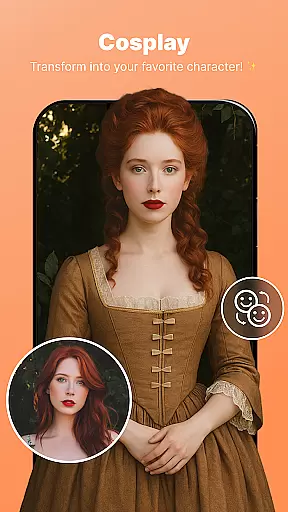
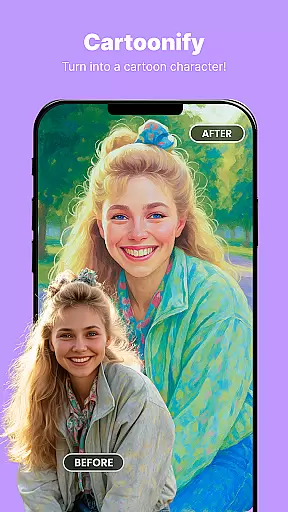
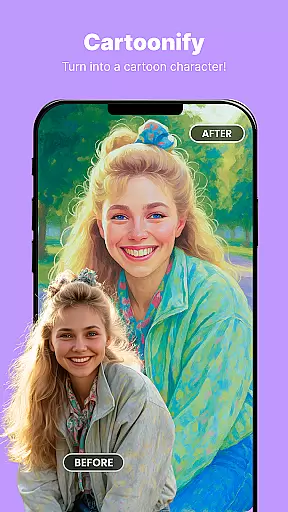
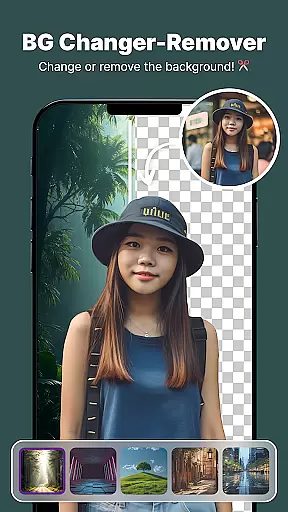
ShotCam is a comprehensive photo editing app designed to enhance your photography experience. With features like Body Shaper, Collage Maker, and Background Changer, users can effortlessly transform their photos into professional-grade images. The app also includes creative tools such as Animate Photo, which brings static images to life through dynamic animations.
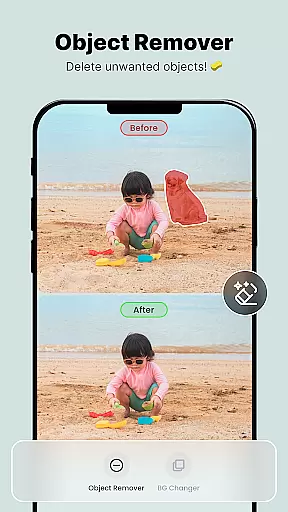
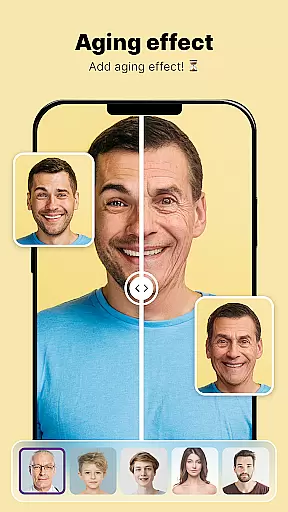
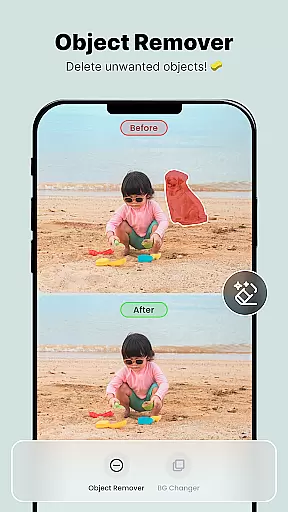
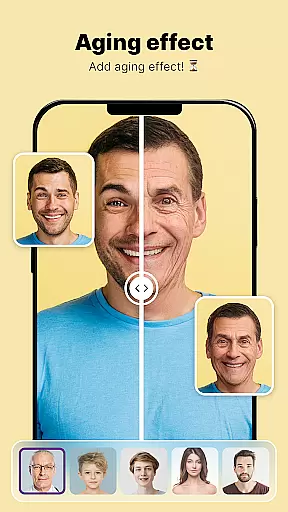
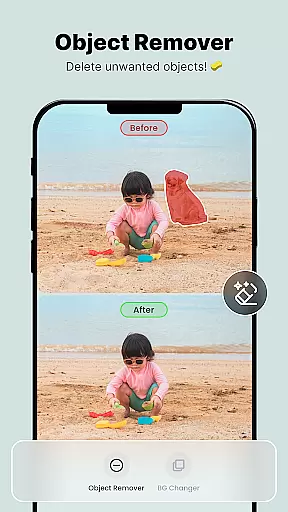
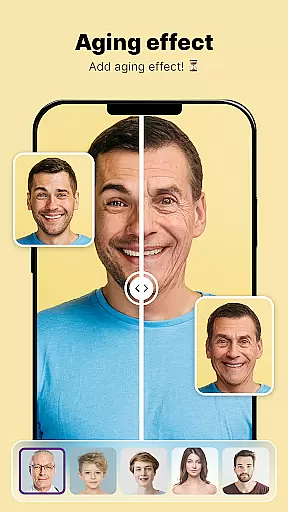
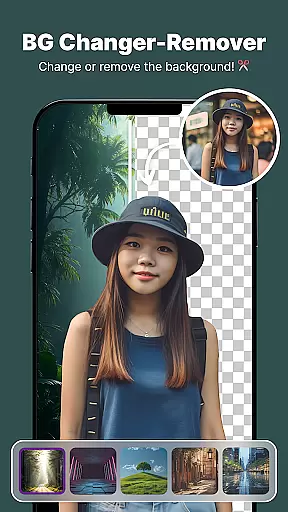
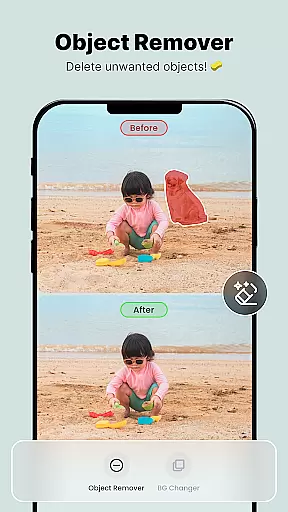
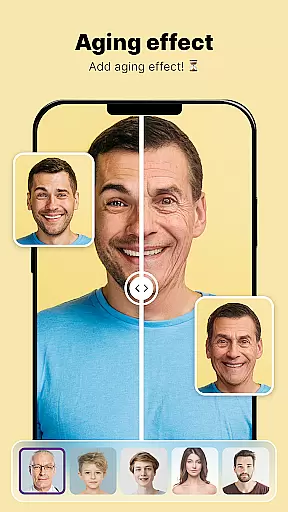
In addition to its robust editing capabilities, ShotCam offers practical utilities like Object Remover for cleaning up unwanted elements in photos, Aging Effects for a glimpse into the future, and Background Blur for creating stunning portrait effects. Whether you're editing for fun or perfection, this app provides all the necessary tools to achieve flawless results.
The app's intuitive interface and diverse feature set make it suitable for both casual users and photography enthusiasts. By combining powerful editing tools with user-friendly functionality, ShotCam empowers users to unleash their creativity and produce visually captivating images.
ShotCam boasts an impressive array of features that cater to various photo editing needs. The Body Shaper tool allows users to fine-tune their appearance by sculpting and reshaping different body parts with precision. Meanwhile, the Collage Maker enables the creation of beautiful photo collages using customizable layouts, perfect for showcasing multiple memories in a single frame.
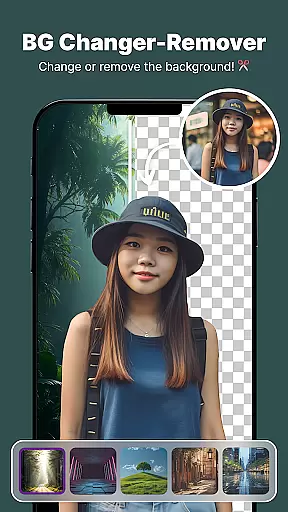
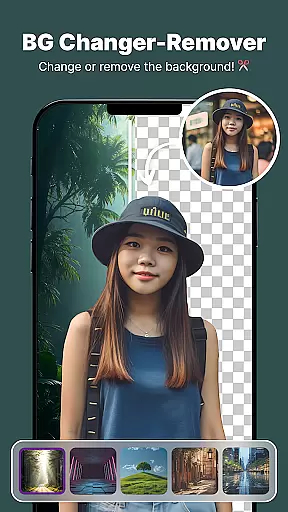
For those seeking more creative control, the Background Changer and Object Remover tools provide advanced editing capabilities. Users can easily replace backgrounds or remove distracting elements from their photos. The Aging Effects feature adds a unique twist by simulating how subjects might look in the future, while the Background Blur function creates professional-looking portraits by softening the background and keeping the focus on the main subject.
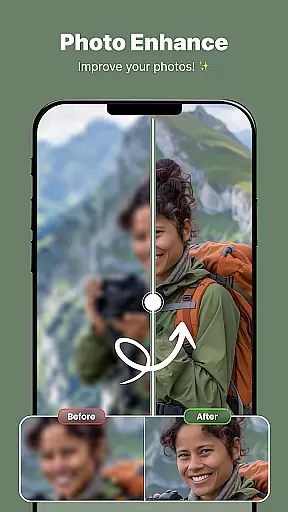
One standout feature is the Animate Photo tool, which transforms static images into dynamic animations with just a few taps. This innovative functionality adds an exciting new dimension to photo editing, allowing users to bring their favorite moments to life. Combined with other powerful tools, ShotCam offers a complete solution for enhancing and transforming digital photographs.
Real-time capture and preview functionality is essential for ensuring that users can see the results of their photo edits instantly. This feature allows users to visualize changes as they apply various editing tools, such as body shaping or background blur, providing immediate feedback on their creative decisions.
The Photo Editor, Enhanceruff0dShotCam app excels in delivering a seamless real-time editing experience. With its intuitive interface, users can witness transformations like aging effects or object removal unfold right before their eyes. The responsiveness of the app ensures that even complex edits, such as animating a photo or changing the background, are reflected without delay.
This instant visualization empowers users to make precise adjustments, enhancing their overall editing efficiency. Whether sculpting the perfect body shape or fine-tuning a collage, real-time previews ensure that the final output aligns perfectly with the user's vision.
Ultimately, this feature significantly elevates user satisfaction by reducing guesswork and enabling creators to produce flawless photos with confidence and ease.
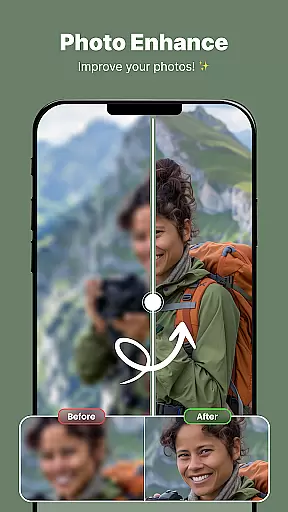
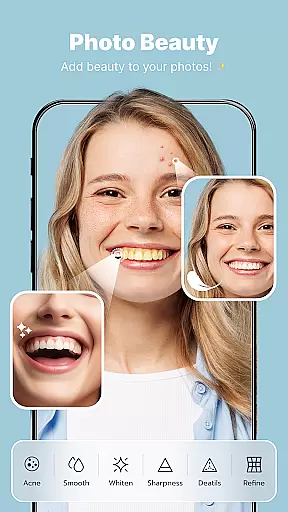
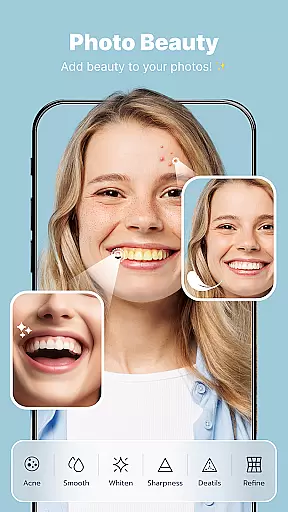
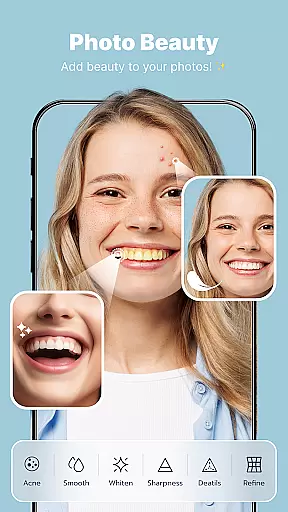
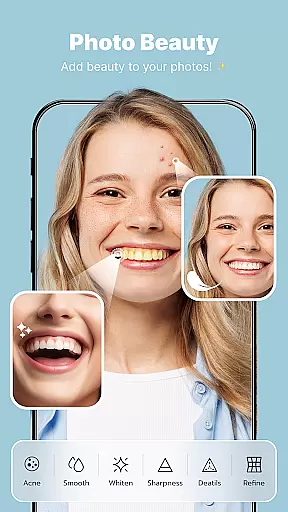
AI beauty and enhancement features have become a cornerstone of modern photo editing, allowing users to elevate their images with natural-looking improvements. These AI-driven tools intelligently analyze and enhance facial features, skin texture, and overall aesthetics without creating an over-processed appearance.
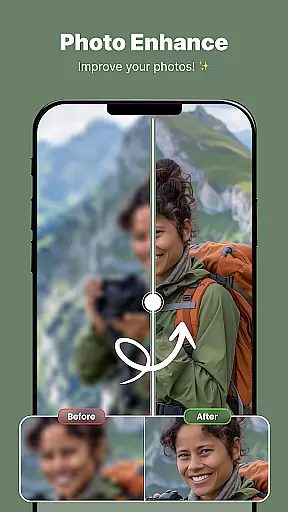
In the Photo Editor, Enhanceruff0dShotCam app, AI technology powers several key features, including body shaping, aging effects, and portrait blur. The app employs sophisticated algorithms to ensure enhancements look realistic and preserve the subject's original characteristics. For instance, when applying a background blur, the AI precisely differentiates between the foreground and background, maintaining a professional depth-of-field effect.
Users benefit from these smart enhancements by achieving polished yet authentic results. Whether removing unwanted objects or refining facial features, the appu2019s AI capabilities guarantee that every edit appears organic and unforced.
By prioritizing naturalness in AI enhancements, the app not only meets but exceeds user expectations, offering a level of quality that rivals professional photo retouching services.
User-friendly interface
Wide range of editing tools
High-quality results
Regular updates
Creative animation feature
Some features require premium subscription
Occasional performance issues
Limited free options
Advertisements present
Steep learning curve





Create collages easily! Nice pic collage maker & background eraser for Instagram
 4.50
4.50
Photo editor: AI filters, photo enhancer, pic collage maker, AI art generator.
4.80
Transform photos into videos! Create realistic or anime-style images easily!
4.50
AI photo enhancer with Sora 2! Enhance, descratch, and colorize your old photos.
4.50
Enhance, retouch & create your story - Share the moment with Photoshop Express.
4.60
RAW video capture with advanced controls
4.40
The original Rarevision VHS look seen everywhere!
4.70
Effortlessly make high-quality GIFs from images & videos without any watermarks.
4.70
Edit photos with the picture generator: PS2 & AI Clay filters, cartoon effects.
4.50
1M influencer's special filter
4.60
Easily create custom gifts, cards, photo books & more on the Shutterfly app!
4.60
Cut and paste photo editor & eraser to customize photos easy and swap faces fun
4.50
Use AI Video Generator to turn your words to ai generated videos.
4.50
A reflected light meter with spot metering and incident light metering.
4.40
Future baby face generator: AI kids generator, kid face! What my baby look like?
4.40
Shooting photos and records video easily and efficient with professional Camera
4.30
Catch sunlight, sunrise sunset times and sun phases with the AR sun tracker.
4.10
Pet Camera
3.70
HD Photo gallery and photo manager to edit, hide private photos, videos & albums
4.5

User Reviews