

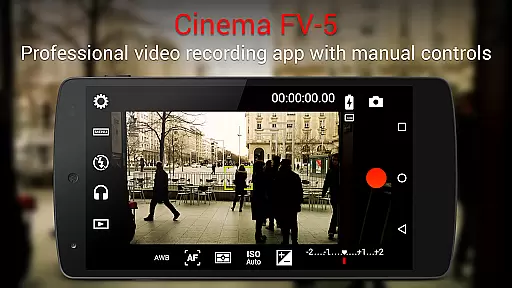
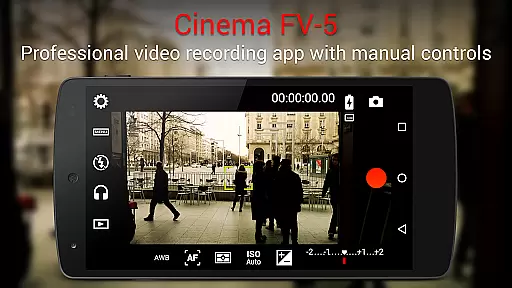
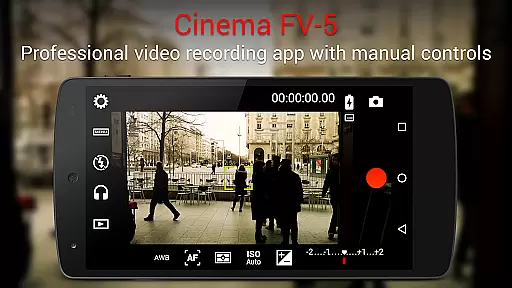
Cinema FV-5 is a professional-grade video camera application designed for mobile devices, offering users advanced manual controls right at their fingertips. This app caters to both enthusiast and professional videographers, providing top-tier functionalities for capturing high-quality footage ideal for postproduction purposes. With features such as exposure compensation, ISO adjustment, focus modes, and white balance settings, it empowers creators to unleash their imagination and creativity without limitations.
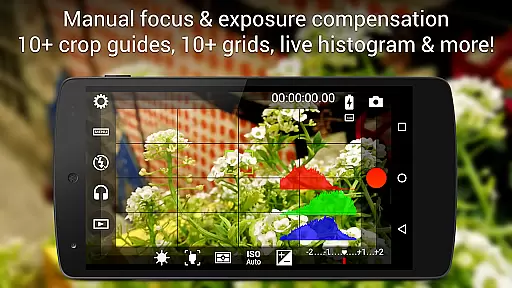
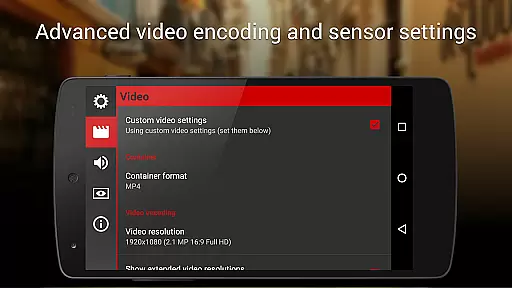
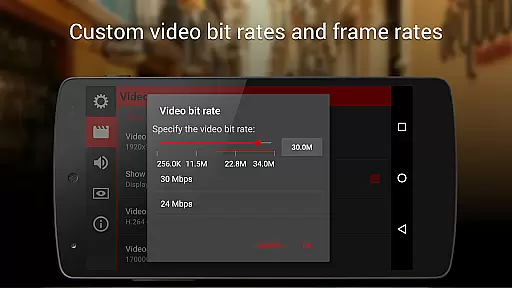
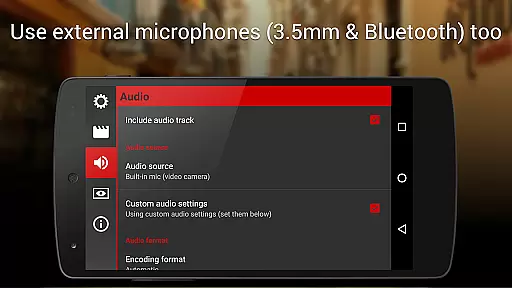
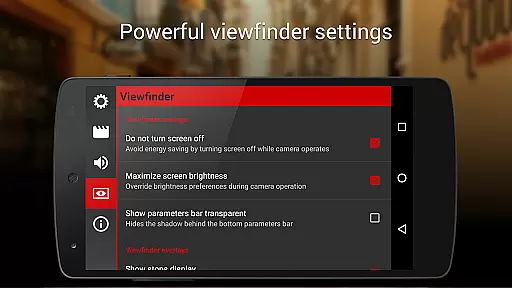
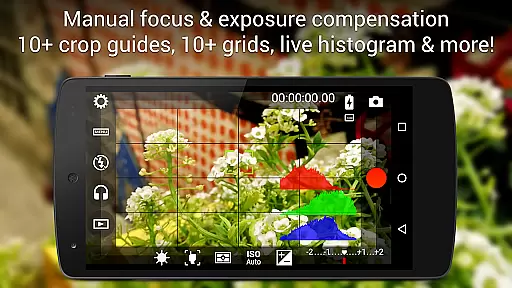
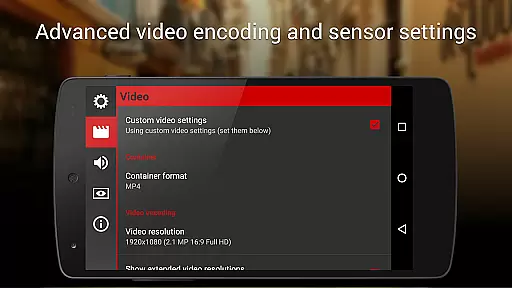
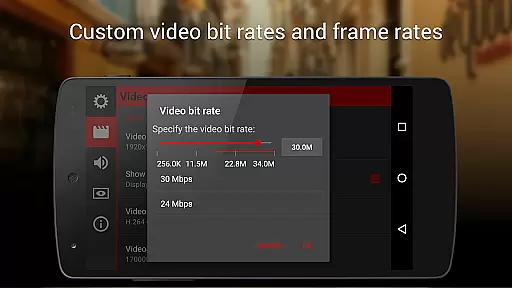
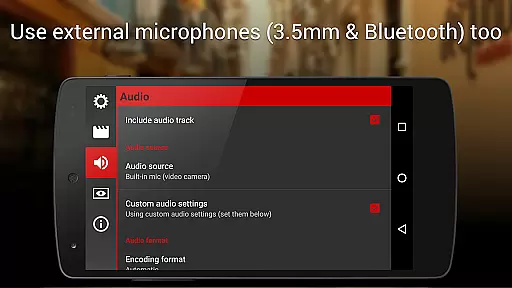
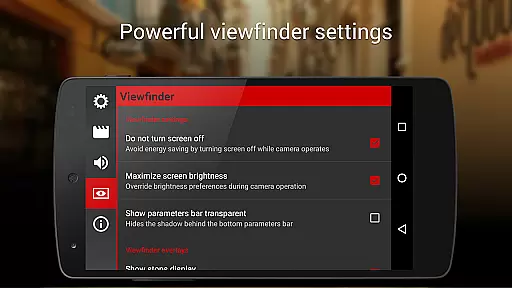
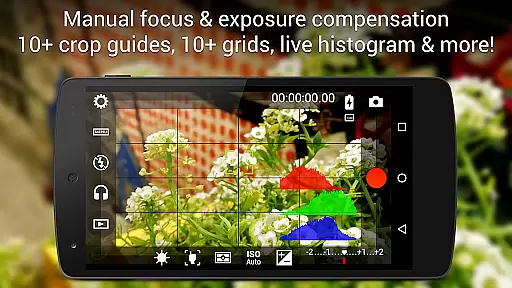
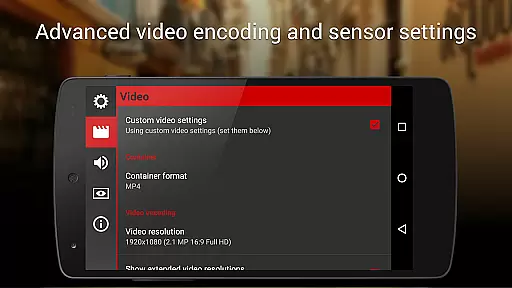
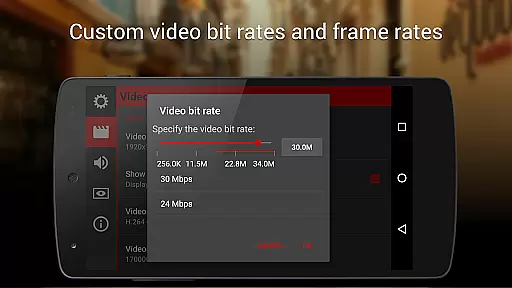
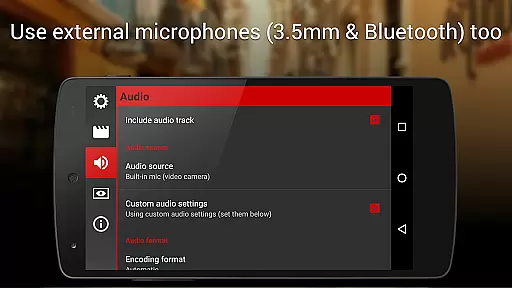
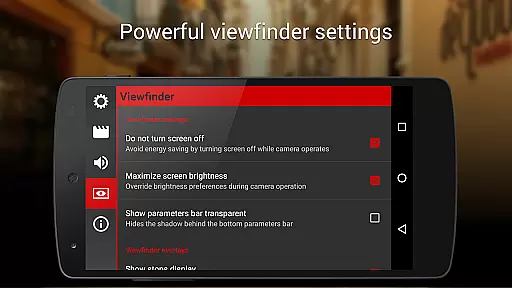
One of the standout capabilities of Cinema FV-5 is its professional viewfinder, which includes over 10 compositing grids and crop guides, along with safe area displays and live RGB histograms. Additionally, the app supports various audio input sources, multiple codecs, and bitrate adjustments, ensuring that videographers can achieve the desired audiovisual quality. The app's compatibility with 4K UHD recording on supported devices further enhances its appeal for those seeking superior video resolution. Cinema FV-5 is particularly suited for short- to medium-sized productions, making it an indispensable tool for filmmakers who demand precision and flexibility in their mobile videography toolkit.
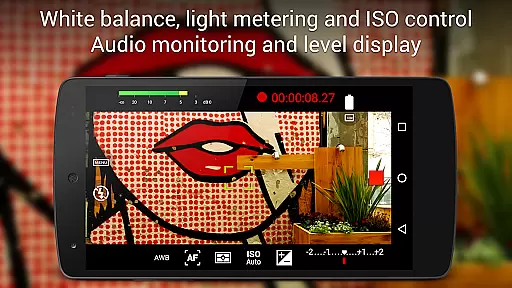
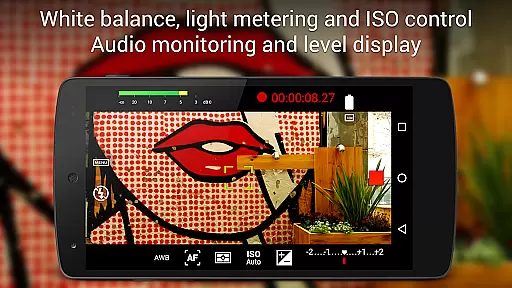
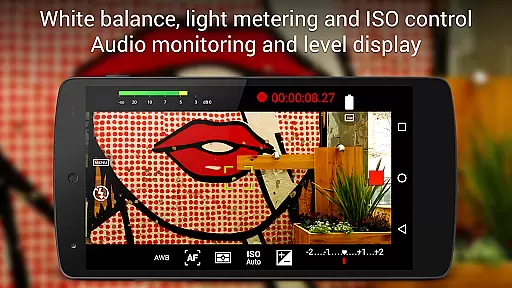
Cinema FV-5 stands out due to its extensive array of professional video recording features tailored for serious filmmakers. Users have the ability to adjust critical image sensor parameters including ISO, exposure compensation, light metering modes (matrix/center/spot), focus modes, and white balance even during active recording sessions. This level of control ensures optimal footage capture under varying conditions, allowing for seamless integration into professional editing workflows.
The app also boasts an advanced electronic viewfinder equipped with live RGB and luminance histograms, essential tools for monitoring exposure levels while shooting. Furthermore, Cinema FV-5 provides robust sound metering options, displaying audio peaks and clipping warnings to guarantee pristine audio capture. Additional functionalities include assignable camera controls via volume keys, video geotagging support, and powerful video clip organization options. These features collectively make Cinema FV-5 a versatile solution for producing broadcast-ready content directly from a mobile device.
Real-time capture and preview functionality is essential for videographers who need precise control over their footage. Cinema FV-5 offers professional manual controls that allow users to adjust image sensor parameters such as exposure compensation, ISO, light metering modes, focus, and white balance directly on their mobile devices.
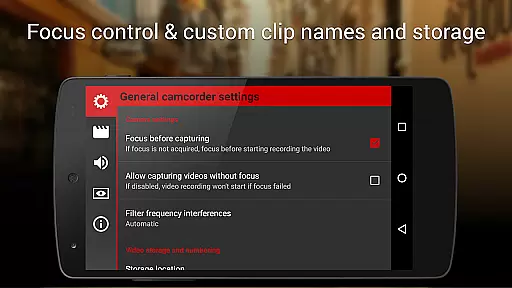
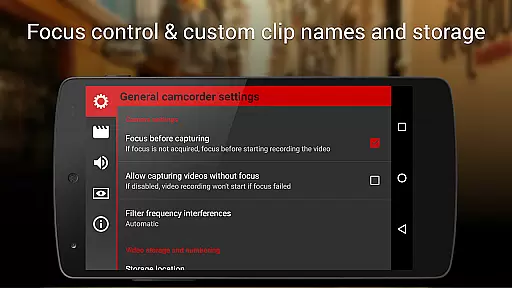
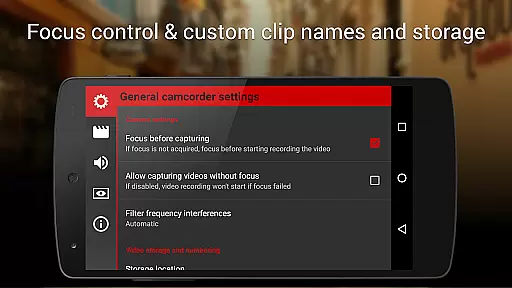
During recording, videographers can make real-time adjustments to these parameters, ensuring optimal footage quality. The application also provides advanced focusing options, including the ability to lock focus on a subject before recording and change focus planes during recording. This level of control ensures that every scene is captured exactly as intended.
The electronic viewfinder in Cinema FV-5 is one of the most sophisticated available in a mobile video camera app. It features live RGB and luminance histograms, which are accessible even while recording. These tools help videographers monitor exposure and lighting conditions, making it easier to achieve perfect postproduction results.
With its comprehensive set of features, Cinema FV-5 empowers users to unleash their creativity without limitations. Whether capturing footage for short films or documentaries, this app provides the tools necessary to produce high-quality content with complete creative freedom.
While primarily focused on professional videography, Cinema FV-5 also includes features that enhance the natural beauty of captured scenes without relying on artificial enhancements. The app's powerful manual controls enable videographers to optimize settings like white balance and ISO to ensure that colors and lighting appear as true-to-life as possible.
Cinema FV-5 supports recording in 4K UHD resolution on compatible devices, providing exceptional clarity and detail. This high level of image quality ensures that every frame looks crisp and vibrant, enhancing the natural aesthetics of the footage without the need for additional post-processing.
In addition to visual enhancements, the app offers professional sound metering options. Users can monitor audio peaks and receive warnings about sound clipping during recording. This feature helps maintain balanced audio levels, contributing to an overall natural and immersive viewing experience.
By prioritizing authentic capture techniques over artificial enhancements, Cinema FV-5 allows filmmakers to create visually stunning videos that remain true to their original vision. The combination of advanced technical features and a focus on natural beauty makes this app an invaluable tool for both amateur enthusiasts and seasoned professionals alike.
Advanced manual controls
Professional viewfinder tools
Supports 4K UHD recording
Flexible audio input options
Customizable file naming
Complex for beginners
Requires high-end hardware
No built-in editing
Premium price point
Limited automated features

How would you look like with a differently shaped nose, chin or lips?
 3.90
3.90
How old age camera Gender Swap App Face Shape Hairstyle App Hair Styler App fun!
4.00
Perfect body tune & face app - photo retouch, makeup, slim body & beautify face.
4.80
Gallery Slideshow is slideshow maker app for slideshow from your gallery photos.
3.90
Amazing Photo Effects - The most fun you can have with your photos!
4.70
Create AI photos & videos with Enhancer; restore, fix, beautify, enhance photos
4.50
Luminar: Photo Editor - easy picture editing with AI
4.20
AI Photo Editor with 100+ Filters, Effects! Remove BG, Retouch & Photo Enhancer.
4.80
Catch sunlight, sunrise sunset times and sun phases with the AR sun tracker.
4.10
1M influencer's special filter
4.60
Take videos and pictures with the popular TikTok TIME WARP SCAN filter.
4.60
A must-have app for landscape photographers
4.60
Safe & smart flight with Go Fly drone controller for 40+ drone camera, zone map
4.50
AI photo editor with hair editor, retouch tools, hair color changer & filters!
4.50
[3DSteroid Pro] is a stereoscopic application for Android.
4.30
Virtual makeup, hair filters & body tuner—edit from face to full body!
4.20
The #1 app for B&W film developing featuring an advanced darkroom timer.
4.10
Astrophotography with your smartphone, photo live stacking and much more!
3.90
USB Storage Access for Photos, Videos, Music and Documents
3.80

User Reviews