

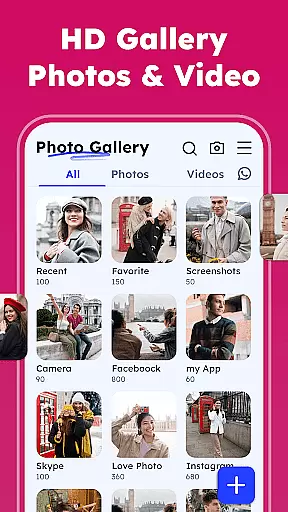
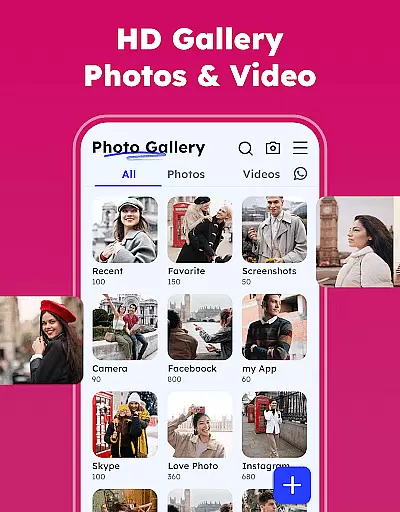
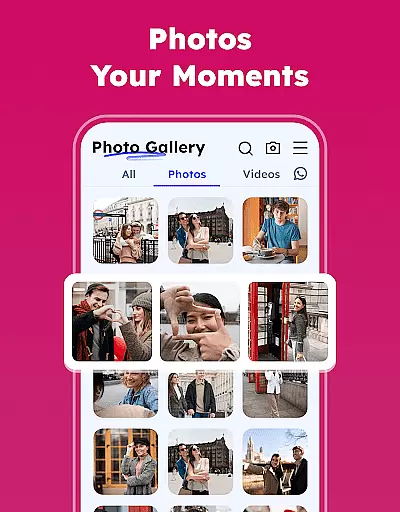
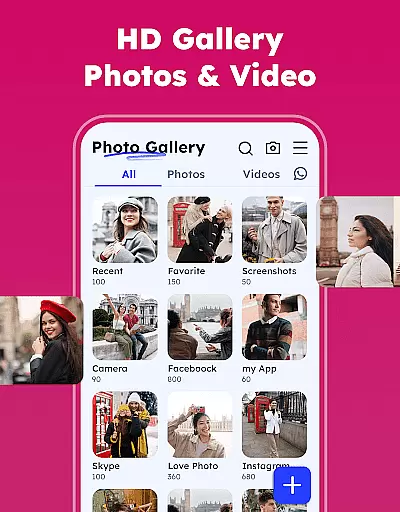
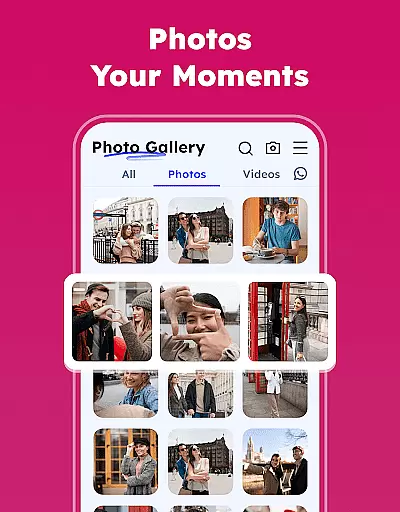
Gallery - Photos & Videos is a feature-rich photography app designed to help users manage, edit, and protect their media files effortlessly. This lightweight app offers a secure and user-friendly interface, making it perfect for daily use. With its smooth performance and attractive design, the app allows users to organize photos and videos by categories, dates, or custom albums while providing essential editing tools and privacy features.
The app stands out with its advanced functionalities such as duplicate file removal, automatic categorization in Explore, and an offline mode that ensures access without an internet connection. Whether you're looking to relive cherished memories or safeguard sensitive content using the Gallery Lock feature, this app provides a comprehensive solution for all your photo and video management needs.
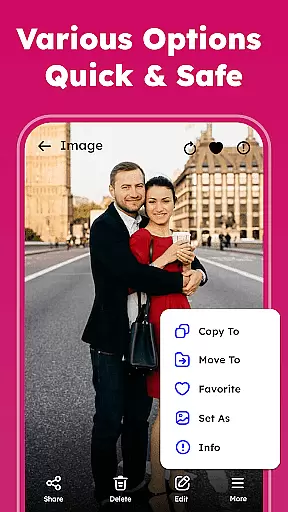
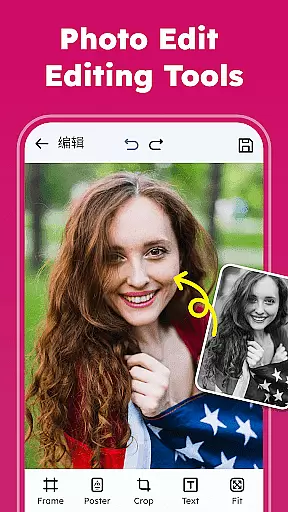
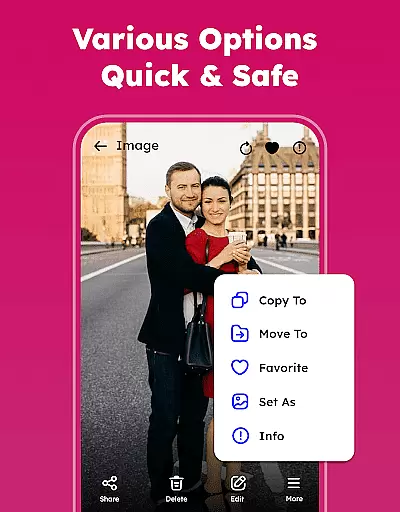
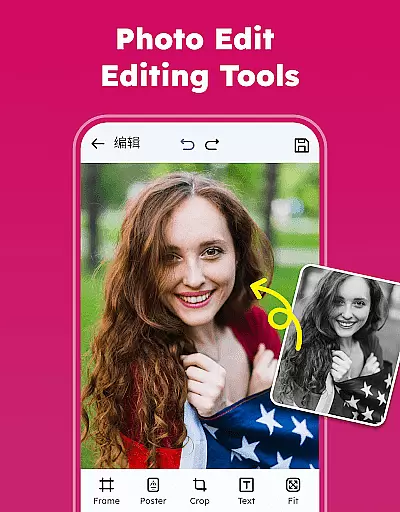
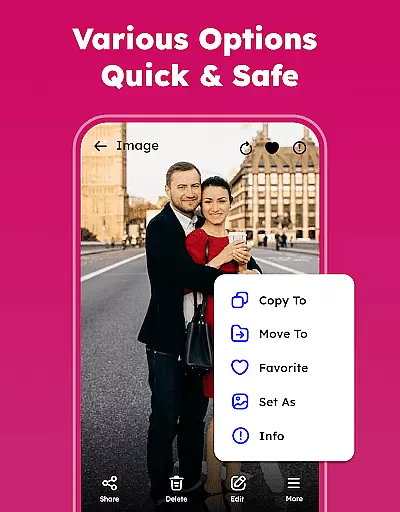
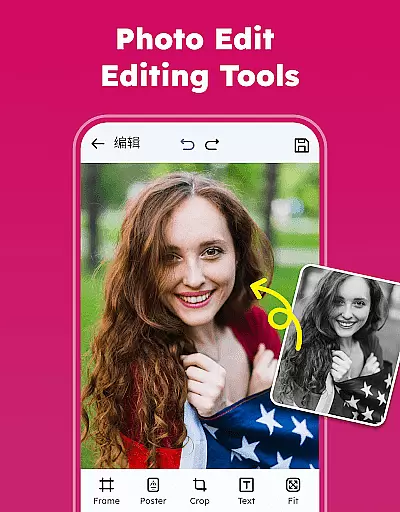
Gallery - Photos & Videos offers an impressive range of features that cater to both casual and power users. The app supports viewing, renaming, deleting, and sharing media files directly to social platforms or messaging apps. It also includes professional-grade editing tools with filters and creative options, allowing users to enhance their photos easily.
One of the key highlights is the Photo Organizer, which automatically sorts media into categories like people, places, and events. Users can customize albums, set light or dark themes, and even restore deleted files from the Trash folder. Additionally, the Gallery Lock feature ensures privacy by securing sensitive content behind a PIN or password, offering peace of mind for users who value discretion.
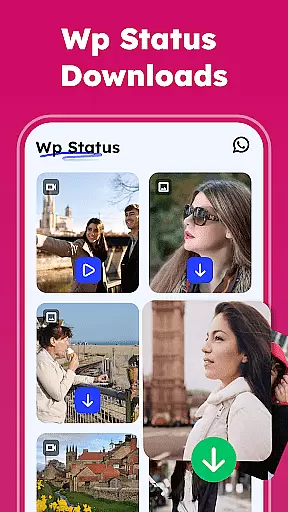
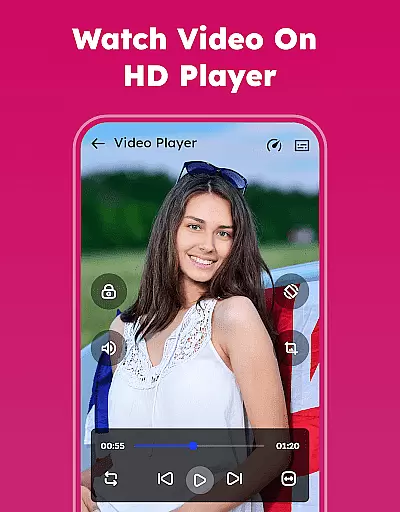
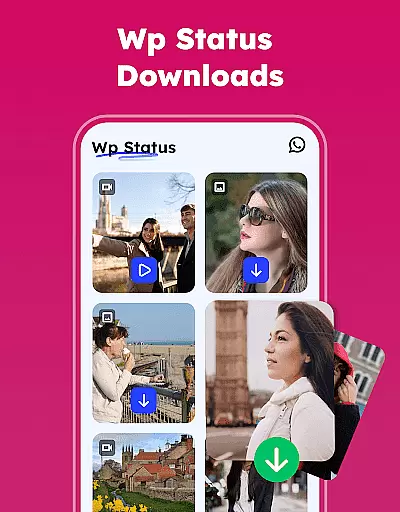
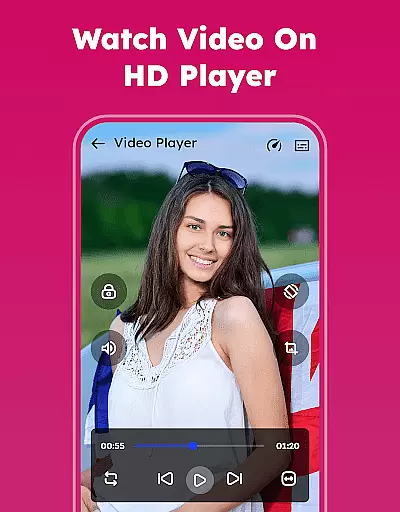
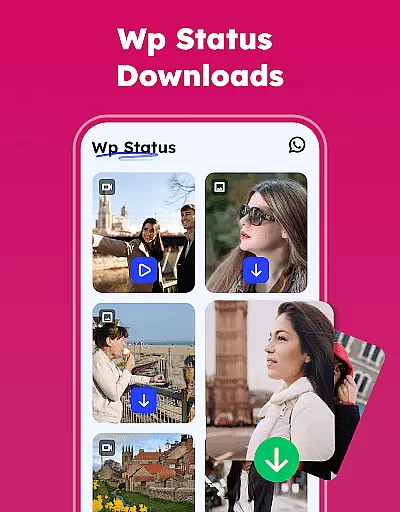
Other notable features include smooth video playback, WA Status Saver functionality, and the ability to remove duplicate media files. These capabilities make the app not only versatile but also optimized for efficient storage management and seamless user experience.
Real-time capture and preview functionality is essential for any photography app as it allows users to frame their shots accurately and make instant adjustments. In the Gallery - Photos & Videos app, this feature ensures that what you see on your screen is exactly what you get in your final photo or video.
The app provides a responsive interface where users can instantly switch between photo and video modes without delay. This seamless transition enhances the user experience by allowing quick adaptation to different shooting scenarios, whether capturing still images or recording dynamic videos.
Users benefit from real-time filters and effects that can be applied before taking a shot. This immediate visual feedback empowers users to unleash their creativity and achieve desired results without needing post-production editing. The ability to preview changes live on the screen makes photography more intuitive and enjoyable.
Furthermore, the app's real-time capabilities extend to its smooth playback of videos, ensuring that captured moments are relived with the same vibrancy and clarity as when they were first recorded. This feature not only enriches the viewing experience but also aids in quickly reviewing footage for quality assurance.
AI beauty and enhancement features have become a staple in modern photography apps, offering users the ability to refine and perfect their images effortlessly. The Gallery - Photos & Videos app leverages advanced AI algorithms to provide natural-looking enhancements that preserve the authenticity of each photo.
With this app, users can apply intelligent retouching tools that automatically detect faces and adjust features such as skin tone, brightness, and contrast with precision. These enhancements are designed to highlight natural beauty without over-processing, ensuring that edited photos remain true to life.
The AI-driven editor includes a variety of filters and effects that enhance image quality while maintaining an element of realism. Users can choose from different intensity levels to customize their edits according to personal preference, striking a balance between enhanced aesthetics and genuine representation.
Moreover, the appu2019s AI capabilities extend beyond simple beautification; it offers creative tools like adding artistic touches with emojis and other decorative elements. This combination of practical enhancements and creative freedom allows users to produce stunning visuals that reflect both their personality and the original essence of the captured moment.
User-friendly interface
Advanced privacy controls
Offline functionality
Automatic media categorization
Efficient duplicate file removal
Limited advanced editing tools
Requires permissions for full functionality
Occasional bugs in older devices
Ads in free version
Learning curve for new users









Long exposure camera with computational photography
 2.60
2.60
Search, tag and rate your way to an organized image gallery
4.40
Create funny photos and videos with the popular Time Warp Scan filter.
4.90
Perfect body tune & face app - photo retouch, makeup, slim body & beautify face.
4.80
Future baby face generator: AI kids generator, kid face! What my baby look like?
4.40
Transform Photos: Edit, Beautify and Craft Memories & Make Collages!
4.10
Enhance, upscale, and transform your images — on your device, without limits
4.70
Unlock the full potential of your DJI drone with Litchi
4.50
Solocator stamps photos you take with GPS location, Compass Direction, Date/Time
3.80
AI Photo Editor with 100+ Filters, Effects! Remove BG, Retouch & Photo Enhancer.
4.80
A collection of tools and reference tables for DPs, ACs, DITs and Operators.
4.70
PhotoSync Bundle Add-On License. Enables all features and services in PhotoSync.
4.60
Cut and paste photo editor & eraser to customize photos easy and swap faces fun
4.50
Create collages easily! Nice pic collage maker & background eraser for Instagram
4.50
Movie camera, supports pro recording settings for filming. Try it and be amazed!
4.50
Create AI Photos, Improve and restore quality of blurry, old or damaged pics.
4.20
Perfect photos with body shaping, BG changer and object remover.
3.70
Be your best in every shot! Fix, edit and retouch your face in selfies & photos.
3.70
Over 800 film simulation recipes for Fujifilm. Black Friday Offer!
4.1

User Reviews