

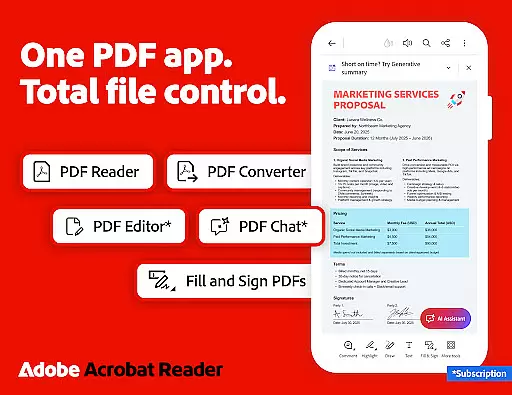
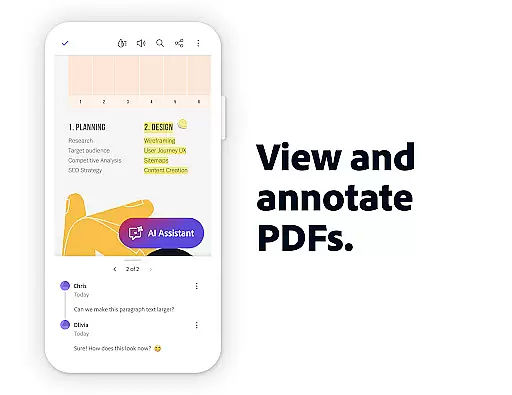
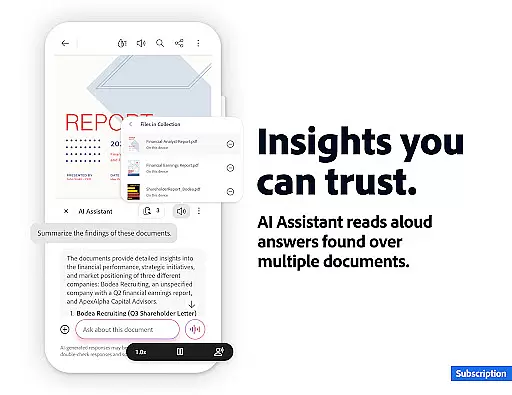
Adobe Acrobat Reader is a comprehensive productivity tool designed for managing PDF documents efficiently. As the world's most trusted PDF reader, editor, and maker, it boasts over 635 million installs. The app allows users to view, share, annotate, add comments, and sign documents seamlessly in one place. With the new Adobe Acrobat AI Assistant, users can now work smarter by collaborating across multiple files, generating instant summaries, and extracting cited answers from complex content like charts and graphs.
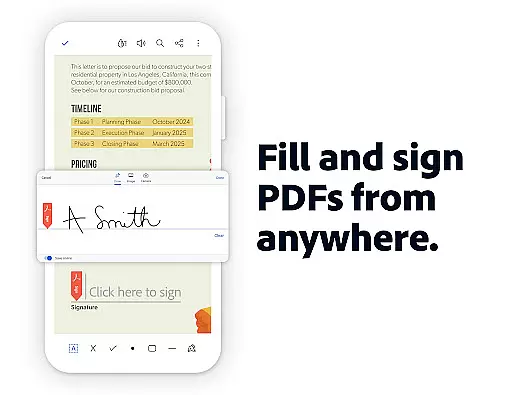
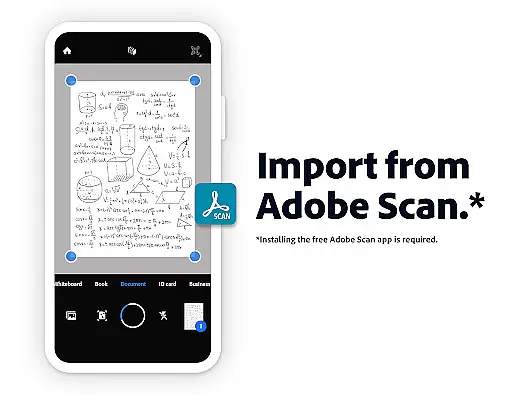
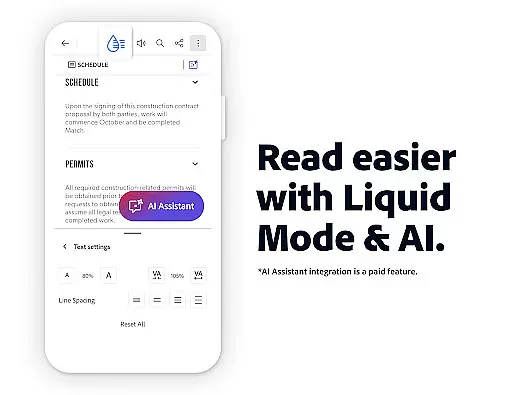
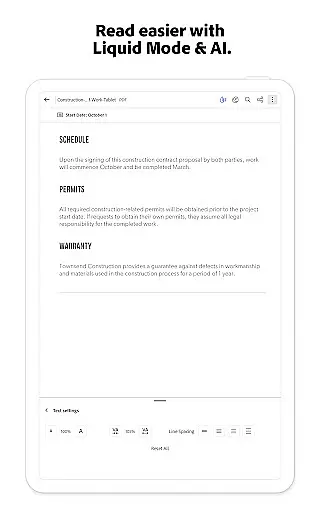
The app also offers advanced paid features such as editing text and images directly within PDFs, Optical Character Recognition (OCR) for scanned documents, merging or splitting PDFs, and compressing large files for easier sharing. Its free-to-use features include Liquid Mode for an optimal reading experience, Fill & Sign functionality, and collaboration tools that allow users to share and comment on PDFs effortlessly. Whether you're working on mobile or desktop, Adobe Acrobat Reader ensures your documents are accessible, secure, and easy to manage.
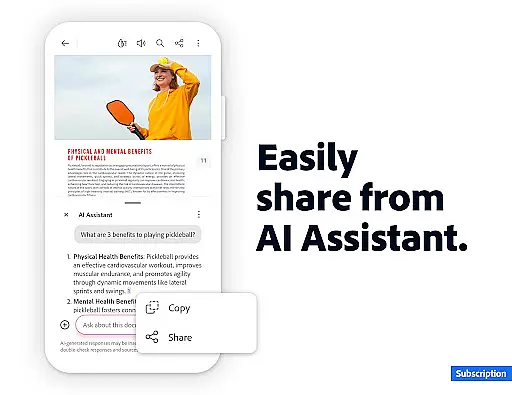
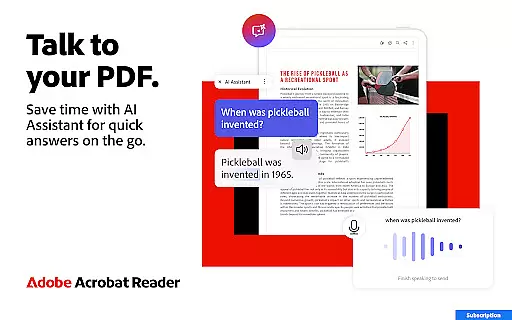
Adobe Acrobat Reader stands out with its robust feature set tailored for productivity enthusiasts. One of its key highlights is the Adobe Acrobat AI Assistant, which enables users to interact with PDFs using voice or text prompts. This feature supports cited Q&A for document details, including figures and tables, and even provides voice support for reading responses aloud. Additionally, Generative AI Summaries allow users to instantly create concise overviews of lengthy PDFs, making it ideal for research or quick reviews.
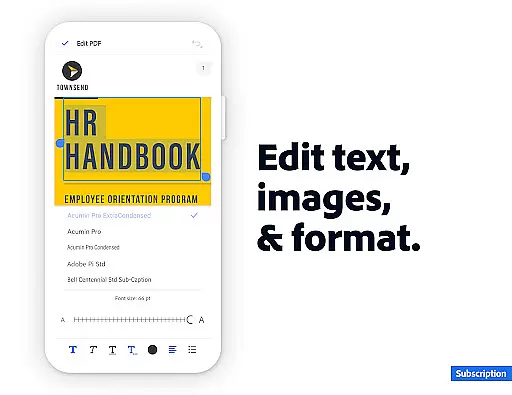
For power users, the app offers professional-grade tools such as a built-in PDF editor for modifying text and images, OCR capabilities for converting scanned documents into editable formats, and a PDF converter for merging or splitting files. Security-conscious users will appreciate options like password protection and file compression. Furthermore, integration with cloud services like Google Drive, Dropbox, and Microsoft OneDrive ensures seamless file management. These features collectively make Adobe Acrobat Reader a versatile solution for both personal and enterprise-level document handling.
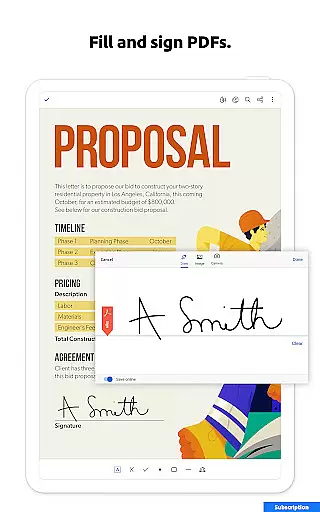
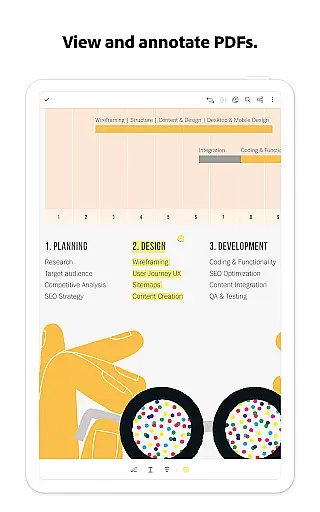
Adobe Acrobat Reader excels in core task management by offering a comprehensive suite of tools designed to handle PDFs efficiently. The app allows users to view, share, annotate, and sign documents seamlessly, making it an all-in-one solution for productivity.
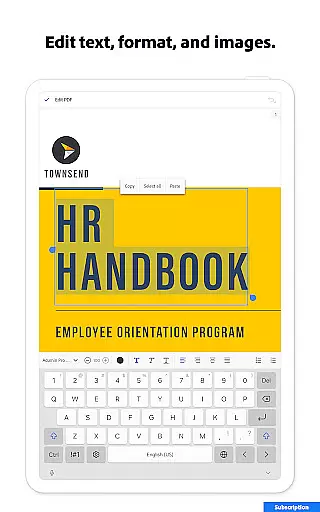
One standout feature is the ability to edit text and images directly within PDFs, which simplifies document adjustments without needing additional software. This functionality extends to organizing pages, merging files, and converting documents into various formats, ensuring that users can manage their tasks effectively.
For those who require advanced capabilities, Adobe provides AI-powered features like Optical Character Recognition (OCR) and Generative AI Summaries. These tools enable users to extract searchable text from scanned documents and generate concise summaries, enhancing workflow efficiency significantly.
By integrating cloud storage options such as Google Drive and Dropbox, Adobe Acrobat Reader ensures that users can access and manage their files from anywhere. This flexibility not only boosts productivity but also supports collaborative work environments where team members need to share and comment on documents in real-time.
Cross-device synchronization is a critical aspect of modern productivity apps, and Adobe Acrobat Reader delivers reliable performance in this area. Users can store their files online and access them across multiple devices, ensuring continuity and convenience in their workflows.
The app's integration with cloud services like Microsoft OneDrive, Dropbox, and Google Drive enhances its synchronization capabilities. By linking these accounts, users can easily manage and retrieve important documents, regardless of the device they are using. This seamless connectivity ensures that all changes made on one device are instantly reflected on others.
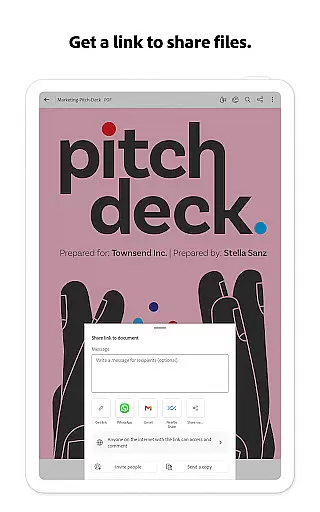
Adobe Acrobat Reader also supports real-time collaboration, allowing users to share files and receive activity notifications. This feature is particularly beneficial for teams working on joint projects, as it keeps everyone updated on document modifications and comments. The ability to tag others with @mentions further streamlines communication and task delegation.
In addition to file synchronization, Adobe offers consistent user experience across platforms. Whether accessing the app via mobile or web, users enjoy the same high-quality PDF viewing, editing, and sharing functionalities. This uniformity ensures that productivity remains uninterrupted, regardless of the device in use.
Trusted PDF solution
Advanced AI tools
Comprehensive editing
Secure file handling
Cross-platform support
Paid AI features
Complex interface
Large app size
Limited free tools
Subscription required

Client for Nextcloud Deck
 4.60
4.60
Seamlessly integrate data and reports to build your presentation to impress
4.80
Create study competitions, track your hours, and stay consistent with friends
4.2
The upgraded version of Name Wheel with AI and the power to add your own wheels.
4.1
The Pro Version of Android's tiniest Notepad app. Just 0.3MB but feature-packed!
4.60
Customizable calendar widget for seamless event sync, planning & scheduling.
4.00
App Lock with fingerprint, password: Lock apps & hide photos with lock screens
4.60
Create and edit presentations with Google Slides, part of Google Workspace.
4.00
Best Tool for the professionals Electrician, Electrical contractors, etc.
4.90
Great calculator for Android named one of USA TODAY's "25 Essential Apps".
4.90
Protect and view your important info on your phone and tablet with eWallet®
4.80
We're working to become the best machining app on the market! www.cncdirt.com
4.80
Stay on top of your to-dos with Google Tasks, part of Google Workspace.
4.60
All document reader, all in one file viewer read PDF, DOCX, XLS, PPT, TXT files.
4.60
Translate text/voice/photos in 150+ languages. Offline & fast translator app.
4.50
Automates browsing any website and notifies you of important changes or events
4.30
Easily read and manage all your PDF files
4.10
Auto-shutoff Alarm with Sunrise, Sunset & Fixed Options.
3.50
AI Video AI Image Private LLM AI Browser Llama Gemma Ollama Connect LLM Studio
4.3


User Reviews