

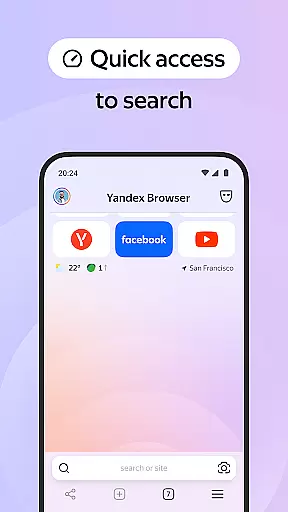
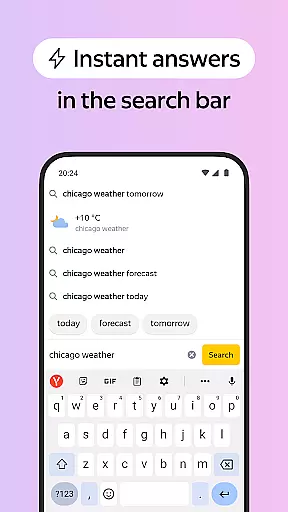
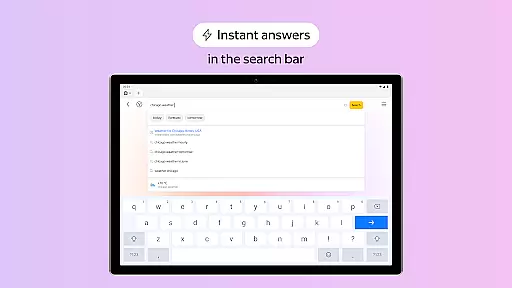
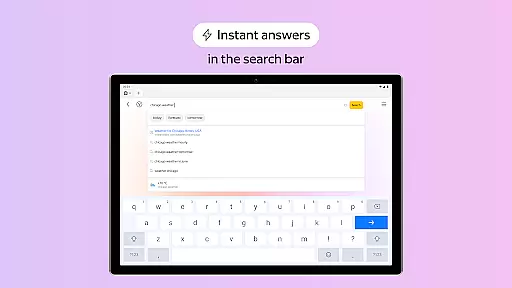
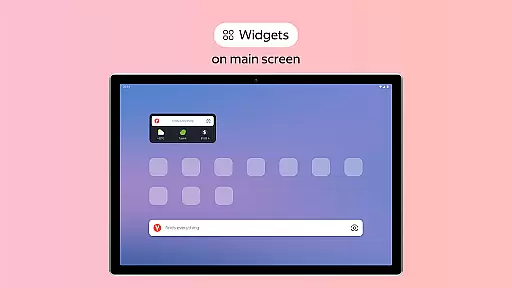
Yandex Browser with Protect is a stylish and secure mobile browser that offers advanced features for an optimal browsing experience. It includes voice search functionality, data compression to reduce internet usage, and an active security system called Protect that safeguards users' personal data on public Wi-Fi networks.
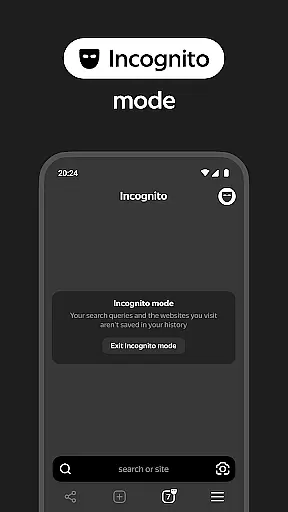
In addition to its core browsing capabilities, the app provides several unique features such as ad blocking integration, Reader Mode to declutter web pages, Incognito Mode for private browsing, and cross-device syncing through a Yandex account. These functionalities make it particularly suitable for users who prioritize both style and security in their online activities.
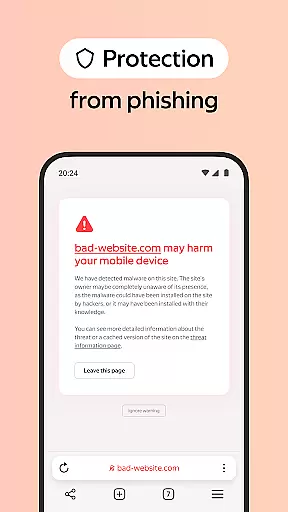
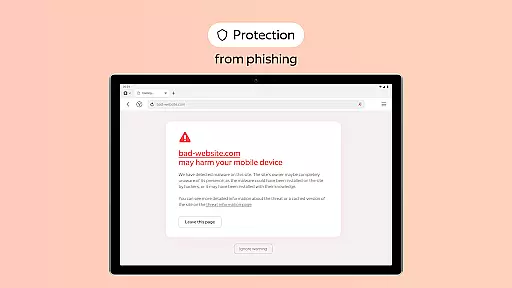
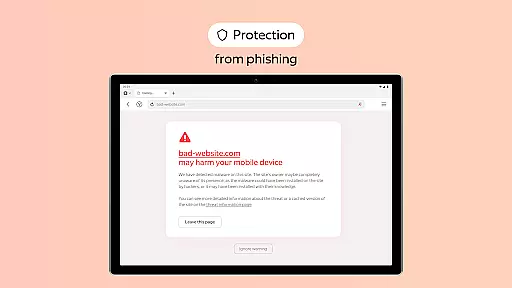
One of the standout features of Yandex Browser is its comprehensive security system, Protect, which actively shields users from harmful or fraudulent websites. This feature is especially valuable when using unsecured public Wi-Fi networks where data breaches are common.
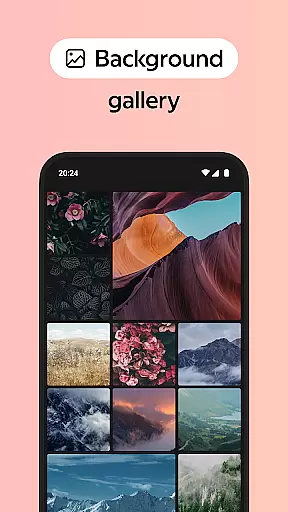
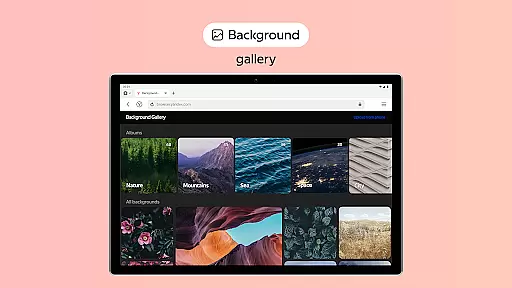
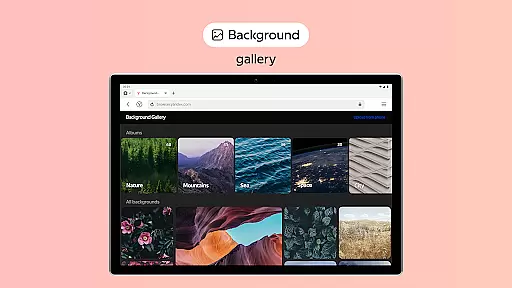
The browser also supports third-party ad-blocking applications, allowing users to enjoy an uninterrupted browsing experience free from annoying ads. Its Reader Mode further enhances this by hiding irrelevant interface elements, leaving only essential text and images on the screen. Additionally, customization options abound with a wide array of backgrounds available in the wallpaper library, enabling users to personalize their browsing environment according to their preferences.
Customization is a key feature in any browser, and Yandex Browser with Protect offers a wide range of options to tailor the browsing experience to individual preferences. The browser provides an extensive wallpaper library where users can choose backgrounds that suit their style or mood, making the interface not only functional but also personal.
In addition to aesthetic customization, Yandex Browser supports practical extensions such as ad-blocking apps which enhance user experience by removing annoying ads from websites. This flexibility allows users to maintain a clutter-free and relevant browsing environment, ensuring that their online activities are both enjoyable and efficient.
Furthermore, features like Reader Mode enable users to hide unrelated interface elements, focusing solely on the content that matters. By allowing the customization of what appears on the screen, Yandex Browser empowers users to create a personalized and streamlined browsing session tailored to their immediate needs.
Yandex Browser ensures seamless theme compatibility, providing users with a visually consistent experience across different devices. Whether accessing the internet from a desktop or mobile device, users can expect the same high-quality performance and appearance, thanks to the browser's adaptive design and cross-platform support.
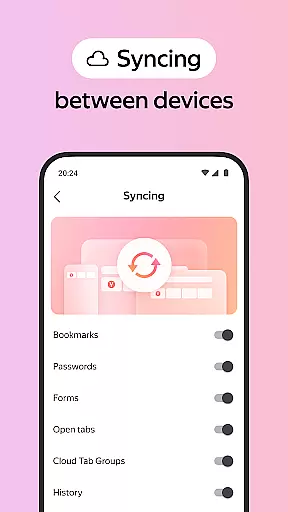
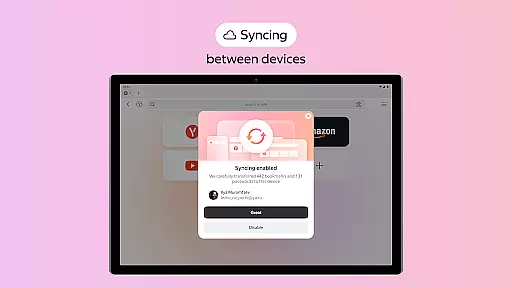
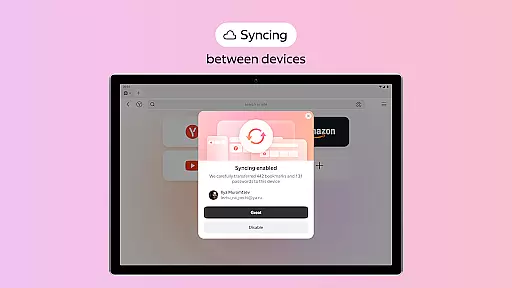
The synchronization feature via a Yandex account further enhances this consistency, allowing users to access their customized settings, favorite websites, and bookmarks from any device. This means that no matter where they are or what device they use, the look and feel of their browser remain unchanged, offering a reliable and familiar interface.
Moreover, the browser's active security system, Protect, integrates smoothly with its theme offerings. Users can browse safely on public Wi-Fi networks without compromising the visual aspects of their chosen themes. This combination of security and aesthetics underlines Yandex Browser's commitment to delivering both safety and style in one comprehensive package.
Advanced security features
Voice search functionality
Data compression technology
Customizable interface
Cross-device syncing
Limited third-party extensions
Higher memory usage
Occasional slow performance
Privacy concerns with Yandex account
Not all features work offline


Ultra realistic gold analog watch face with lots of customization options.
 4.50
4.50
Art & Emoji Keyboard with Cool Fonts, Cute Themes and Custom Designs.
4.40
Wallpaper HD 4K Live - Thousands of high-quality Anime backgrounds for you.
4.80
Zip lock screen with magic wallpaper to decorate your phone with fun zipper lock
4.60
Icons made of colorful linear lines
4.60
Launcher OS™ Pro without ads help make your phone simple and pretty
4.30
Crystal-clear, square icon provides a sleek and sophisticated visual upgrade
4.00
Transform your phone with stunning video wallpapers and a unique, personal touch
3.80
Emoji Maker app - Design custom emojis and effortlessly blend them with Mixer
3.80
300+ Stunning and well-designed widgets inspired by NOTHING.
4.70
Customizable Glass widgets. Over 360+ stunning widgets and more!
4.70
Customize your home screen with stunning themes, blur, widgets & icons.
4.60 4.50
4.50
Vibrant Adaptive Icons with Material You and Enhanced Monet Colors.
4.50
AI-powered Copilot. Personalized keyboard with gifs, stickers & themes
4.40
Themes - Widget & Wallpaper: Customize home screen, icon changer w unique themes
4.30
Customizable flower power digital watch face for Wear OS watches.
4.00
Create unique, fun emojis with Funny Emoji Maker! Unlimited creativity!
4.00
Customize glowing edges, wallpapers, and caller screen with EdgeAura.
3.50

User Reviews