

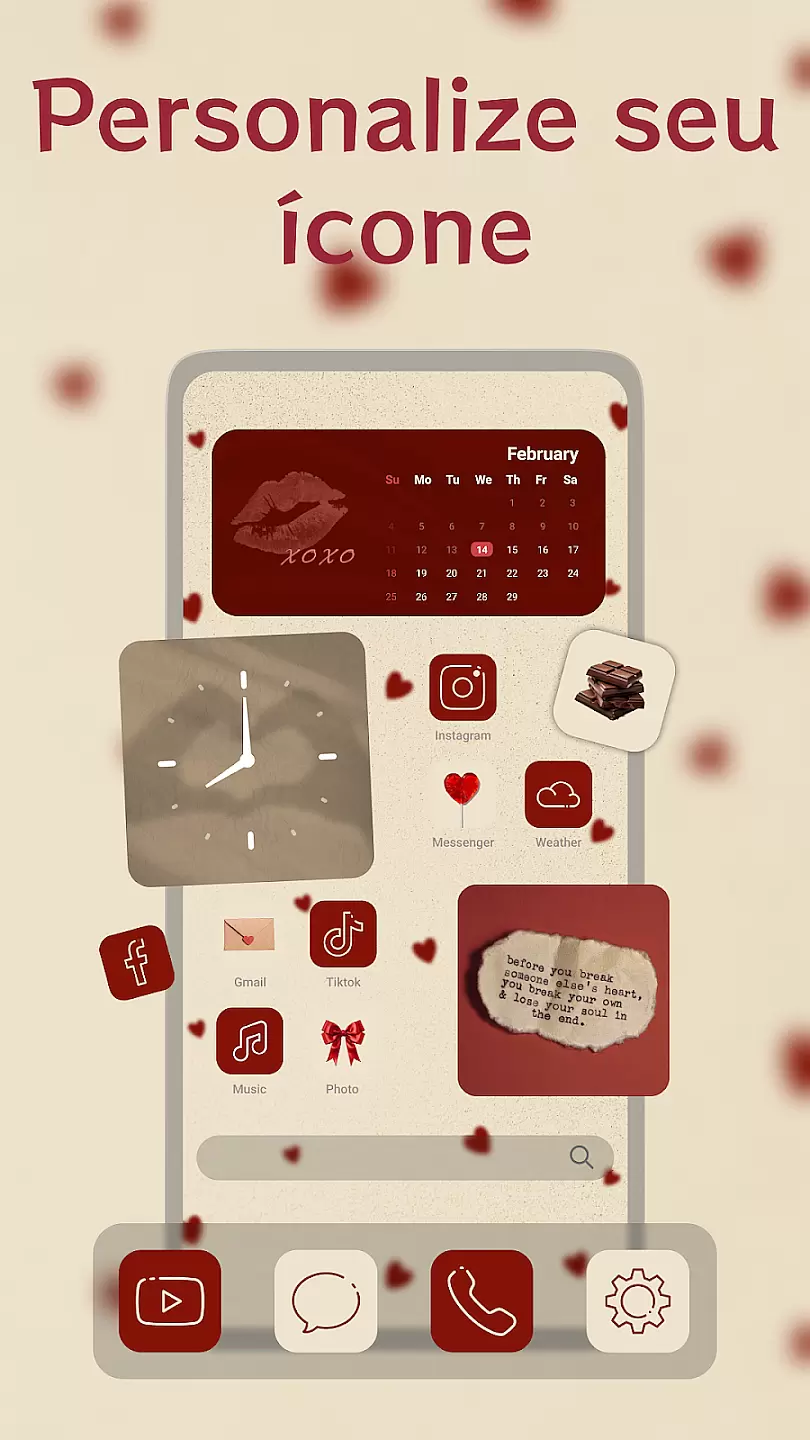
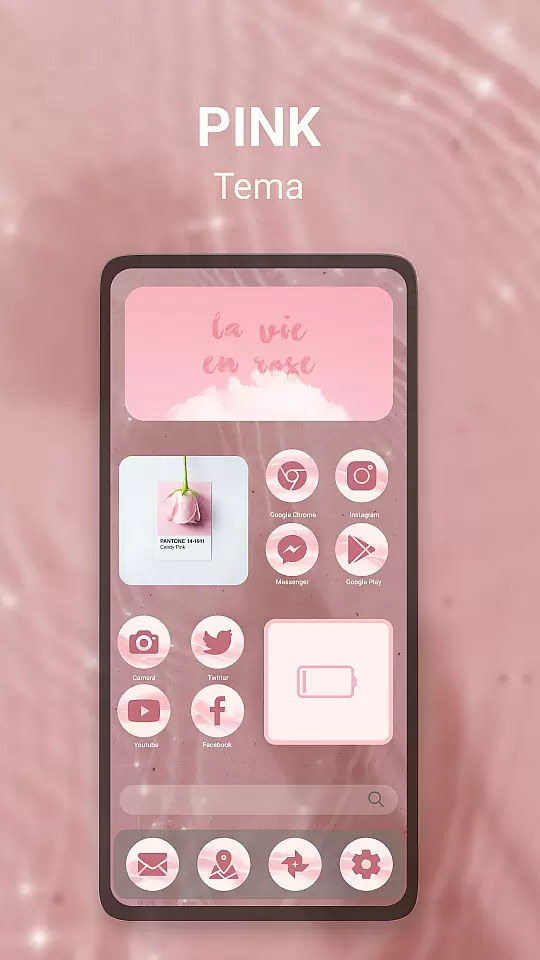
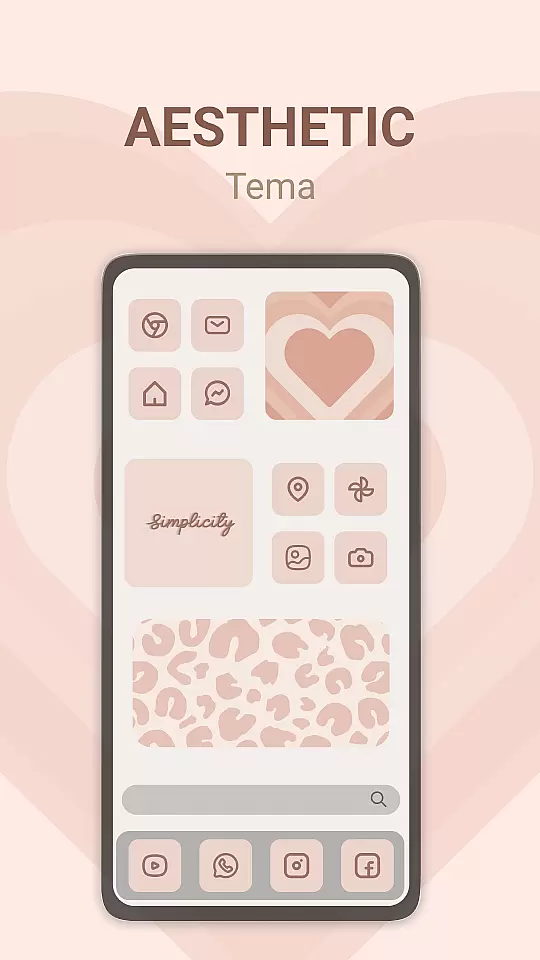
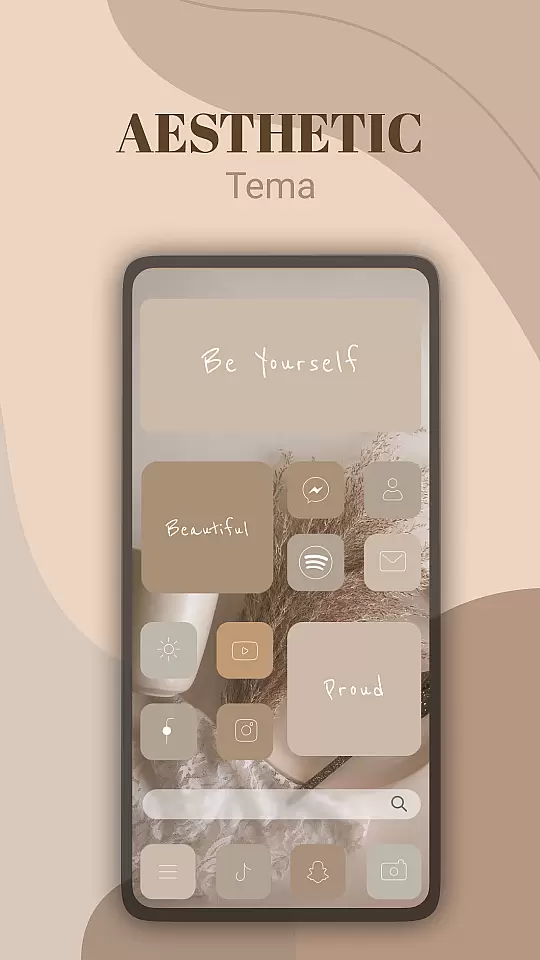
Theme, Widget & Icon Changer is a versatile personalization app that allows users to customize their smartphone experience. With an extensive library of themes, widgets, and icon packs, the app caters to those looking to break away from the standard look of their devices. Users can easily apply new themes to transform their home screens or select from a variety of widgets to keep important information at their fingertips.
The app also offers an icon changer feature, enabling users to replace default app icons with unique designs. This functionality extends to customizing individual folders and app shortcuts, providing a seamless blend of aesthetics and usability. Whether you're looking to refresh your phone's appearance or create a cohesive design across all elements, this app delivers both variety and ease of use.
One of the standout features of Theme, Widget & Icon Changer is its user-friendly interface. The app provides intuitive navigation that makes finding and applying new themes simple for users of all technical backgrounds. Each theme is crafted with attention to detail, ensuring high-quality visuals and consistency across icons and widgets.
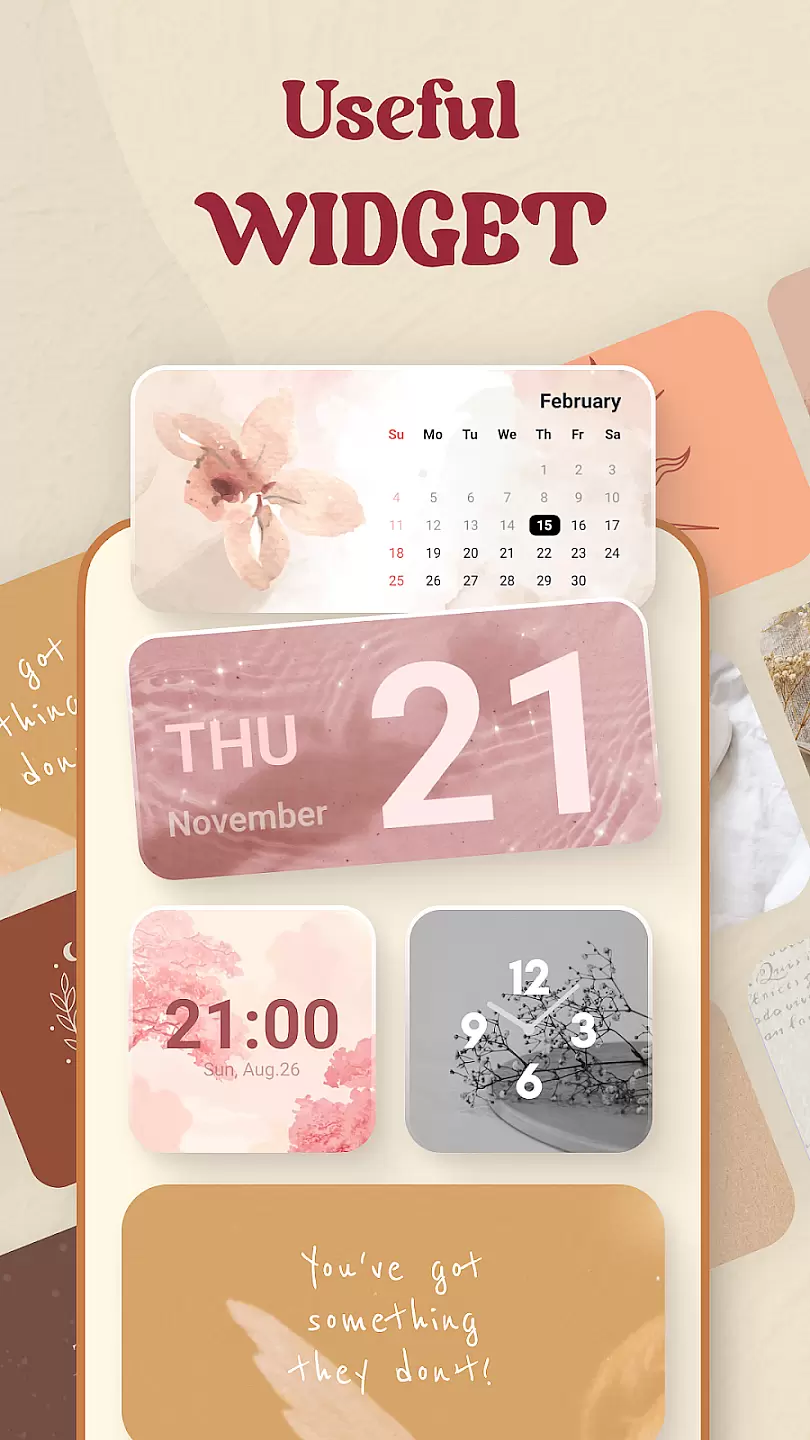
Additionally, the app supports dynamic widgets that update in real-time, such as weather widgets or calendar displays. These widgets not only enhance the visual appeal but also improve productivity by keeping essential data visible at all times. The icon changer tool includes thousands of custom icons designed by professional artists, allowing users to personalize every aspect of their device's interface.
Advanced customization options are available for power users who want more control over their design choices. From adjusting widget transparency to creating custom icon sets, the app empowers users to express their individuality while maintaining full functionality.
Customization options variety refers to the range of choices available for users to personalize their device's appearance and functionality. This is crucial in personalisation apps as it allows users to express their individuality and preferences.
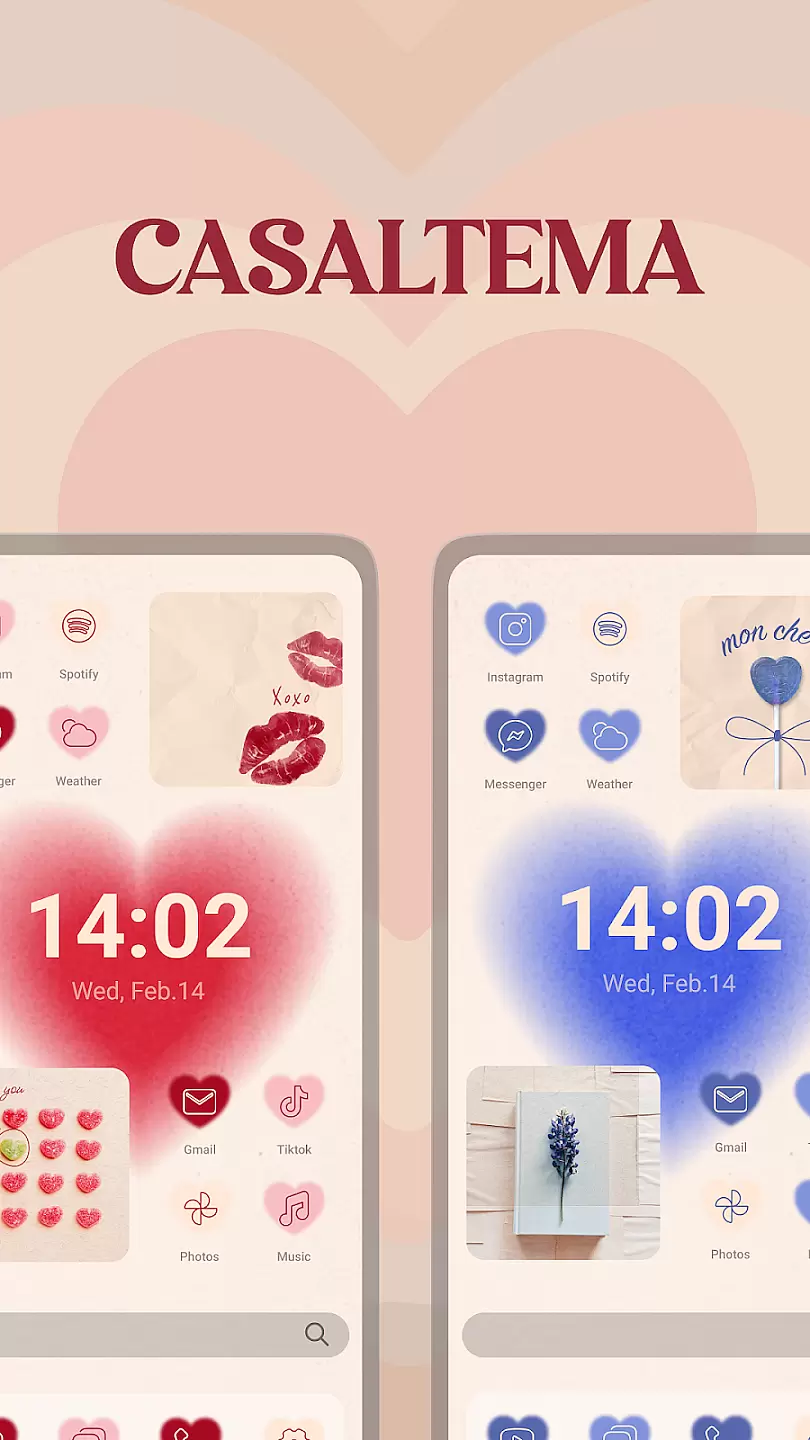
Theme, Widget & Icon changer offers an extensive library of themes, widgets, and icons that cater to different tastes and styles. Users can choose from a wide array of designs, colors, and patterns to match their personal aesthetics or mood.
The benefit of such variety is that it empowers users to refresh their device's look frequently without any hassle. Whether someone prefers a minimalist design or something more vibrant and eye-catching, this app provides the tools necessary for a complete transformation.
Ultimately, having diverse customization options enhances user satisfaction by providing control over their digital environment, making their devices truly unique and reflective of their personality.
Theme compatibility ensures that the selected themes, widgets, and icons work seamlessly across different devices and operating systems. It is important because incompatible themes can lead to visual inconsistencies or even functional issues on a user's device.
With Theme, Widget & Icon changer, users are assured that all customization elements have been tested for compatibility with various devices and OS versions. The app developers regularly update the content to ensure ongoing compatibility.
This means users can apply new themes with confidence, knowing they will display correctly regardless of whether they switch between phones or update their operating system. Such assurance encourages experimentation with different looks.
In summary, strong theme compatibility not only guarantees a smooth visual experience but also supports the overall stability and performance of the device, enhancing the joy of personalizing oneu2019s tech accessories.
User-friendly interface
Extensive theme library
High-quality icons
Real-time widgets
Regular updates
Limited free options
Some features require premium
Occasional bugs
Heavy on system resources
Ads in free version

Customizable Glass widgets. Over 360+ stunning widgets and more!
 4.70
4.70
A Colorful and Minimal icon pack in an Outline Style - Over 13,600 icons!
4.70
Ultra realistic gold analog watch face with lots of customization options.
4.50
Capture moments that pass like a storm, second by second.
4.5
Personalize your phone with stunning HD and 4K wallpapers!
4.70
Ultimate widget creator. Design custom widgets for a truly unique home screen!
3.90
Run multiple accounts of the same app on a single device
4.10
Unleash Your Creativity and Connect with Loved Ones with Lockscreen Drawing!
4.20
Install amazing sticker packs: endless styles, always cool.
4.70
Only for Wear OS devices!
4.90
Stunningly Different look with Line Icons and Neon Colors
4.60
Embrace the Night. Unleash the power of darkness with Raven Dark Icon Pack
4.60
Transform your phone with Launcher iOS 26 - Smooth & elegant iOS experience
4.50
Turn text & photos into stunning AI videos, art, and creative visual stories.
4.50 4.50
4.50 4.50
4.50 4.10
4.10
Realistic animated snow on your wrist, with 10 images landscapes to choose from
4.00
Create unique, fun emojis with Funny Emoji Maker! Unlimited creativity!
4.00

User Reviews