

Pix Material Expressive Icons is a dynamic icon pack that fully supports Material You design, offering users an enhanced personalization experience. With adaptive icons that change shape and color based on your wallpaper and system settings, it provides next-level customization options.
The app includes over 24,000 adaptive icons, clock and music widgets, and the innovative Icon-Widget feature. These elements work together to create a cohesive and modern aesthetic across your device, especially optimized for Android 12 and above.
Whether you're using a custom launcher or stock Pixel Launcher, this app ensures your icons maintain a consistent style while adapting to your chosen accent colors and themes. The result is a personalized yet harmonious device appearance that evolves with your preferences.
This icon pack stands out with its full support for Material You, including an extended Monet palette with four additional accent colors. Each icon features a clean linear outline and dynamically changing background colors that adapt to your wallpaper, creating a seamless visual experience.
The adaptive nature of these icons allows them to modify their shape based on the launcher you're using, providing flexibility across different devices and launchers. The Icon-Widget implementation brings widget functionality to launchers that typically don't support traditional icon packs.
Users can enjoy various customization options including different icon shapes, sizes, animations, and grid configurations. These features, combined with compatibility across multiple launchers and Android versions, make Pix Material Expressive Icons a versatile tool for device personalization.
Customization is at the heart of Pix Material Expressive Icons, offering users a wide array of options to tailor their device's appearance. With full support for Material You, this icon pack introduces four additional expressive accent colors beyond the standard Monet palette, ensuring your icons are not just adaptive but also vibrant and unique.
Each icon boasts a clean linear outline complemented by a dynamically changing background color that responds to your wallpaper. This feature allows for seamless integration with your system's color scheme, creating a personalized and harmonious style that stands out. The adaptive nature of these icons means they can change shape on supported custom launchers, providing even more avenues for personalization.
For users seeking further customization, Icon-Widgets offer an innovative solution for launchers lacking native icon pack support. These widgets adapt their color based on the wallpaper and respect the deviceu2019s light or dark theme settings. Users can select from various icon shapes, names, and widget sizes, making each widget closely resemble themed icons in Pixel Launcher.
Pix Material Expressive Icons ensures broad theme compatibility, working seamlessly across different Android versions and launchers. For devices running Android 8-11, where Monet support is absent, icons display in soothing pastel colors. In contrast, Android 12+ users benefit from icons and widgets that dynamically adjust their colors based on the wallpaper and utilize three Material You colors for a cohesive look.
The icon pack supports a multitude of launchers including Nova Launcher, Smart Launcher, Hyperion, Niagara Launcher, AIO Launcher, Stario Launcher, Pixel Launcher via Icon Widget, OneUI Launcher through Theme Park, Action Launcher, Ruthless Launcher, Lawnchair, among others. Notably, several launchers automatically apply color changes on Android 12+, enhancing user convenience.
To maximize theme compatibility, after changing wallpapers or accent systems, users should reapply the icon packu2014this step is crucial for color updates except in launchers that handle this process automatically. Additionally, enabling the system color palette derived from the wallpaper is recommended for optimal results.
Full Material You support
Dynamic color adaptation
Wide launcher compatibility
Extensive icon collection
Innovative widget solution
Limited Android 11 support
Manual reapplication needed
Beta-version compatibility
Feature complexity
Premium price point
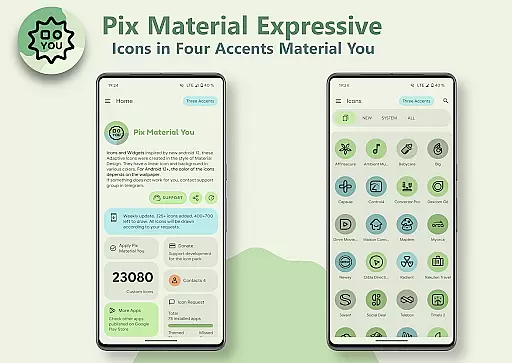
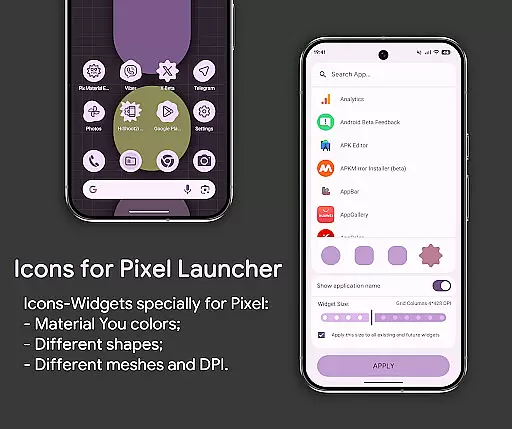
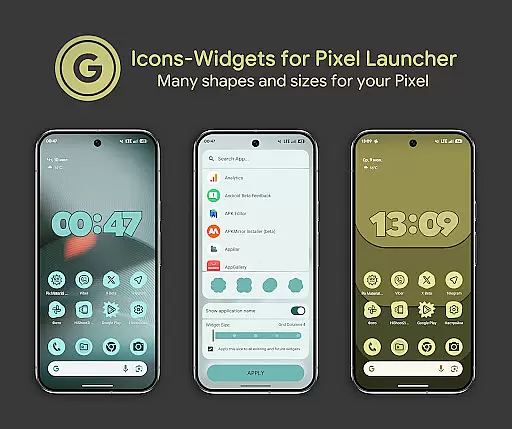
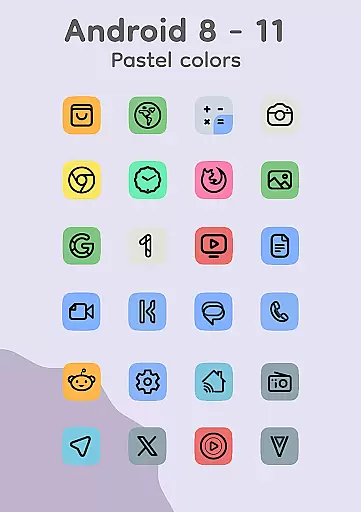
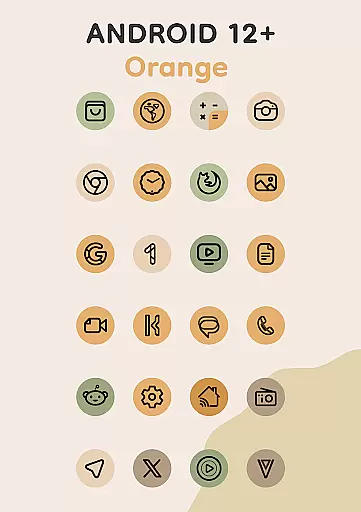
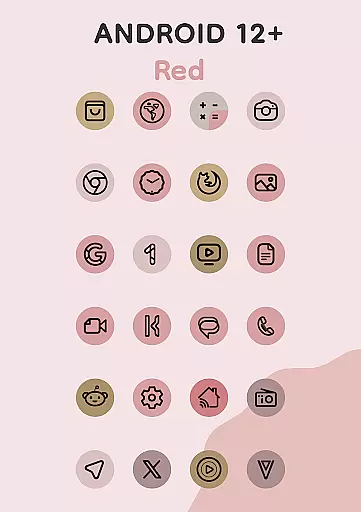
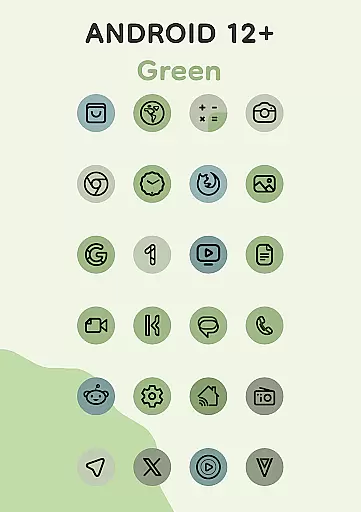
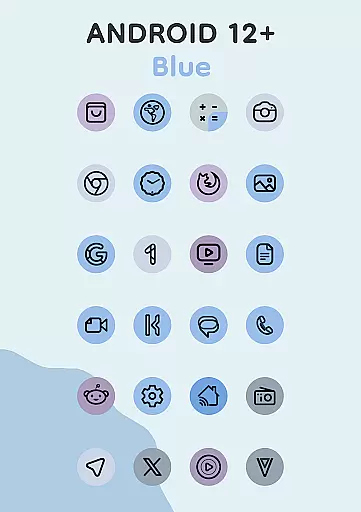

A light in the dark, a unique style and an andless cutomization!
 4.30
4.30
Sparkle your screen with Glitter Wallpapers For Girls and Cute Backgrounds!
4.80
100+ Stylish Fonts, Emojis, Symbols keyboard for Instagram & TikTok!
4.80
Unique Fonts, typefaces and stylish text. Fonts for Instagram, Whatsapp & others
4.20
App Icon Changer & Shortcut Creator. Customize your icons without any watermarks
4.30
Icons made of colorful linear lines
4.60
Crystal-clear, square icon provides a sleek and sophisticated visual upgrade
4.00
300+ widgets inspired by Material You and Material 3 expressive design.
4.60
Fast SMS & group chat - use GIFs and emojis from your home screen launcher.
4.50
Wallpaper HD 4K Live - Thousands of high-quality Anime backgrounds for you.
4.80
Unique Android Launcher
4.60
Bring adorable pets to life on your screen. Playful, interactive and full of fun
4.60
Customizable screen pets that play, climb, and keep you company.
4.50 4.50
4.50 4.50
4.50 4.10
4.10
Transfer your live wallpapers from Windows to Android using Wallpaper Engine!
4.00
Create unique, fun emojis with Funny Emoji Maker! Unlimited creativity!
4.00
Your go to Weather App & Home Screen. Get your weather at a swipe of a finger!
3.80

User Reviews