

BeeLine Icon Pack is a vibrant and modern icon pack designed to transform the look of your Android device with its unique linear design. Featuring over 3000 meticulously crafted icons, this pack brings a perfect blend of minimalism and creativity to both dark and light themes. Each icon is designed following Google's Material Design guidelines while incorporating a distinct artistic touch.
The icon pack also includes a vast collection of cloud-based wallpapers and supports features like Muzei Live Wallpaper and dynamic calendar functionality. With regular updates that add new icons and alternative designs for popular apps, BeeLine ensures compatibility and freshness. Its user-friendly interface allows easy customization through icon search and preview options.
Whether you're using a popular launcher like Nova Launcher or others such as Apex or Action Launcher, BeeLine Icon Pack integrates seamlessly, offering a polished and cohesive home screen experience. This makes it an ideal choice for users looking to refresh their device's aesthetics while maintaining usability.
BeeLine Icon Pack stands out with its comprehensive set of features tailored for Android customization enthusiasts. The pack boasts over 3000 high-quality icons, each crafted with attention to detail, ensuring top-notch quality and visual appeal. These icons are complemented by a rich selection of cloud-based wallpapers, enhancing the overall user experience.
One of the key highlights is its compatibility with various launchers, including Nova, Apex, and ADW, among others. The inclusion of a Material Design-inspired dashboard provides easy navigation and application of the icons. Users can take advantage of practical features like icon request systems, custom folder icons, and support for dynamic calendars, making daily interactions more engaging.
Additionally, BeeLine offers frequent updates, adding new icons and improving existing ones based on user feedback. This commitment to continuous improvement ensures that users receive fresh content regularly. The pack also includes alternative icons for popular apps, giving users flexibility in personalizing their devices to match their unique style.
Customization is at the heart of personalizing your smartphone experience, and BeeLine Icon Pack excels in providing a wide array of options to make your device truly yours. With over 3000 icons, this pack ensures that most of the apps on your phone will have a matching icon that fits the colorful linear design language.
Beyond just icons, BeeLine offers alternative icons for popular apps and system apps, allowing further personalization. You can also customize app drawer icons and folders, ensuring a consistent look throughout your device's interface.
The inclusion of dynamic calendar support and a slick material dashboard adds another layer of customization, letting users tailor their experience even more finely. These features ensure that every aspect of your home screen can be modified to suit your aesthetic preferences.
By choosing BeeLine Icon Pack, you gain access to a server-based icon request system, meaning missing icons can be requested and potentially added in future updates. This ongoing support ensures that the customization options continue to grow, keeping your device looking fresh and personalized.
Theme compatibility is crucial when selecting an icon pack, as it determines how well the icons will integrate with your launcher of choice. BeeLine Icon Pack has been meticulously tested and works seamlessly with a wide range of popular launchers such as Nova Launcher, Action Launcher, and Apex Launcher, among others.
While BeeLine provides an 'Apply' section for supported launchers, its compatibility extends beyond those listed. Even if your launcher isn't directly mentioned, you can often apply the icon pack through your launcheru2019s theme settings, making it versatile for various devices and user preferences.
It's important to note that while many launchers are compatible, some like Google Now Launcher and ONE UI do not support third-party icon packs. However, for devices running Oxygen OS or Mi Poco, you might find that BeeLine works with the stock launcher, offering flexibility without needing a third-party solution.
With comprehensive FAQ support within the app and responsive developer communication channels, any questions about compatibility can be quickly addressed. This ensures that regardless of your setup, you'll have guidance on how best to implement BeeLine's vibrant designs across your device.
Stylish linear design
Regular feature updates
Wide launcher support
Vibrant color palette
Comprehensive icon library
No stock Android support
Limited iOS compatibility
Requires third-party launcher
Some icons still missing
Premium price tag
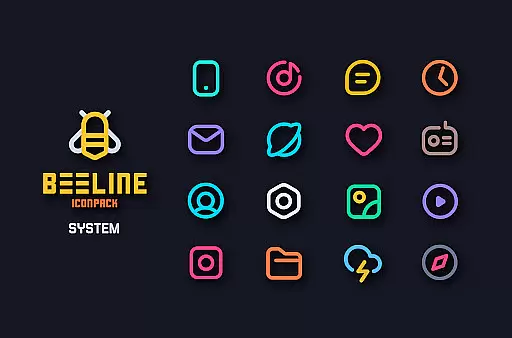
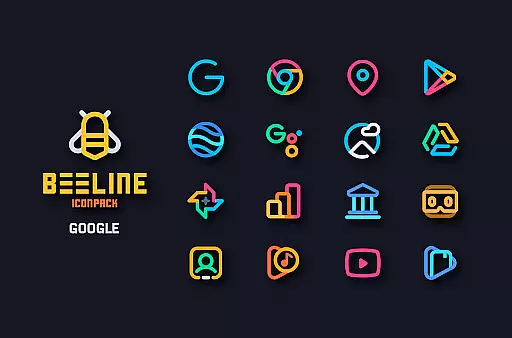
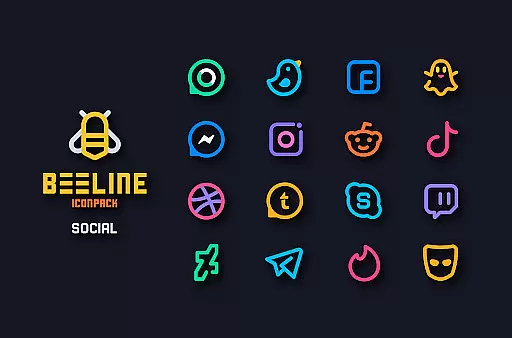
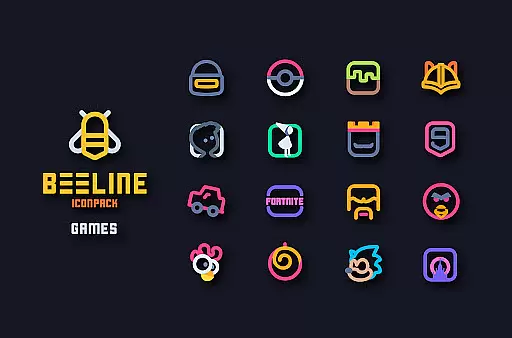
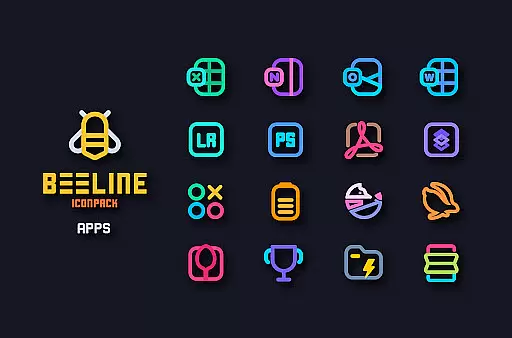
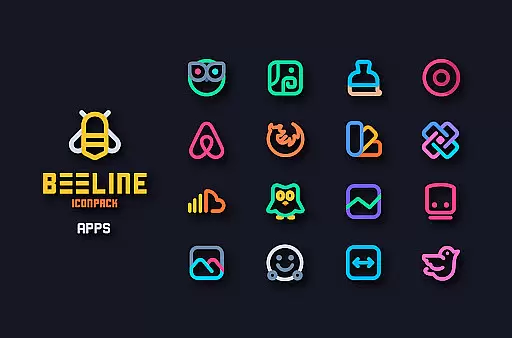
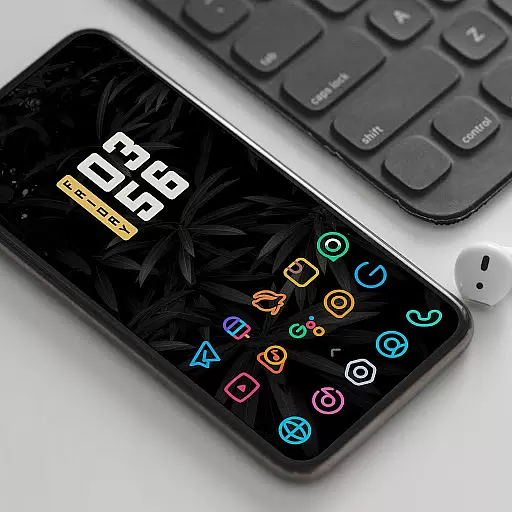

A light in the dark, a unique style and an andless cutomization!
 4.30
4.30
Turn your lock screen into fun with smile live wallpapers & animated wallpapers!
2.50
Try creating your own keyboard with "Keyboard theme for android" app now!
4.50
Ultimate Gallery Lock App - Hide Pictures, Videos and Lock Apps Instantly!
4.60
Zip lock screen with magic wallpaper to decorate your phone with fun zipper lock
4.60
200+ Material Inspired Widgets
4.50
400+ Beautifully crafted widgets inspired by NOTHING.
4.70
Install amazing sticker packs: endless styles, always cool.
4.70
Transform your phone with stylish zipper lock themes and 4D live wallpaper
4.10
350+ widgets with a premium glass-style finish, perfect for home & lock screens.
4.70
Handcrafted pixel art icons, widgets & wallpapers
4.60
Unique Android Launcher
4.60
300+ widgets inspired by Material You and Material 3 expressive design.
4.60 4.50
4.50
Vibrant Adaptive Icons with Material You and Enhanced Monet Colors.
4.50
Yandex Browser — stylish and secure, with voice search and data compression
4.40
More than 3000+ themes and 9000+ wallpapers for everybody!
4.10
⭐ OneUI inspired Fluffy Icon Pack – Soft. Stylish. Standout. ⭐
4.4
Modern Glass Icon Pack with glossy icons, clean minimal theme & aesthetic style
4.5

User Reviews