

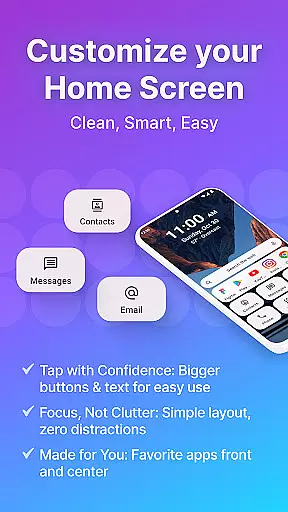
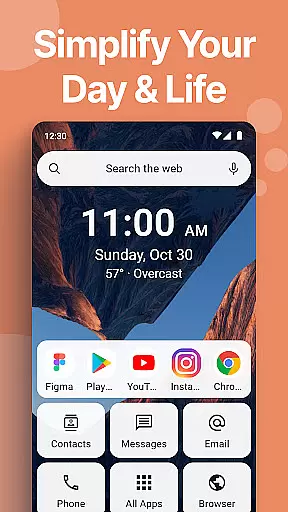
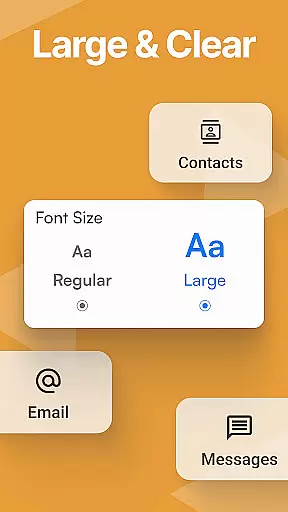
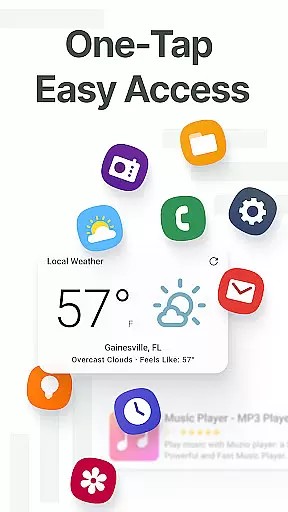
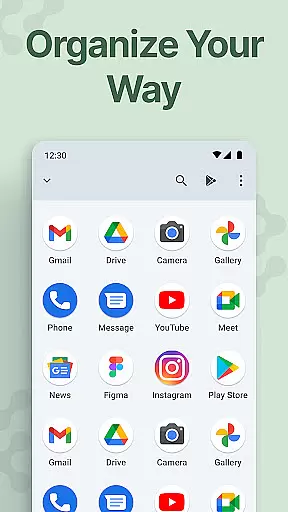
Easy Homescreen is a personalized home screen launcher designed to simplify and declutter your Android device. With its user-friendly interface, the app transforms chaotic screens into organized spaces by prioritizing frequently used apps and tools while hiding unnecessary ones. It offers accessibility-first features such as large fonts, oversized buttons, and easy navigation, making it ideal for users of all ages.
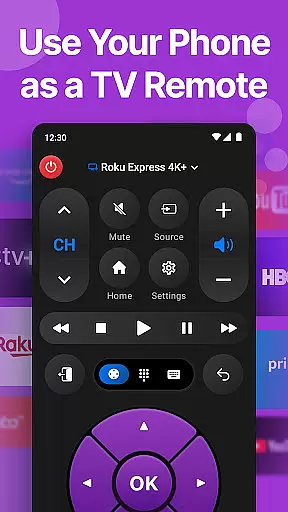
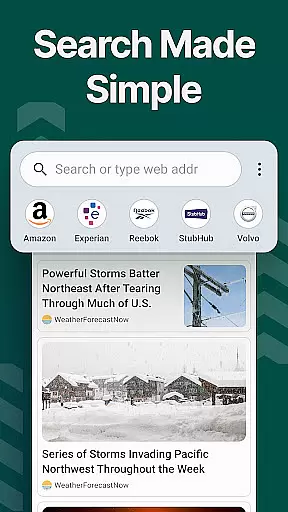
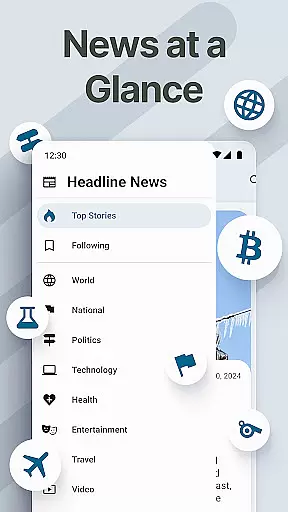
The app also includes advanced customization options like custom fonts, themes, and app icons, allowing users to tailor their experience to match their personal style. Essential built-in tools such as a universal remote, weather app, and an optional large-key keyboard further enhance usability. Easy Homescreen's minimalist design reduces digital noise, creating a calming and productive environment that adapts to individual needs.
Easy Homescreen stands out with its unique ability to adapt to each user's habits by displaying only the most relevant apps and tools. The app provides complete personalization through customizable themes, fonts, and icon packs, ensuring a unique and enjoyable experience. Its minimalistic UI focuses on reducing stress and confusion, replacing tiny icons and cluttered layouts with large, readable text and intuitive controls.
Additional standout features include homescreen widgets, lockscreen widgets, and an optional easy-to-use keyboard with larger keys for better accessibility. These elements ensure that users stay connected without feeling overwhelmed. Furthermore, the app emphasizes trust and familiarity, empowering users with control over their settings while maintaining a seamless and comfortable experience.
Customization is at the heart of Easy Homescreen, offering users a wide array of options to tailor their smartphone experience. This personalization extends beyond mere aesthetics, allowing individuals to adjust fonts, themes, and app icons to match their personal style and needs.
The launcher provides an impressive selection of themes that cater to various moods and preferences, whether you're aiming for a professional look or something more playful. Users can express themselves through these visual modifications, ensuring that their phone not only functions well but also reflects their personality.
Moreover, Easy Homescreen goes a step further by enabling the customization of app icons, giving users the freedom to create a home screen layout that's intuitive and pleasing to them. With such extensive customization capabilities, it ensures that every interaction with your device feels uniquely yours.
This level of personalization empowers users, making technology feel less like a generic tool and more like an extension of oneself. By adapting to individual tastes, Easy Homescreen transforms the Android experience into something truly special and user-centric.
Theme compatibility in Easy Homescreen ensures that all visual customizations are seamlessly integrated across the user interface, providing a cohesive look and feel throughout the device. This feature is crucial for maintaining visual consistency, which enhances usability and aesthetic appeal.
Easy Homescreen supports a diverse range of themes, from minimalist designs to vibrant, colorful schemes. Each theme is crafted to ensure that it works harmoniously with the launcheru2019s features, such as oversized buttons and clear text, thus preserving the accessibility-first design philosophy of the app.
Furthermore, the application guarantees that third-party themes available through its platform meet high standards of quality and compatibility. This means users can download and apply new themes with confidence, knowing they will not encounter issues related to functionality or appearance.
By prioritizing theme compatibility, Easy Homescreen delivers a polished and professional experience, allowing users to enjoy a personalized yet reliable interface. This dedication to compatibility underscores the app's commitment to providing a customizable yet seamless Android experience.
User-friendly interface
Customizable themes
Accessibility features
Minimalist design
Essential built-in tools
Limited widget options
No iOS support
Occasional bugs
Ads in free version
Learning curve

Shimeji adds cute animated characters to your screen, lively and fun.
 4.70
4.70
Transfer your live wallpapers from Windows to Android using Wallpaper Engine!
4.00
Zip lock screen with magic wallpaper to decorate your phone with fun zipper lock
4.60
Adaptive Dot Style IconPack with Light & Dark Theme.
3.70
Launcher OS™ Pro without ads help make your phone simple and pretty
4.30
300+ Beautifully crafted widgets inspired by OneUI.
4.60
200+ Material Inspired Widgets
4.50
Enjoy a variety of amazing live wallpapers and colorful EDGE lighting borders!
4.80
Cool custom fonts & keyboard themes! Symbols & font changer for Instagram
4.50
Sparkle your screen with Glitter Wallpapers For Girls and Cute Backgrounds!
4.80
Gun Chase - Let the chase begin.
4.80
One 8 icons glass color version
4.80
400+ Beautifully crafted widgets inspired by NOTHING.
4.70
Add cute Shimeji pets to screen, interact with them and relax with cute motions
4.60
Vibrant Adaptive Icons with Material You and Enhanced Monet Colors.
4.50
Wear Os Watch Face - Seasonal - Animated Snow Effect - 9 Animals
4.20
Design your screen with unique, vibrant clocks
3.80
Transform your phone with stunning video wallpapers and a unique, personal touch
3.80
Struggling to find apps? Use this app to locate and open any app on your phone!
2.20

User Reviews