

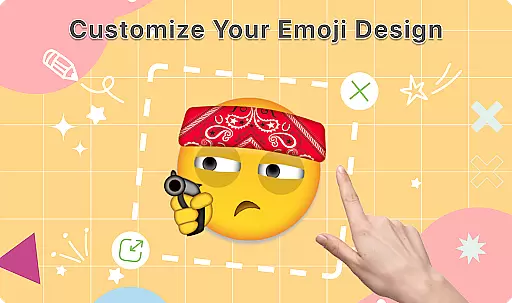
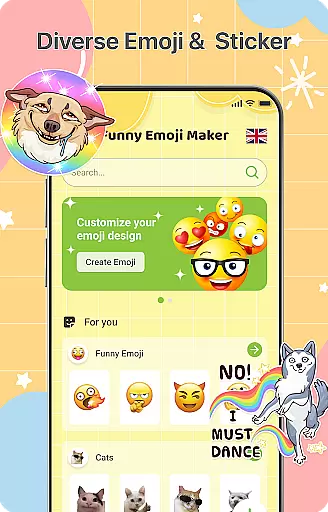
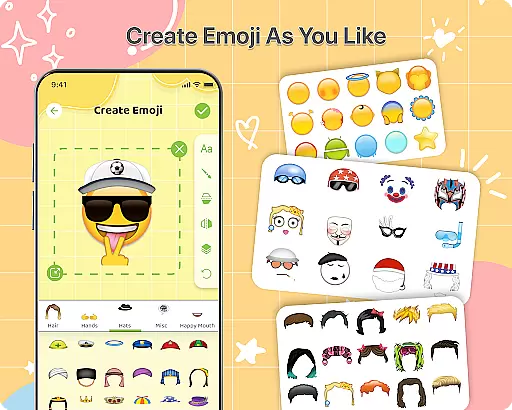
DIY Emoji is a creative personalization app that allows users to design their own unique emojis. With over 500 accessories including eyes, mouths, hats, and glasses, the app provides endless customization possibilities. Users can draw details, add text with various fonts, and layer elements for perfect emoji designs.
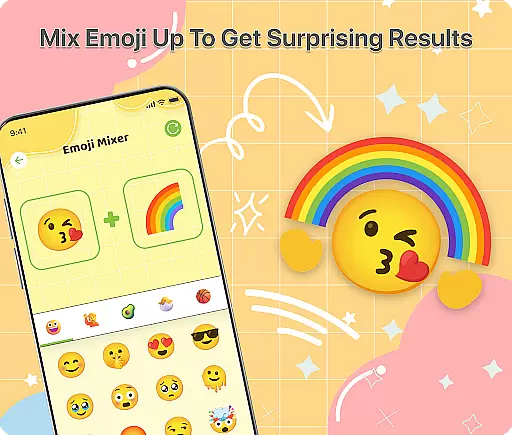
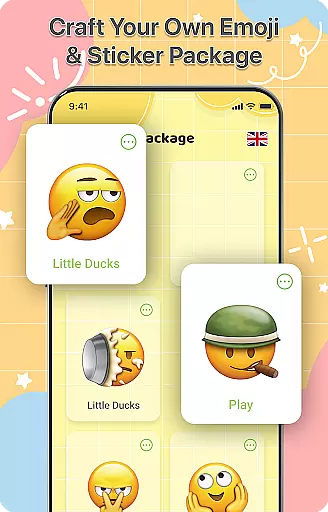
The app also features an innovative Emoji Mixer, enabling users to combine any two emojis into funny and unique combinations. The built-in Emoji Library helps manage and store all custom creations, while frequent updates ensure fresh content. Whether for personal chats or social media, DIY Emoji empowers users to express themselves through custom emoticons.
DIY Emoji offers an impressive range of features that set it apart in the personalization category. The Emoji Maker tool provides extensive customization options with over 500 accessories, allowing users to create truly unique designs. Advanced features include element flipping for special effects and detailed drawing tools for precise modifications.
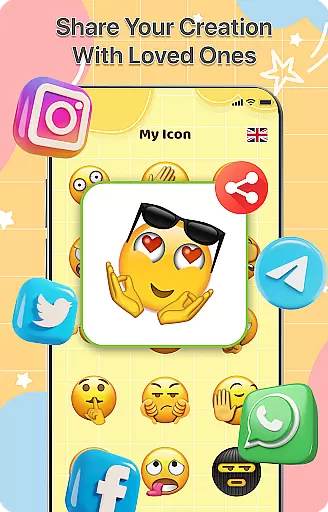
The Emoji Mixer feature lets users experiment with unlimited combinations, while the app's layering system ensures professional-looking results. Additional functionality includes text overlays with customizable fonts and colors, easy sharing capabilities, and cloud-based storage for created emojis. Regular updates bring new accessories and features, keeping the app fresh and engaging.
Customization is at the heart of DIY Emoji, offering users a vast array of options to express their creativity. With over 500 accessories including eyes, mouths, hats, and glasses, the app allows for extensive personalization.
The ability to flip elements and draw details with fun tools adds another layer of uniqueness to each emoji creation. Users can also incorporate text with cool fonts and colors, ensuring that every emoji is truly one-of-a-kind.
Layering elements provide the perfect finishing touch, allowing for complex designs that stand out in any chat or conversation. This level of customization ensures that users can create emojis that are not just personalized, but also engaging and fun.
DIY Emoji stands out with its exceptional theme compatibility, enabling users to seamlessly integrate their custom emojis into various messaging platforms. Whether you're using a light or dark theme, your emojis will look vibrant and clear.
This compatibility extends beyond just color schemes; it includes adapting to different chat interfaces and resolutions. As a result, no matter where you choose to use your emojis, they maintain their quality and charm without losing detail or appeal.
Furthermore, frequent updates bring new accessories and emotes, keeping the content fresh while maintaining this high standard of theme compatibility. This guarantees that all creations remain visually appealing across diverse digital environments.
Extensive customization
User-friendly interface
Frequent content updates
Variety of creative tools
Unique emoji combinations
Limited free features
Some lag on older devices
Ads between creation sessions
Learning curve for beginners
Premium subscription required

A light in the dark, a unique style and an andless cutomization!
 4.30
4.30
Customizable flower power digital watch face for Wear OS watches.
4.00
Make your phone look simple & luxury, like iDevice
4.60
Over 28,000 high quality icons to bring color & homogeneity to your phone.
4.60
Customizable screen pets that play, climb, and keep you company.
4.50
The definitive Icon pack maker and editor
4.30
HappyLighting is a Bluetooth lamp control software.
3.40
Create stunning widgets with Widget 2026: Aesthetic Widgets for Android!
4.60
Custom ringtones songs, music ringtones for Android phones
4.60
Dark icon pack based on One 8
4.80
Unique Android Launcher
4.60
Try creating your own keyboard with "Keyboard theme for android" app now!
4.50
Aesthetic Widgets, HD Wallpapers, Themes in Mico Widget for Home and Lock Screen
4.50
Color phone with cool effects for call screen, flash alert & ringtones music
4.50
Vibrant Adaptive Icons with Material You and Enhanced Monet Colors.
4.50
Themes - Widget & Wallpaper: Customize home screen, icon changer w unique themes
4.30
Wear Os Watch Face - Seasonal - Animated Snow Effect - 9 Animals
4.20
Unique Fonts, typefaces and stylish text. Fonts for Instagram, Whatsapp & others
4.20
Custom edge gestures for volume control, brightness, apps, and shortcuts.
4.3

User Reviews