

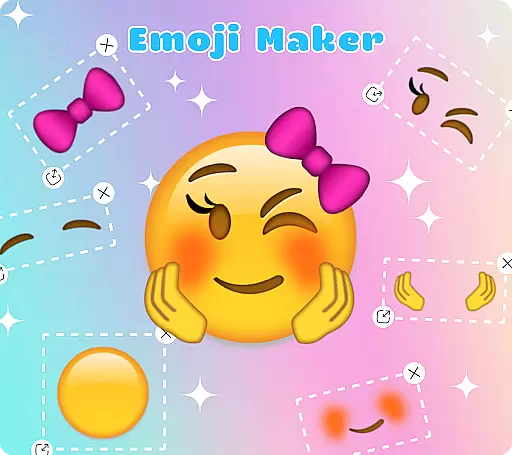
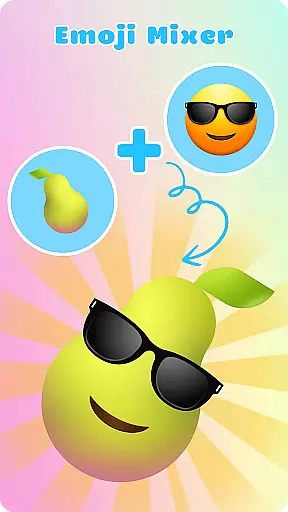
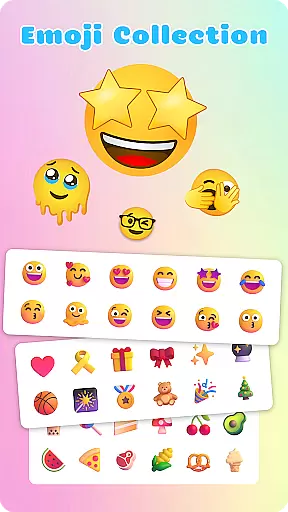
Emoji Maker is a feature-rich personalization app that allows users to create and customize their own emojis. With two main functions - Emoji Maker and Emoji Mixer, it offers an innovative platform for designing unique emojis tailored to individual moods, personalities, and styles.
The app provides endless creativity options with regular updates, numerous editing tools, text features, freehand drawing capabilities, and layering functionality. Users can design custom emoji packs and enjoy an intuitive interface that makes emoji creation accessible even for beginners.
Ideal for enhancing chat experiences, Emoji Maker enables users to express emotions and meanings in conversations ranging from funny jokes to serious discussions, all without needing many words.
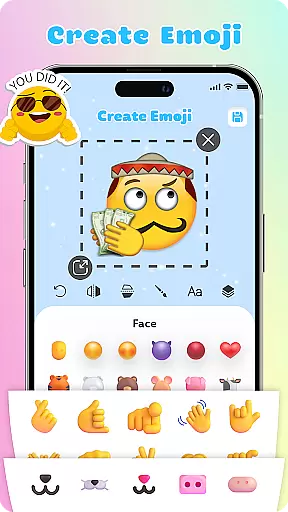
Emoji Maker stands out with its comprehensive set of creative tools. The app allows detailed customization through resizing, flipping, and duplicating images, while the text feature lets users add special sentences or words over their emojis.
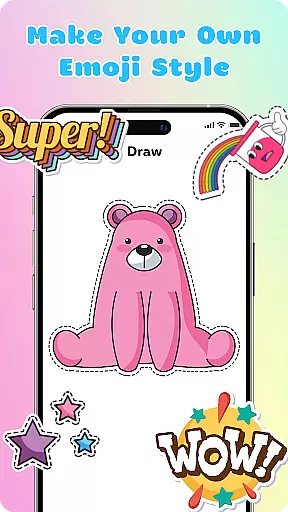
One of the key highlights is the layer feature, which enables stacking elements and changing layer orders to create more complex and personalized emojis. The freehand drawing tool adds extra fun by highlighting unique emoji features.
With regularly updated content and an intuitive interface designed for both beginners and advanced users, Emoji Maker ensures a smooth and enjoyable emoji creation process. The ability to create custom emoji packs with self-designed elements further enhances personalization options.
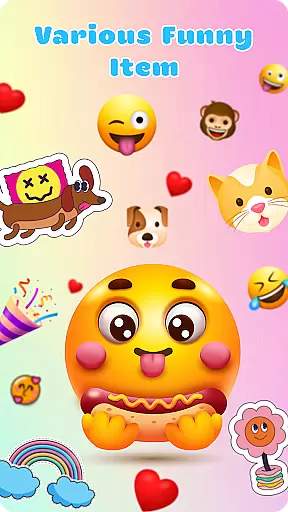
Emoji Maker offers an extensive range of customization options that allow users to create unique emojis tailored to their personal style and mood. The app provides a plethora of design elements, including facial expressions, gestures, and accessories, which can be mixed and matched at will.
With features such as resizing, flipping, and duplicating images, users have the creative freedom to modify their emojis down to the smallest detail. This level of customization ensures that each emoji can be as unique as the user desires, making conversations more personal and engaging.
The inclusion of a text feature and freehand drawing tool further expands the creative possibilities, enabling users to add custom messages or artistic touches to their emojis. These tools not only enhance the visual appeal but also add layers of meaning and context to the emojis.
Regular updates and new features keep the creation process fresh and inspiring, allowing users' creativity to flourish. Whether you're looking to craft quirky faces or convey specific emotions, Emoji Maker's diverse customization options have got you covered.
Theme compatibility in Emoji Maker ensures that all custom emojis blend seamlessly with various messaging platforms and devices. Regardless of whether you're using iOS, Android, or any other operating system, your personalized emojis will display correctly without losing quality or coherence.
This compatibility extends to different chat themes and backgrounds, ensuring that your emojis remain visually appealing and clear in any conversation setting. Whether it's a light or dark theme, your emojis will maintain their intended appearance and impact.
Moreover, Emoji Maker supports creating custom emoji packs that integrate smoothly into your deviceu2019s keyboard. This means you can access and use your creations instantly across different apps and services without any additional steps or conversions needed.
By prioritizing theme compatibility, Emoji Maker guarantees that users enjoy a consistent and high-quality experience when using their custom emojis, enhancing both personal expression and communication efficiency.
User-friendly interface
Extensive customization options
Regular feature updates
Freehand drawing tool
Layer management system
Limited pre-made templates
No cloud backup
Basic sharing options
Occasional bugs
Ads in free version

Stunningly Different look with Line Icons and Neon Colors
 4.60
4.60
Beautiful realistic hybrid watch face with numerous customization options.
4.50
Glass style colourful icons with a One UI look and feel
4.60
Add cute Shimeji pets to screen, interact with them and relax with cute motions
4.60
Ultimate Gallery Lock App - Hide Pictures, Videos and Lock Apps Instantly!
4.60 4.10
4.10
Modern Glass Icon Pack with glossy icons, clean minimal theme & aesthetic style
4.0
set a new experience for the Android mobile phone
4.20
Create stunning widgets with Widget 2026: Aesthetic Widgets for Android!
4.60
Nothing Icon pack with more than 3750+ highly crafted icons.
4.70
Ultra realistic high quality analog watch face for Wear OS.
4.60
Over 28,000 high quality icons to bring color & homogeneity to your phone.
4.60
Zip lock screen with magic wallpaper to decorate your phone with fun zipper lock
4.60
Icons made of colorful linear lines
4.60
Ninja Turtles Cowabunga SE watch face for Wear OS
4.50
Transform your device in a game console
4.40
The definitive Icon pack maker and editor
4.30
Wear Os Watch Face - Seasonal - Animated Snow Effect - 9 Animals
4.20
Struggling to find apps? Use this app to locate and open any app on your phone!
2.20

User Reviews