

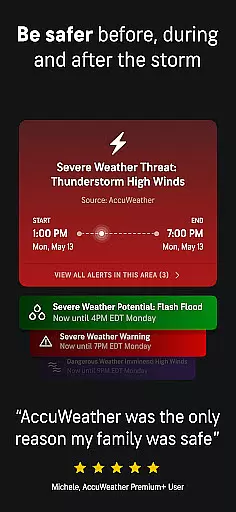
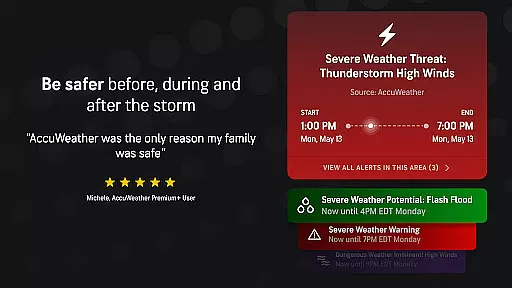
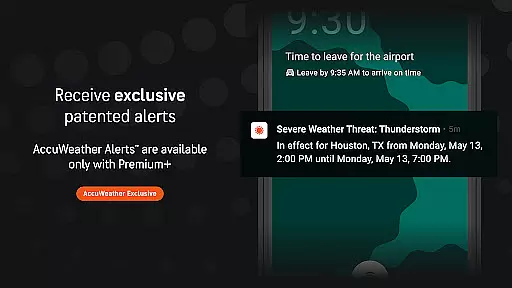
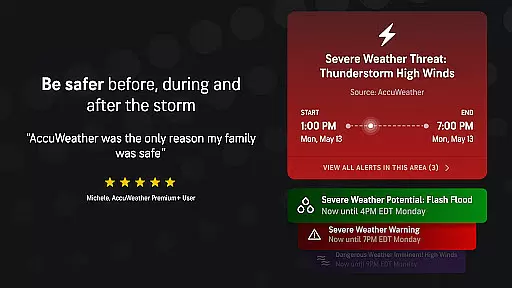
AccuWeather is the most trusted weather app, providing real-time weather alerts and hyperlocal updates with proven Superior Accuracy™. It helps users make informed decisions by delivering accurate forecasts tailored to specific locations. The app covers various weather conditions including hurricanes, tornadoes, snow, flooding rains, and extreme temperatures.
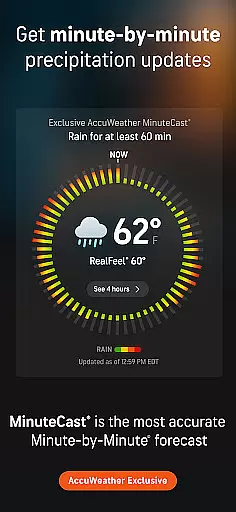
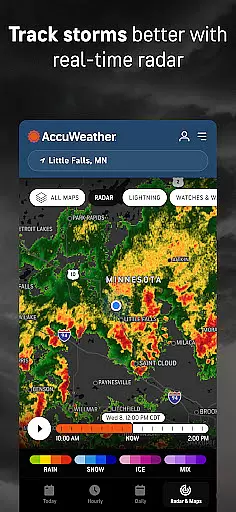
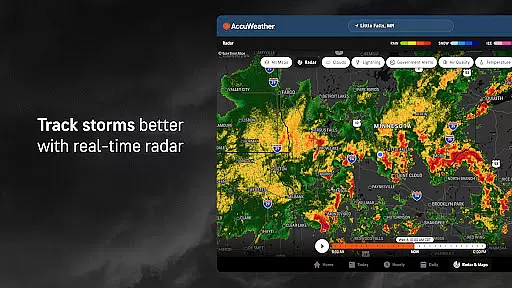
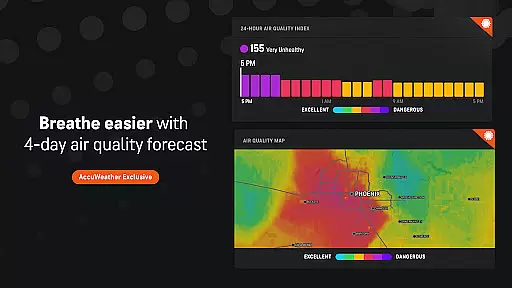
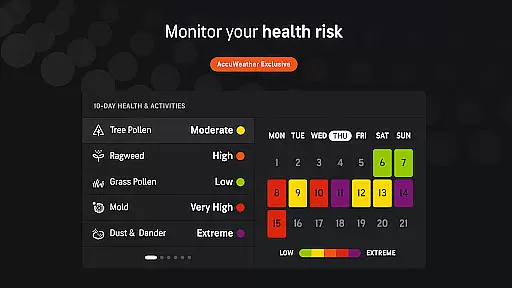
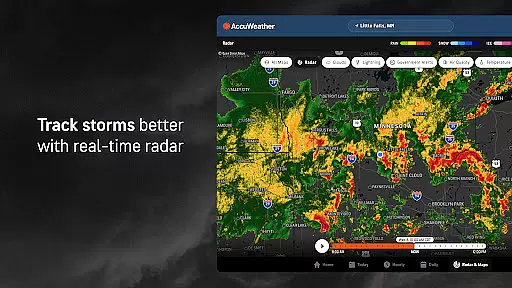
With features like Hurricane Tracker, live radar, and MinuteCast®, AccuWeather offers detailed insights into upcoming weather events. Users can access exclusive data such as the AccuWeather RealFeel® Temperature and AccuWeather Snow Probability Index™. Whether planning outdoor activities or preparing for severe weather, AccuWeather ensures users stay informed and prepared.
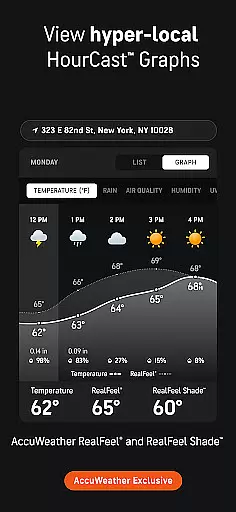
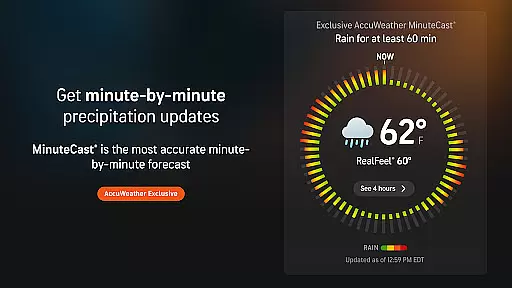
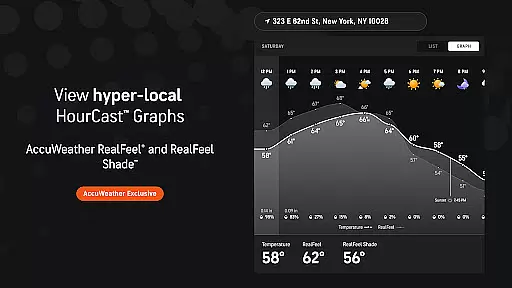
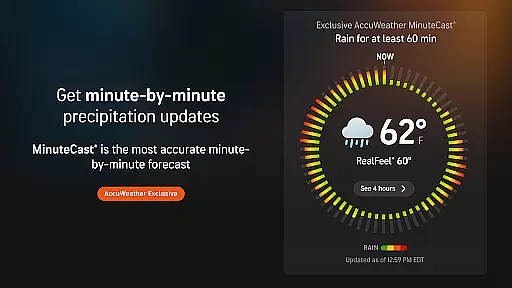
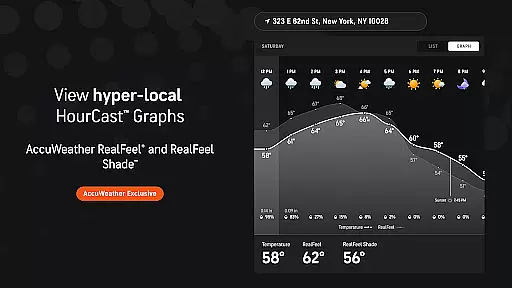
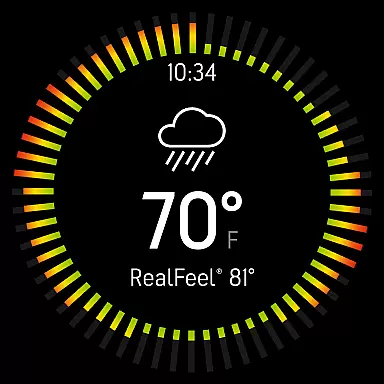
AccuWeather stands out with its advanced features designed to provide comprehensive weather information. Its exclusive MinuteCast® delivers hyperlocal forecasts for precipitation type and intensity, pinpointed to exact street addresses. The app's RealFeel® Temperature considers multiple factors like wind, humidity, and sunshine intensity to give an accurate sense of how the temperature feels.
Other notable features include the AccuWeather Lightning Network™, which tracks lightning proximity in real time, and the AccuLumen Brightness Index™, offering insights into daily brightness levels. WinterCast® provides detailed predictions for snow and ice events. These tools collectively ensure that users receive precise, actionable weather data to enhance safety and convenience.
Companion app integration is essential for wearable devices as it ensures seamless data synchronization and feature coordination between the main application and its wearable counterpart. AccuWeather excels in this area by providing a cohesive experience across Android Wear devices.
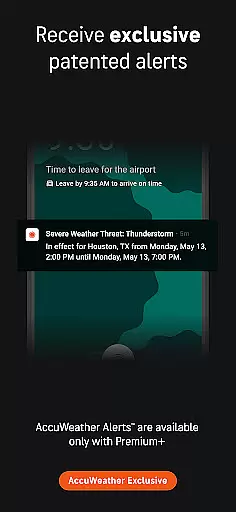
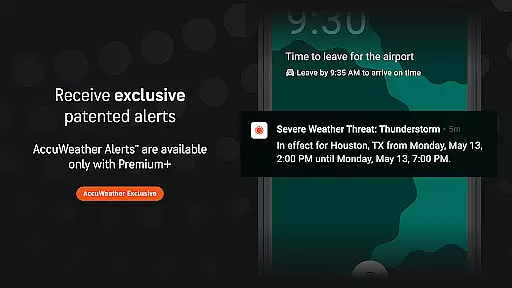
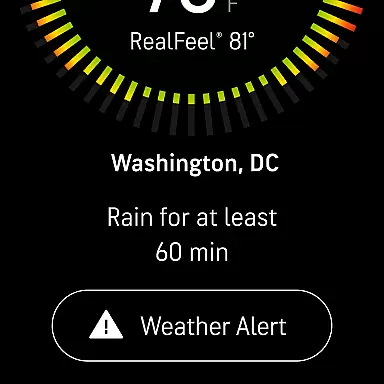
The AccuWeather app offers real-time weather updates, severe weather alerts, and detailed forecasts directly on your Wear OS device. This allows users to access critical weather information without needing to check their mobile phones, ensuring they stay informed regardless of location or activity.
Through its companion app integration, AccuWeather maintains consistent functionality and user interface elements between the smartphone and wearable versions. Users can enjoy features like MinuteCastu00ae, which provides hyperlocal precipitation forecasts, and RealFeelu00ae Temperature readings tailored specifically for their current location.
This level of integration not only enhances convenience but also improves safety by delivering timely warnings about impending severe weather conditions. With AccuWeather's superior accuracy and comprehensive feature set available right on your wrist, you're always prepared for whatever Mother Nature has in store.
Ensuring broad compatibility with various Wear OS devices is crucial for any application targeting smartwatch users. AccuWeather stands out by offering extensive support for a wide range of Android Wear devices, making it accessible to more users who rely on accurate weather information throughout their day.
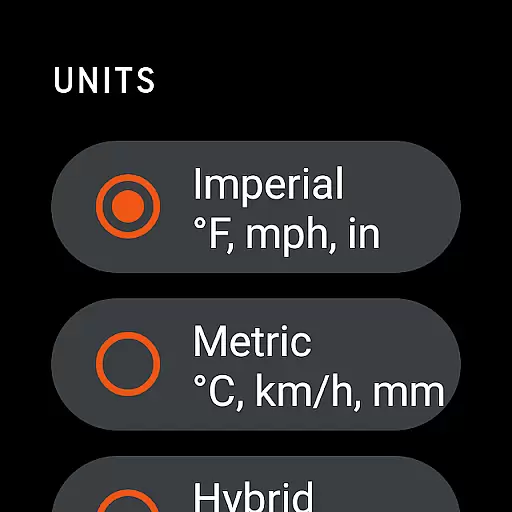
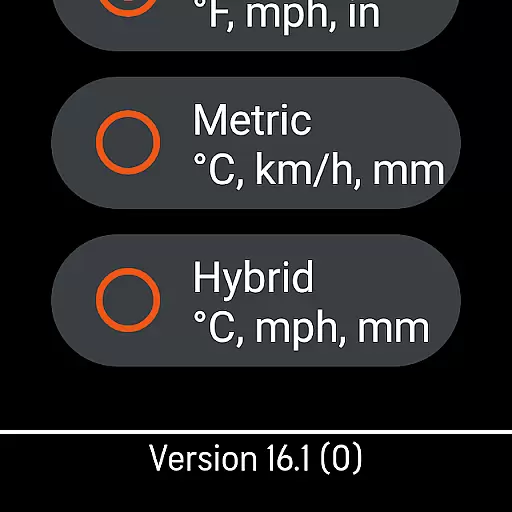
AccuWeather's design takes full advantage of Wear OS capabilities, providing an intuitive interface optimized for smaller screens while maintaining all essential functionalities. Whether you're using a latest model or an older version, the app delivers reliable performance and easy navigation tailored specifically for wearable technology.
In addition to supporting multiple device types, AccuWeather also integrates seamlessly with different form factors such as round and square watches. This flexibility ensures that no matter what type of Wear OS device you own, you'll have access to vital weather data including live radar, storm tracking, and detailed forecasts at a glance.
By prioritizing Wear OS/device compatibility, AccuWeather guarantees that every user enjoys a smooth, responsive experience regardless of their specific hardware configuration. Stay ahead of changing weather patterns with confidence knowing that AccuWeather supports your lifestyle across all compatible devices.
Superior Accuracy™
Real-time Alerts
Hyperlocal Updates
Exclusive Features
User-friendly Interface
Premium Subscription Required
Ad-heavy Free Version
Limited Free Features
Occasional Glitches
High Data Usage


Highly customizable hybrid watch face for Wear OS, perfect for everyday use.
 4.60
4.60
Deck out your Wear OS Watch face with a beautifully decorated pine wreath!
4.50
Digital, flexibly customizable watch face. For Wear OS 5.0, API 34+ and later.
5.00
Locate your family members by GPS phone location tracker everywhere and anytime
4.30
Retro digital watch face with customizable colors and a unique lighting effect
4.60
Daily Weather forecast with 15 weather images for Day & Night plus Big Bold time
4.10
Control your Samsung Smart TVs, appliances, and SmartThings-compatible devices
4.60
Back up your contacts & access them anywhere
4.30
Toyota app currently supports 2010 or newer vehicles (2018 or newer for Hawaii).
4.50
Walking app for weight loss: walk & step tracker, pedometer, indoor treadmill
4.60
Ideal for surviving in the wasteland left after nuclear fallout
4.50
Current temperature, weather hourly, weather radar by the weather forecast app
4.40
Bold weather Digital watchface with forecast & optional animated background
4.40
Embrace the festive spirit with our Christmas Countdown watchface for Wear OS
4.10
Viewer for Wyze/Yi/Eufy/Arlo/ONVIF/RTSP/P2P IP cams w/ adv. features & DIY DVR
4.00
Professional weather radar and more
3.90
Wear Os Watch Face - Animated Snow - Sesonal for Christmas & Winter
4.1
Sleek, highly customizable watch face inspired by Galaxy Watch Circle Dashboard.
4.0
Hybrid Vibrant Health Watch Face for Wear OS
4.1


User Reviews