

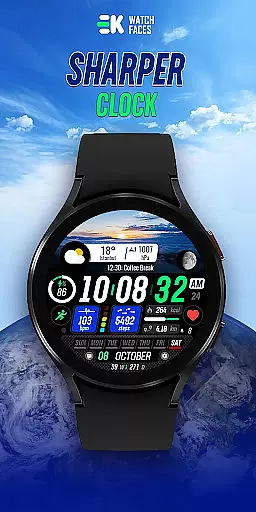
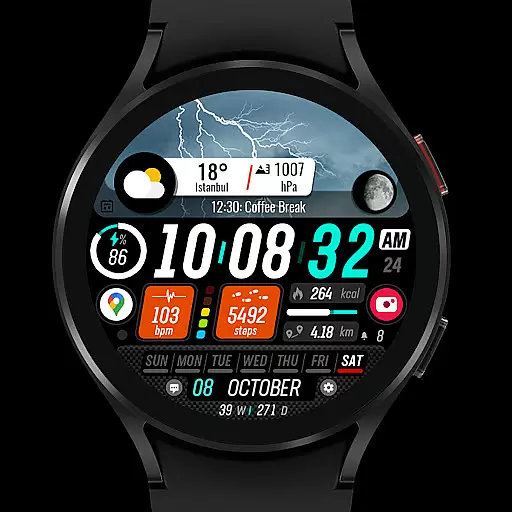
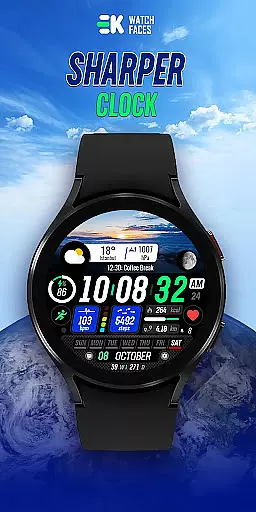
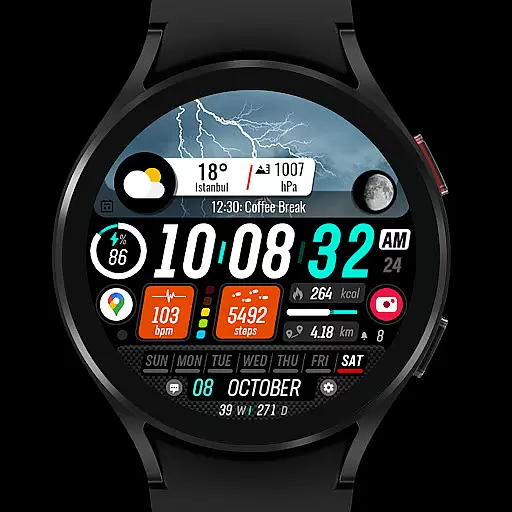
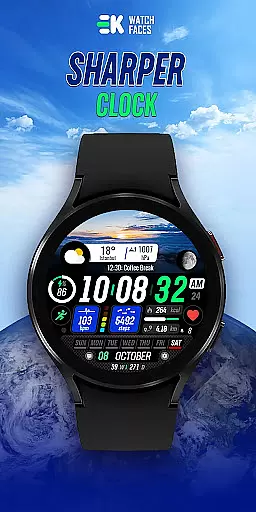
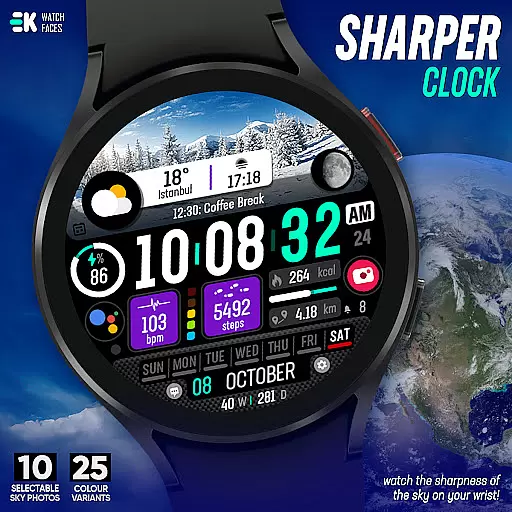
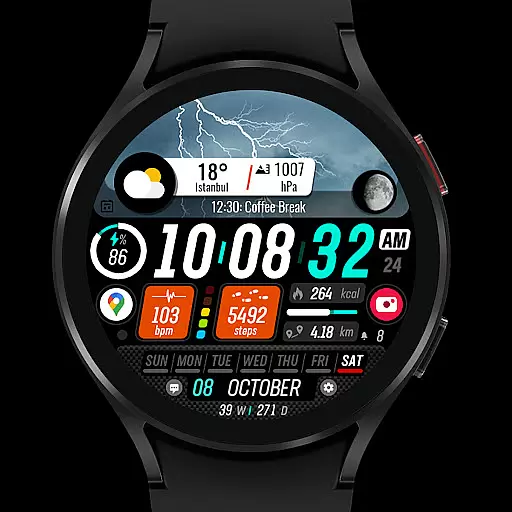
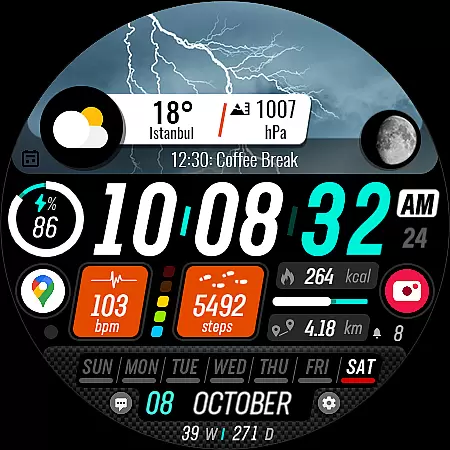
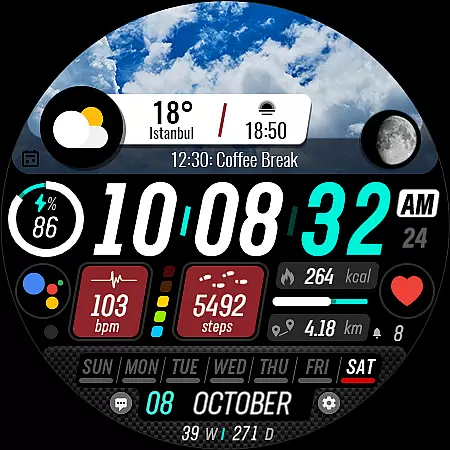
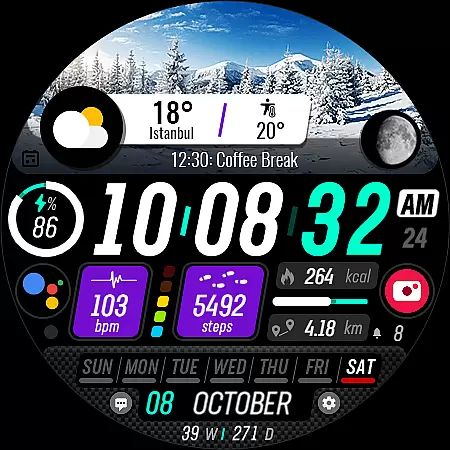
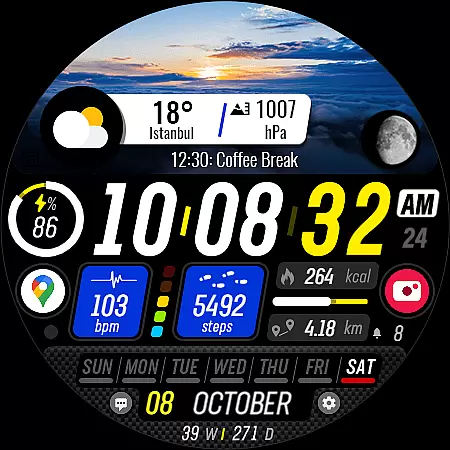
Sharper Clock is a premium watch face designed exclusively for Wear OS devices, offering users a unique and visually stunning timekeeping experience. With its high-resolution sky photos and customizable features, this app transforms your smartwatch into a sophisticated accessory.
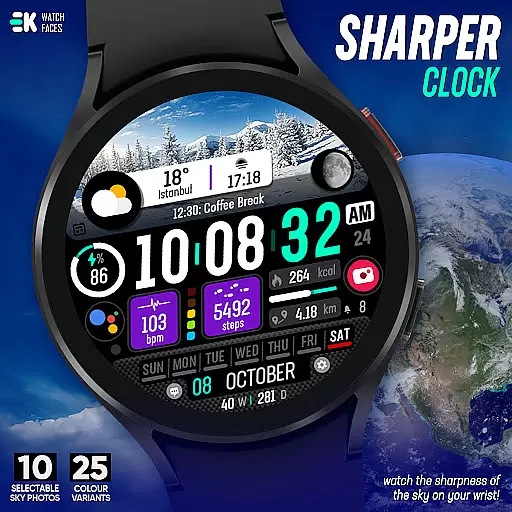
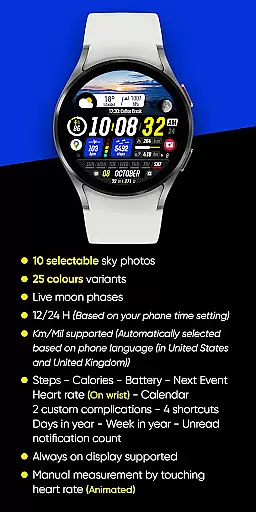
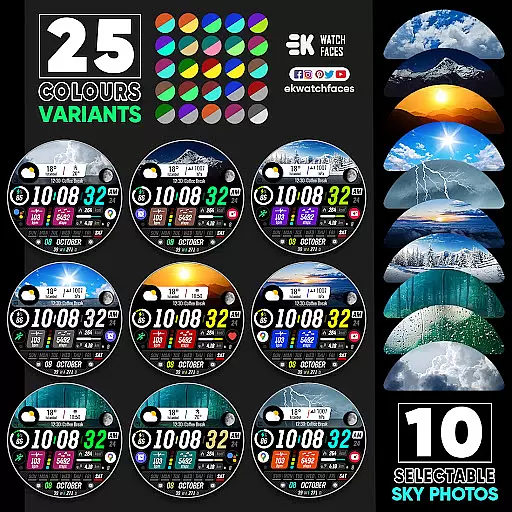
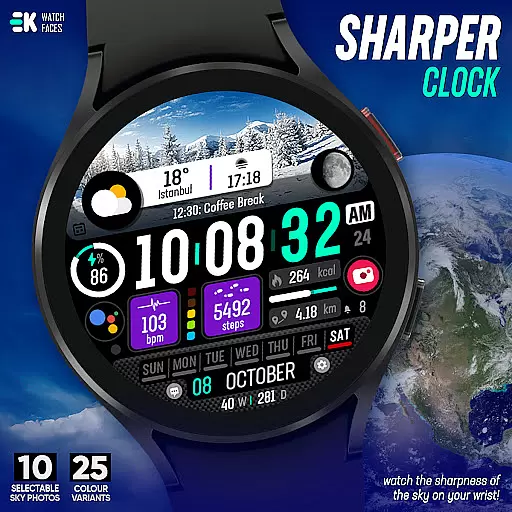
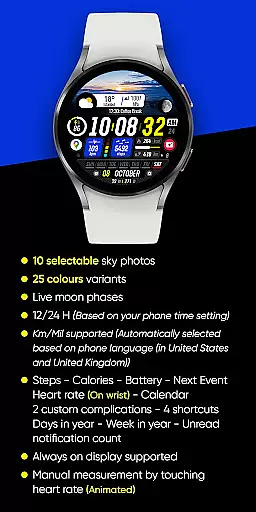
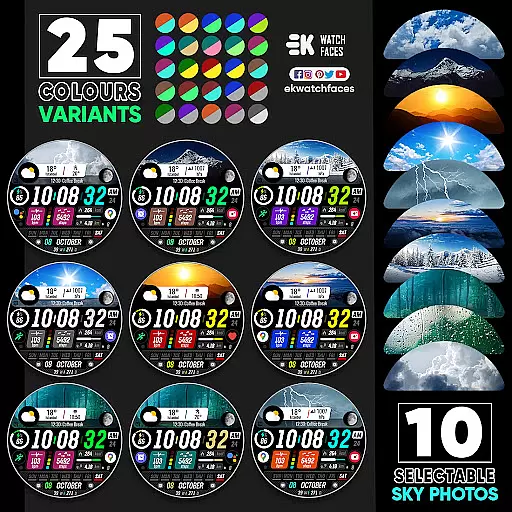
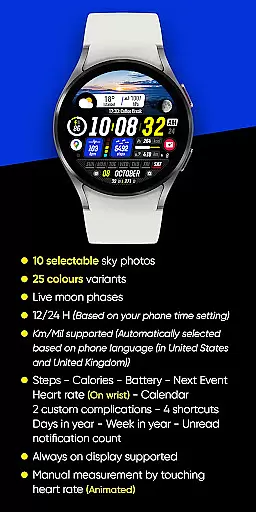
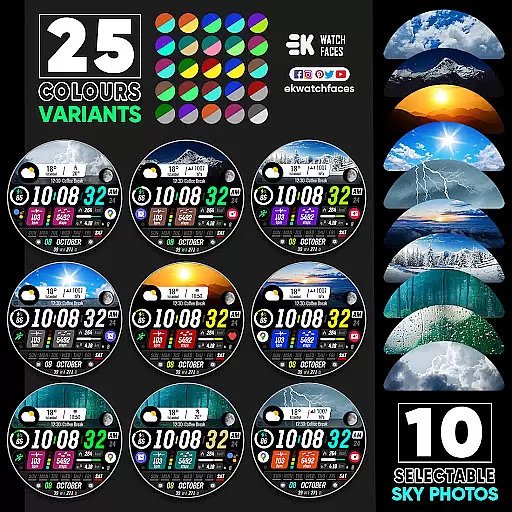
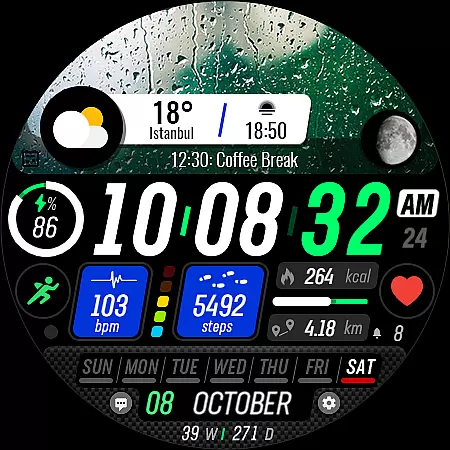
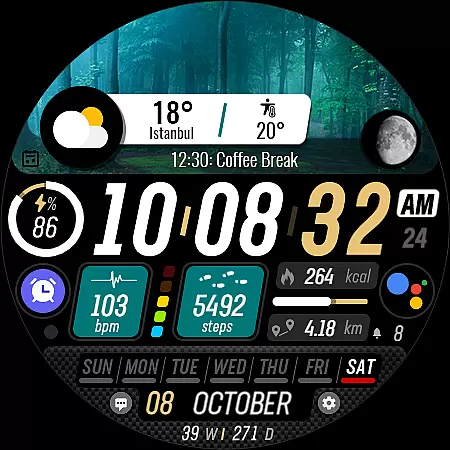
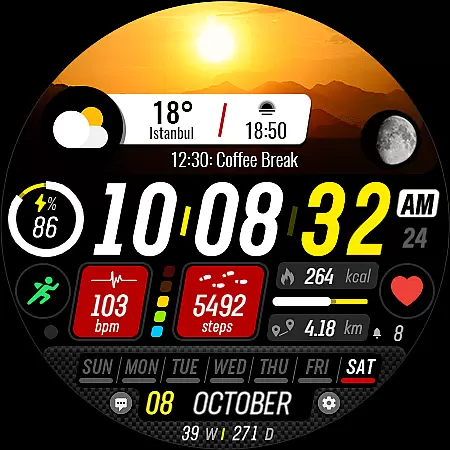
The watch face provides 25 color variants and live moon phases, alongside practical functionalities such as step tracking, heart rate monitoring, and calendar integration. It supports both 12/24-hour formats and metric/imperial units, adapting seamlessly to your preferences and phone settings.
Ideal for tech-savvy individuals who value aesthetics and functionality, Sharper Clock enhances your daily productivity while keeping you stylishly on time. Whether you're an athlete tracking fitness metrics or a professional managing a busy schedule, this app caters to diverse lifestyles.
Sharper Clock stands out with its impressive array of features tailored for Wear OS users. The app offers 10 selectable high-definition sky photos, each available in 25 color variants, allowing users to personalize their watch face like never before.
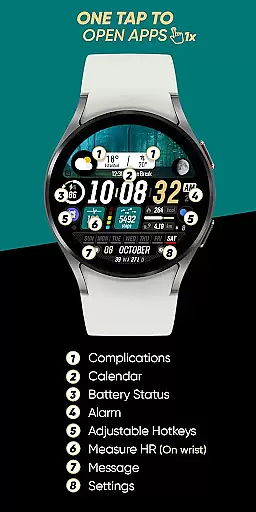
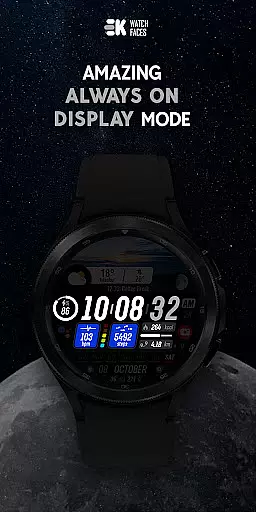
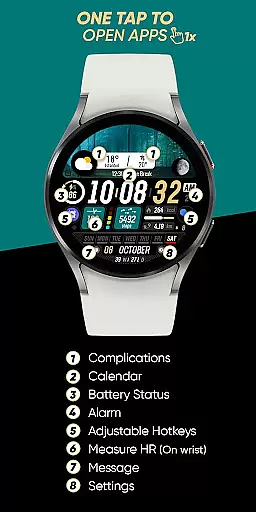
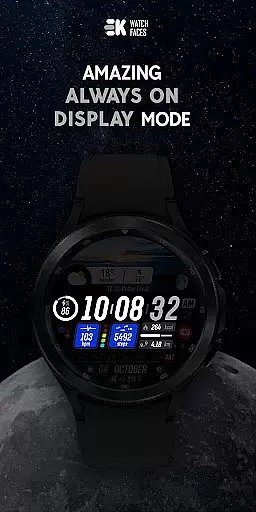
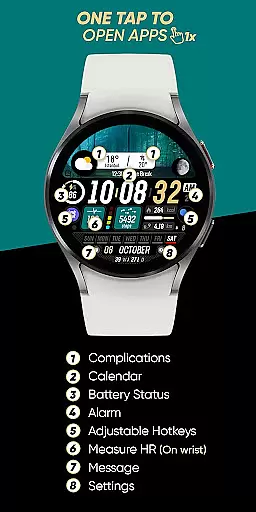
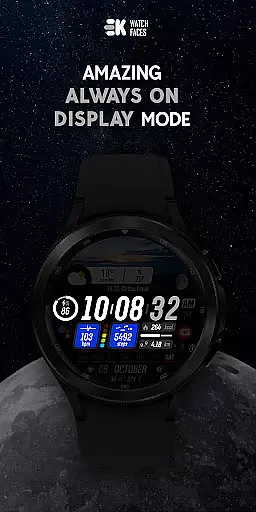
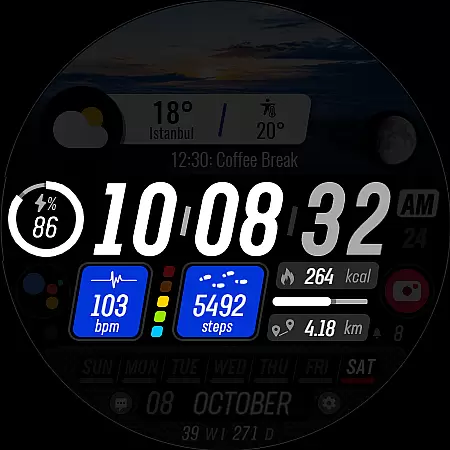
Functionality meets innovation with live moon phases, always-on display support, and comprehensive health tracking tools. Users can monitor steps, calories, heart rate, and even receive calendar notifications directly on their wrist. The inclusion of two custom complications and four shortcuts further enhances usability.
What sets Sharper Clock apart is its attention to detail. From automatic language-based unit selection to intuitive permission settings for sensors and complications, every aspect has been meticulously crafted to provide a seamless user experience that combines beauty with practicality.
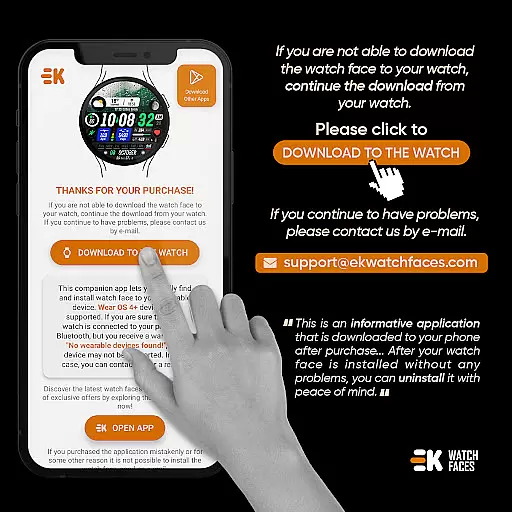
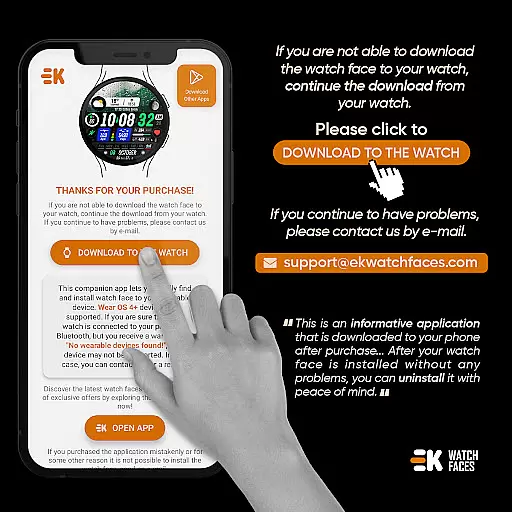
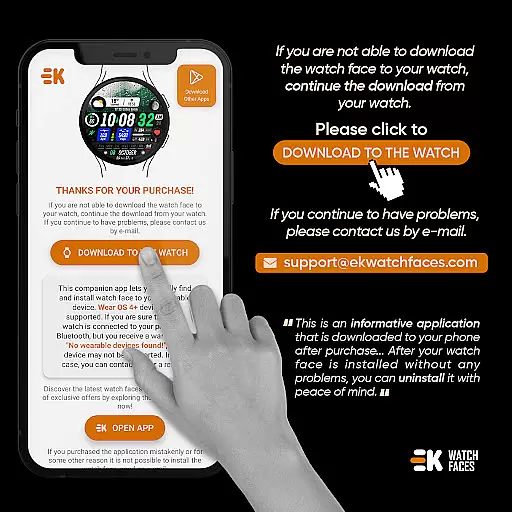
Sharper Clock - Watch Face offers seamless companion app integration, ensuring that your phone and Wear OS device work together harmoniously. The phone app acts as a placeholder to simplify the installation process on your watch.
By connecting your watch to your phone, you can easily download and install the watch face directly from your mobile device. This streamlined approach eliminates unnecessary steps and ensures a smooth setup experience.
The app also provides clear instructions for installation, including alternative methods such as using a web browser on your PC. This flexibility in installation options enhances user convenience and accessibility.
With proper synchronization between devices, users can enjoy all features without worrying about payment loops or connectivity issues. The developer has implemented safeguards to ensure a reliable installation process.
Designed specifically for Wear OS devices running API 33+, Sharper Clock - Watch Face guarantees optimal compatibility with your smartwatch. This ensures that users can take full advantage of the app's features without worrying about technical limitations.
The watch face supports various functionalities based on your phone's settings, including 12/24-hour time format and Km/Mil units automatically selected according to your phone language. This adaptive capability ensures a personalized experience across different regions.
Users can access an array of features directly on their wrist, including live moon phases, health metrics, calendar information, and more. These elements are displayed clearly and accurately thanks to the app's compatibility with Wear OS sensors.
For the best experience, it is recommended to manually enable Sensors & receive complication data permissions. This allows the watch face to display real-time information and maintain its always-on display functionality.
Stunning visuals
Customizable options
Live moon phases
Health tracking tools
Always-on display
Wear OS only
Installation issues
Premium cost
Complex setup
Limited compatibility

Calming & relaxing sounds for sleeping and stress relief. Stay focused all day!
 4.20
4.20
Watch face designed for Thanksgiving Day. 7 Background Styles included.
3.20
Digital watch face with big numbers and many customization for Wear OS devices
4.40
Authentic military-tactical design with ZULU time! Realistic and functional!
3.80
Funny animated watch face for Thanksgiving
4.4
Real-time weather radar with temperatures, warnings, hurricanes, and widgets
4.80
The most customizable hybrid watch face. For Wear OS 5.0, API 34+ and later
4.70
Hyper-Realistic Airplane Dashboard Watch Face With 10 Skins and Custom AOD
4.00
A modern hybrid informative watch face for Wear OS designed by BALLOZI
4.80
Hyperlocal rain alerts by MyRadar using patent-pending technology, radar & more
4.80
Be an elegant and classy secret agent, with this carefully detailed watch face
4.70
Real-time results, stats, schedules and player profiles for all leagues
4.60
Retro digital watch face with customizable colors and a unique lighting effect
4.60
MyNISSAN® lets you remotely control your car from your phone.*
4.50
Beautiful artistic animated digital watch face, with a customizable layout!
4.40
Let's celebrate Thanksgiving - Wear Os watch face
4.20
Connect, create, and collaborate with Gmail, part of Google Workspace.
4.10
Precision analog watch face with 7 complications and style options
4.3
A Wintery Snow Globe on Your Wrist; now celebrating Christmas!
4.3

User Reviews