

Adobe Express is a versatile design application that enables users to create professional-quality marketing materials while maintaining brand consistency. The app offers an intuitive interface suitable for both beginners and experienced designers, allowing them to produce high-impact content for business needs.
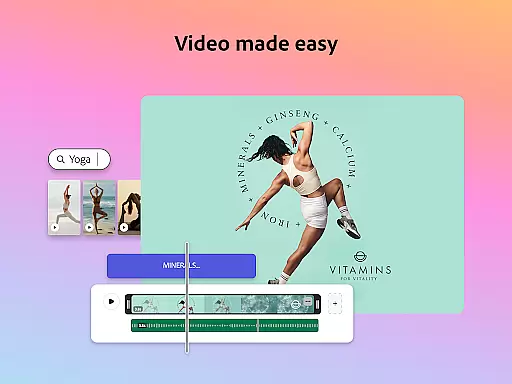
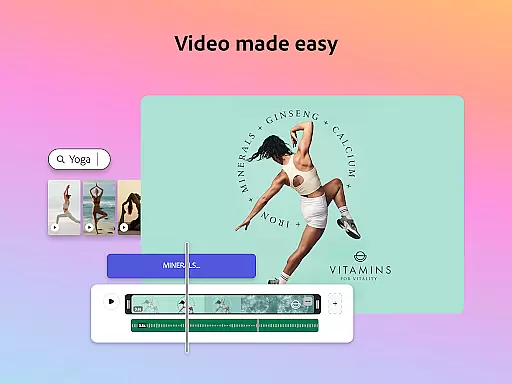
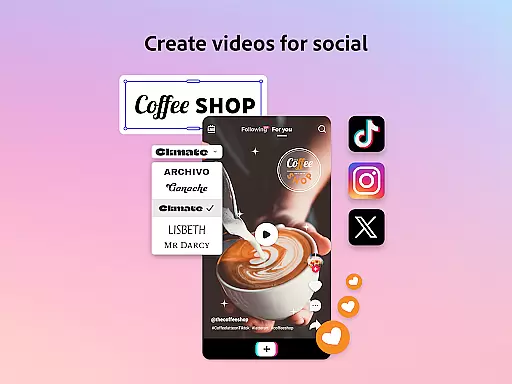
Key features include easy video editing with customizable templates, advanced photo editing powered by AI, effortless background removal, and stylish QR code generation. Additionally, the Brand Kits functionality ensures all designs adhere to brand guidelines, making it simple to apply fonts, colors, and logos consistently across all projects.
Ideal for businesses looking to enhance their digital presence, Adobe Express streamlines content creation and editing tasks, empowering teams to work more efficiently and effectively.
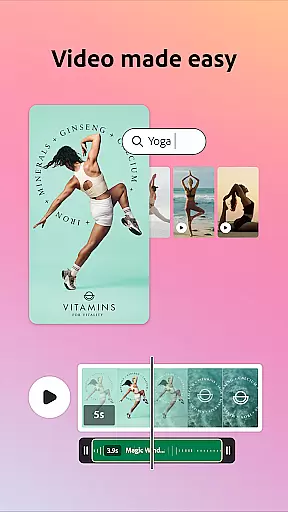
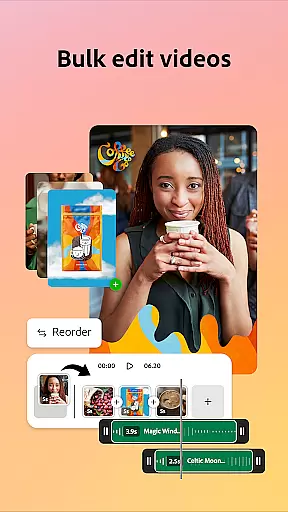
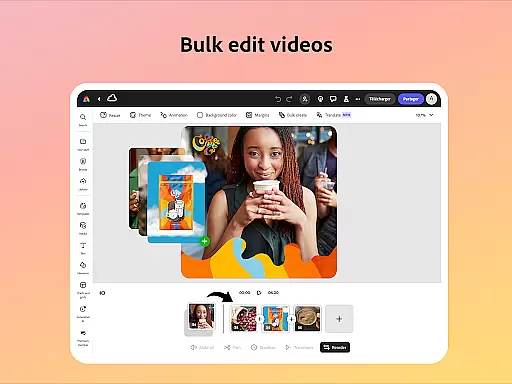
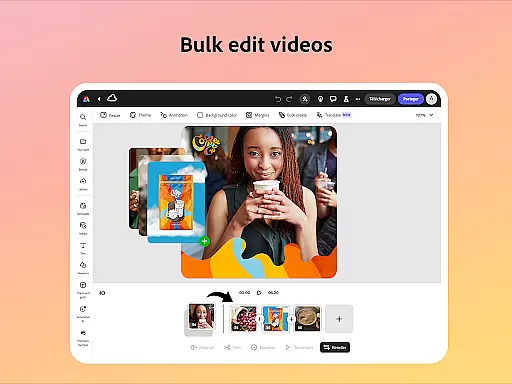
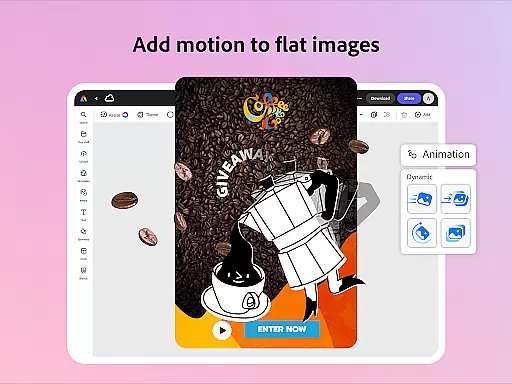
Adobe Express stands out with its comprehensive set of creative tools designed to simplify content production. The app provides powerful video editing capabilities, including trimming, combining footage, adding text, music, transitions, and sound effects, alongside automatic captioning and noise reduction.
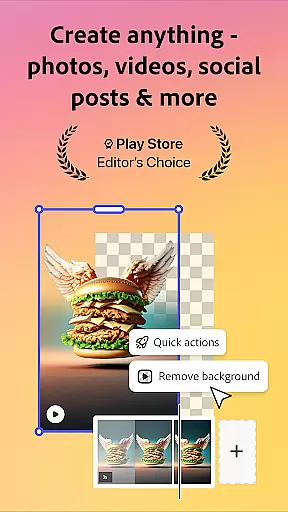
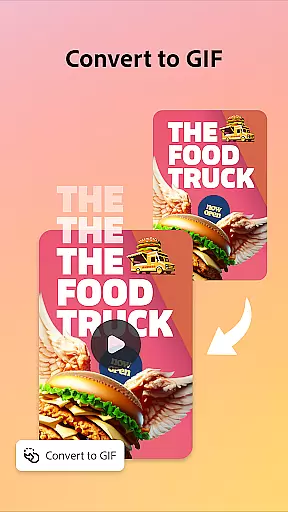
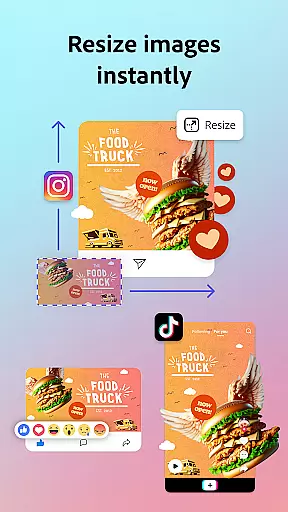
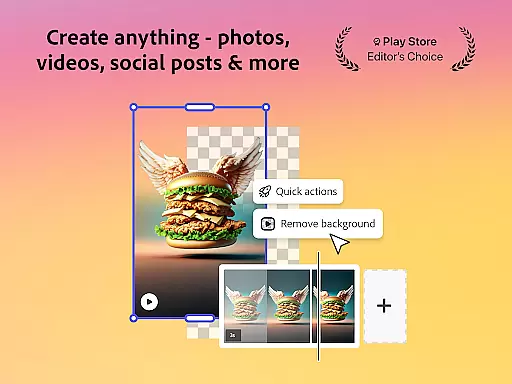
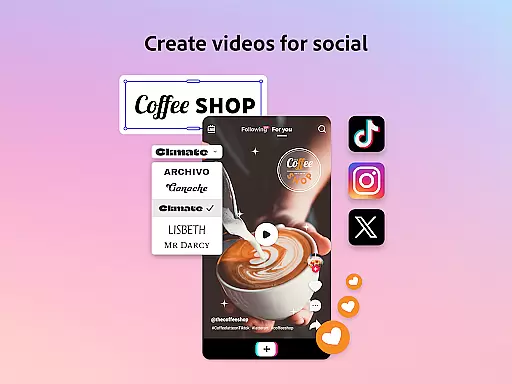
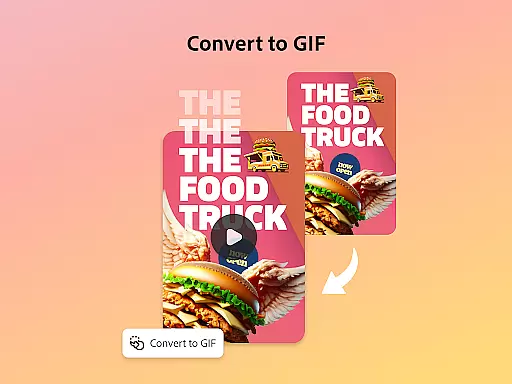
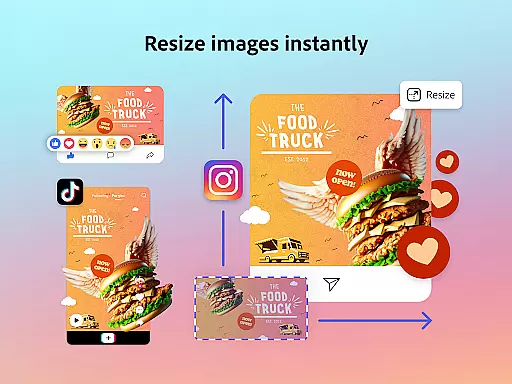
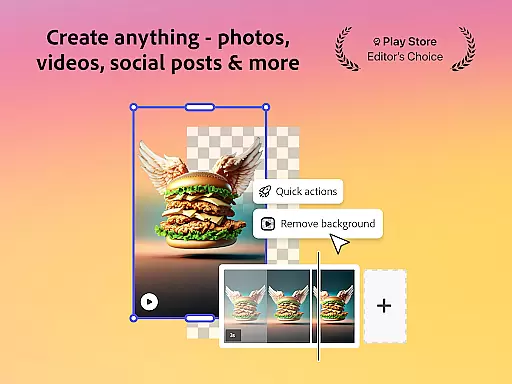
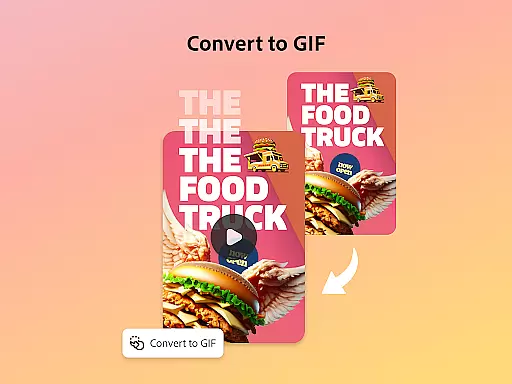
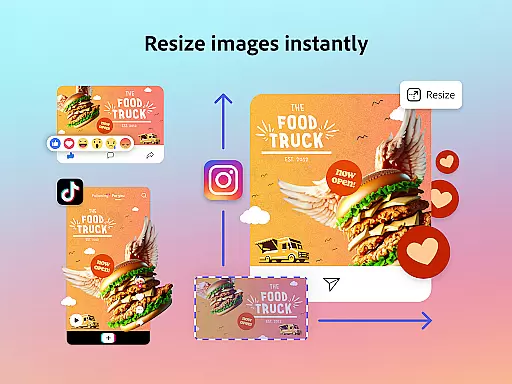
For photo editing, Adobe Express leverages AI technology to offer intuitive enhancements such as object addition or removal and Photoshop-powered filters. Users can also generate unique photo art instantly. The Quick Actions feature allows rapid background removal from photos or videos, conversion to GIFs, and effortless resizing for various platforms.
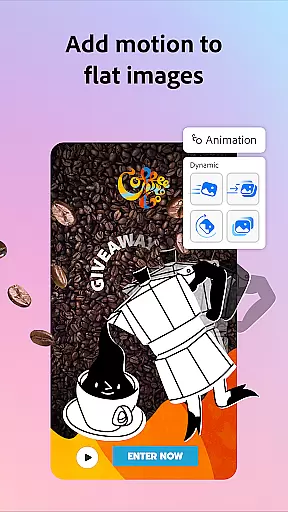
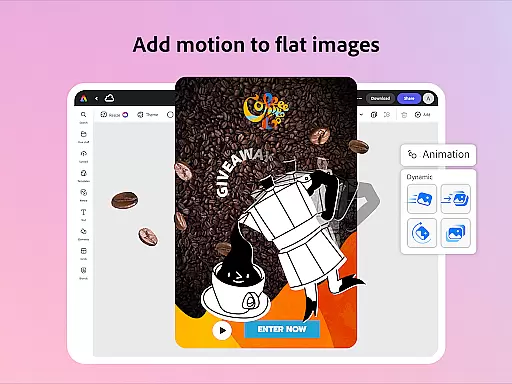
Additional functionalities like PDF editing, character animation using voice, and importing PDFs further expand its utility. While some advanced features may not be available on all devices immediately, Adobe continues to roll out support, ensuring a growing range of possibilities for creators.
Adobe Express offers a comprehensive suite of creative tools that cater to both beginners and seasoned creators. The app provides customizable templates for video editing, intuitive photo editing features powered by AI, and Quick Actions for tasks like background removal and file conversion.
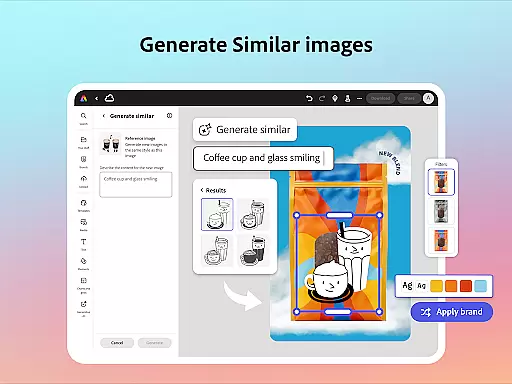
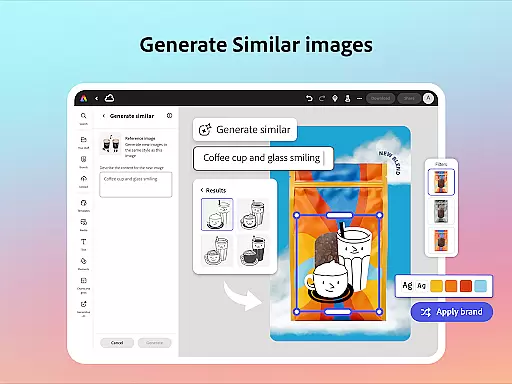
The inclusion of brand kits ensures that users can maintain brand consistency across all their designs. With features like Generate Similar, users can refine their designs while keeping a cohesive look. Additionally, the ability to edit PDFs quickly allows for updating content, swapping images, and refining layouts with ease.
For those seeking more advanced capabilities, Adobe Express Premium membership unlocks access to over 200 million royalty-free Adobe Stock assets, including photos, videos, music tracks, design elements, and fonts. This makes it an invaluable tool for creating high-quality marketing and business materials.
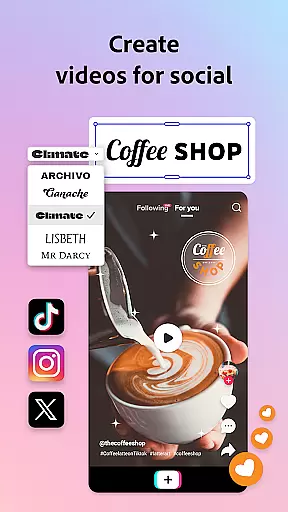
One of the standout features of Adobe Express is its canvas and format flexibility. Users can easily trim and resize designs to fit any channel, crop photos, and convert image files as needed. This flexibility extends to converting images and videos into GIFs, making it versatile for various content types.
The app also supports importing PDFs, allowing users to update and modify existing documents seamlessly. Whether you need to resize an image for social media or convert a PDF into an editable format, Adobe Express provides the tools necessary to adapt your content efficiently.
Moreover, Adobe Express ensures cross-device compatibility, enabling users to utilize these flexible canvas and format options on both desktop browsers and mobile phones. This adaptability enhances productivity and creativity, empowering users to produce impactful content regardless of platform constraints.
User-friendly interface
Powerful AI tools
Comprehensive brand management
Versatile design options
Integrated stock library
Limited device compatibility
Premium features locked
Occasional bugs reported
Internet connection required
Learning curve for new users


Easy 3D drawing design maker & creator. Model designing, Sculpting. Create&paint
 4.00
4.00
Meet the magic aı 3d photo generator and smart AI video generator app.
3.20
Digital illustration drawing & painting pad app to paint Anime and Manga art
4.50
Art of Combination Wear OS Watch Faces
3.30
Get an overview over all your embroidery threads, projects and more.
4.60
Experience next-gen icons with a modern liquid glass look.
3.60
Inky runs Inkscape on Android devices and Chromebooks
2.90
Create and Design Custom Logos in Seconds with AI-Powered Tools!
4.40
Kling AI is an image and video generation and editing studio powered by AI.
4.50
See Color, Paint Color
4.90
Create stunning art with AI.
4.80
Mobile pixel art editor. Simple. Fast. Portable.
4.80
Everything you need to create hand drawn animation, anywhere you go!
4.40
Digital Drawing: Draw & Paint
4.10
Floor Plan Creator lets you create, edit and share floor plans.
4.00
Get creative and make art with your Sesame Friends!
4.00
Design unique, funny and adorable cat stickers that reflect your own style!
3.80
Create sweet, cool and unique couple avatars easily, in just a few steps!
3.40
Vidu is an AI video generator made for creators and aspiring makers.
3.30


User Reviews