

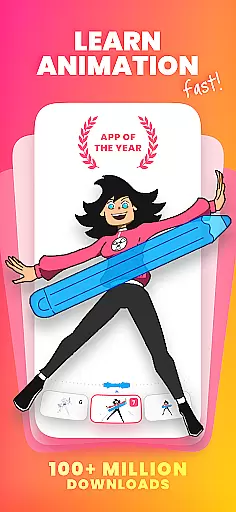
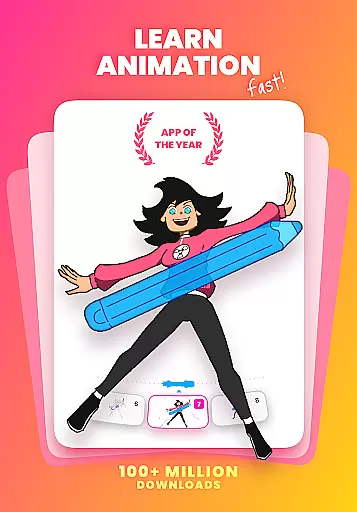
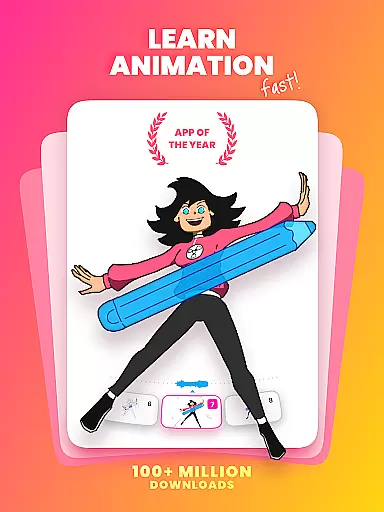
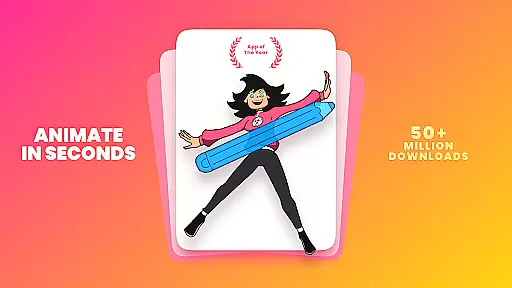
FlipaClip is a leading 2D animation app designed for both beginners and professionals in the Art & Design field. This powerful tool allows users to create frame-by-frame animations, draw cartoons, and even produce short animated movies with ease. With its intuitive interface and professional-grade features, it has become the go-to choice for millions of creators worldwide.
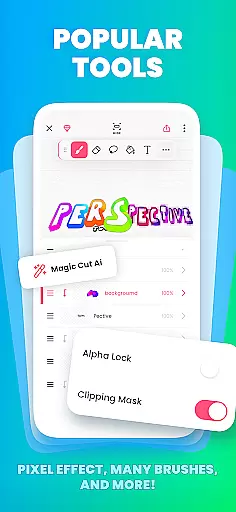
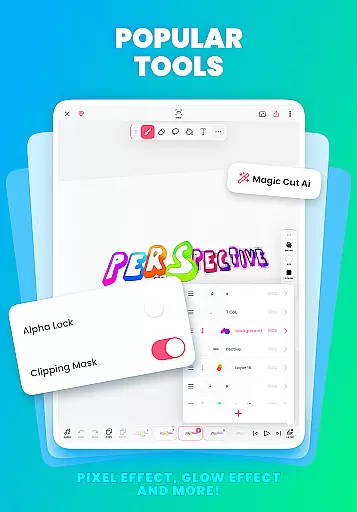
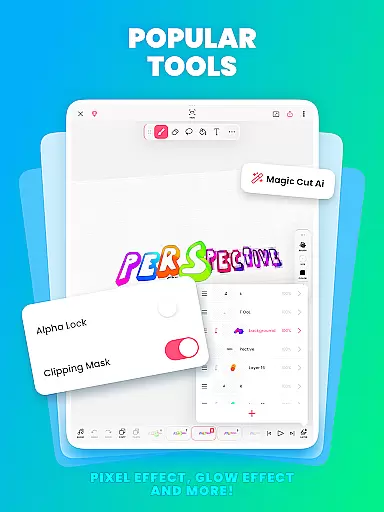
The app offers a complete suite of drawing and animation tools including brushes, layers, onion skinning, and AI-powered features like Magic Cut. Whether you're into anime, memes, or storyboarding, FlipaClip provides everything needed to bring your artistic vision to life. Its versatility extends from simple doodles to complex animations, making it suitable for various creative projects across multiple platforms.
FlipaClip stands out with its comprehensive set of animation features tailored for artists of all skill levels. The app's frame-by-frame animation timeline gives users precise control over their creations while the onion skin tool ensures smooth transitions between frames. With support for up to 10 layers (3 free), creators can build complex scenes with ease.
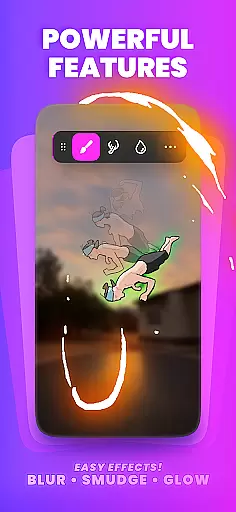
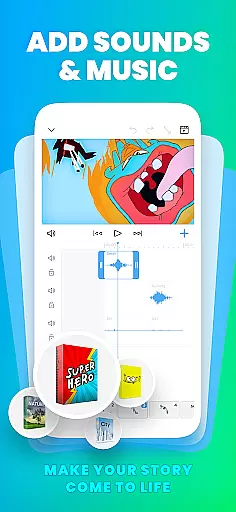
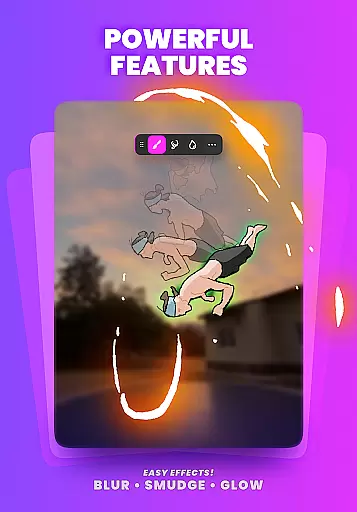
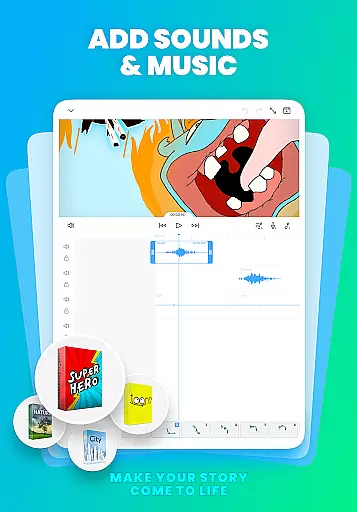
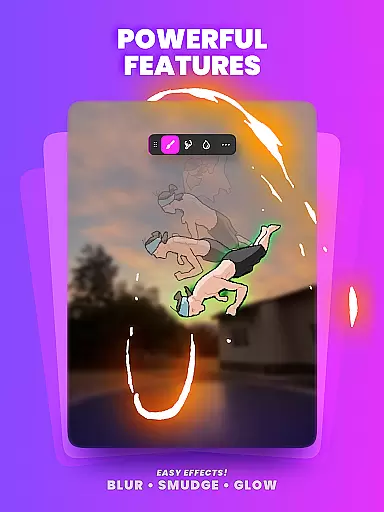
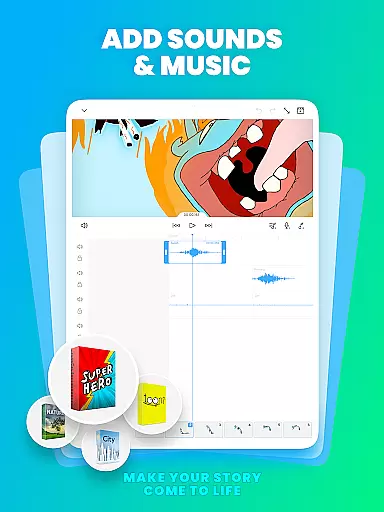
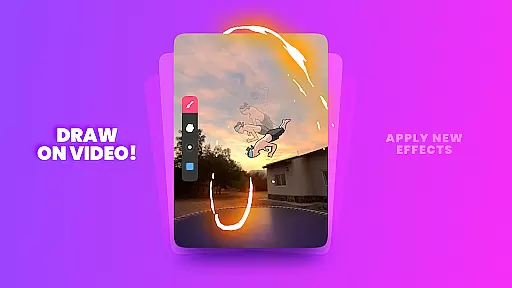
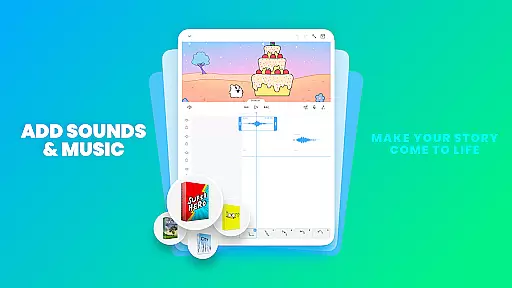
Advanced features include pressure-sensitive stylus support, glow effects, blending modes, and rotoscope animation capabilities. The newly added AI-powered Magic Cut tool allows for effortless object removal from frames. Additionally, users can enhance their animations with up to 6 audio tracks, custom sound effects, and AI-generated voiceovers, making their animations truly come alive.
In the realm of digital art and animation, having a comprehensive set of creative tools is paramount. FlipaClip excels in this area by offering a full suite of drawing and animation instruments designed for both novices and professionals.
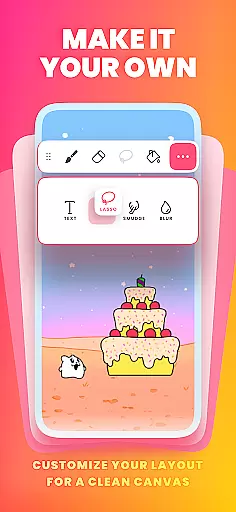
Users can access brushes, fill, lasso, eraser, ruler, text, and shape tools to sketch their ideas with precision. The app supports custom canvas sizes, allowing creators to produce frame-by-frame animations that bring their drawings to life. With pressure-sensitive stylus support, such as Samsung S Pen and SonarPen, artists experience a natural drawing sensation.
FlipaClip also provides advanced features like onion skinning for smooth transitions between frames, up to 10 layers for complex compositions, and glow effects with blending modes. These tools ensure users have everything they need to create detailed and vibrant animations.
By combining these powerful features with an intuitive interface, FlipaClip empowers users to focus on their creativity without being hindered by technical limitations.
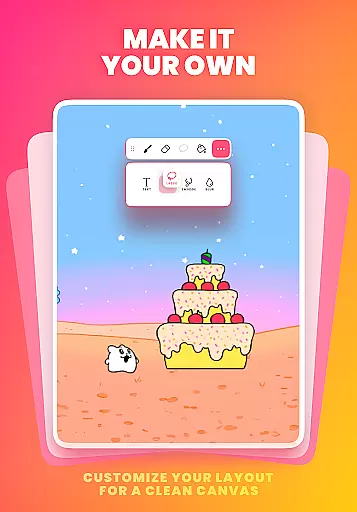
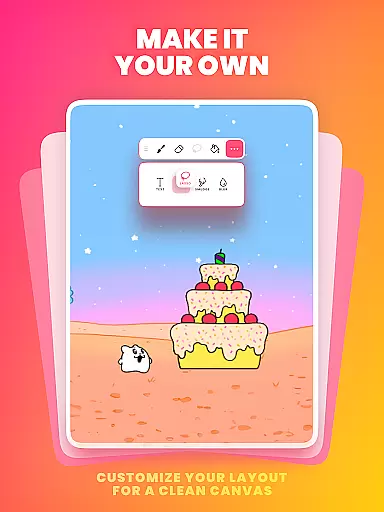
Flexibility in canvas size and format options is crucial for artists who wish to explore various creative avenues within a single application. FlipaClip addresses this need by providing versatile canvas settings that cater to different artistic styles and project requirements.
The app allows users to paint on custom canvas sizes, which means they are not restricted to predefined dimensions. This adaptability enables creators to experiment with everything from small-scale doodles to large, intricate scenes.
Moreover, FlipaClip supports exporting animations in multiple formats including MP4, GIF, or PNG sequences with transparency. Such diversity in output formats ensures that artists can share their work across different platforms without losing quality or compatibility.
This level of canvas and format flexibility makes FlipaClip an ideal choice for anyone looking to draw, animate, and share their creations seamlessly.
User-friendly interface
Powerful drawing tools
AI-powered features
Active community support
Versatile export options
Limited free layers
Premium features locked
Steep learning curve
Occasional bugs
High storage usage

Stylish letters, Stylish Keyboard, Symbols, Emojis, Cool nickname
 4.40
4.40
Sketch, plan, take notes and illustrate on an infinite canvas.
4.20
Custom Character Creator & PFP Maker!
4.20
Art of Combination Wear OS Watch faces
4.4
Castle is social media for creating and playing games!
4.60
2D animation studio for Android tablets - unlimited layers, infinite timeline
4.70
Draw, fidget, and spin glow art! Relax and express your creativity with a finger
4.60
Explore future self face age filter & remove background image for a unique look.
3.50
Multiplayer Drawing game, Coloring, Painting・Sketch, Handwriting・Paint, draw
4.30
Passport size photo maker, create ID photo and visa photo in seconds
4.80
Minecraft & Roblox Clothes
4.70
Draw glowing spinners, relax, and spin your creative art
4.60
Create neon drawing with magic doodle and fun doodle art effects!
4.50
Unleash your drawing and painting potential
4.50
The perfect place to start sketching! Use Sketchbook to draw and paint sketches.
4.50
Share the joy of painting with ibis Paint! Drawing anime and manga art.
4.50
Image/ Text to Video Generator
4.40
Photo blender app to create overlay photos & double exposure.
4.40
Bring One UI 8.5 Icons to life -elegant dark icons with a modern, premium touch.
4.30


User Reviews