

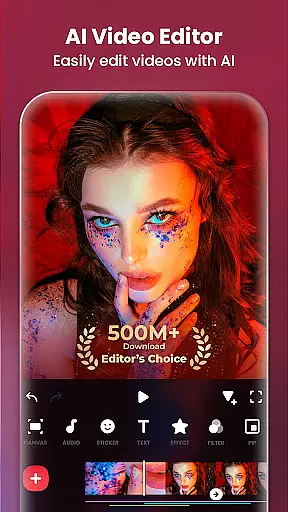
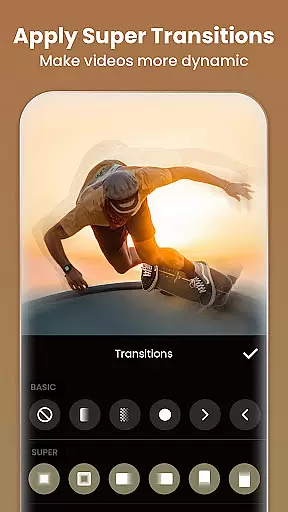
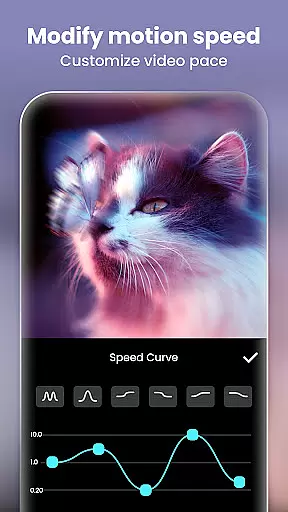
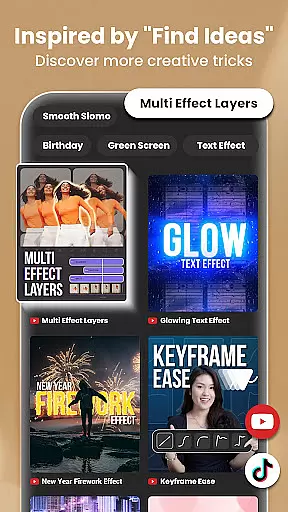
InShot is a versatile video editing and photo enhancement application designed for both casual users and professional content creators. This all-in-one tool allows you to edit videos with features such as trimming, merging clips, adding music, text, and transition effects. It also supports advanced functionalities like chromakey editing, speed control, and keyframe animations.
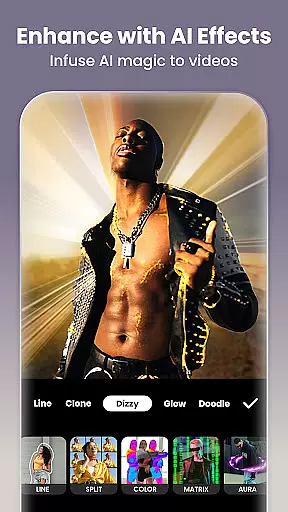
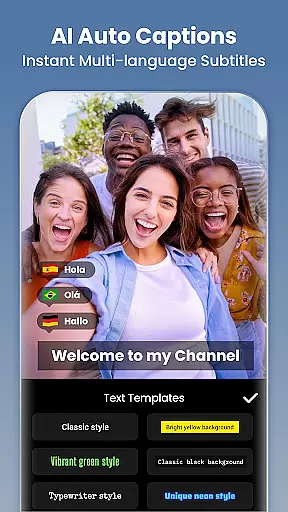
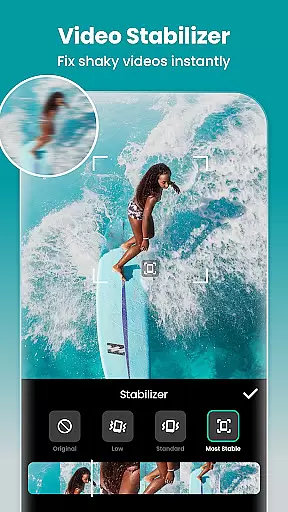
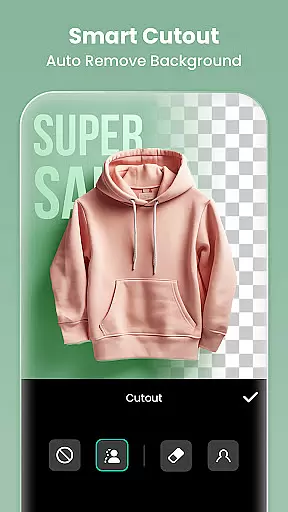
One of the standout features of InShot is its AI-powered tools that simplify complex tasks. These include auto captions, background removal, smart tracking, and smooth slow-motion effects. Additionally, it offers a comprehensive photo editor and collage maker, enabling users to blur backgrounds, apply filters, adjust HSL, and remove unwanted objects effortlessly.
Whether you're looking to create engaging vlogs for YouTube, Instagram, TikTok, or other social media platforms, InShot provides the necessary tools to produce high-quality content. Its user-friendly interface makes it accessible for beginners while offering advanced features that cater to experienced editors.
InShot boasts an extensive array of features tailored to enhance your video and photo editing experience. The app includes AI tools such as body effects, auto captions, automatic background removal, smart tracking, and seamless slow-motion effects. These AI-driven capabilities ensure that even intricate editing tasks can be accomplished with minimal effort.
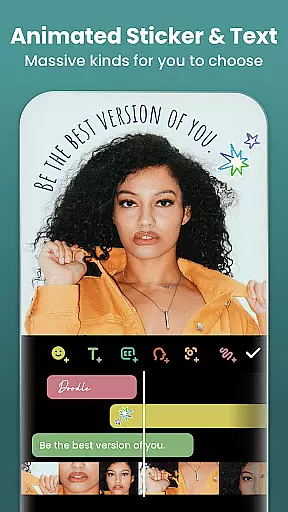
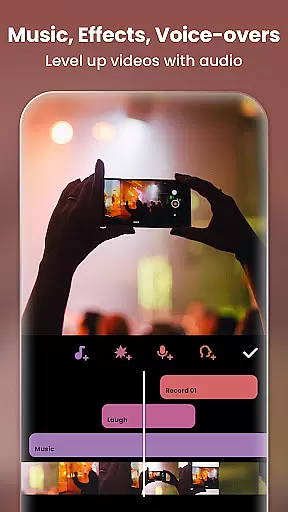
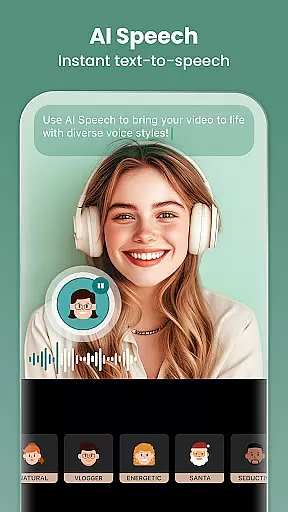
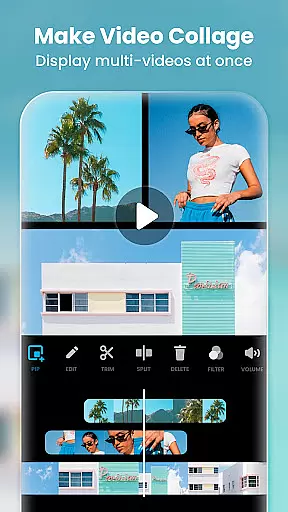
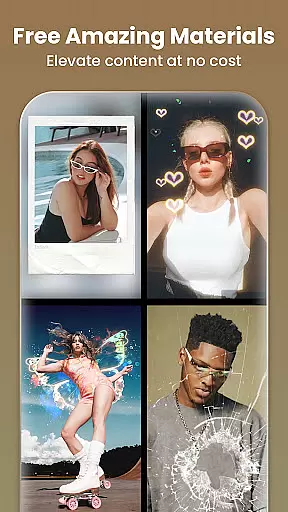
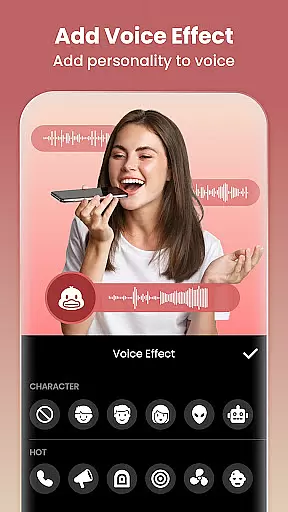
For video editing, InShot provides full-featured options including trimming, merging, reversing, and compressing clips without quality loss. Users can add text, emojis, exclusive stickers, music, sound effects, and voice-overs. Advanced controls allow for speed adjustments, keyframe animations, chromakey editing, picture-in-picture effects, and blending modes. Furthermore, the app offers cinematic filters, brightness/contrast/saturation adjustments, and unique effects like glitch, fade, noise, and retro styles.
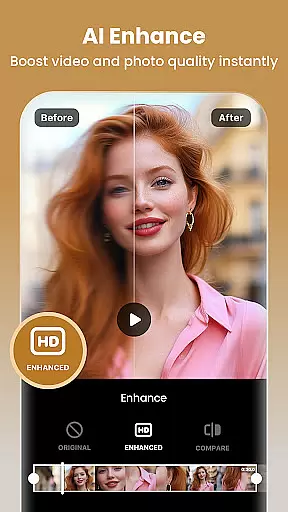
In addition to video editing, InShot serves as a robust photo editor and collage maker. It enables users to blur backgrounds, apply 1000+ stickers, memes, texts, and backgrounds, and turn blurry photos into HD using AI Photo Enhancer. The easy-to-use collage maker provides 100+ editable layouts, and the canvas feature lets you customize backgrounds and adjust video ratios for various social media platforms.
Real-time capture and preview functionality is essential for any video editing and photography application. This feature allows users to see exactly what their camera is capturing, ensuring that the framing, lighting, and composition are perfect before they hit the record button.
InShot offers a seamless real-time capture experience by integrating advanced camera controls within its interface. Users can adjust settings such as exposure, focus, and white balance directly from the app, providing them with the tools needed to create high-quality content.
The value of real-time preview extends beyond just capturing videos and photos. It also enables users to apply filters and effects live, seeing how these adjustments will look in the final product. This immediate feedback empowers creators to experiment with different styles and aesthetics confidently.
By offering robust real-time capture and preview capabilities, InShot ensures that users can produce professional-grade content effortlessly. Whether you're an aspiring YouTuber or a casual Instagrammer, this feature helps you capture moments perfectly, enhancing your storytelling potential.
AI beauty and enhancement features have become increasingly popular in photo and video editing applications. These tools leverage artificial intelligence to automatically enhance facial features, smooth skin, and adjust various aesthetic elements to create visually appealing content.
InShot incorporates sophisticated AI algorithms that ensure enhancements appear natural rather than over-processed. The AI body effects and auto-remove background features allow users to elevate their images and videos with just one tap, maintaining authenticity while improving overall visual quality.
One significant advantage of InShot's AI enhancements is the ability to customize the level of modification applied. Users can fine-tune settings to achieve the desired balance between enhancement and realism, ensuring that their edited photos and videos retain their original charm and character.
Ultimately, InShotu2019s AI beauty and enhancement features empower users to produce stunning visuals that look naturally enhanced. By prioritizing naturalness, the app helps creators maintain credibility and relatability, which is crucial for influencers and content creators aiming to engage authentically with their audience.
User-friendly interface
Advanced AI tools
Comprehensive editing features
High-quality export options
Versatile photo enhancements
Some features require purchase
Occasional ads in free version
Learning curve for beginners
Limited offline functionality
Resource-intensive on older devices

A collection of tools and reference tables for DPs, ACs, DITs and Operators.
 4.70
4.70
Remote control of the phone camera from your Wear OS smartwatch
3.70
All-in-One Editor & AI Photo Enhancer, Beautify & Retouch, Collage, Cartoonify
4.20
The #1 app for B&W film developing featuring an advanced darkroom timer.
4.10
Create AI photos & videos with Enhancer; restore, fix, beautify, enhance photos
4.50
See your baby AI baby face generator AI baby maker Face generator babymaker fun!
4.70
Luminar: Photo Editor - easy picture editing with AI
4.20
Use AI Video Generator to turn your words to ai generated videos.
4.50
Professional camera app that brings DSLR manual photography controls to Android.
4.20
Find time and duration of different sunlight phases at any location
4.90
Android Native system HD camera app. Never been so simple and faster.
4.70
Amazing Photo Effects - The most fun you can have with your photos!
4.70
Movie camera, supports pro recording settings for filming. Try it and be amazed!
4.50
Natural Beauty, Selfie Retouch
4.30
A light meter for true photographers.
4.20
Transform Photos: Edit, Beautify and Craft Memories & Make Collages!
4.10
Turn photos into cartoons & avatars! - Photo Editor, Cartoon Face!
3.90
Create amazing frames with up to five photos. Rounded corners, effects and more!
3.60
Raw Image Viewer. Gallery with support of raw images (.cr3, .cr2, .nef, .raf).
2.00


User Reviews