

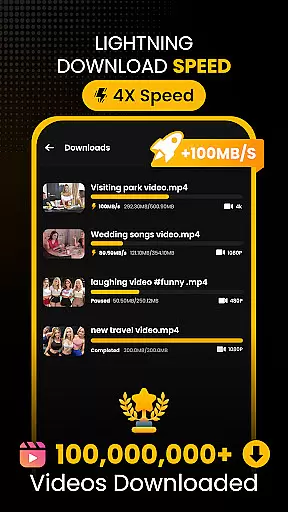
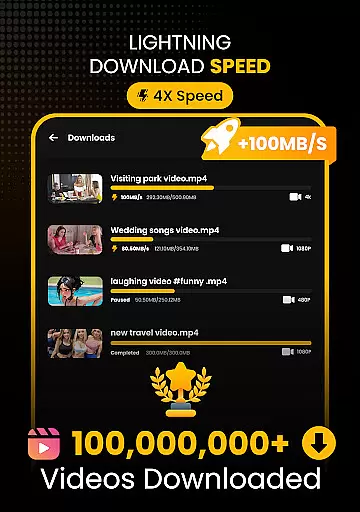
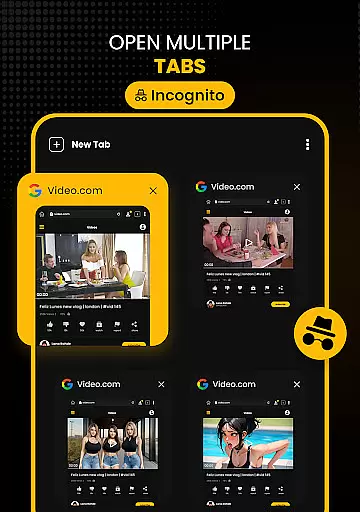
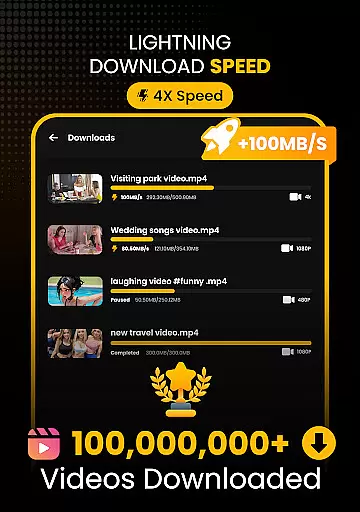
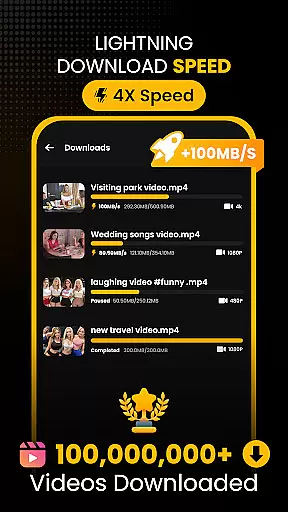
Download Hub is an all-in-one solution for video downloading, private browsing, and file management. This versatile app allows users to detect and download videos from web pages with resolutions up to 4K, while offering a secure incognito browser that blocks ads and trackers. Its advanced multi-threading technology accelerates download speeds by up to 300%, making it ideal for saving HD movies or backing up files to an SD card.
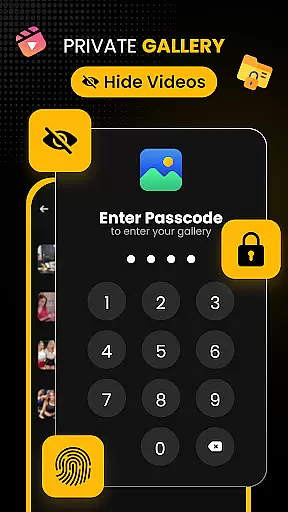
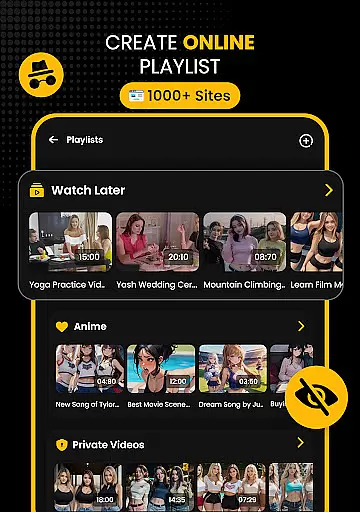
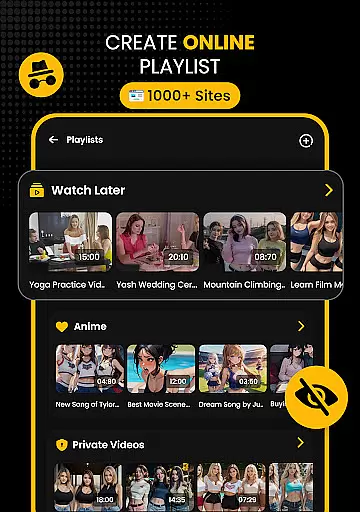
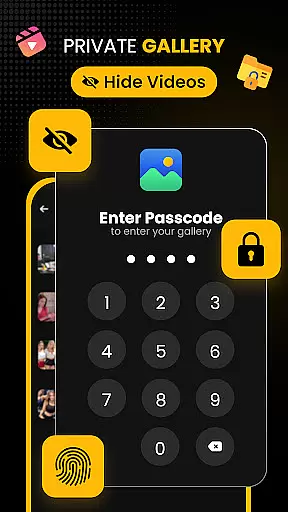
The app also features a robust security center with PIN protection and a hidden folder option, ensuring sensitive content remains private. With its offline HD player, users can enjoy smooth playback of downloaded media without an internet connection. Whether you're a commuter downloading movies for offline viewing or a student saving educational content, Download Hub provides the tools needed to manage digital content efficiently.
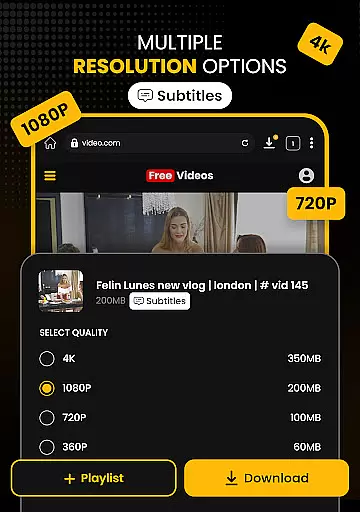
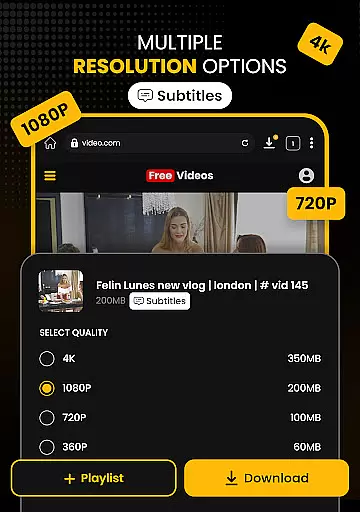
Download Hub stands out with its Universal Downloader Engine that uses smart detection to automatically find downloadable media links on web pages. The engine supports multiple formats including MP4, AVI, and MKV, and offers resolution control options ranging from SD (480p) to crystal-clear HD (1080p), 2K, and 4K. Additionally, the batch mode feature enables simultaneous background downloads, significantly improving efficiency.
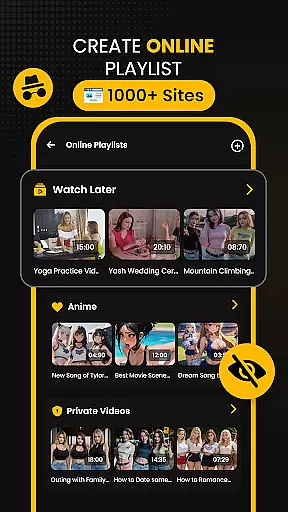
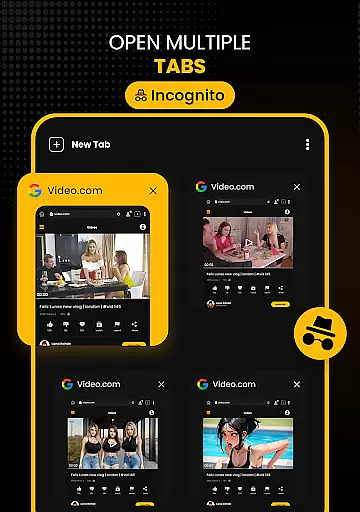
Beyond downloading, the app includes a Secure Private Browser with ad-blocking capabilities and desktop mode for accessing full versions of websites. The Advanced File Manager provides total control over local storage, supporting external SD cards and offering resume support for interrupted downloads. These comprehensive features make Download Hub not just a downloader but a complete tool for managing your digital life securely and efficiently.
Video format compatibility is a crucial feature for any video player and editor, ensuring that users can enjoy content in various formats without technical barriers. Download Hub supports an extensive range of video formats including MP4, M4V, MOV, AVI, WMV, MKV, FLV, and MPG. This wide compatibility allows users to download and play videos from different sources without worrying about format issues.
The app's universal downloader engine enhances this capability by detecting downloadable media links on web pages and offering resolution control. Whether you want to save data with SD (480p) or enjoy crystal clear HD (720p), 1080p, 2K, and 4K, Download Hub has you covered. The inclusion of batch mode further simplifies the process by handling multiple files simultaneously in the background.
For users who need more than just video, Download Hub also acts as an efficient audio downloader. It can extract audio tracks from video clips and save music and sound effects for offline listening. This dual capability makes it a versatile tool for managing multimedia content.
AI-powered editing features are transforming how users interact with video content, making editing more accessible and efficient. Download Hub incorporates advanced AI technology to enhance user experience through smart detection and automated processes. When browsing the internet using the app's secure private browser, the AI system automatically finds downloadable media links on web pages, lighting up the download button instantly when a video is detected.
In addition to its video downloading capabilities, Download Hub offers robust file management. The app includes an advanced file manager that provides total control over local storage. With SD card support, background service for uninterrupted downloads, and resume support for fixing interrupted downloads without restarting, users have comprehensive tools at their disposal.
Download Hub also features an offline HD player, allowing users to watch content anywhere without an internet connection. The player supports smooth playback of all saved formats and includes gesture controls for volume, brightness, and seek. A night mode with a dark interface ensures comfortable late-night viewing. These AI-driven functionalities make Download Hub a powerful tool for both casual viewers and serious collectors.
User-friendly interface
Fast download speeds
Multi-format support
Private browsing
Offline playback
No YouTube support
Limited free features
Occasional bugs
Ads in free version
Large app size



















Video Player - Unlimited features, 30 days money back guarantee.
 4.60
4.60
Your media, on your terms.
4.10
Photo and Music Video Creator into Stunning Videos—Effortlessly
4.40
Watch full episodes of your favorite Cartoon Network and Cartoonito shows!
3.50
VLC Remote lets you control your VLC Media Player on Mac, PC or Linux.
4.60
This app was created to edit the metadata of music files.
4.20
Pro video editor app for Instagram, edit video with song, AI, effect & slowmo.
4.80
LumaFusion: The Ultimate Storytelling Experience for Video Editing
4.10
Enjoy your favorite videos and channels with the official YouTube app.
3.90
GENRAL PRO - General Pro is the best video player that fully supports all formats.
4.70
Download videos and play them offline
4.70
?100% FREE! Download & save videos? safely in this app. All formats supported.
4.60
Create photo video with music & template. AI video maker for stunning slideshow.
4.60
Fast & easy HD video downloader for all formats, support 4K playback & download.
4.60
AirMirror Receiver - Screen mirroring/cast web videos to Android TV by AirPlay.
4.40
Web Browser for LG TV to stream webvideos, online movies and livestreams in HD
4.20
Powerful video player with advanced hardware acceleration and subtitle supports
4.20
Explore the largest library of free GIFs, Stickers & Memes - or create your own!
3.90
Save photos and videos from social apps in one tap.
3.60

User Reviews