

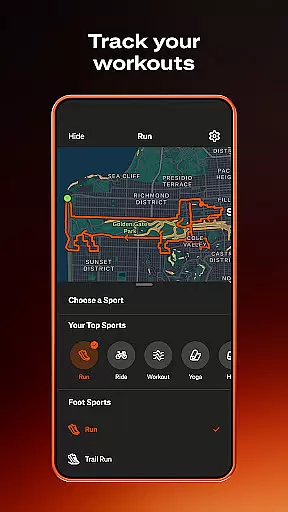
Strava is the ultimate fitness tracking app that combines community building with performance analysis, designed for athletes of all levels. With over 180 million active users, it supports a wide range of activities including running, cycling, hiking, and yoga, while integrating seamlessly with devices like Apple Watch, Garmin, and Fitbit.
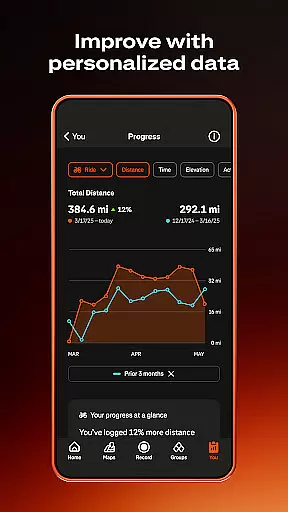
The app provides powerful tools to track your progress through data insights, segment competitions, and personalized challenges. Whether you're aiming to improve personal records or connect with a global community of fitness enthusiasts, Strava offers an engaging platform to achieve your goals while prioritizing safety and privacy.
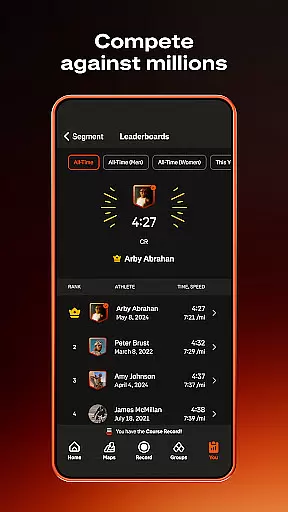
Strava stands out with its comprehensive activity tracking capabilities, supporting over 40 sport types and offering advanced GPS integration for precise performance metrics. Its unique segment feature allows users to compete on leaderboards, adding a gamified layer to workouts.
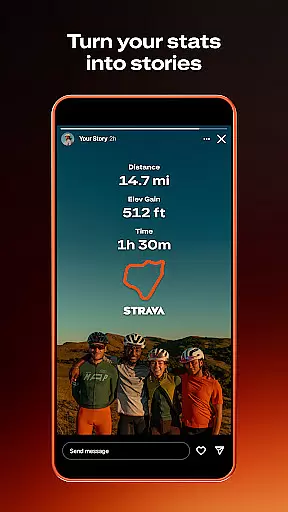
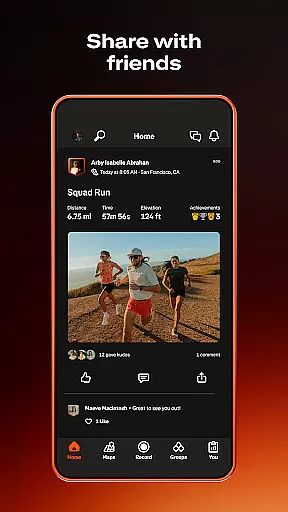
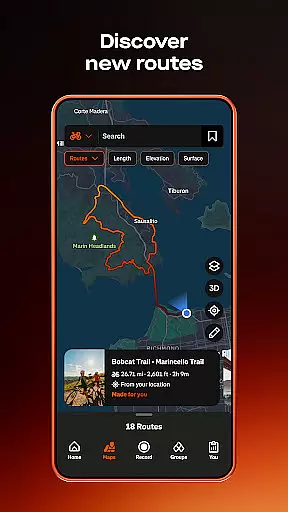
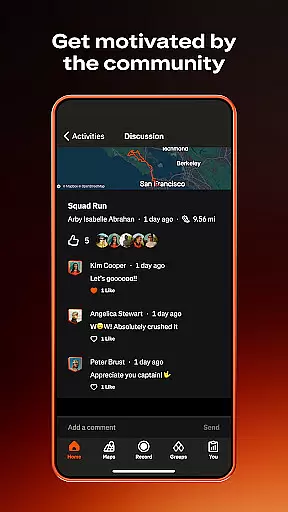
Beyond tracking, Strava fosters community engagement through Clubs, Challenges, and social feeds where users can share achievements and send kudos. Subscribers gain access to premium features such as AI-driven insights, route recommendations, and injury prevention exercises, making it a versatile tool for both casual exercisers and competitive athletes.
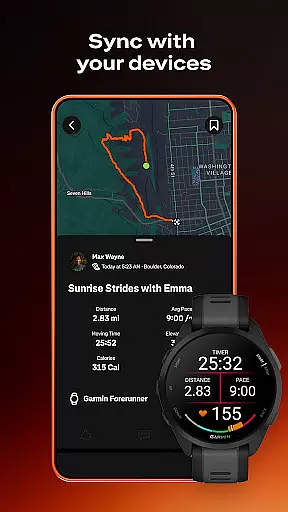
Companion app integration is essential for users who rely on multiple devices to track their fitness activities. Strava excels in this area by offering seamless connectivity with a wide range of devices, including the Apple Watch, Garmin, Fitbit, and Peloton. This ensures that no matter which device you use during your workout, your data can be effortlessly synced with Strava.
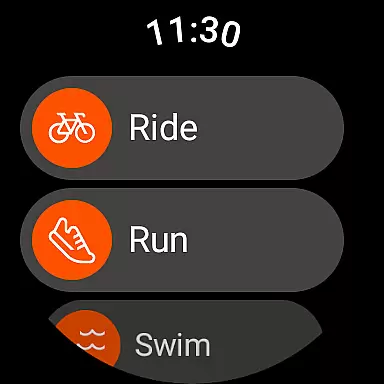
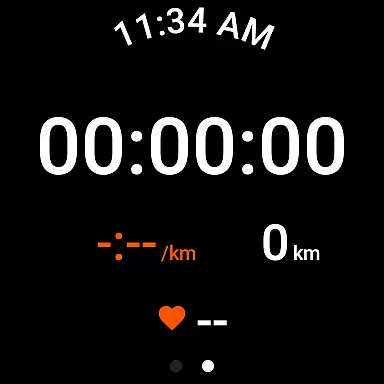
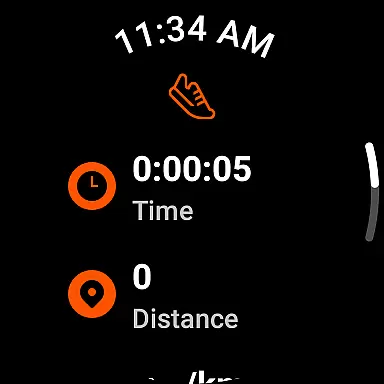
The Strava Wear OS app enhances this experience further by providing a tile and a complication that allow users to quickly launch activities directly from their smartwatch interface. This instant access means you spend less time setting up and more time focusing on your performance. The ability to start, pause, and stop recordings without needing to reach for your phone adds convenience and efficiency to your routine.
By integrating with thousands of devices, Strava not only simplifies the tracking process but also enriches the user's data pool. This extensive compatibility allows athletes to gather comprehensive insights into their workouts, regardless of the equipment they choose to use. Such versatility ensures that every activity, whether it's running, cycling, or yoga, is captured accurately and analyzed thoroughly.
Device compatibility is crucial for ensuring that users can enjoy a consistent and reliable experience across different platforms. Strava supports a broad spectrum of devices, particularly those running on Wear OS, making it accessible to a vast audience. Whether you're using a high-end smartwatch or a budget-friendly fitness tracker, Stravau2019s compatibility ensures that you can record and analyze your activities without any hitches.
Strava has optimized its performance on Wear OS, allowing users to take full advantage of features like real-time location sharing through Beacon. This safety feature provides peace of mind by enabling loved ones to track your whereabouts during activities. Additionally, the platform offers robust privacy controls, letting users manage who sees their data and activity routes, thus enhancing security while using wearable technology.
Moreover, Strava continuously updates its app to maintain compatibility with the latest operating systems and devices. If issues arise due to outdated GPS functionality, Strava encourages users to update their deviceu2019s OS to the most recent version. By doing so, they ensure optimal performance and accurate activity tracking. For devices with known persistent issues, Strava restricts installation to guarantee a quality user experience, demonstrating their commitment to reliability and precision.
User-friendly interface
Extensive device compatibility
Strong community focus
Advanced analytics for subscribers
Customizable privacy settings
Premium subscription costly
Limited free features
GPS issues on some devices
High battery consumption
Steep learning curve for beginners

A Wintery Snow Globe on Your Wrist; now celebrating Christmas!
 4.1
4.1
Embrace the festive spirit with our Christmas Countdown watchface for Wear OS
4.10
Deck out your Wear OS Watch face with a beautifully decorated pine wreath!
4.50
Ideal for surviving in the wasteland left after nuclear fallout
4.50
Kia Access makes getting your vehicle information easier than ever
4.60
Stay in touch with your friends and family using LINE!
3.40
A digital watch face that celebrates Christmas.
4.00
Fitbit is dedicated to helping people lead healthier, more active lives.
4.10
Control your Samsung Smart TVs, appliances, and SmartThings-compatible devices
4.60
The most customizable hybrid watch face. For Wear OS 5.0, API 34+ and later
4.70
Beautiful artistic animated digital watch face, with a customizable layout!
4.40
Christmas watch face. For Wear OS devices.
4.30
Find EV charging stations
4.30
Watch face for Wear OS.
4.20
Let's celebrate Thanksgiving - Wear Os watch face
4.20
Watch the sharpness of the sky on your wrist..
3.70
Your local weather forecast, storm tracker, radar maps & live weather news
3.40
Christmas and New Year - Themed Watchface
4.0
Sleek, highly customizable watch face inspired by Galaxy Watch Circle Dashboard.
4.4


User Reviews