

LINE is a comprehensive communication app that bridges the gap between family, friends, and loved ones through free voice and video calls, messages, and an extensive range of expressive stickers. Available globally on mobile, desktop, and Wear OS platforms, LINE continues to expand its services and features, enhancing users' lives with convenience and fun.
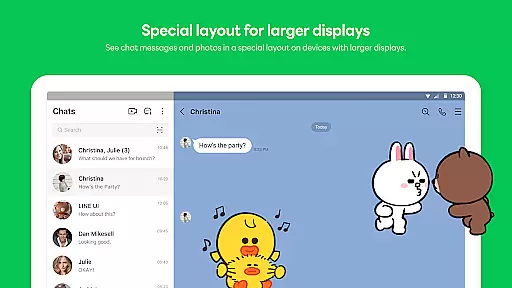
One standout feature is its seamless connectivity across multiple devices, allowing users to chat anytime and anywhere. Whether you're commuting, working in the office, or working remotely, LINE ensures you stay connected via smartphone, Wear OS, or desktop. Additionally, it offers unique functionalities like Keep Memo for personal information storage and Letter Sealing for enhanced message encryption, ensuring privacy and security.
This makes LINE particularly useful for individuals seeking a versatile communication tool that works across various devices while maintaining privacy and offering creative ways to express oneself.
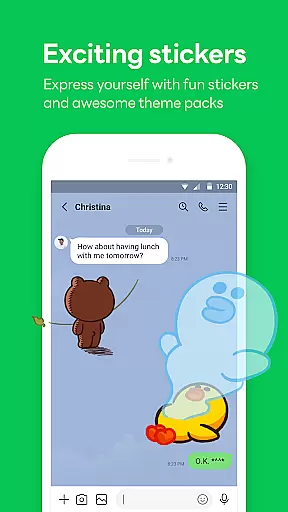
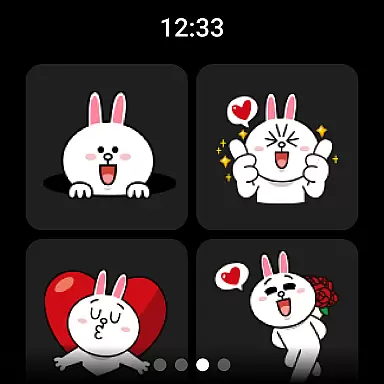
LINE stands out with its diverse communication options including high-quality voice and video calls, text messaging, and a vast selection of engaging stickers that allow users to express themselves uniquely. The Home feature provides easy access to friends lists, birthdays, sticker shops, and various services and content offered by LINE, making navigation intuitive and user-friendly.
Another notable aspect is its cross-platform compatibility, enabling seamless connections on mobile, Wear OS, and PC. This ensures users can communicate effectively regardless of their location or device. Moreover, innovative features like Keep Memo offer a private chatroom for temporarily storing messages, photos, and videos, while Letter Sealing encrypts communications to protect user privacy.
These features collectively enhance user experience by providing reliable, secure, and enjoyable communication methods, setting LINE apart from other messaging apps.
Companion app integration is essential for users who want a seamless experience across multiple devices. LINE offers robust companion app features that ensure your conversations, stickers, and settings are synchronized effortlessly between your smartphone, desktop, and Wear OS devices.
The platform's architecture allows real-time updates, meaning you can start a conversation on your phone and continue it on your smartwatch or computer without missing a beat. This synchronization ensures that all your personal information, including chat history and preferences, remains consistent and up-to-date across all platforms.
For users, this means unparalleled convenience and flexibility. Whether you're commuting, at work, or relaxing at home, you can stay connected with friends and family without being tied to a single device. The ability to switch devices without losing context or functionality significantly enhances the overall user experience.
Moreover, LINE's companion app integration extends to its security features. With Letter Sealing encryption available on all devices, users can be confident that their privacy is maintained regardless of the device they use. This comprehensive approach to companion app integration makes LINE a versatile and reliable communication tool in today's multi-device world.
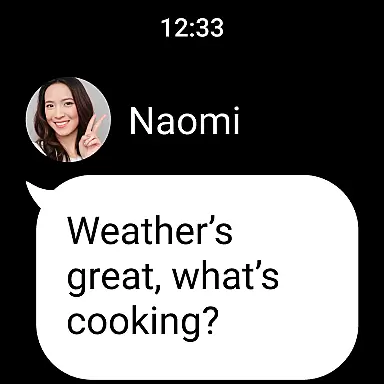
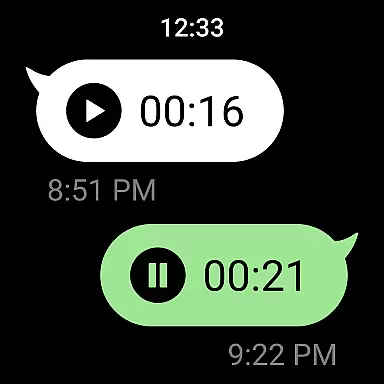
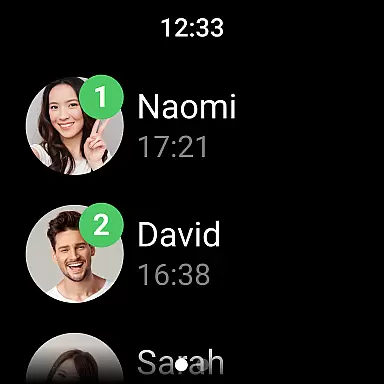
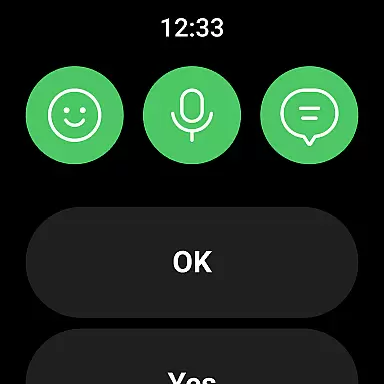
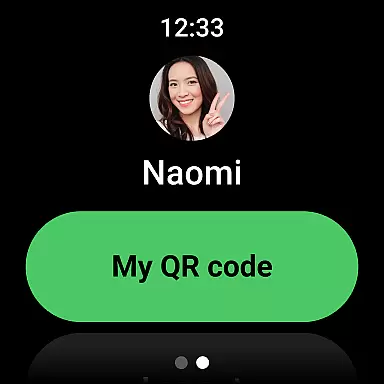
LINE's compatibility with Wear OS devices ensures that users can enjoy a fully integrated communication experience even when they're on the go. By supporting Wear OS, LINE allows users to receive notifications, check messages, and respond directly from their smartwatches, making communication more accessible and convenient.
This compatibility is not just about receiving notifications; it also includes interactive features. Users can add the LINE app complication to their watch face, providing quick access to messaging functions. This feature transforms the smartwatch into an extension of the smartphone, enabling users to stay connected without needing to pull out their phones constantly.
For those who lead busy lifestyles, this level of integration is invaluable. It allows users to manage their communications efficiently, whether they're in a meeting, exercising, or simply away from their phones. The ability to interact with LINE through a Wear OS device ensures that users never miss an important message or call.
Furthermore, LINE's commitment to maintaining high standards of performance and security on Wear OS devices underscores its dedication to providing a reliable and secure communication platform. By ensuring that all interactions on Wear OS are encrypted and secure, LINE continues to prioritize user privacy and data protection, offering peace of mind alongside convenience.
User-friendly interface
High-quality calls
Versatile sticker options
Strong privacy protection
Cross-platform support
Storage-intensive
Network-dependent
Limited offline use
Occasional bugs
Ads in free version






Embrace the holiday spirit with this magical animated watch face!
 4.40
4.40
Christmas and New Year - Themed Watchface
4.4
Current temperature, weather hourly, weather radar by the weather forecast app
4.40
MyNISSAN® lets you remotely control your car from your phone.*
4.50
Let's celebrate Thanksgiving - Wear Os watch face
4.20
Find EV charging stations
4.30
Reliable phone calls with spam protection, caller ID and more helpful features
4.40
Fast and smart typing with Emojis, GIFs, and more
4.50
From periods to pregnancy & perimenopause, Flo helps you track it all. Try now.
4.70
A modern premium sporty hybrid watch face for Wear OS by Ballozi
4.70
Real-time results, stats, schedules and player profiles for all leagues
4.60
A customizable Christmas watch face for Wear OS with a countdown.
4.20
Animated video-game inspired “secret agent” simulation, right on your wrist!
4.20
Your music, your playlists, and more—offline and unlimited.
4.20
Structured watch face with seven complications and modular UI elements
3.90
Professional weather radar and more
3.90
A full-featured Amazon Alexa voice assistant that can show you things.
3.70
Christmas is near, let's count together the days left until Santa comes
4.4
A watch face that fuses motorsport precision with contemporary smartwatch design
4.2


User Reviews