

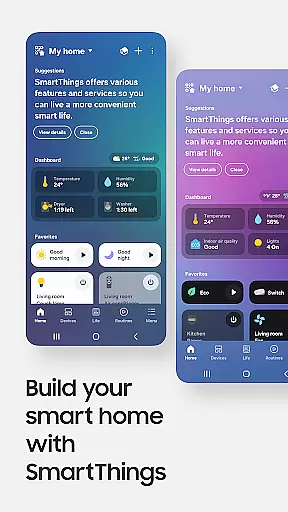
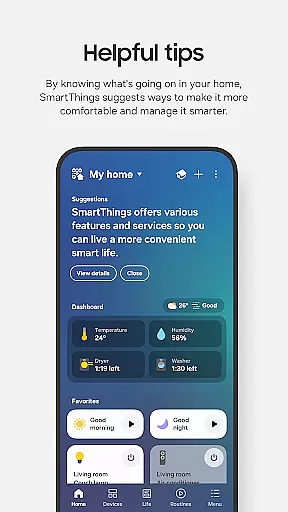
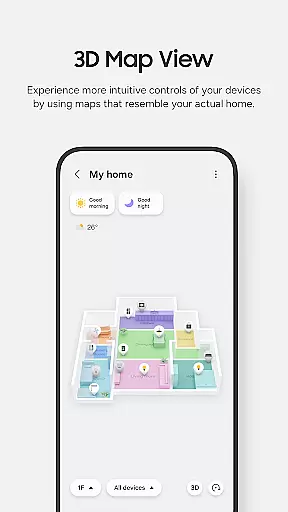
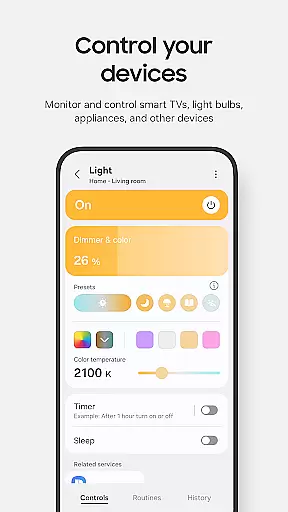
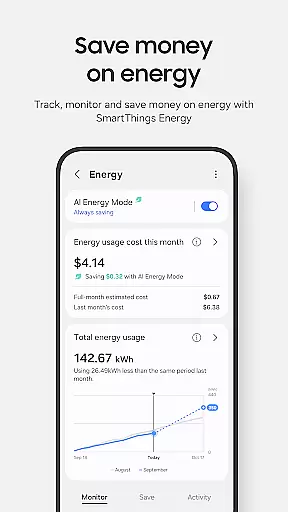
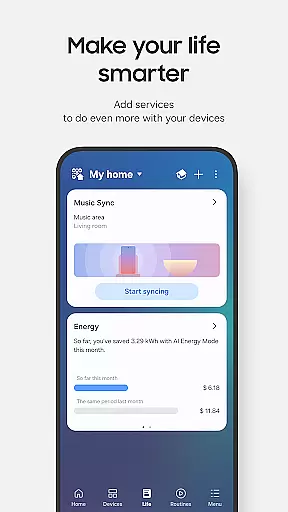
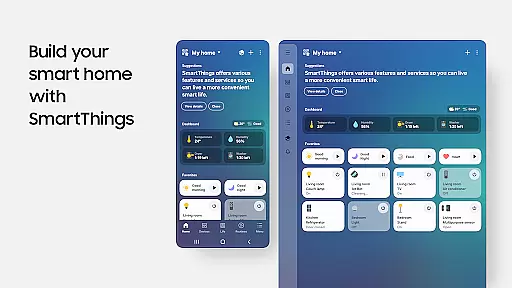
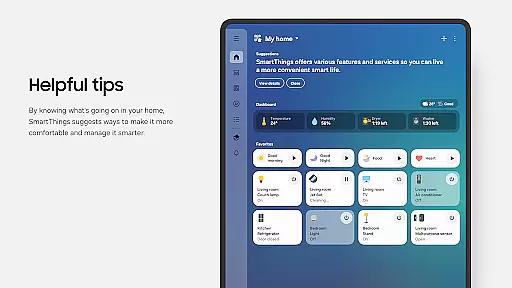
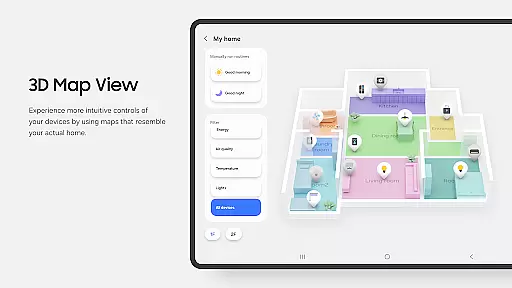
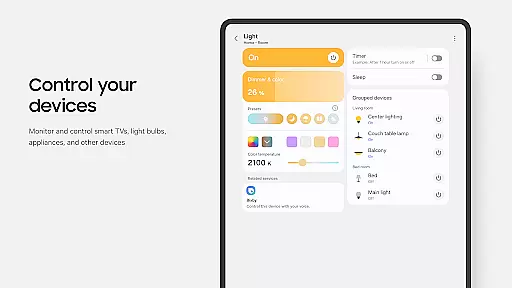
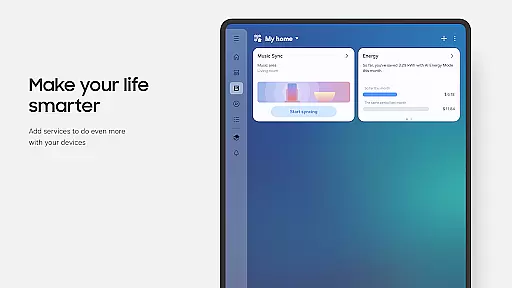
SmartThings is a comprehensive smart home management application that allows users to connect, monitor, and control multiple smart devices from various brands in one place. Compatible with hundreds of smart home brands like Ring, Nest, and Philips Hue, the app provides centralized control for Samsung Smart TVs, smart appliances, and more.
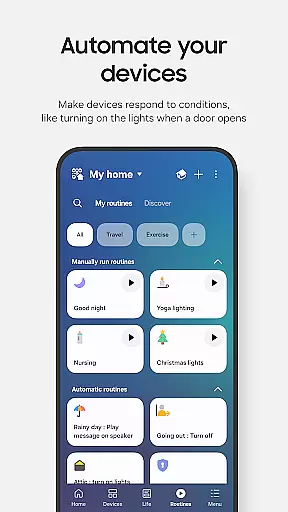
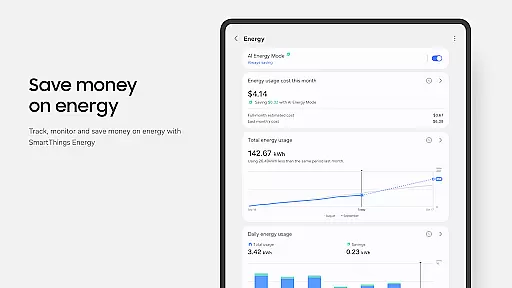
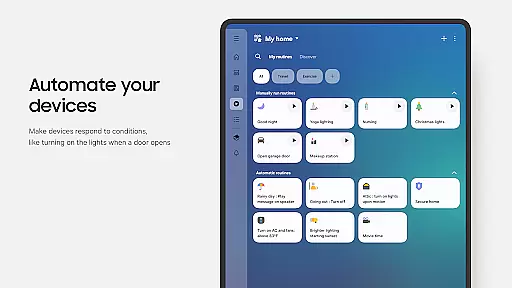
The app's key features include remote home monitoring, customizable routines based on time, weather, or device status, shared access control, and automated notifications about device statuses. It also supports voice assistants such as Alexa, Bixby, and Google Assistant, enhancing user convenience. Optimized for Samsung smartphones, it offers additional functionalities when paired with Wear OS-based watches.
SmartThings stands out with its extensive compatibility, supporting a wide range of smart home devices across different brands. The app enables users to build routines that automate their smart home operations, ensuring smooth background functioning. Users can grant shared access to other household members, allowing collaborative smart home management.
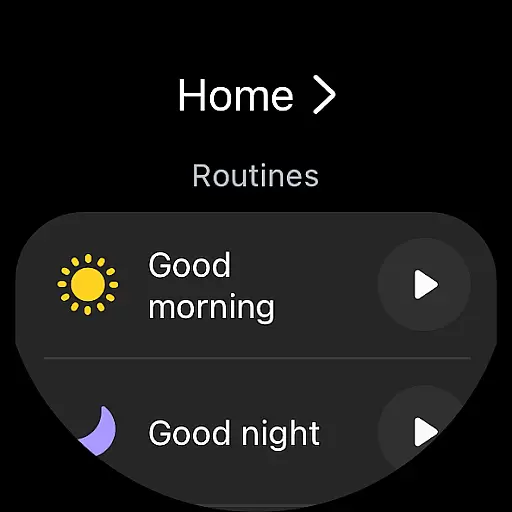
Another notable feature is the ability to receive real-time updates and notifications about connected devices. For wearable technology enthusiasts, SmartThings integrates seamlessly with Wear OS, offering quick access to routines and device controls directly from the watch face through dedicated complications. This integration enhances accessibility and convenience, making smart home management more efficient.
Companion app integration is a crucial feature for wearable devices, ensuring seamless connectivity between the primary mobile application and its wearable counterpart. SmartThings excels in this area by offering users the ability to control their smart home devices directly from their Wear OS-based watches.
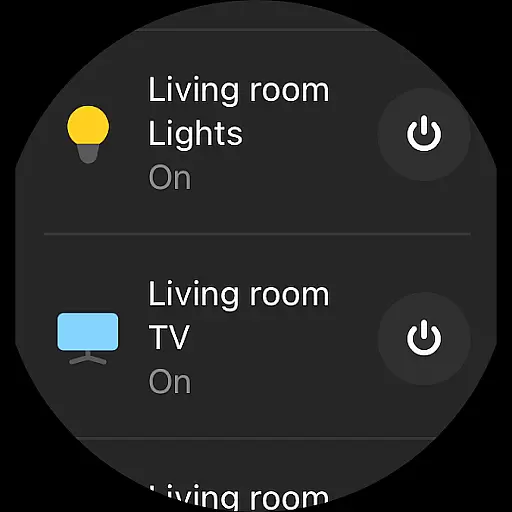
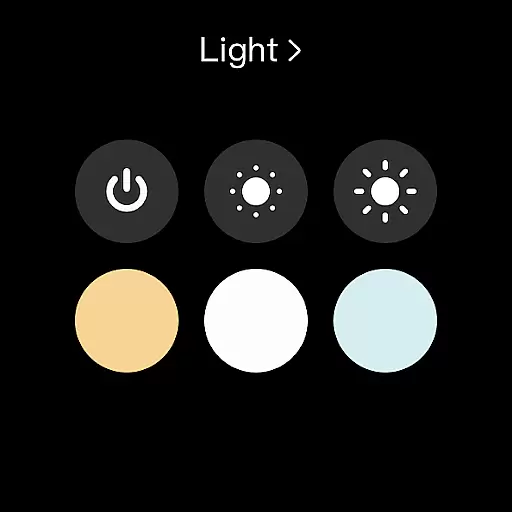
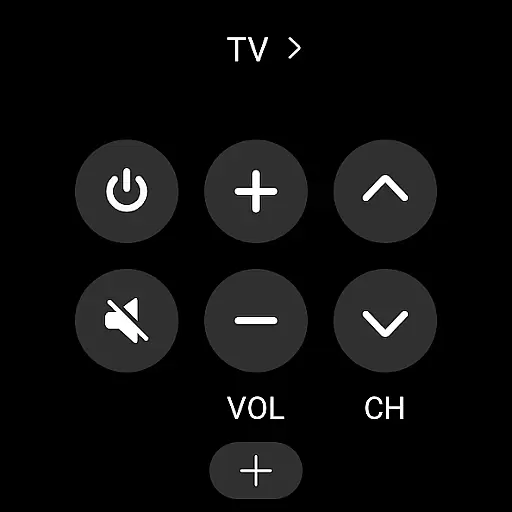
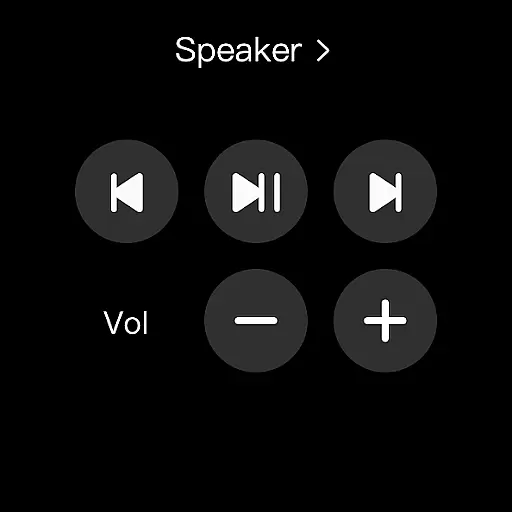
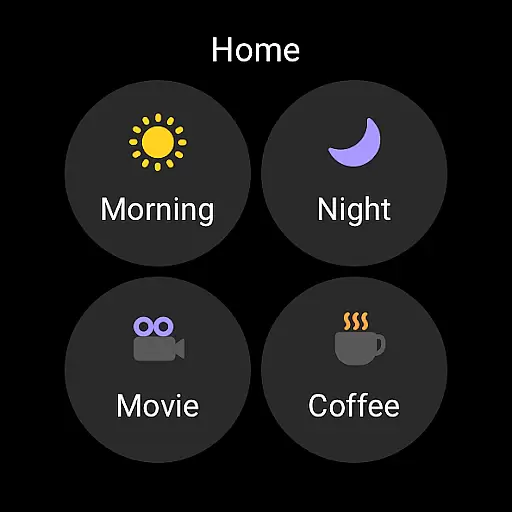
The SmartThings app achieves this integration by allowing users to add a SmartThings tile on their watch face. This tile provides quick access to routine operations and device controls without needing to take out their smartphone. The complications provided by SmartThings enable direct entry into the app's services right from the watch face, enhancing user convenience.
For users, this means they can efficiently manage their smart home ecosystem even when they are on the move or engaged in activities where taking out a phone is impractical. Whether it's adjusting the thermostat, checking security cameras, or turning off lights, all these actions can be executed from the wrist.
This level of integration not only boosts productivity but also enhances the overall user experience by making smart home management more accessible and immediate. With SmartThings, users enjoy a unified and streamlined approach to managing their connected devices, regardless of whether they are using a smartphone or a smartwatch.
Device compatibility is essential for any application targeting multiple platforms, especially when dealing with wearables like Wear OS devices. SmartThings ensures broad compatibility, allowing users to install and effectively use the app on Wear OS-based watches.
SmartThings supports various functionalities specifically tailored for Wear OS. For instance, users can access routines and control devices directly from their smartwatches. However, it's important to note that SmartThings for Wear OS operates optimally when the watch remains connected to a mobile phone, ensuring all features are fully functional.
By supporting Wear OS, SmartThings extends its reach beyond smartphones, accommodating users who prefer managing their smart homes via wearable technology. This compatibility ensures that users won't miss out on critical updates or controls just because they are away from their phones.
Ultimately, the compatibility of SmartThings with Wear OS devices underscores its commitment to providing versatile and flexible smart home solutions. Users benefit from an extended range of control options, reinforcing SmartThings' position as a comprehensive smart home management tool across different device ecosystems.
User-friendly interface
Wide device compatibility
Voice assistant integration
Automated routines
Wear OS support
Limited non-Samsung phone features
Some country restrictions
Optional permissions needed
Memory size requirement
Possible connectivity issues

Gym Log & Workout Tracker | Fitness Journal, Training & Weight Lifting Planner
 4.90
4.90
Walking app for weight loss: walk & step tracker, pedometer, indoor treadmill
4.60
Beautiful, colorful and practical watch face. For Wear OS devices.
5.00
Get helpful reminders, take progress photos and find answers to your questions.
3.90
Hyper-Realistic Airplane Dashboard Watch Face With 10 Skins and Custom AOD
4.00
A modern hybrid informative watch face for Wear OS designed by BALLOZI
4.80
Viewer for Wyze/Yi/Eufy/Arlo/ONVIF/RTSP/P2P IP cams w/ adv. features & DIY DVR
4.00
Fast and smart typing with Emojis, GIFs, and more
4.50
Track your active life in one place and share the journey with friends.
4.40
The Chevron App allows you to pay for fuel from the comfort of your car!
4.80
Simple, helpful messaging by Google
4.60
Premium hybrid watch face with many customizations for Wear OS devices.
4.40
Christmas watch face. For Wear OS devices.
4.30
Let's celebrate Thanksgiving - Wear Os watch face
4.20
Embrace the festive spirit with our Christmas Countdown watchface for Wear OS
4.10
The #1 source of faces for your smartwatch!
4.00
Watch face designed for Thanksgiving Day. 7 Background Styles included.
3.20
A Wintery Snow Globe on Your Wrist; now celebrating Christmas!
4.1
Analog watch face with 8 complications and expedition styling
4.0


User Reviews