
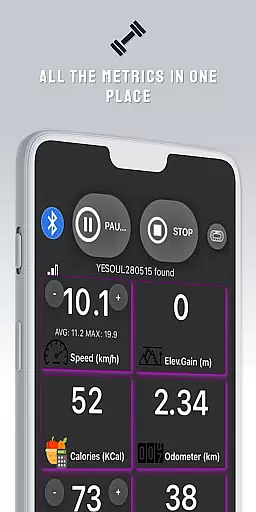
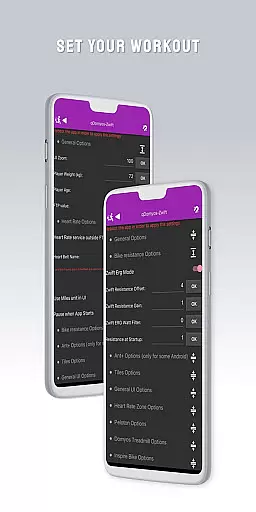
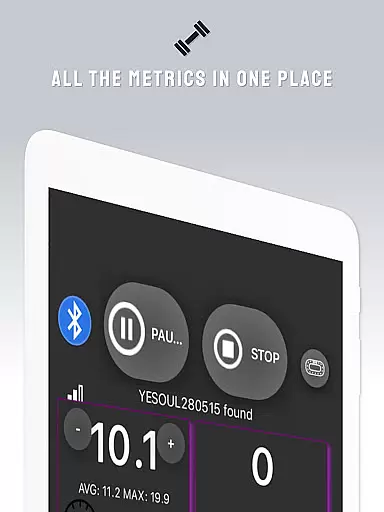
QZ is a versatile connectivity app designed to bridge the gap between various exercise equipment and popular fitness platforms like Zwift. This innovative solution allows users to connect their Domyos, Echelon, Proform, Flywheel, Yesoul, and Toorx treadmills or bikes to Zwift, giving new life to their existing machines.
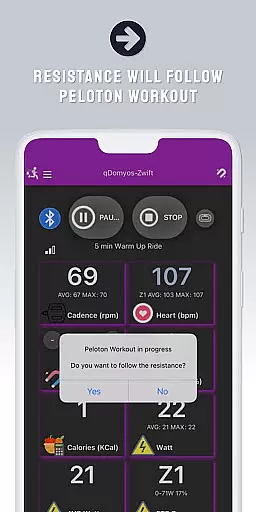
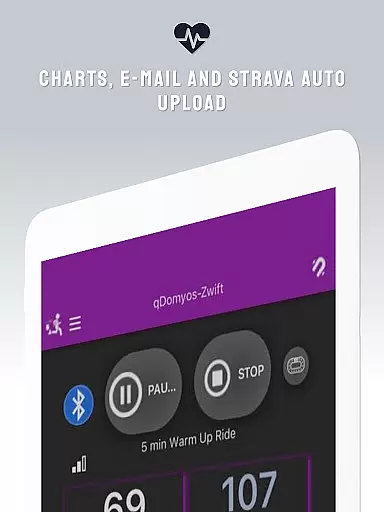
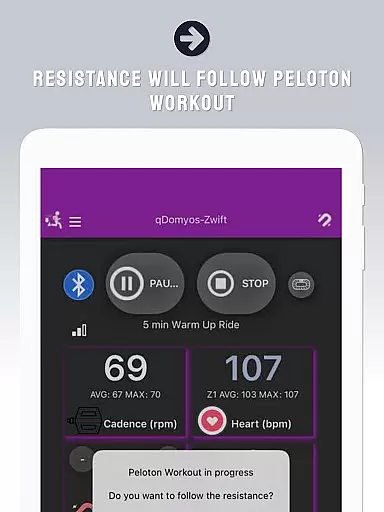
The application's standout feature is its compatibility with multiple brands and models, including Peloton's auto-following workout functionality. Additionally, QZ supports Wear OS integration, enabling heart rate monitoring through compatible smartwatches. The app also facilitates automatic uploads to Strava, enhancing users' fitness tracking experience across platforms.
With its broad compatibility list and seamless integration capabilities, QZ empowers fitness enthusiasts to maximize their workout equipment's potential while enjoying popular virtual training environments.
QZ distinguishes itself through its comprehensive compatibility features. The app supports an extensive range of exercise equipment brands, including Echelon, Domyos, Yesoul, Toorx, Keiser M3i, Sportstech, Inspire, Schwinn, Bowflex, Fassi, Proform, JK Fitness, and Flywheel. This wide-ranging support makes it an invaluable tool for fitness enthusiasts with various equipment types.
One of the app's notable innovations is its Peloton integration, which enables automatic resistance adjustments during workouts. The Wear OS compatibility adds another layer of functionality, allowing users to monitor their heart rate directly from their smartwatch. Furthermore, the Strava Autopload feature ensures that users can effortlessly maintain their fitness records across different platforms.
These features collectively create a seamless fitness ecosystem that enhances user experience while maintaining workout data consistency across multiple devices and applications.
Companion app integration is essential for users who want a seamless experience between their wearable devices and main applications. QZ (qdomyos-zwift) excels in this area by allowing users to connect their Domyos, Echelon, Proform, Flywheel, Yesoul, and Toorx treadmills or bikes with Zwift effortlessly. This connection transforms old exercise equipment into smart machines capable of interacting with popular fitness platforms.
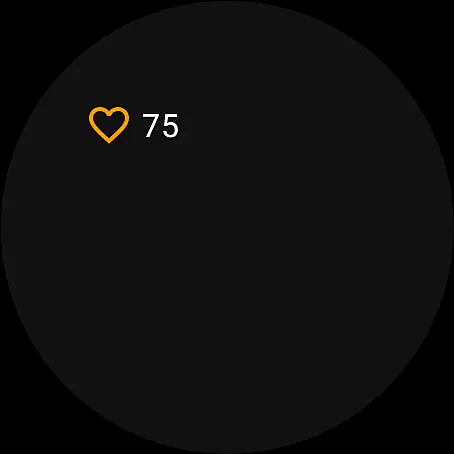
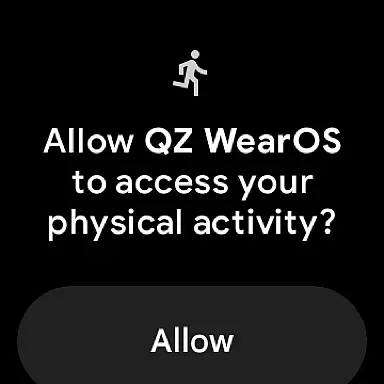
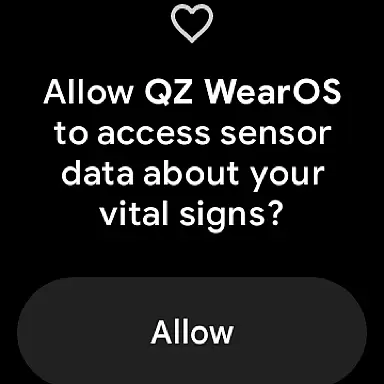
The app supports Wear OS, enabling users to download the companion app on their smartwatches. Once installed, the watch reads heart rate data and transmits it to the main QZ app. This feature ensures that users can monitor their heart rate directly from their wrist, providing real-time feedback during workouts without needing additional hardware.
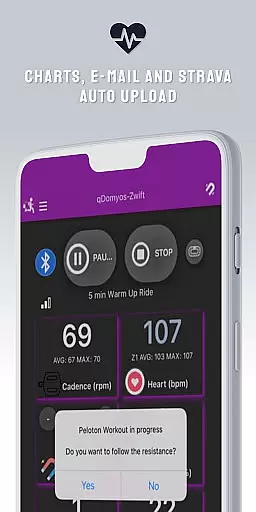
By integrating with Strava, QZ also offers an Autopload feature. After completing a workout, users can automatically upload their session data to Strava, streamlining the process of tracking progress over time. This comprehensive companion app integration enhances user convenience and maximizes the utility of both existing exercise equipment and new wearable technology.
Wear OS/device compatibility is crucial for ensuring that apps function correctly across various wearable devices. QZ (qdomyos-zwift) demonstrates robust compatibility with Wear OS, making it accessible to a wide range of users. By supporting Wear OS, the app allows users to extend the functionality of their smartwatches beyond basic notifications and health tracking.
For users with compatible exercise equipment such as Domyos, Echelon, Proform, Flywheel, Yesoul, and Toorx treadmills or bikes, QZ provides a bridge to Zwift. The app's ability to read heart rate data from Wear OS devices and transmit it to the main application ensures accurate monitoring during workouts. This compatibility enhances the overall user experience by providing precise biometric data without requiring separate sensors.
Additionally, QZ supports a variety of devices including Keiser M3i bikes, which do not require a converter, and specific models from Sportstech, Inspire, Schwinn, Bowflex, Fassi, JK Fitness, and others. This broad device compatibility underscores the app's versatility and commitment to serving diverse user needs within the Android Wear ecosystem.
User-friendly interface
Wide equipment compatibility
Seamless platform integration
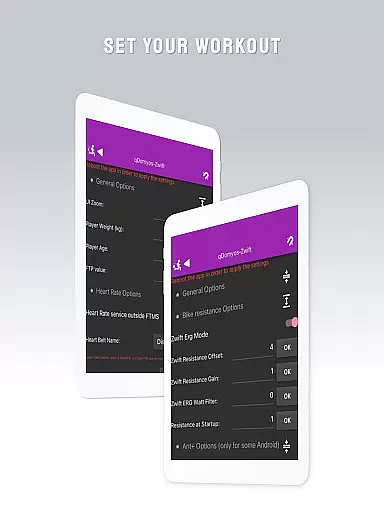
Automatic resistance control
Heart rate monitoring support
Limited official endorsements
Potential connection issues
Device compatibility variations
Requires stable internet
Additional sensor requirements

WTW M17 is a premium and luxurious hybrid watch face
 4.70
4.70
A Wintery Snow Globe on Your Wrist; now celebrating Christmas!
4.1
Watch face designed for Thanksgiving Day. 7 Background Styles included.
3.20
Bold, Modern Hybrid Watch Face for Wear OS. 10 Colors, Rich Info Display.
4.30
Digital watch face with big numbers and many customization for Wear OS devices
4.40
sleep, alarm, snoring, stress, healing, focus, sound therapy, circadian rhythm
4.10
Period, ovulation & pregnancy tracker. Fertility insights & menstrual calendar.
4.90
Stay in touch with your friends and family using LINE!
3.40
Viewer for Wyze/Yi/Eufy/Arlo/ONVIF/RTSP/P2P IP cams w/ adv. features & DIY DVR
4.00
The most customizable minimal watch face. For Wear OS 5.0, API 34+ and later
4.70
Easy Voice Recorder is your everyday companion to record important moments.
4.70
Retro digital watch face with customizable colors and a unique lighting effect
4.60
Beautiful artistic animated digital watch face, with a customizable layout!
4.40
Digital watch face. For Wear OS devices.
4.40
Animated video-game inspired “secret agent” simulation, right on your wrist!
4.20
A full-featured Amazon Alexa voice assistant that can show you things.
3.70
an Analog Watch Face for winter season with freeze winter background for Wear OS
4.2
Contemporary digital watch face with five complications
4.0
Stunning modern digital watch face with 7 complications and strong contrast
4.2

User Reviews