

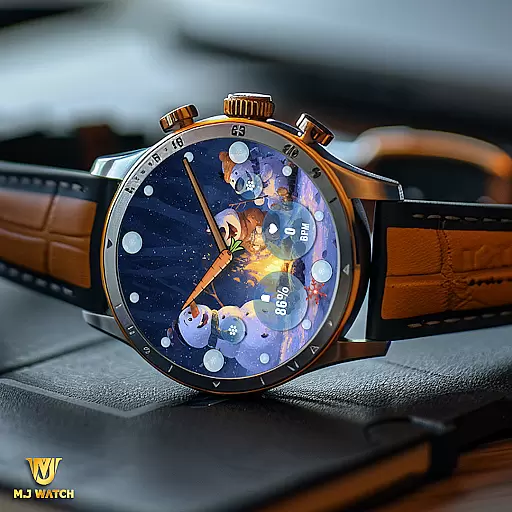
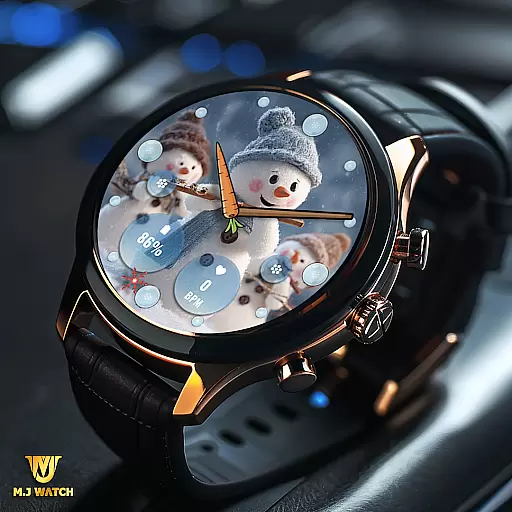
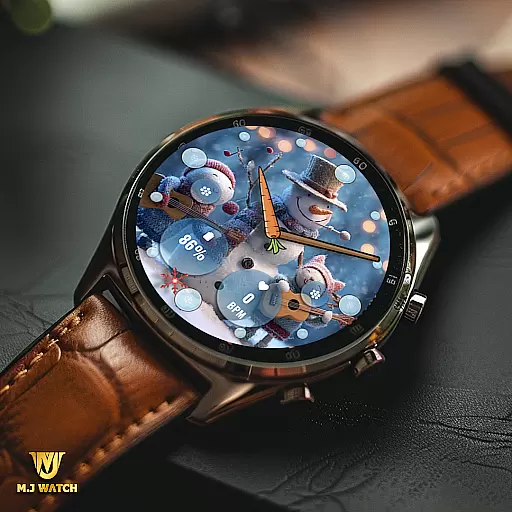
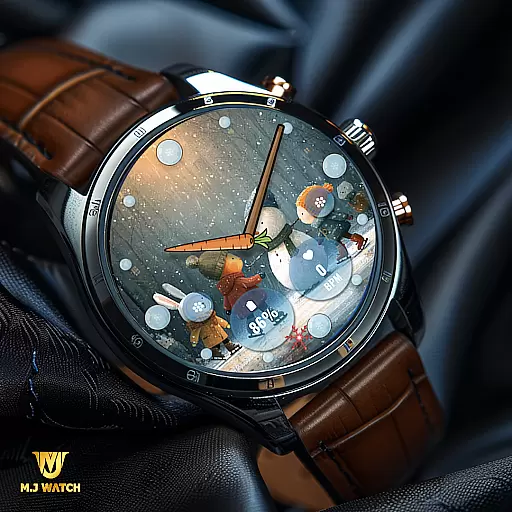
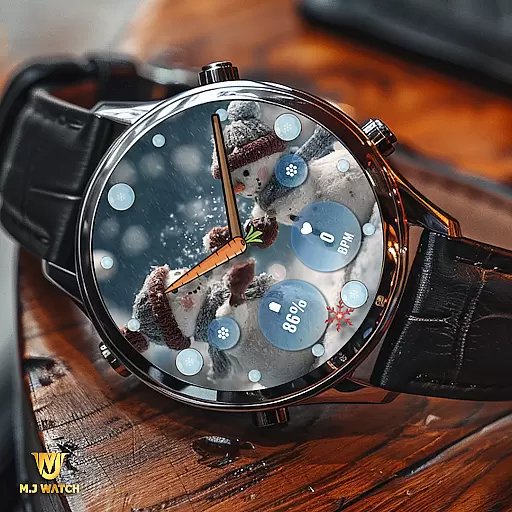
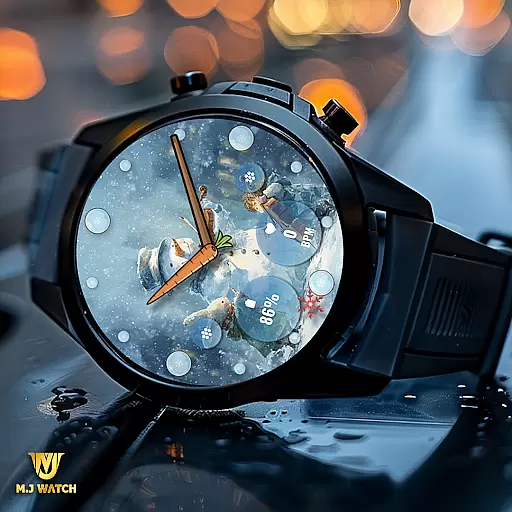
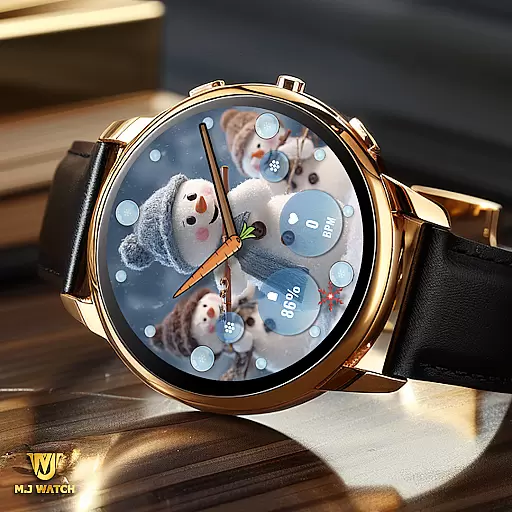
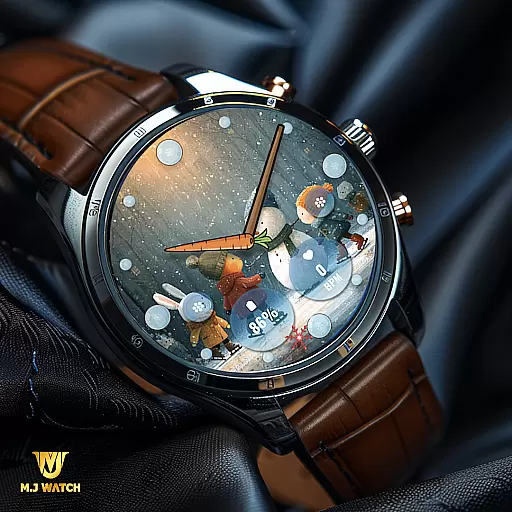
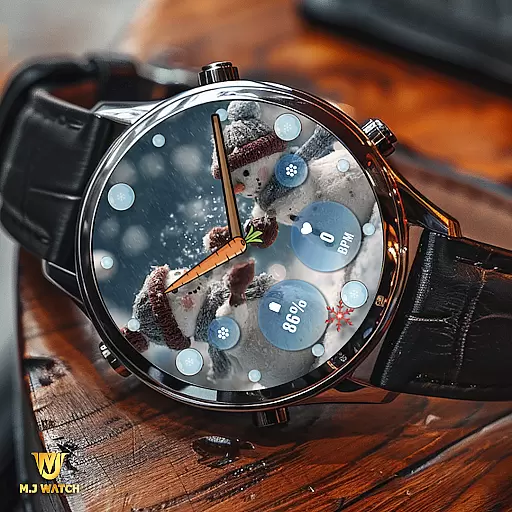
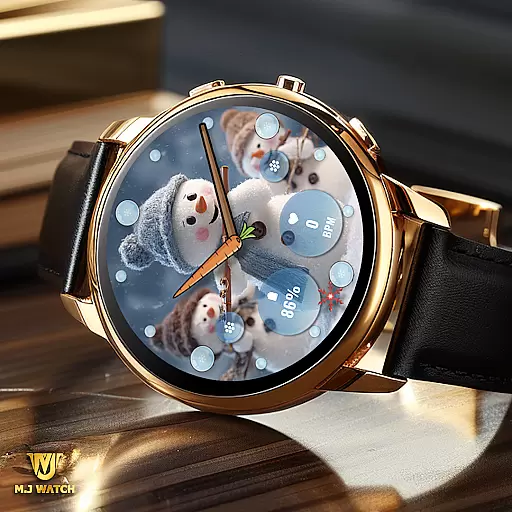
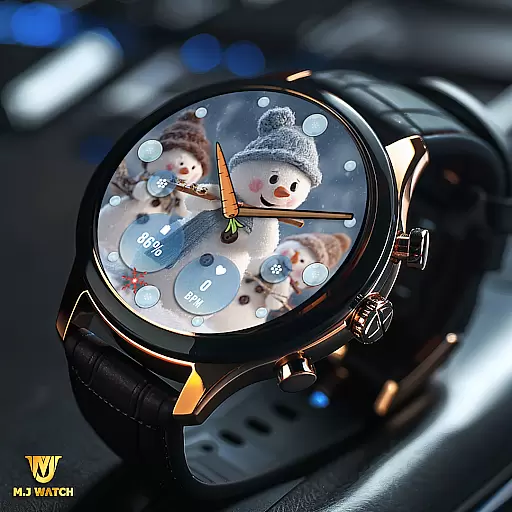
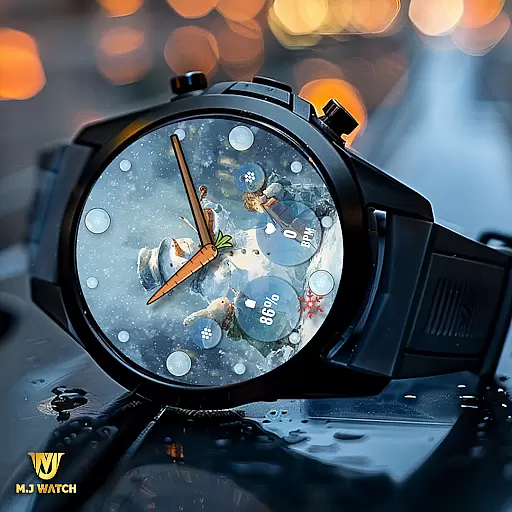
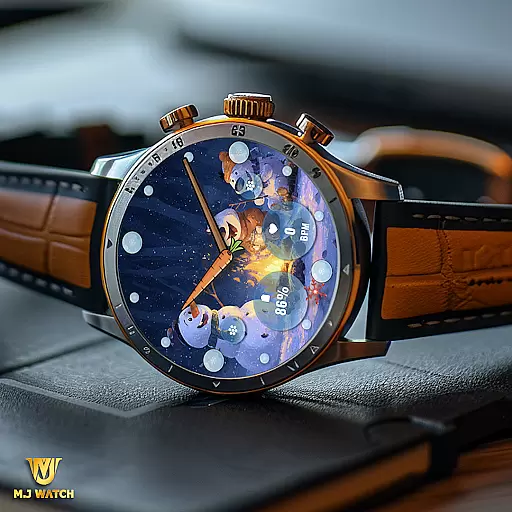
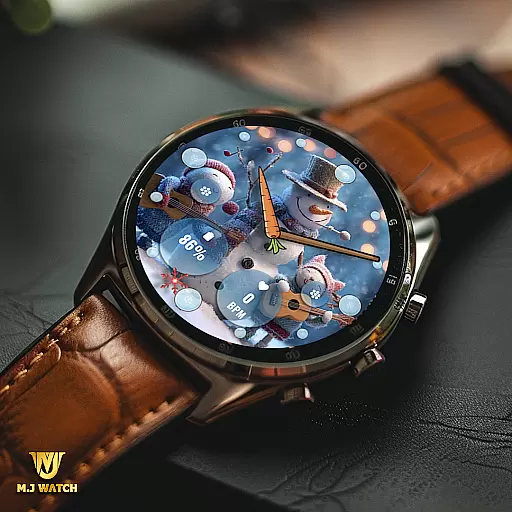
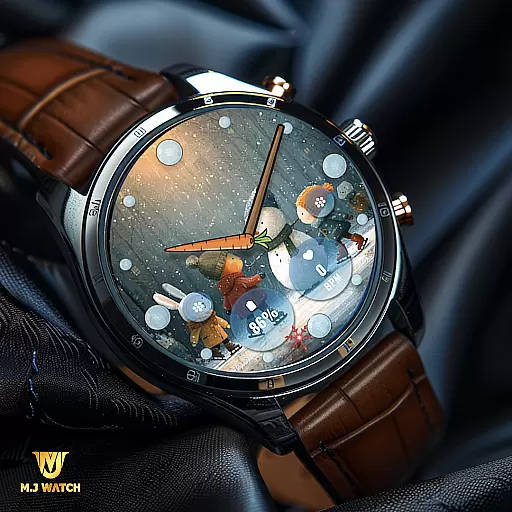
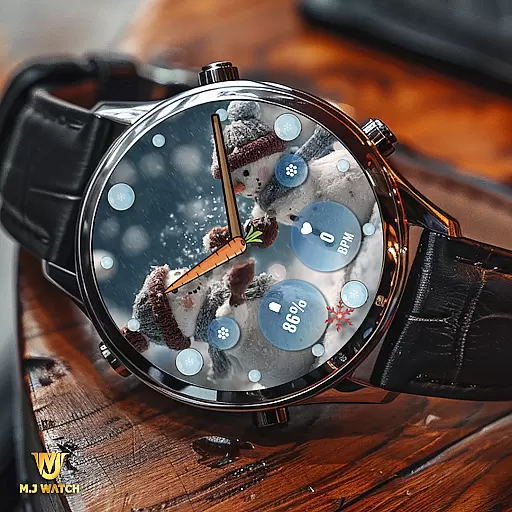
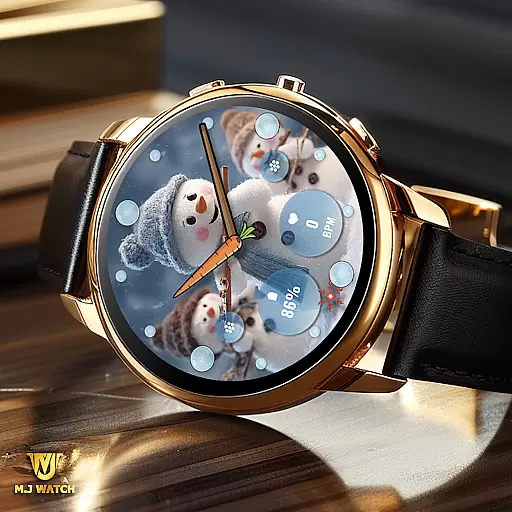
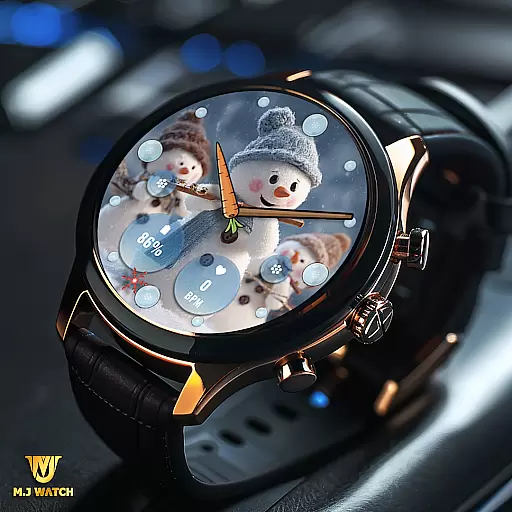
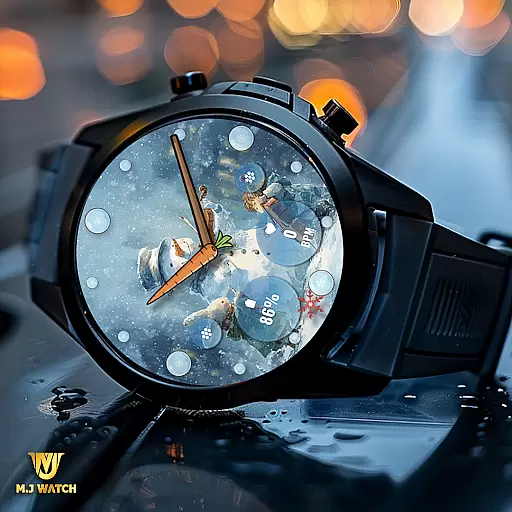
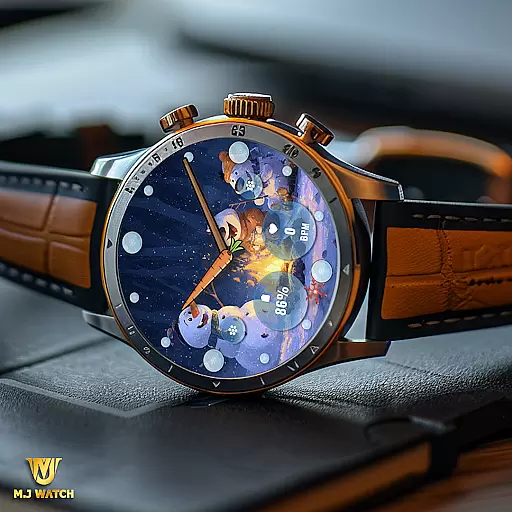
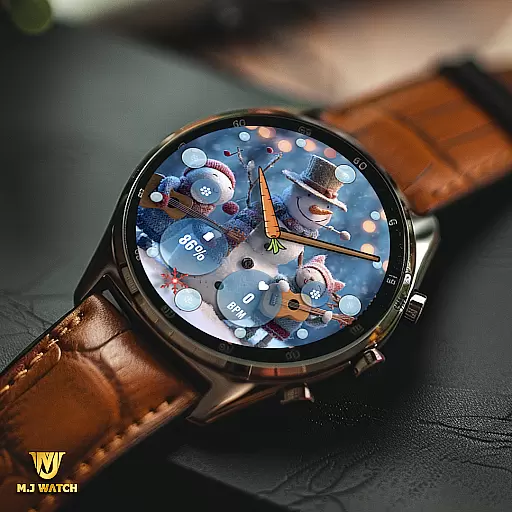
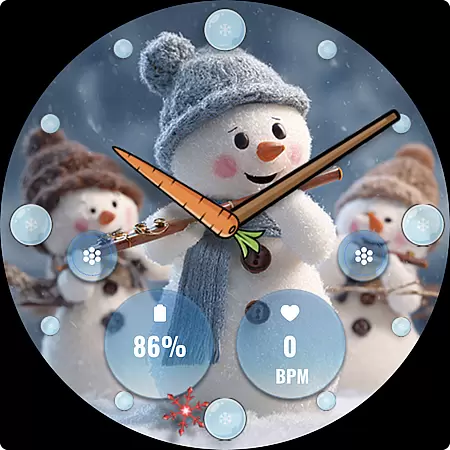
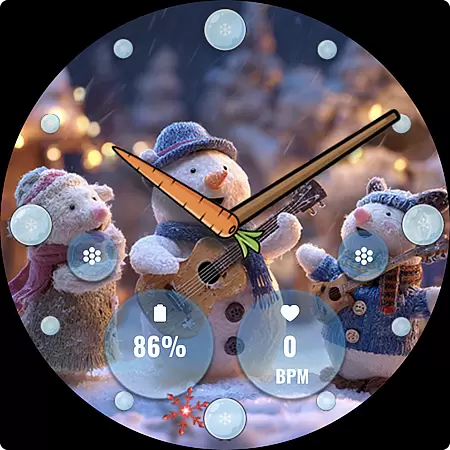
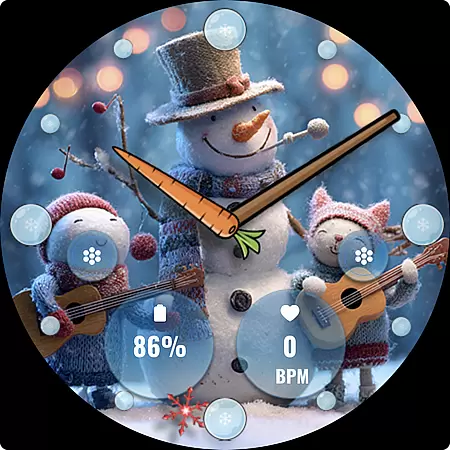
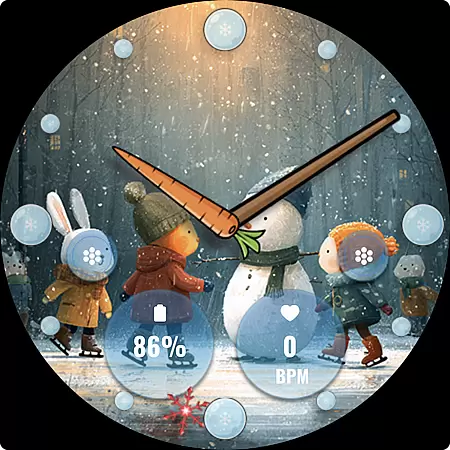
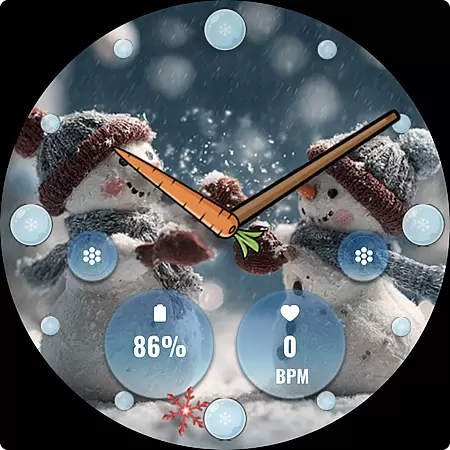
FLW105 Snowman Freeze Winter is a specially designed watch face for winter season, featuring an elegant freeze ice background that brings the chill of winter to your Wear OS device. The analog display includes hour, minute, and second hands, offering classic timekeeping in a stylish format.
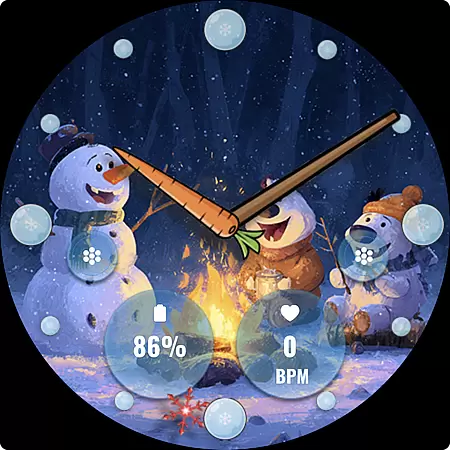
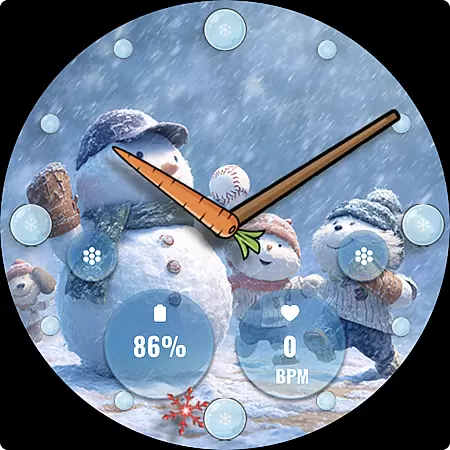
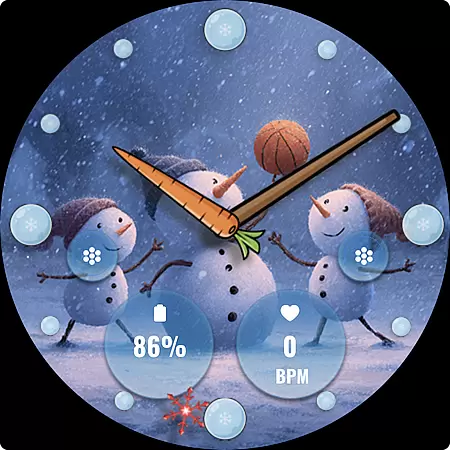
This watch face stands out with its customizable features, including two custom complications that allow users to display their preferred information, and two custom shortcuts for quick access to frequently used functions. With ten unique winter-themed images featuring charming snowmen, users can personalize their watch face to match their style while enjoying both aesthetics and functionality.
FLW105 offers a range of sophisticated features tailored for winter enthusiasts. Its primary feature is the analog watch display, which provides traditional timekeeping with hour, minute, and second hands, ensuring accurate and clear visibility.
Customization is at the heart of this watch face. Users can choose from two custom complications to show personalized information such as weather updates or fitness stats. Additionally, two custom shortcuts enable seamless access to favorite apps or functions. With ten captivating freeze winter images featuring delightful snowmen, users can switch between designs by simply pressing and holding the watch face and selecting 'Customise'. This level of personalization ensures that each user enjoys a unique experience tailored to their preferences.
Companion app integration is essential for a seamless wearable experience. FLW105 Snowman Freeze Winter ensures that all features are perfectly synced with your smartphone. This includes time synchronization, notification alerts, and customizable settings.
The watch face offers two custom complications that allow users to display preferred information directly on the watch face. By using the companion app, users can easily modify these complications to suit their needs. This flexibility enhances user engagement and provides quick access to important data.
Additionally, FLW105 supports two custom shortcuts which can be personalized via the companion app. Users can assign specific actions or apps to these shortcuts, making daily tasks more efficient. The ability to customize both complications and shortcuts through the companion app significantly enriches the overall user experience.
Ensuring compatibility across various Wear OS devices is crucial for a versatile watch face like FLW105 Snowman Freeze Winter. This watch face is designed to work seamlessly with a wide range of Wear OS smartwatches, providing users with consistent performance regardless of their device model.
FLW105 features an analog design with hour, minute, and second hands, complemented by a freeze ice background that captures the essence of winter. With ten unique snowman pictures included, users can enjoy a variety of visual styles while maintaining full functionality on any compatible device.
Customization options such as changing images or complications are readily available. By pressing and holding the watch face, then selecting 'Customize,' users can tailor the appearance to their liking. This level of customization ensures that FLW105 remains compatible and functional across different Wear OS devices, offering a personalized touch to each user's wristwear.
Stylish winter design
Customizable complications
Quick-access shortcuts
Variety of snowman images
User-friendly customization
Limited to Wear OS
No digital time option
Fewer features for non-winter fans
Customization requires steps
Battery consumption may increase

"PER27 Galaxy Digital" is a digital Wear OS watch face designed by PERSONA
 4.10
4.10
Let's celebrate Thanksgiving - Wear Os watch face
4.20
Bold, Modern Hybrid Watch Face for Wear OS. 10 Colors, Rich Info Display.
4.30
Digital watch face. For Wear OS devices.
4.40
Locate your family members by GPS phone location tracker everywhere and anytime
4.30
Viewer for Wyze/Yi/Eufy/Arlo/ONVIF/RTSP/P2P IP cams w/ adv. features & DIY DVR
4.00
Simple, helpful messaging by Google
4.60
Back up your contacts & access them anywhere
4.30
Toyota app currently supports 2010 or newer vehicles (2018 or newer for Hawaii).
4.50
Be an elegant and classy secret agent, with this carefully detailed watch face
4.70
Highly customizable hybrid watch face for Wear OS, perfect for everyday use.
4.60
Rose gold watch face with festive lights & customizable features.
4.60
Kia Access makes getting your vehicle information easier than ever
4.60
To-Do List: daily schedule planner, task organizer, to do reminder app, calendar
4.60
Find EV charging stations
4.30
Elegant animated Christmas tree with multiple customization options
4.20
Watch face for Wear OS.
4.20
Want to take charge of your health? Let Google Fit help you reach your goals.
3.50
Christmas and New Year - Themed Watchface
4.1

User Reviews