

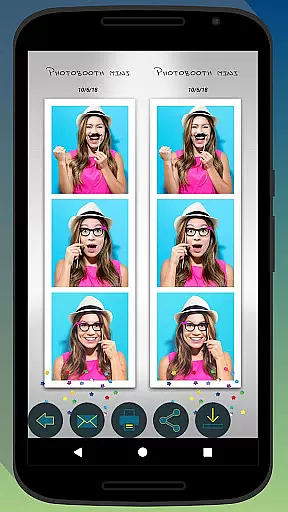
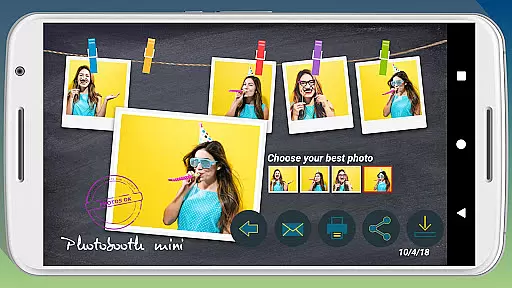
Photobooth mini FULL is a feature-rich photography app designed to capture and share fun moments at parties and events. The app offers full-screen preview functionality that adapts to the user's distance, mimicking a real photo booth experience. With options like a timer, multiple picture captures, and video messaging, it ensures an engaging experience. Users can also add personalized text and dates to their photos, making memories more special.
The application stands out with its ability to remain active for extended periods, making it ideal for all-day events. It supports direct printing, sharing, and emailing of photos, ensuring captured moments are easily distributed among friends. Additionally, the app's offline email queuing system guarantees no request is lost, even without an internet connection at the event venue.
Photobooth mini FULL boasts several distinctive features that enhance the photography experience. Its full-screen preview adjusts based on the user's distance, providing an authentic photo booth feel. The app includes a timer function and allows taking multiple pictures in one session, adding an element of surprise and fun. A unique drying feature with blowing sound effects adds a playful touch to the photo-taking process.
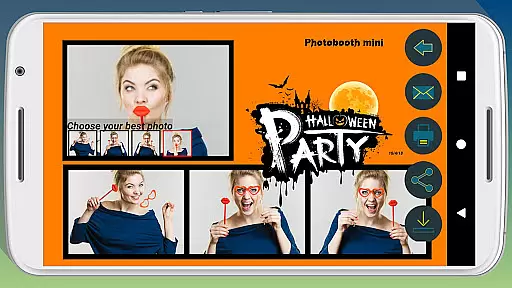
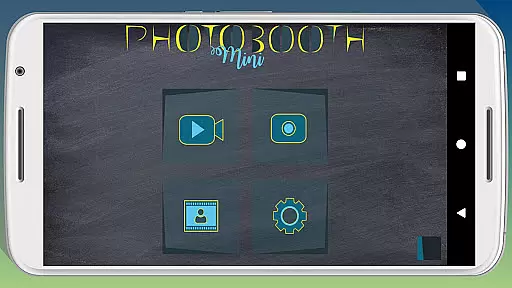
Customization is key with Photobooth mini FULL. Users can replace background images, configure timers, and adjust various settings to suit their specific needs. This flexibility makes it compatible with custom-built photo booths, expanding its usability beyond just mobile devices. Furthermore, the app's capability to store and send emails when network connectivity is restored ensures seamless operation during events.
Photobooth mini FULL offers a unique real-time capture experience that ensures every photo taken is both fun and memorable. The app's full-screen preview adapts to the distance of the face, mimicking the environment of a real photo booth cabin.
With intuitive controls, users can zoom using volume buttons while maintaining their chosen distance, ensuring consistent quality across shots. This feature allows for greater creativity and personalization in capturing moments.
The application is designed for seamless use during social gatherings, remaining active and accessible to everyone. Its ability to function continuously for extended periods makes it perfect for parties and events where numerous photos are taken.
Users benefit from an engaging and interactive photo-taking process, complete with a timer and multiple picture captures, enhancing the overall experience and making it ideal for creating lasting memories with friends.
While Photobooth mini FULL focuses on capturing fun and spontaneous moments, it also incorporates AI beauty and enhancement features that maintain naturalness. These tools subtly improve image quality without compromising authenticity, ensuring genuine-looking photos.
The app includes options for adding text lines and dates, allowing users to personalize their prints further. This customization extends to background images and timer settings, offering a tailored experience adaptable to various event themes.
Additionally, guests can directly print, share, and email photos from the app, streamlining the sharing process. Even without an internet connection at the venue, the app queues email requests and sends them once connectivity is restored.
This thoughtful integration of AI enhancements supports not only aesthetic improvements but also practical functionalities, making Photobooth mini FULL a versatile tool for any gathering.
User-friendly interface
Highly customizable settings
Offline email queuing
Extended event usage
Direct sharing options
Complex setup required
Consumes device storage
Limited free features
Requires additional hardware
Occasional bugs reported
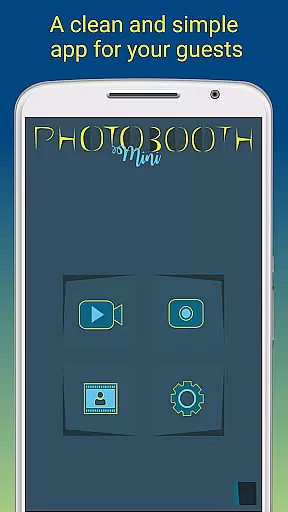
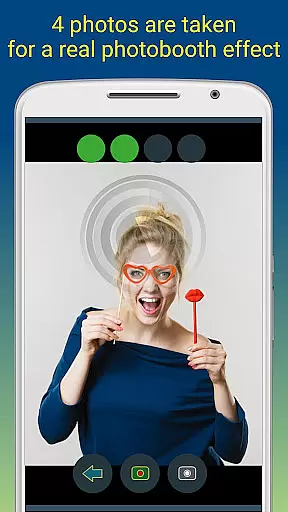
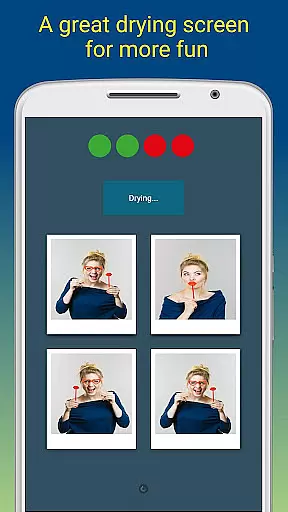
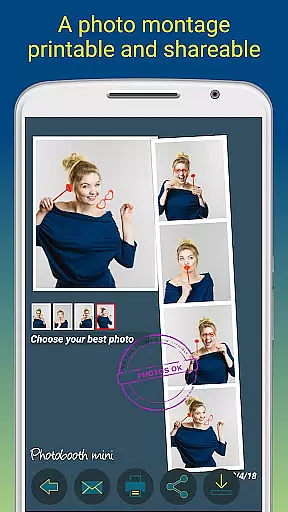

Shooting photos and records video easily and efficient with professional Camera
 4.30
4.30
How old age camera Gender Swap App Face Shape Hairstyle App Hair Styler App fun!
4.00
Photo editor: AI filters, photo enhancer, pic collage maker, AI art generator.
4.80
Take videos and pictures with the popular TikTok TIME WARP SCAN filter.
4.60
Movie camera, supports pro recording settings for filming. Try it and be amazed!
4.50
Add a dreamy vibe to your selfies and videos with soft style filters
4.5
Professional photography on your mobile phone
4.20
A unique animation app. Powerful, easy to use, and lots of fun.
4.30
Your Family Calendar + Photos. Manage your Skylight Calendar and Skylight Frame.
4.40
Easily view, share, delete photos with Gallery.
4.70
Photo editor & gallery. Crop pictures & edit photos offline, no wifi!
4.50
Add Watermark - Sign your pictures with a text or logo. Effective, quick, easy!
4.50
Use AI Video Generator to turn your words to ai generated videos.
4.50
AI portrait generator and polaroid AI selfie, fun AI generated AI photo creator!
4.30
[3DSteroid Pro] is a stereoscopic application for Android.
4.30
All-in-One Editor & AI Photo Enhancer, Collage, Cartoonify, Funny Stickers & BGS
4.10
Create & Edit with AI: AI Remove, Enhance, Retouch, Filter
4.10
Catch sunlight, sunrise sunset times and sun phases with the AR sun tracker.
4.10
Perfect photos with body shaping, BG changer and object remover.
3.70

User Reviews