

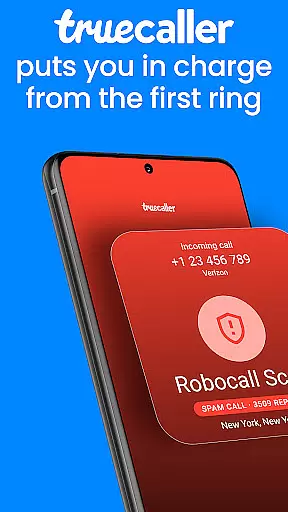
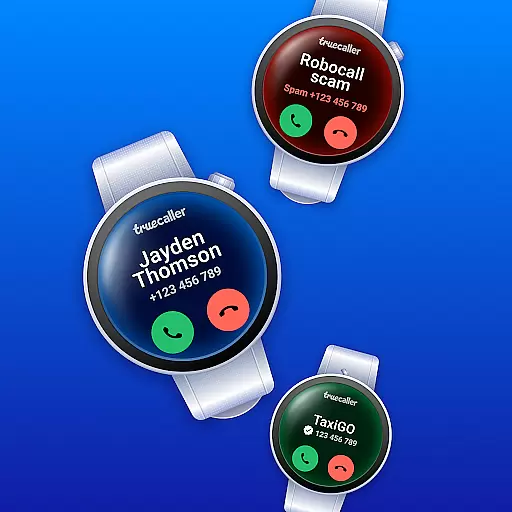
Truecaller is a comprehensive communication app designed for Android Wear, offering advanced Caller ID and call-blocking features. The app instantly identifies incoming calls, empowering users to block spam, scam, and unwanted calls effectively. With built-in tools like reverse number lookup and call recording, Truecaller ensures you maintain control over your phone interactions.
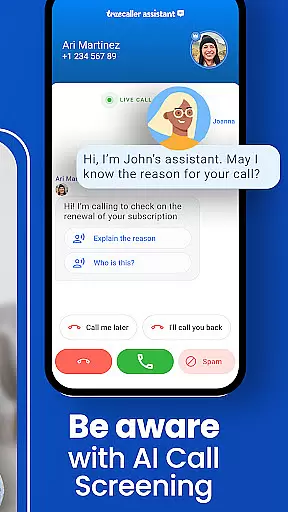
The app includes AI Call Scanner and Truecaller Assistant, which enhance security and streamline call management. AI Call Scanner detects AI-synthesized voices, protecting against scams, while the Assistant screens calls using machine learning. Additionally, its robust spam-blocking capabilities and messaging features make it an essential tool for managing both calls and texts efficiently on your wearable device.
Truecaller stands out with its AI-powered features that revolutionize call handling on Android Wear. The AI Call Scanner integrated into the dialer detects and differentiates between human and AI-synthesized voices, providing an added layer of security. This feature allows users to verify caller authenticity, ensuring protection from fraudulent calls.
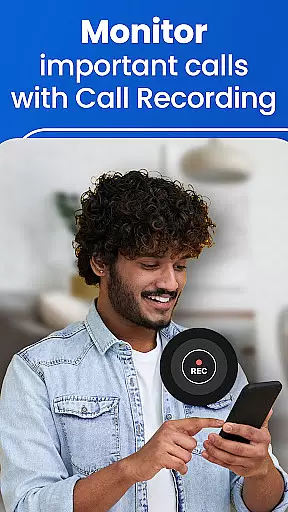
Another highlight is the Truecaller Assistant, a virtual assistant that uses machine learning and speech-to-text technology to screen calls. It can determine with over 90% accuracy if a call is spam or a scam, helping users decide whether to answer. Additionally, the app offers call recording, automatic call summaries, and written transcripts, making it a powerful tool for productivity and efficient communication on wearable devices.
Companion app integration is essential for wearable devices as it ensures seamless synchronization between the main application and its wearable counterpart. Truecaller excels in this area by providing a cohesive experience across devices.
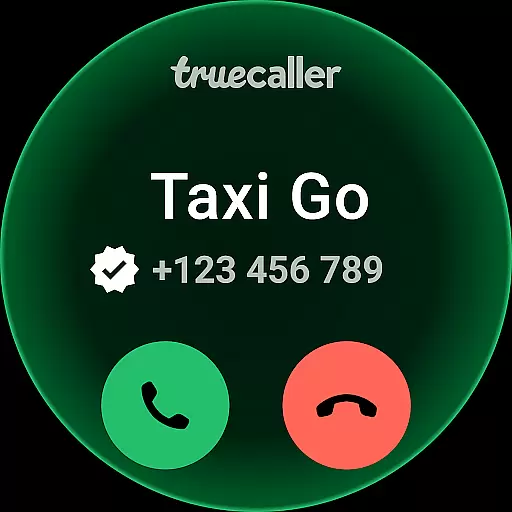
The Truecaller Android Wear app works in tandem with the main mobile application, allowing users to identify incoming calls and filter spam directly from their smartwatch. This real-time integration ensures that users never miss an important call, even when their phone isn't immediately accessible.
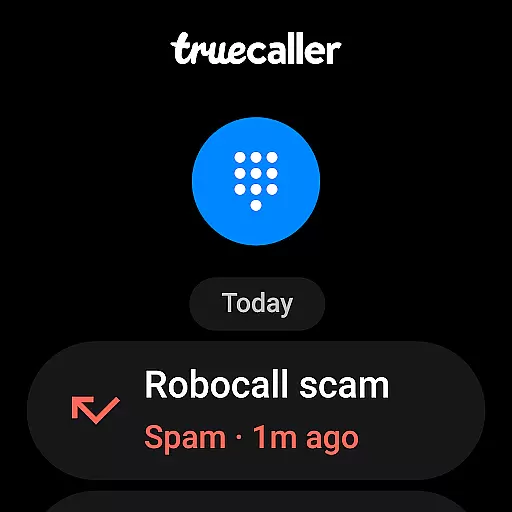
Additionally, the app's ability to sync block lists and call logs with the wearable device enhances user convenience. Whether you're in a meeting or exercising, you can manage your communications effortlessly without needing to reach for your phone.
This level of companion app integration not only improves accessibility but also extends the functionality of the primary app, making Truecaller a reliable choice for managing calls and messages on wearable devices.
Ensuring broad compatibility with various Wear OS devices is crucial for any application targeting the smartwatch market. Truecaller demonstrates strong support for different Wear OS devices, maximizing its potential user base.
The app is optimized to work seamlessly on a wide range of Wear OS smartwatches, regardless of manufacturer or model specifications. This universal compatibility allows users to enjoy consistent performance and features, whether they own a Samsung, Fossil, or any other brand of smartwatch.
Truecaller's development team regularly updates the app to maintain compatibility with the latest Wear OS versions and device releases. This commitment to ongoing support ensures that users benefit from new smartwatch features while maintaining access to Truecaller's core functionalities.
By prioritizing Wear OS and device compatibility, Truecaller provides a versatile solution that adapts to various hardware configurations, offering users a reliable and feature-rich experience across different smartwatch platforms.
Advanced spam detection
AI Call Scanner
Truecaller Assistant
Call recording
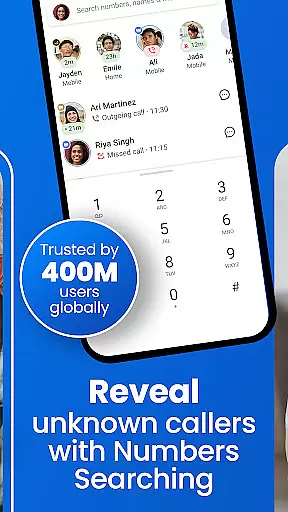
Reverse number lookup
Premium subscription required
Occasional false positives
Limited free features
Privacy concerns
High battery usage






Embrace the holiday spirit with this magical animated watch face!
 4.40
4.40
Precision analog watch face with 7 complications and style options
4.3
Current temperature, weather hourly, weather radar by the weather forecast app
4.40
3 Complications. All shadow on/off. 30 Themes color palette...
4.3
Ideal for surviving in the wasteland left after nuclear fallout
4.50
Nutrition, Macro tracker: Food, fitness & healthy diet tracking for weight loss
4.60
Stylish, Energizing and Modern Watch Face crafted by Dominus Mathias.
4.50
A digital watch face that celebrates Christmas.
4.00
Premium hybrid watch face with many customizations for Wear OS devices.
4.40
Real-time weather radar with temperatures, warnings, hurricanes, and widgets
4.80
Easy Voice Recorder is your everyday companion to record important moments.
4.70
Kia Access makes getting your vehicle information easier than ever
4.60
A white realistic classic analog watch face with many customization options.
4.40
The ultimate destination for kids ages 3-8 to explore the Marvel Universe!
4.30
Hyper-Realistic Airplane Dashboard Watch Face With 10 Skins and Custom AOD
4.00
Animated Watch Face and Customizable with 24 Backgrounds. Perfect for Christmas!
3.90
A full-featured Amazon Alexa voice assistant that can show you things.
3.70
Your local weather forecast, storm tracker, radar maps & live weather news
3.40
Watch face designed for Thanksgiving Day. 7 Background Styles included.
3.20

User Reviews