

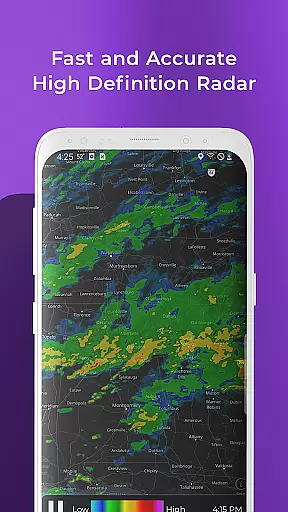
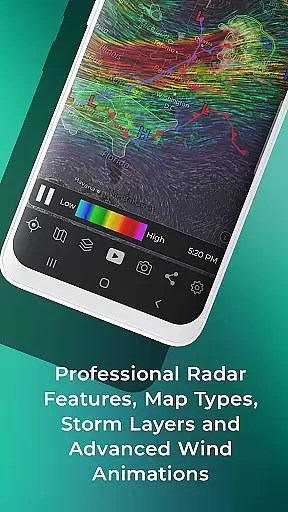
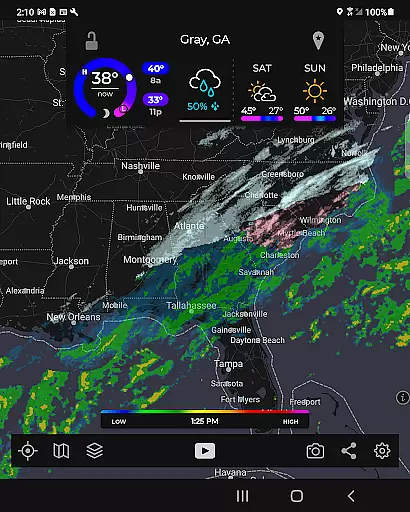
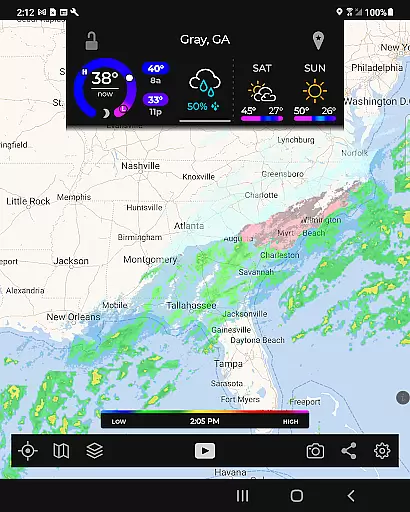
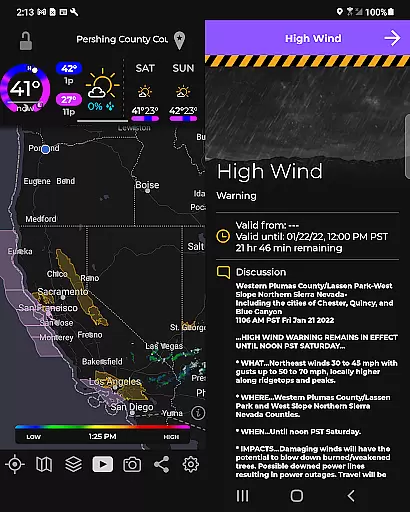
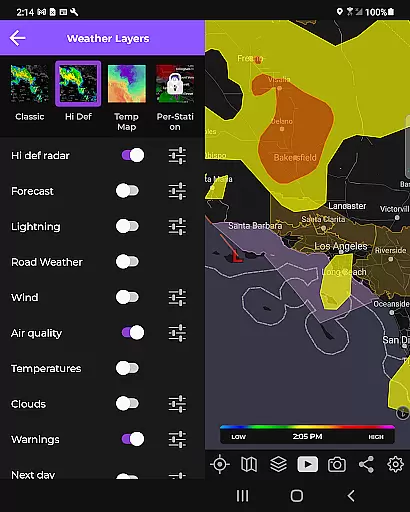
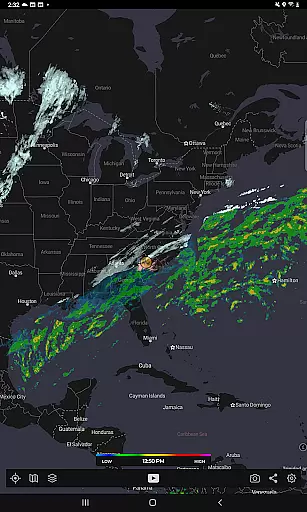
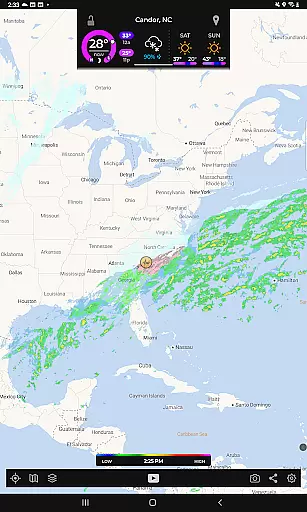
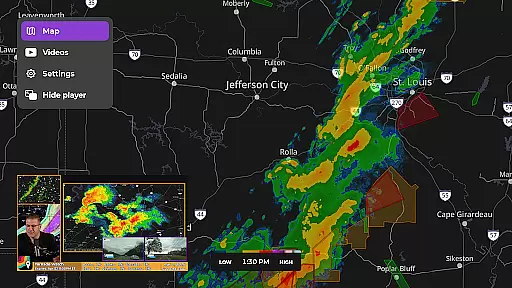
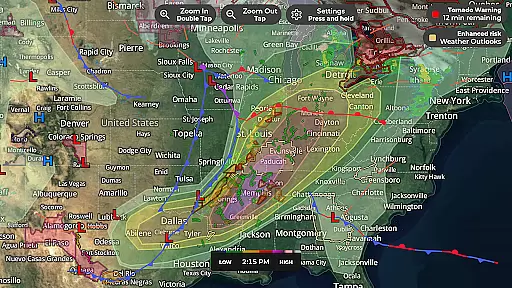
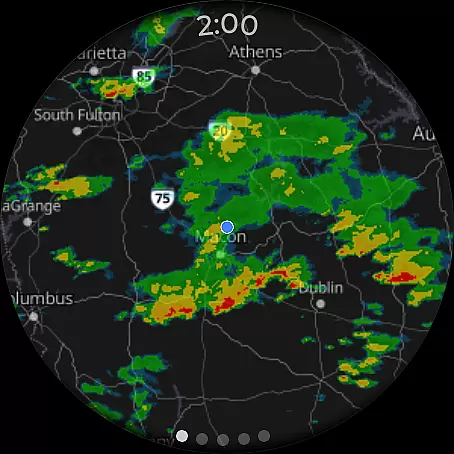
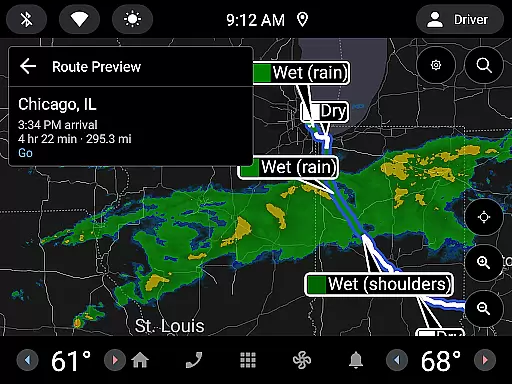
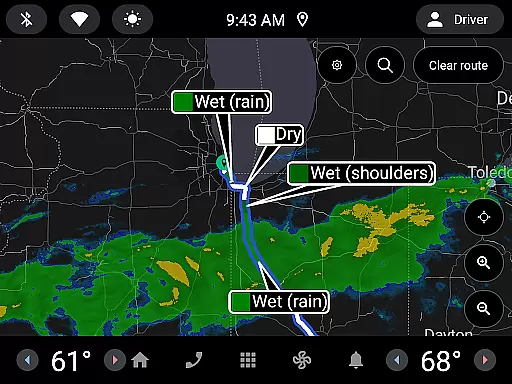
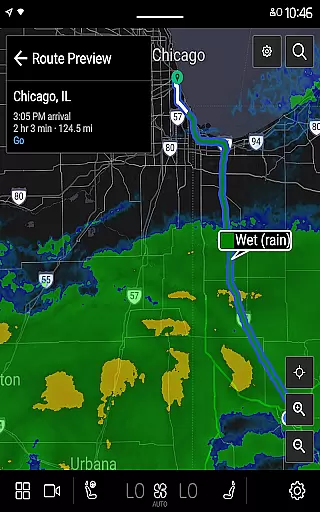
MyRadar Weather Radar is a powerful weather app designed specifically for Android Wear devices, providing users with instant access to crucial weather information directly from their smartwatch. The app's core functionality revolves around its animated live radar feature, which displays real-time weather conditions around the user's current location. This allows you to quickly assess approaching weather patterns and make informed decisions about your day. In addition to basic radar, MyRadar offers an array of advanced environmental data layers that can be overlaid on the map, including wind patterns, earthquake activity, hurricane tracking, and wildfire updates.
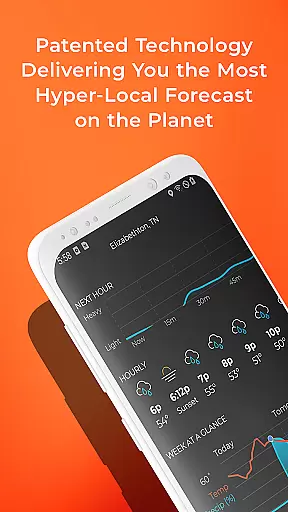
What sets MyRadar apart is its ability to deliver hyper-local weather alerts, such as rain notifications up to an hour in advance. These alerts inform users of the exact minute when rain will arrive at their location, along with details on intensity and duration. Designed for both casual users and weather enthusiasts, the app also provides premium upgrade options that unlock detailed radar data and real-time hurricane tracking features. With its intuitive interface and smooth zoom/pan capabilities, MyRadar ensures that you stay prepared for changing weather conditions no matter where you are.
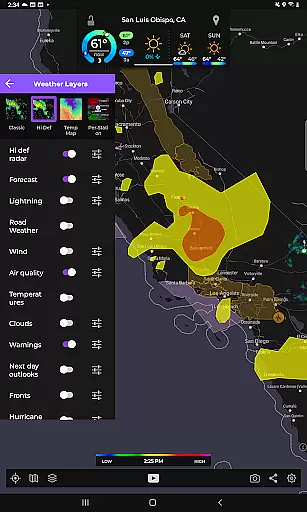
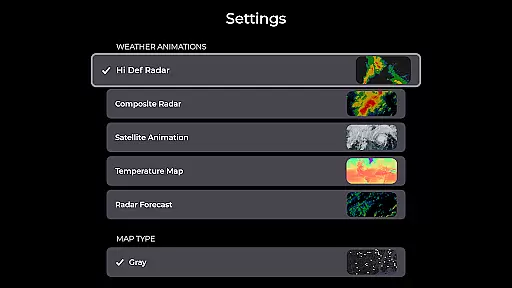
MyRadar stands out due to its comprehensive set of features tailored for weather monitoring on-the-go. One of its key highlights is the advanced rain alert system, which uses a patent-pending process to predict rainfall with exceptional accuracy. Users receive notifications up to an hour before rain arrives at their location, complete with minute-by-minute timing and intensity details. Another notable feature is the inclusion of multiple customizable data layers, such as animated wind maps, earthquake reports, and hurricane tracking overlays. These layers provide a deeper understanding of environmental phenomena and help users stay informed about global weather events.
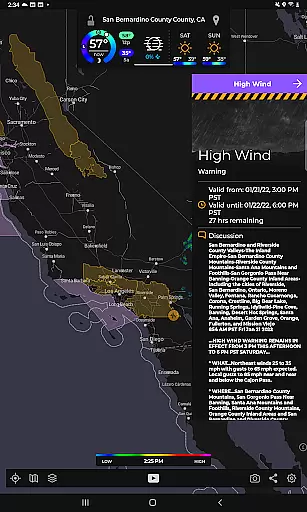
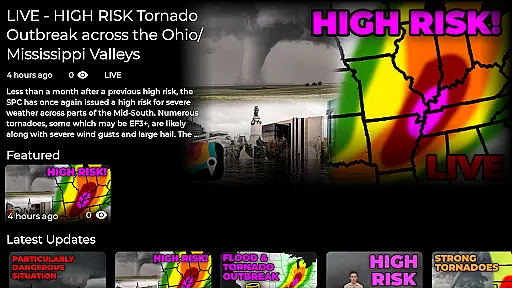
The app also supports National Weather Center alerts, including tornado warnings and tropical storm updates. For those seeking more detailed insights, the premium version unlocks professional radar packs and real-time hurricane tracking tools. These include the cone of probability forecasts and synopses from the National Hurricane Center. Additionally, MyRadar's custom mapping system leverages device GPUs for fast rendering and seamless navigation across the globe. Whether you're using it on your phone or Wear OS smartwatch, MyRadar delivers a robust and visually engaging weather experience.
Companion app integration is essential for wearable devices as it ensures seamless data sharing and functionality between the main application and its wearable counterpart. MyRadar Weather Radar offers a robust companion app experience specifically designed for Wear OS devices.
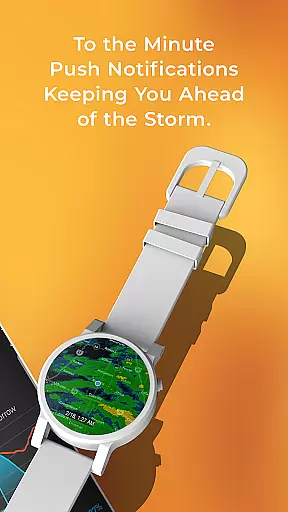
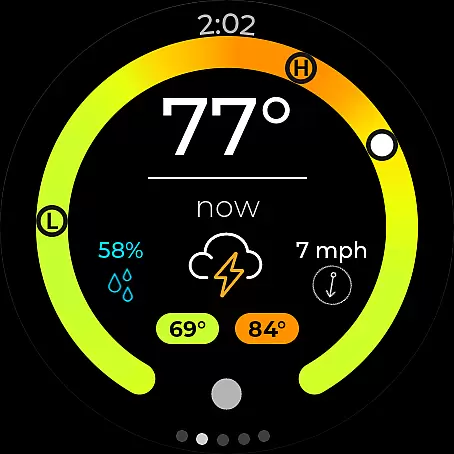
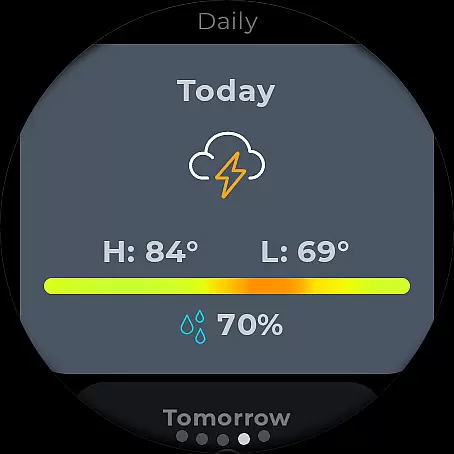
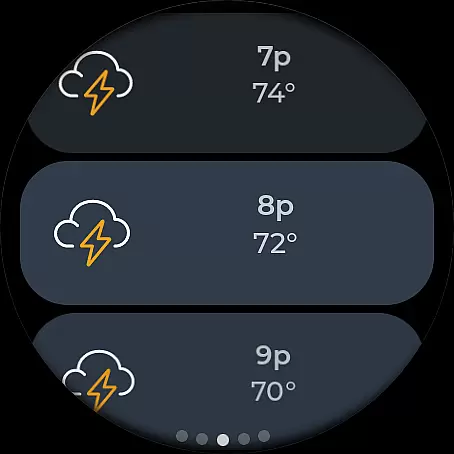
The MyRadar app provides users with critical weather information directly on their smartwatches, ensuring that they are always informed about incoming weather conditions without needing to check their phones. This includes both radar views and current weather conditions, presented in an easily digestible format tailored for smaller screens.
By integrating with Wear OS, MyRadar allows users to receive timely weather updates and alerts right on their wrists. This feature enhances user convenience by providing at-a-glance weather information, which is crucial when quick decisions based on weather changes are needed.
Overall, the companion app integration of MyRadar ensures that users have access to vital weather data wherever they are, making it easier to stay prepared and informed about changing weather patterns throughout the day.
Wear OS/device compatibility is a key consideration for any app designed to work with wearable technology. MyRadar Weather Radar excels in this area by offering full compatibility with Wear OS devices, ensuring that users can access weather information seamlessly across different platforms.
The app's compatibility with Wear OS means that users can enjoy a consistent experience whether they're using their smartphones or smartwatches. MyRadar has been optimized to run smoothly on Wear OS, taking advantage of the deviceu2019s hardware capabilities to deliver fast and accurate weather updates.
MyRadar supports various features specific to Wear OS, such as interactive watch faces and tiles. Users can customize their smartwatch interfaces with radar and current condition tiles, allowing them to view important weather details with just a glance.
This level of compatibility not only enhances user experience but also broadens the accessibility of MyRadar's features, making it a versatile tool for staying informed about weather conditions regardless of the device being used.
Fast and accurate weather updates
Advanced rain prediction alerts
Customizable data layers
Real-time hurricane tracking
Smooth and responsive map interface
Premium features come at a cost
Some data layers may overwhelm new users
Occasional delays in alert delivery
Limited offline functionality
Highly detailed maps require strong internet

Christmas Theme Watch Face for Wear Os
 5.00
5.00
Current temperature, weather hourly, weather radar by the weather forecast app
4.40
Watch face designed for Thanksgiving Day. 7 Background Styles included.
3.20
A modern premium sporty hybrid watch face for Wear OS by Ballozi
4.70
Watch face for Wear OS.
4.20
Animated video-game inspired “secret agent” simulation, right on your wrist!
4.20
Simple, helpful messaging by Google
4.60
Toyota app currently supports 2010 or newer vehicles (2018 or newer for Hawaii).
4.50
Download full tracks, listen to music offline, make unlimited playlists.
4.80
Period, ovulation & pregnancy tracker. Fertility insights & menstrual calendar.
4.90
Walking app for weight loss: walk & step tracker, pedometer, indoor treadmill
4.60
Rose gold watch face with festive lights & customizable features.
4.60
Monitor health with the stress test and pulse checker in the heart rate app.
4.60
Stylish, Energizing and Modern Watch Face crafted by Dominus Mathias.
4.50
Elegant animated Christmas tree with multiple customization options
4.20
Viewer for Wyze/Yi/Eufy/Arlo/ONVIF/RTSP/P2P IP cams w/ adv. features & DIY DVR
4.00
Precision analog watch face with 7 complications and style options
4.0
Stunning modern digital watch face with 7 complications and strong contrast
4.1
Stylish digital watch face for Wear OS devices with customizable features
4.1


User Reviews