

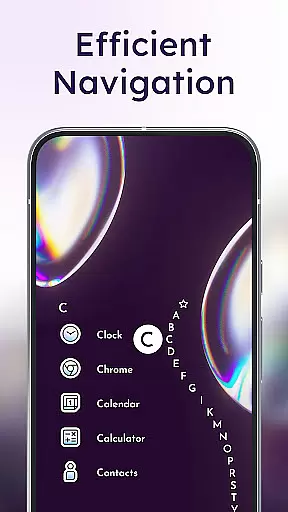
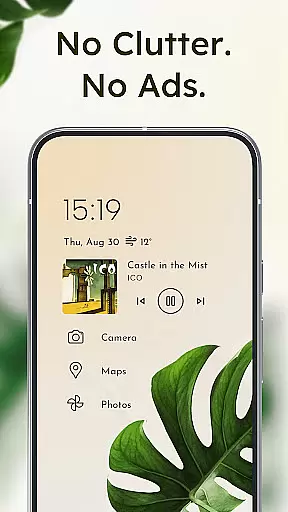
Niagara Launcher is a minimalist home screen replacement app designed to make smartphone interaction more efficient and focused. Unlike traditional launchers, it emphasizes one-handed usability through its innovative wave alphabet navigation system and adaptive list layout. The app provides seamless access to essential functions while maintaining a clean, decluttered interface that enhances user productivity.
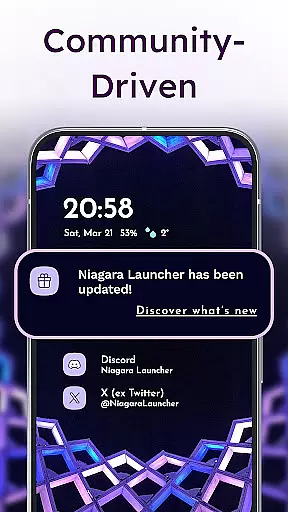
Key features include embedded notifications, allowing users to read and respond without leaving the home screen, and Material You Theming for personalized aesthetics. With active development and a supportive community, Niagara Launcher offers continuous improvements and customization options that cater to power users seeking both form and function in their Android experience.
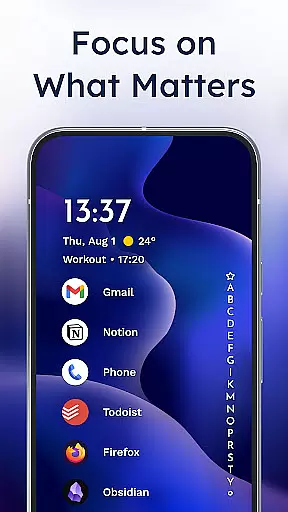
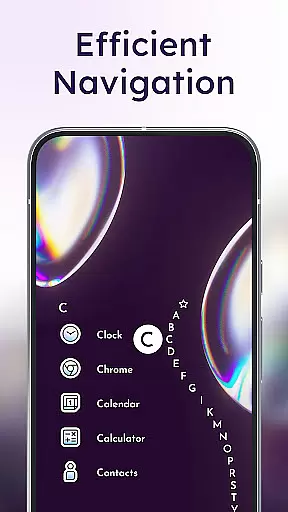
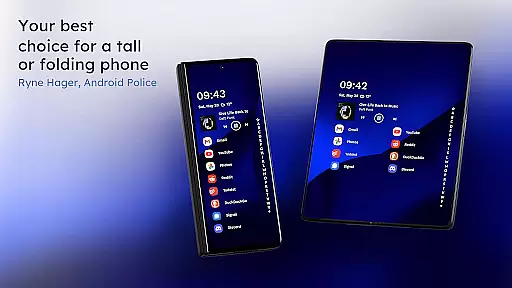
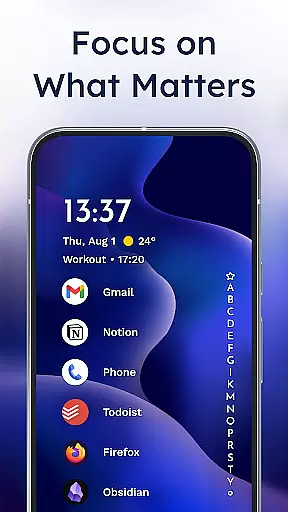
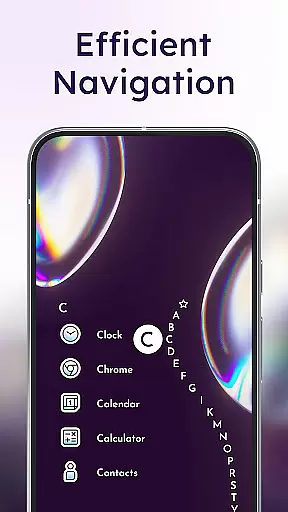
Niagara Launcher distinguishes itself through several innovative features that enhance the Android home screen experience. Its signature wave alphabet navigation enables effortless one-handed operation by organizing apps in a vertical wave pattern. This design choice eliminates the need for an app drawer and ensures all applications are within thumb's reach.
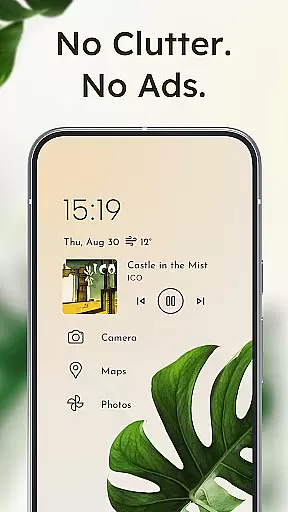
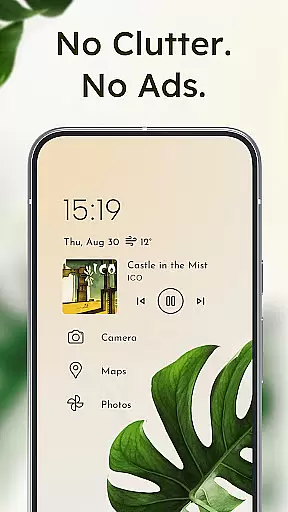
The launcher's adaptive list layout dynamically adjusts to display relevant information such as media controls, messages, and calendar events when needed. Its notification system goes beyond simple dots, providing actionable alerts directly on the home screen. The app maintains exceptional performance through its lightweight architecture while offering extensive customization options including icon packs, fonts, and wallpapers.
Notably, Niagara Launcher brings modern theming capabilities to all Android versions through its implementation of Material You design principles. The accessibility service provides convenient screen-off gestures while maintaining user privacy through optional and transparent functionality.
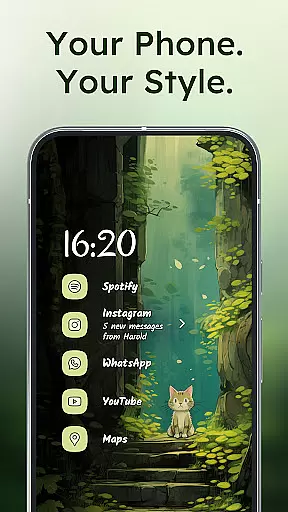
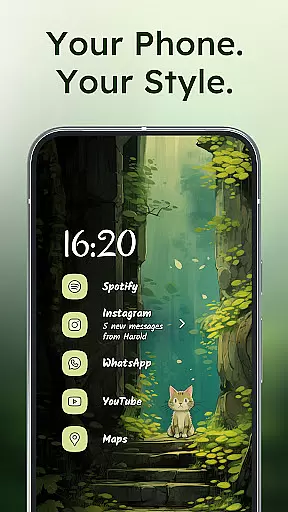
In today's digital age, personalizing your device is more important than ever. Niagara Launcher offers a wide array of customization options that allow users to tailor their home screen to their unique preferences. With integrated icon packs, diverse fonts, and customizable wallpapers, the launcher provides an unmatched level of personalization.
One of the standout features is its adoption of Material You Theming, which brings Androidu2019s new expressive design system to all users, regardless of their device's Android version. This means that by simply setting a wallpaper, Niagara Launcher can automatically theme the entire home screen around it, creating a cohesive and personalized look.
Moreover, the launcher doesn't just stop at visual customization. Its adaptive list layout dynamically adjusts to show media controls, incoming messages, or calendar events as needed. This ensures that the most relevant information is always at your fingertips without cluttering the interface.
The ability to personalize extends beyond aesthetics to functionality, allowing users to impress their friends with a clean, efficient home screen that truly reflects their personal style and needs. Whether you prefer a minimalist setup or a feature-rich interface, Niagara Launcher caters to all tastes, making it a top choice for those seeking extensive customization options.
Theme compatibility is crucial for users who want a seamless and visually appealing experience across their devices. Niagara Launcher excels in this area by ensuring that its themes work harmoniously with various Android versions and device types. By backporting Material You to all Android versions, Niagara Launcher guarantees that every user can enjoy the latest design trends, regardless of their device's software.
This commitment to compatibility means that whether you're using an older Android model or the latest version, the launcher maintains a consistent and modern appearance. Users can set any wallpaper they like, and Niagara Launcher will intelligently adapt the theme colors to match, providing a unified and aesthetically pleasing interface.
Beyond visual consistency, Niagara Launcher also ensures functional compatibility. The launcher integrates smoothly with existing phone functionalities, such as notifications and widgets, enhancing usability without compromising on style. Embedded notifications, for example, let users read and respond directly from the home screen, maintaining the flow of the themed environment.
Ultimately, Niagara Launcher's dedication to theme compatibility empowers users to create a personalized yet cohesive digital space. This attention to detail not only enhances the visual appeal but also enriches the overall user experience, making it a standout choice for anyone looking to harmonize their device's appearance and functionality.
One-handed efficiency
Clean minimalist design
Actionable notifications
Lightweight performance
Active community support
Limited widget support
Steeper learning curve
Fewer visual effects
Basic enterprise features
Requires adaptation time
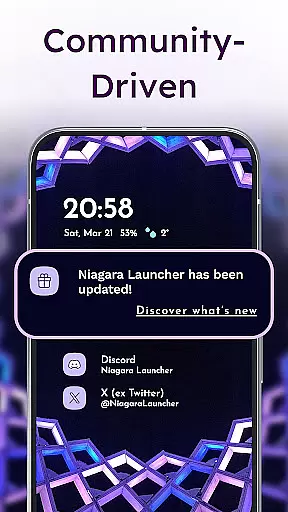
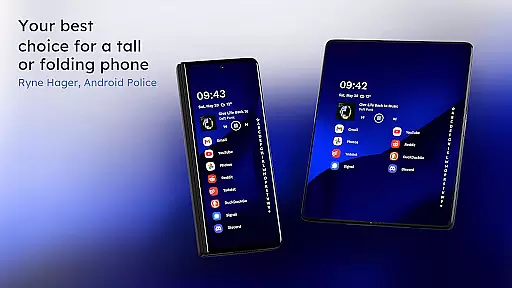
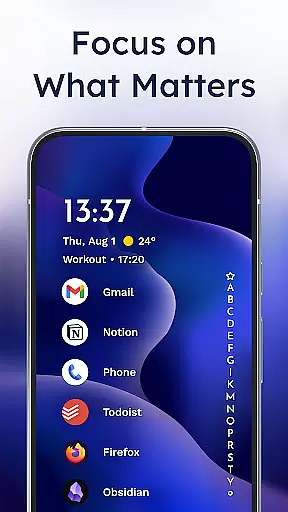
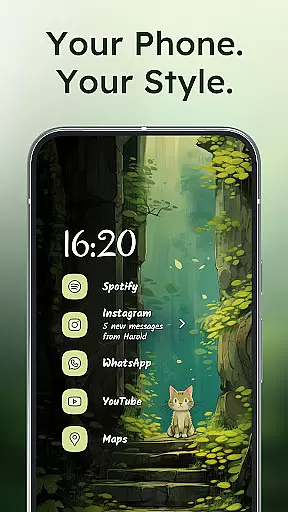

Turn your lock screen into fun with smile live wallpapers & animated wallpapers!
 2.50
2.50
Ultimate Gallery Lock App - Hide Pictures, Videos and Lock Apps Instantly!
4.60
Custom edge gestures for volume control, brightness, apps, and shortcuts.
4.5
Design your screen with unique, vibrant clocks
3.80
HappyLighting is a Bluetooth lamp control software.
3.40
One 8 icons glass color version
4.80
Struggling to find apps? Use this app to locate and open any app on your phone!
2.20
Emoji Maker app - Design custom emojis and effortlessly blend them with Mixer
3.80
Your home screen, just the way you like it.
3.80
Ultra realistic high quality analog watch face for Wear OS.
4.60
Customize your home screen with stunning themes, blur, widgets & icons.
4.60
300+ widgets inspired by Material You and Material 3 expressive design.
4.60
Try creating your own keyboard with "Keyboard theme for android" app now!
4.50 4.50
4.50
Vibrant Adaptive Icons with Material You and Enhanced Monet Colors.
4.50
AI-powered Copilot. Personalized keyboard with gifs, stickers & themes
4.40
Unique Fonts, typefaces and stylish text. Fonts for Instagram, Whatsapp & others
4.20
More than 3000+ themes and 9000+ wallpapers for everybody!
4.10
Customizable flower power digital watch face for Wear OS watches.
4.00

User Reviews