

Keyboard Maker is a feature-rich keyboard application designed to enhance your typing experience on Android devices. With support for 150+ languages and advanced features like smart autocorrect, word prediction, and voice input, it ensures fast and accurate typing.
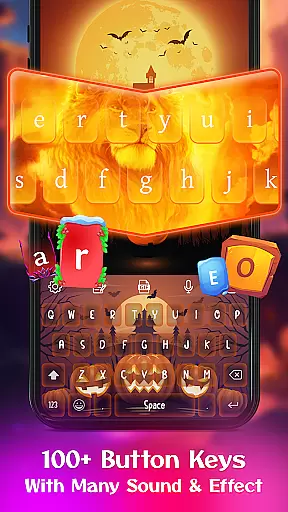
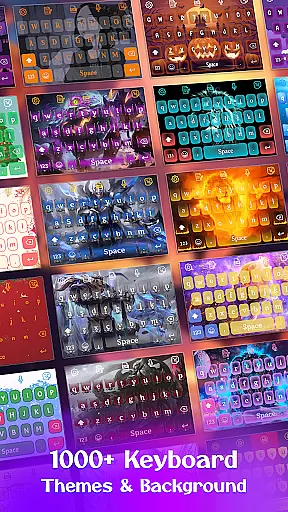
The app offers extensive customization options including 500+ free keyboard themes, various wallpapers, and personalized design tools. Users can create their own unique keyboard layout with custom images, fonts, and layouts.
This versatile keyboard solution is perfect for those who want both functionality and personal expression in their typing experience, making it suitable for both casual and professional use.
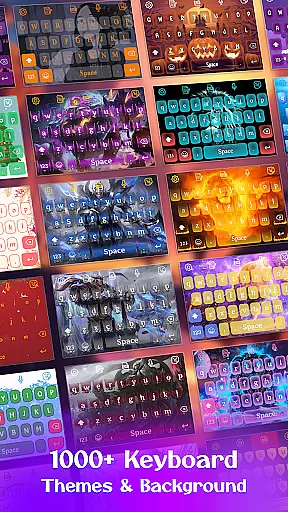
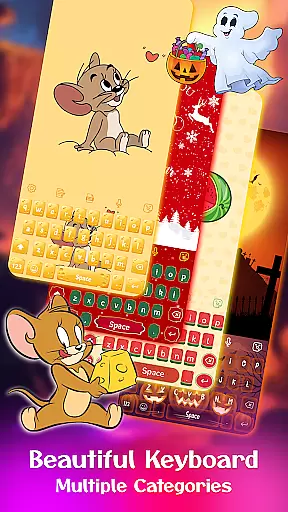
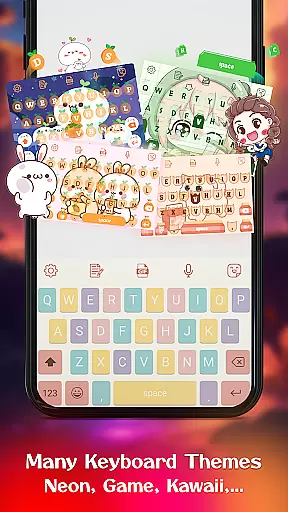
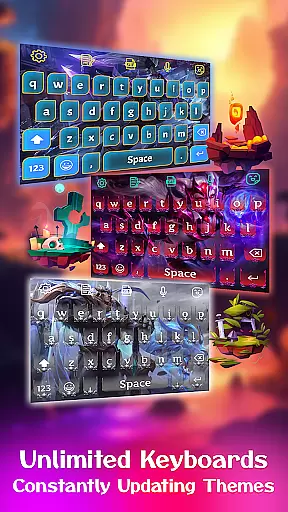
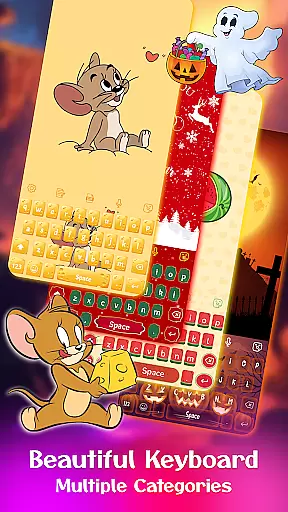
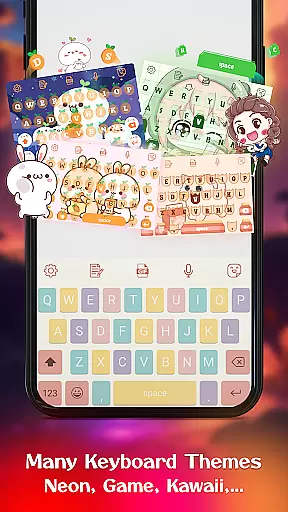
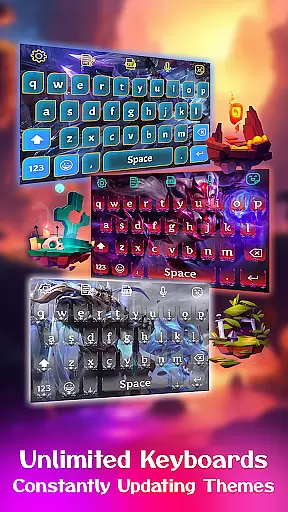
Keyboard Maker stands out with its comprehensive set of features that cater to diverse user needs. The app provides multiple keyboard themes across different categories such as simple, colorful, LED, anime, love, and cute themes.
Advanced typing features include gesture typing, smart autocorrect, word prediction, and voice input capabilities. The app supports QWERTY method and includes practical functions like clipboard for copy-paste operations and note management directly from the keyboard.
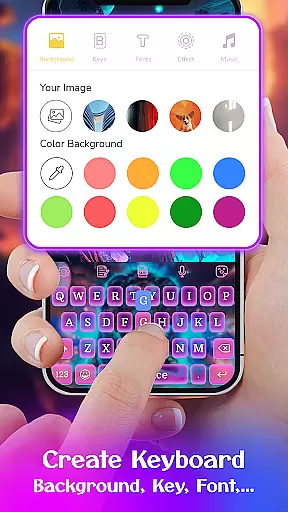
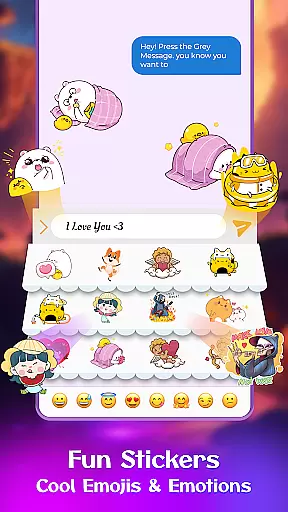
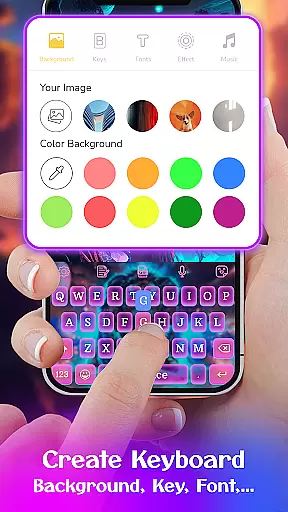
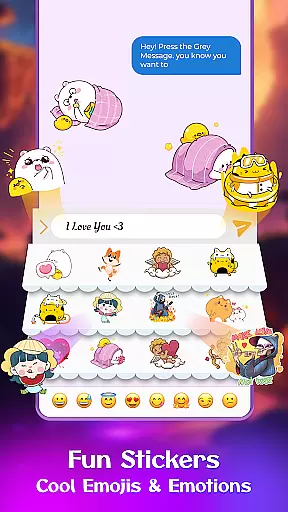
Users can enjoy enhanced communication through integrated emojis, GIFs, and stickers while customizing their typing experience with various fonts and sound effects. The DIY feature allows complete personalization by setting custom images as keyboard backgrounds.
Customization is at the heart of Keyboard Maker, offering users a vast array of options to tailor their typing experience. With support for over 150 languages, this keyboard app ensures that users from different linguistic backgrounds can enjoy a personalized experience. The app provides numerous themes, ranging from simple and colorful to anime-inspired designs, allowing users to express their individuality through their keyboard's appearance.
Beyond just visual aesthetics, Keyboard Maker includes practical customization features such as smart autocorrect, word prediction, and voice input capabilities. These functions not only enhance typing speed and accuracy but also cater to the user's personal typing style. Whether you prefer typing out messages or using voice commands, this app adapts to your needs.
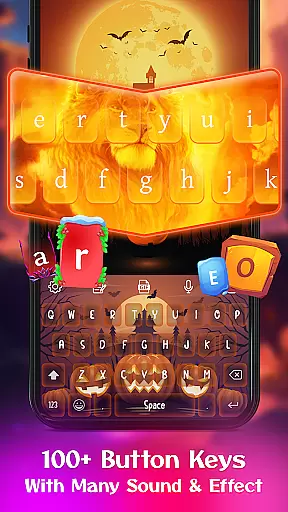
Users can further personalize their keyboard with custom fonts, effects, and sounds, making each keystroke a unique experience. The inclusion of an emoji keyboard, complete with trending GIFs and stickers, adds another layer of personal expression. This level of customization empowers users to create a keyboard layout that resonates with their personality while maintaining functionality.
Theme compatibility in Keyboard Maker ensures that every user can find a design that perfectly matches their device and personal taste. The app boasts more than 500 free keyboard themes, including popular styles like iOS keyboard, LED keyboard, and Neon keyboard, among others. Each theme is crafted to maintain high visual appeal without compromising the typing experience, ensuring seamless integration with various Android devices.
Switching between themes is effortless, providing users with the freedom to change their keyboard's look as often as they desire. From vibrant and eye-catching colorful themes to subtle and elegant simple themes, Keyboard Maker has something for everyone. The app even allows users to upload personal images, transforming their favorite photos into custom keyboard backgrounds.
This flexibility extends to functional elements as well, with adjustable keyboard layouts and settings that accommodate different user preferences and device types. Whether resizing the keyboard or toggling the number row, Keyboard Maker maintains theme consistency across all customizations. This harmonious blend of aesthetics and usability makes it a top choice for those seeking a personalized yet reliable typing solution.
Highly customizable
Wide language support
Variety of themes
Smart typing features
User-friendly interface
May use more storage
Some features redundant
Occasional lags
Ads in free version
Learning curve

Classic analogue watch face. For wear os devices.
 4.60
4.60
Customizable Glass widgets. Over 360+ stunning widgets and more!
4.70
A retro cartoon style watch face and a punch right in the face of the copyright
4.60
Gun Chase - Let the chase begin.
4.80
Interactive Miniature Painting Catalogue
3.30
App Icon Changer & Shortcut Creator. Customize your icons without any watermarks
4.30 4.10
4.10
Customize your home screen with stunning themes, blur, widgets & icons.
4.60
400+ Beautifully crafted widgets inspired by NOTHING.
4.70
100+ Stylish Fonts, Emojis, Symbols keyboard for Instagram & TikTok!
4.80
A launcher for Samsung Good Lock and Good Guardians modules without ads
4.70
Handcrafted pixel art icons, widgets & wallpapers
4.60
Ultra realistic gold analog watch face with lots of customization options.
4.50
Aesthetic Widgets, HD Wallpapers, Themes in Mico Widget for Home and Lock Screen
4.50
Color phone with cool effects for call screen, flash alert & ringtones music
4.50
Fingerprint Lock Screen & Live Animations with 4K Wallpapers as Live Wallpaper
4.40
Unleash Your Creativity and Connect with Loved Ones with Lockscreen Drawing!
4.20
Realistic animated snow on your wrist, with 10 images landscapes to choose from
4.00
Custom edge gestures for volume control, brightness, apps, and shortcuts.
4.1

User Reviews