

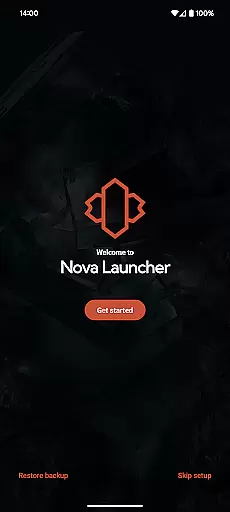
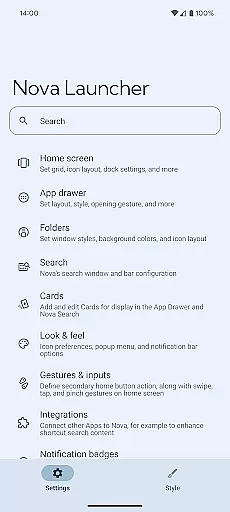
Nova Launcher is a highly customizable home screen replacement for Android devices, offering advanced features to enhance user experience. It allows users to personalize their home screens with custom icons, extensive color options, and flexible layout settings.
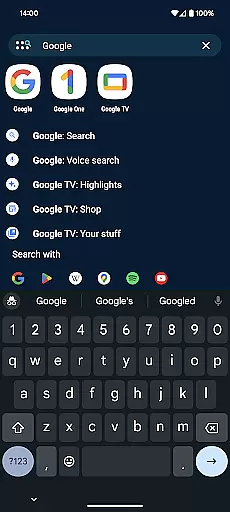
The app supports thousands of icon themes and provides tools for reshaping icons to create a uniform look. With its powerful search system, users can quickly find apps, contacts, and even perform instant calculations or unit conversions. Nova Launcher also offers backup and restore functionality, making it easy to transfer settings between devices.
Whether you're looking to overhaul your home screen or simply want a faster, cleaner launcher, Nova provides the tools to create a personalized mobile experience that suits both power users and casual users alike.
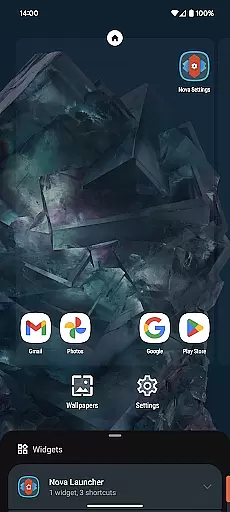
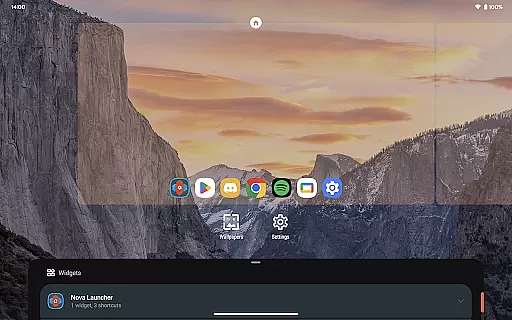
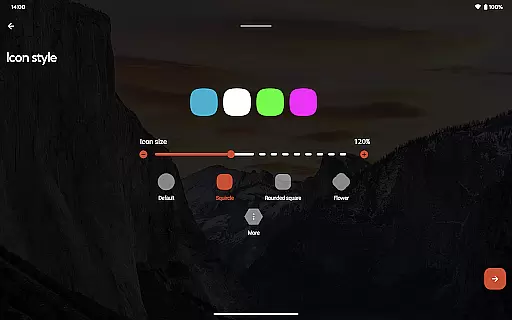
Nova Launcher stands out with its extensive customization options. Users can adjust icon sizes, label colors, and choose between vertical or horizontal scrolling in the app drawer. The subgrid positioning feature allows precise placement of icons and widgets, enabling layouts that are impossible with most other launchers.
The app includes innovative features like customizable light and dark themes that can sync with system settings or be set manually. Its powerful search functionality integrates with various services and provides instant micro results for calculations, unit conversions, and package tracking.
For power users, Nova Launcher Prime unlocks additional features including gestures, app drawer groups, and custom icon swipe gestures. These premium features, combined with the ability to hide apps and create custom tabs, make Nova Launcher a versatile tool for complete home screen management.
Customization is at the heart of Nova Launcher, offering users a vast array of options to tailor their home screens precisely to their liking. This includes icon size adjustments, label color changes, and even the positioning of the search bar, allowing for a personalized layout that can range from minimalistic to information-dense.
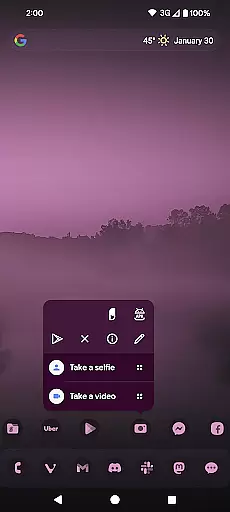
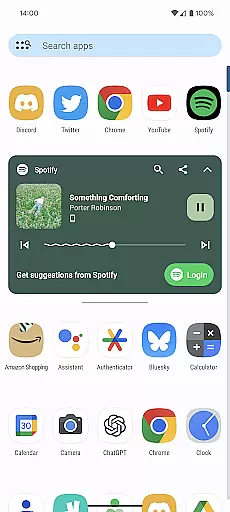
Beyond basic customization, Nova supports thousands of icon themes available in the Play Store, enabling users to reshape all icons to a uniform style or mix and match for a unique look. The app drawer adds another layer of innovation with customizable cards that display relevant information, ensuring that users have quick access to what matters most to them.
The introduction of subgrid positioning allows for an unprecedented level of precision in icon and widget placement, making it possible to achieve a layout that feels just right. With these extensive customization options, Nova Launcher empowers users to create a home screen setup that not only looks good but also enhances productivity and accessibility.
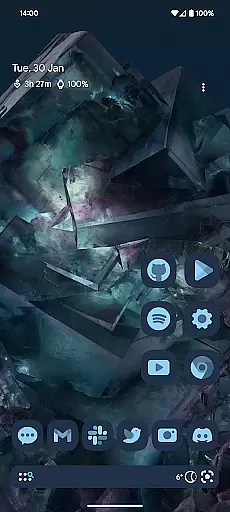
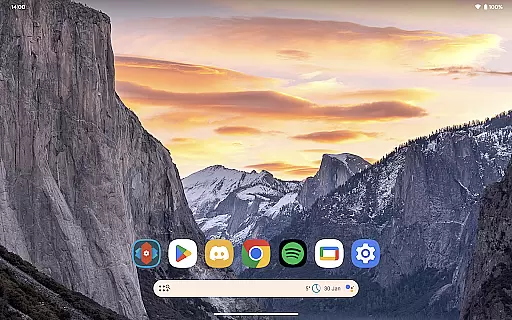
Nova Launcher excels in theme compatibility, providing users with the flexibility to personalize their device's appearance extensively. Whether you prefer the sleek modernity of Material You colors synced with your system or wish to choose your own palette for a unique touch, Nova accommodates all preferences seamlessly.
The support extends beyond mere color schemes; Nova embraces custom light and dark themes, allowing synchronization with system settings, time-based transitions, or permanent modes according to user preference. This ensures visual comfort and aesthetic satisfaction around the clock.
Moreover, Novau2019s compatibility with third-party icon packs, such as OneYou by PashaPuma Design, enriches the theming possibilities further. Users can enjoy a cohesive look across their apps without sacrificing functionality or personal style, thanks to Novau2019s commitment to comprehensive theme integration and support.
Highly customizable
User-friendly interface
Powerful search system
Backup and restore feature
Regular updates
Premium features locked
Advanced options complex
Occasional bugs
Heavy on memory
Learning curve steep

Ninja Turtles Cowabunga SE watch face for Wear OS
 4.50
4.50
Realistic animated snow on your wrist, with 10 images landscapes to choose from
4.00
Transform your phone with Launcher iOS 26 - Smooth & elegant iOS experience
4.50 4.10
4.10
Nothing Icon pack with more than 3750+ highly crafted icons.
4.70
Adorable pets roam and play right on your phone screen!
3.30
Crystal-clear, square icon provides a sleek and sophisticated visual upgrade
4.00
Transform your device in a game console
4.40
Create stunning widgets with Widget 2026: Aesthetic Widgets for Android!
4.60
Only for Wear OS devices!
4.90
One 8 icons glass color version
4.80
Enjoy a variety of amazing live wallpapers and colorful EDGE lighting borders!
4.80 4.50
4.50
Yandex Browser — stylish and secure, with voice search and data compression
4.40
Magic fluids wallpaper 4D: Relax with stunning fluid simulation wallpaper app
4.20
Transform your phone with stunning video wallpapers and a unique, personal touch
3.80 3.50
3.50
Turn your lock screen into fun with smile live wallpapers & animated wallpapers!
2.50
Modern Glass Icon Pack with glossy icons, clean minimal theme & aesthetic style
4.2

User Reviews