

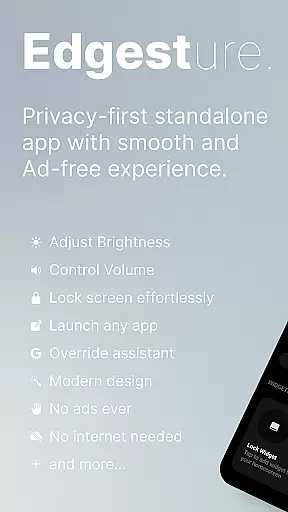
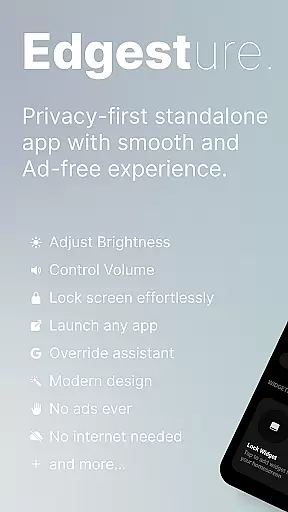
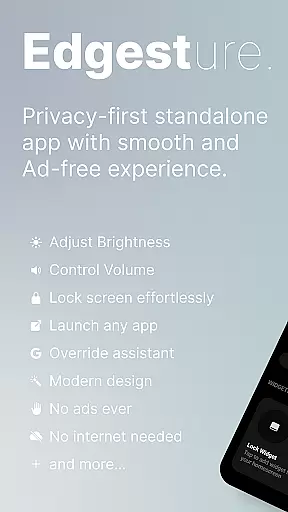
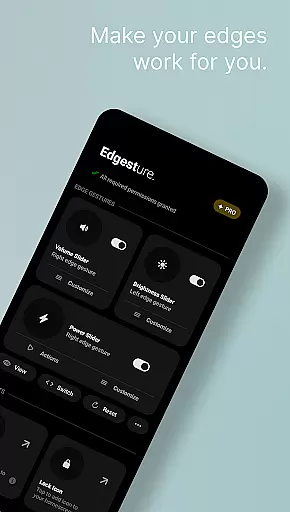
Edgest is a powerful personalisation tool designed to enhance your smartphone experience through intuitive gesture navigation and customisable shortcuts. The app allows users to take full control of their devices with edge gestures that provide instant access to favourite apps and essential functions.
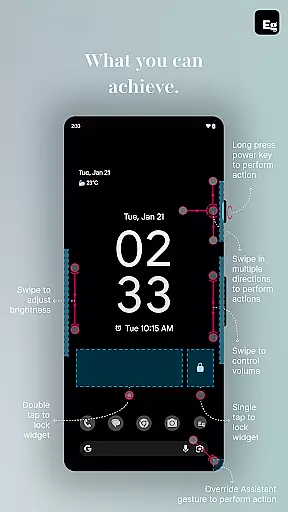
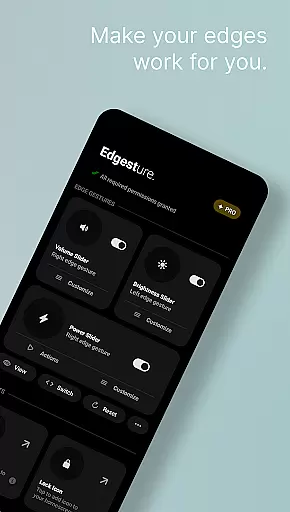
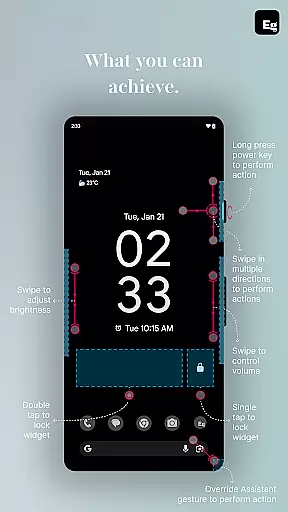
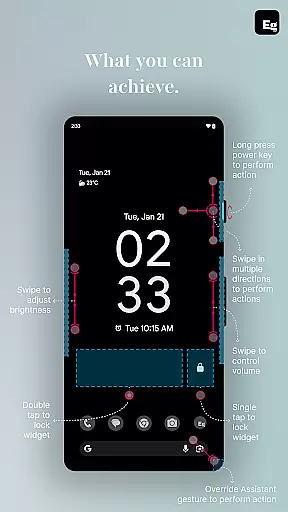
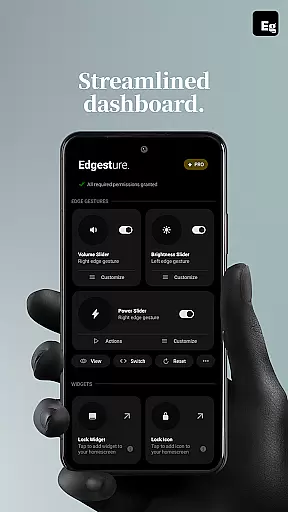
With features like volume and brightness control directly from the screen's edge, custom gestures for launching apps or triggering system actions, and lock screen widgets for effortless device locking, Edgest offers a highly personalised and efficient user experience. Built with simplicity in mind, it ensures no ads, tracking, or extra charges, making it an ideal choice for those seeking a seamless and customisable mobile experience.
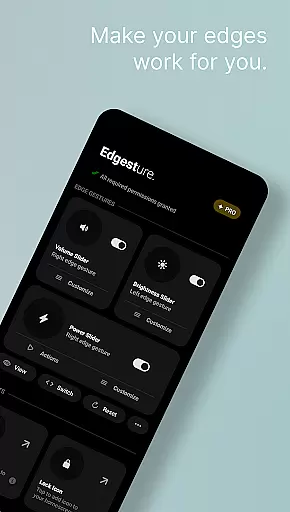
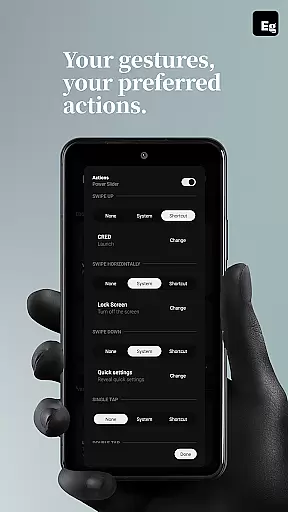
Edgest stands out with its comprehensive set of features tailored for enhanced device control. The app provides smart edge gestures that allow users to navigate their smartphones effortlessly. These gestures can be customised to open favourite apps, adjust settings, or perform essential functions like locking the device or controlling media playback.
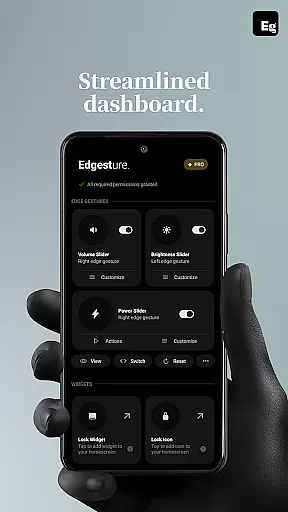
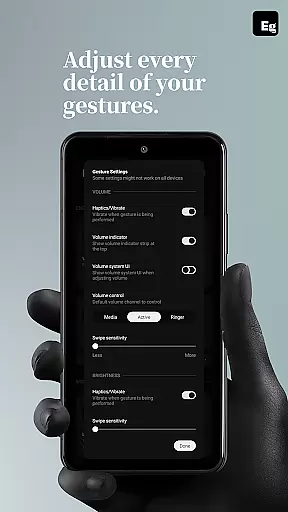
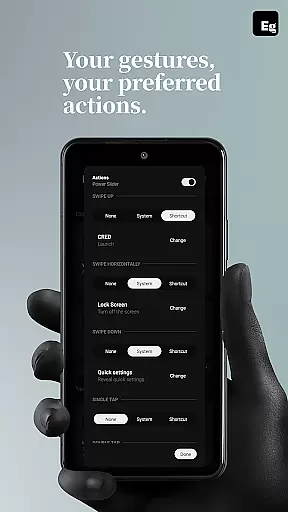
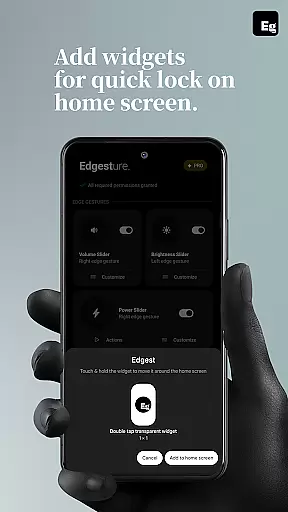
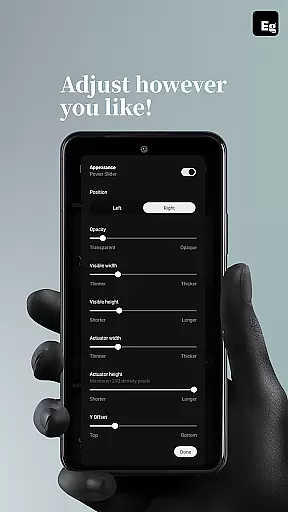
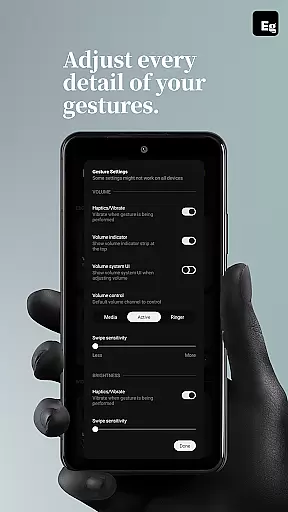
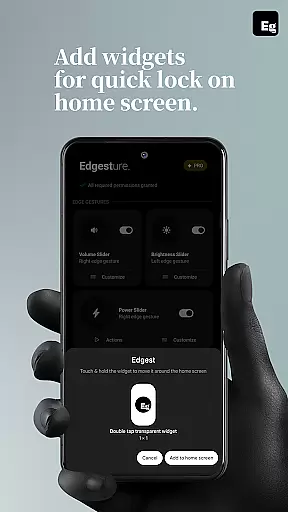
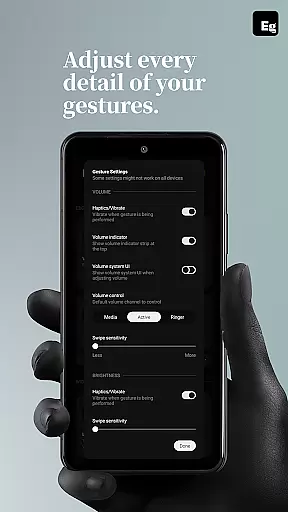
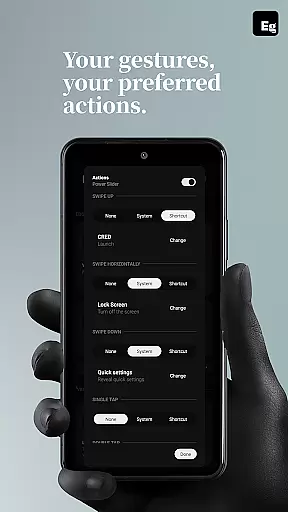
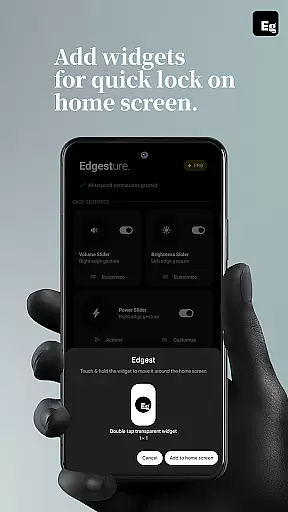
In addition to gesture navigation, Edgest includes quick settings tiles for instant access to frequently used actions, lock screen widgets for easy device locking via single or double taps, and fully customisable gesture shortcuts. Users can personalise gesture sensitivity, animation speed, and assign specific actions to different gesture types, ensuring a tailored experience that adapts to individual needs and preferences.
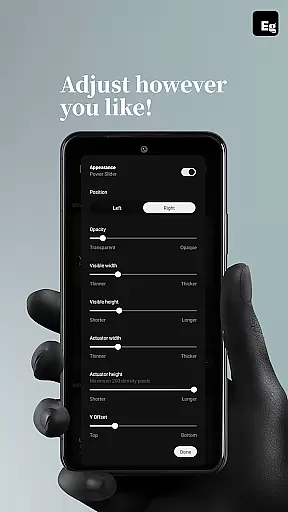
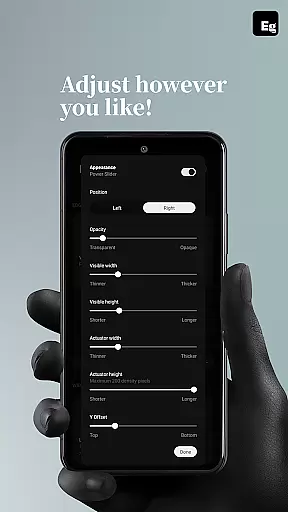
Customization is at the heart of Edgest, offering users a versatile platform to tailor their device interaction according to personal preferences. The app provides an extensive range of customization options, from simple edge gestures for navigation to complex custom gestures that can launch apps or control system settings.
Users can create personalized shortcuts for daily tasks, enhancing productivity and ease of access. Whether it's adjusting volume control, toggling brightness, or opening favorite applications, Edgest ensures every action is just a swipe or tap away. This level of customization empowers users to interact with their smartphones in ways that best suit their lifestyle.
The ability to customize gesture sensitivity, animation speed, and feedback further enriches the user experience. By allowing adjustments to these parameters, Edgest caters to individual preferences, ensuring smooth and intuitive interactions. Such comprehensive customization options make Edgest a powerful tool for personalizing smartphone use.
While Edgest focuses primarily on gesture-based navigation and control, its design philosophy emphasizes seamless integration with various themes and user interfaces. Although theme compatibility might not be the central feature, the app ensures that its functionalities do not disrupt the aesthetic coherence of different device themes.
By maintaining a clean and minimalistic interface, Edgest respects the visual continuity of the user's chosen theme. This approach allows users to enjoy enhanced functionality without compromising on the visual appeal of their deviceu2019s appearance. The app operates discreetly in the background, providing powerful tools without intruding upon the user's selected aesthetics.
Moreover, Edgest supports lock screen widgets and quick settings tiles, which blend harmoniously with existing themes. These features are designed to offer instant access to critical functions while preserving the overall look and feel of the device. Thus, Edgest strikes a balance between functional enhancement and theme compatibility, delivering a cohesive user experience.
Intuitive gesture controls
Highly customisable options
No ads or tracking
Lightweight and battery-friendly
Enhances productivity
Limited to Android devices
Requires accessibility permissions
Some features may need technical knowledge
Premium version might be costly
Learning curve for new users


Winter's Journey: digital watch face for Galaxy Watch & Wear OS
 4.80
4.80
Customizable screen pets that play, climb, and keep you company.
4.50
Want to make your phone more special than ever?
4.60
100+ Stylish Fonts, Emojis, Symbols keyboard for Instagram & TikTok!
4.80
Zip lock screen with magic wallpaper to decorate your phone with fun zipper lock
4.60
Organize and manage your photos and videos effortlessly with Photo Gallery
4.20
300+ Stunning and well-designed widgets inspired by NOTHING.
4.70
Transform your phone with stunning video wallpapers and a unique, personal touch
3.80
Emoji Maker app - Design custom emojis and effortlessly blend them with Mixer
3.80
Wallpaper HD 4K Live - Thousands of high-quality Anime backgrounds for you.
4.80
A launcher for Samsung Good Lock and Good Guardians modules without ads
4.70
A minimalist productivity launcher. One-hand-friendly. Zero ads.
4.70
Aesthetic Widgets, HD Wallpapers, Themes in Mico Widget for Home and Lock Screen
4.50
AI-powered Copilot. Personalized keyboard with gifs, stickers & themes
4.40
Transform your device in a game console
4.40
Wear Os Watch Face - Seasonal - Animated Snow Effect - 9 Animals
4.20
Adult video chat, dating, making friends, random matching
4.20
Magic fluids wallpaper 4D: Relax with stunning fluid simulation wallpaper app
4.20
HappyLighting is a Bluetooth lamp control software.
3.40

User Reviews