

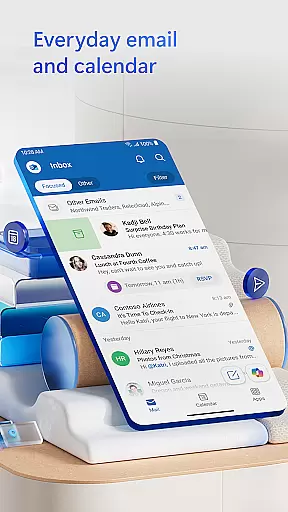
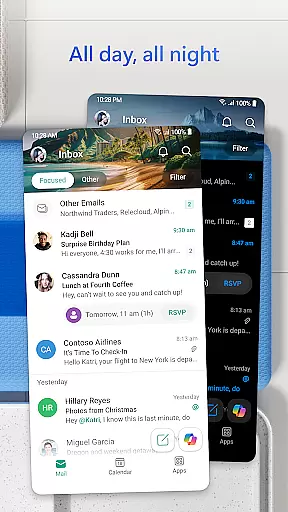
Microsoft Outlook is a comprehensive email and calendar app designed to streamline your busy life. It consolidates your emails, files, and calendar into one secure platform, ensuring you stay productive regardless of the source of your messages - be it work, school, or personal accounts. The app intelligently organizes your inbox, filtering emails into Focused and Other categories for easy access to critical communications.
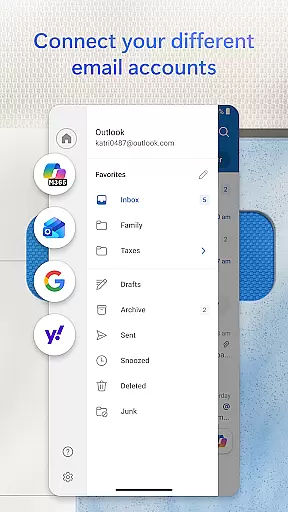
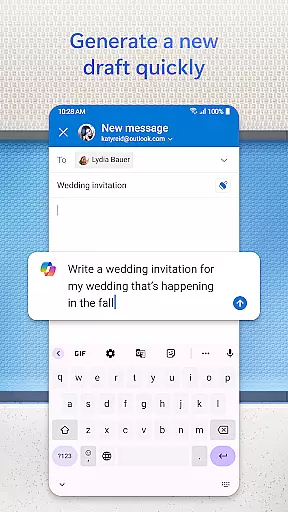
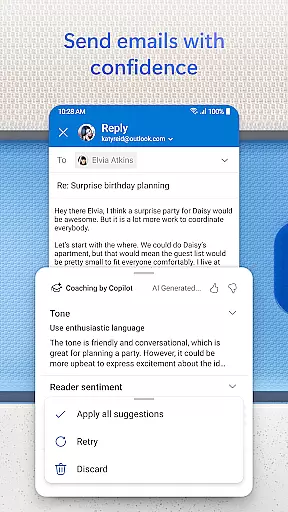
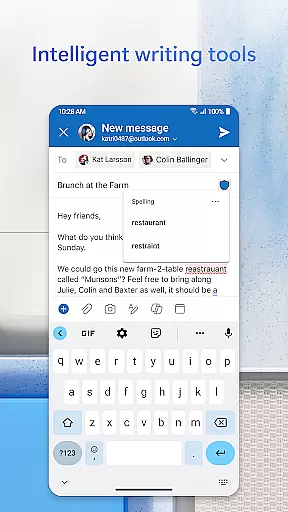
Outlook offers free personal use and supports multiple account integrations including Microsoft Exchange, Gmail, Yahoo Mail, and iCloud. This flexibility allows users to manage various email accounts and calendars from one location. With intelligent editing tools, users can compose professional-quality emails with ease, while integrated cloud services enable seamless attachment and viewing of documents, photos, and videos.
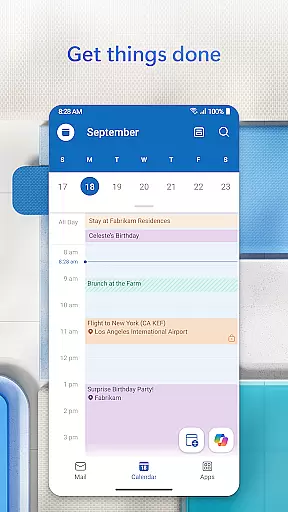
Microsoft Outlook stands out through its robust feature set tailored for productivity and organization. The app provides an all-in-one solution by integrating email, contacts, files, and calendar management. Users benefit from advanced email organization tools such as filters and folders, alongside the ability to view multiple calendars simultaneously, aiding in efficient daily planning.
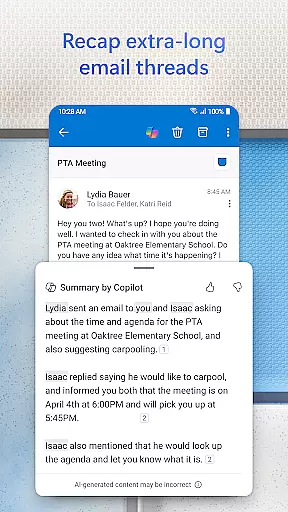
Productivity is further enhanced with intelligent features like grouped email conversations, voice search capabilities, and suggested replies. These tools help users quickly navigate their inbox, find necessary information, and respond promptly. Additionally, Outlook ensures top-level security with built-in protections against phishing, spam, and viruses, offering peace of mind when managing sensitive information.
Companion app integration is essential for users who want a seamless experience between their mobile devices and wearable technology. Microsoft Outlook offers a robust companion app designed specifically for Wear OS, ensuring that users can access their emails and calendar events directly from their smartwatches. This integration allows for quick glances at your schedule and important notifications without needing to take out your phone.
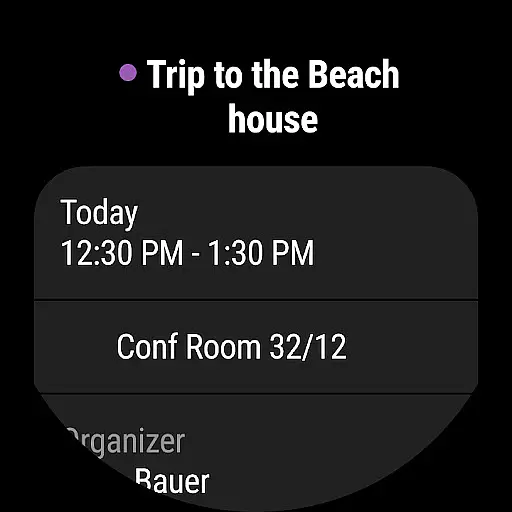
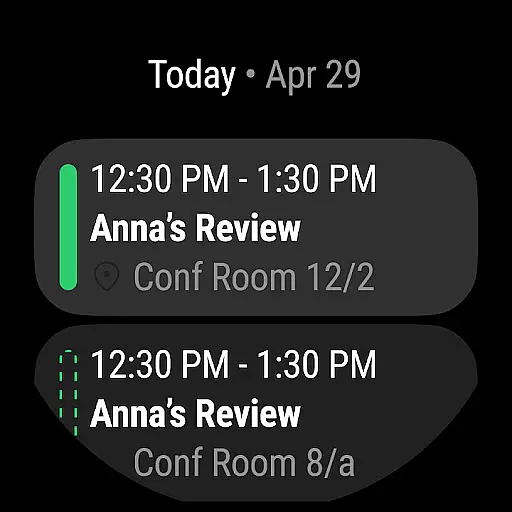
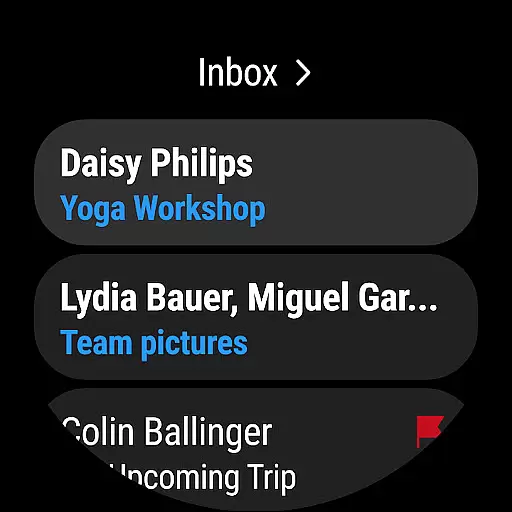
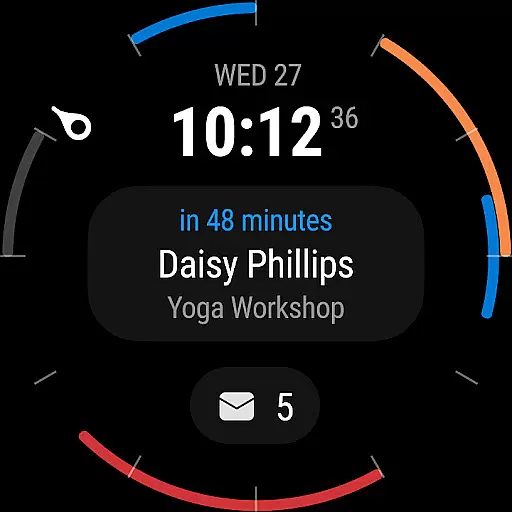
The Outlook companion app provides a complication and tile for Wear OS, giving users the ability to see their emails and events at a glance. This feature ensures that even when you're on the move, you remain updated with your most critical information. The convenience of having your inbox accessible right on your wrist enhances productivity and keeps you connected no matter where you are.
By leveraging the capabilities of Wear OS, Microsoft Outlook ensures that its users enjoy a synchronized experience across all their devices. Whether you're in a meeting or walking through the park, the companion app ensures that you never miss an important email or appointment. This level of integration highlights Microsoft's commitment to providing comprehensive solutions that cater to the dynamic needs of modern professionals.
Device compatibility is crucial for ensuring that applications like Microsoft Outlook function optimally across various platforms. With support for Wear OS, Outlook extends its functionality beyond smartphones and tablets, offering users the flexibility to manage their emails and calendars directly from their smartwatches. This compatibility ensures that whether you're using a device with Microsoft Exchange, Microsoft 365, Gmail, Yahoo Mail, or iCloud, you can stay connected effortlessly.
Microsoft Outlook's compatibility with Wear OS means that users can enjoy a consistent experience regardless of their chosen device. The app supports multiple account types including IMAP and POP3, making it versatile for both personal and professional use. By integrating seamlessly with different email providers, Outlook ensures that all your communications are centralized and easily accessible from your wrist.
This broad compatibility not only enhances user convenience but also underscores Microsoft's dedication to accessibility and cross-platform functionality. Whether you're checking your schedule during a workout or reading an urgent email while commuting, the assurance that Outlook will work smoothly with your Wear OS device adds significant value to your daily routine. Such comprehensive support demonstrates how Microsoft continues to innovate and adapt to the evolving landscape of wearable technology.
User-friendly interface
Multi-account support
Advanced security features
Integrated calendar and contacts
Intelligent email sorting
Limited offline functionality
Occasional sync issues
Heavy on storage
Premium features require subscription
Complex setup for some users


Watch the sharpness of the sky on your wrist..
 3.70
3.70
Christmas watch face. For Wear OS devices.
4.30
Monitor health with the stress test and pulse checker in the heart rate app.
4.60
Find EV charging stations
4.30
To-Do List: daily schedule planner, task organizer, to do reminder app, calendar
4.60
The #1 source of faces for your smartwatch!
4.00
Get helpful reminders, take progress photos and find answers to your questions.
3.90
Your local weather forecast, storm tracker, radar maps & live weather news
3.40
Fitbit is dedicated to helping people lead healthier, more active lives.
4.10
Gym Log & Workout Tracker | Fitness Journal, Training & Weight Lifting Planner
4.90
Walking app for weight loss: walk & step tracker, pedometer, indoor treadmill
4.60
Gym & home workout plans with strength training, exercise tracking, HIIT & more.
4.60
Ideal for surviving in the wasteland left after nuclear fallout
4.50
Current temperature, weather hourly, weather radar by the weather forecast app
4.40
Beautiful artistic animated digital watch face, with a customizable layout!
4.40
A customizable Christmas watch face for Wear OS with a countdown.
4.20
Animated video-game inspired “secret agent” simulation, right on your wrist!
4.20
Hyper-Realistic Airplane Dashboard Watch Face With 10 Skins and Custom AOD
4.00
an Analog Watch Face for winter season with freeze winter background for Wear OS
4.0


User Reviews